Convert PDF to PowerPoint: Exact Look vs Editable Text
To convert a PDF to PowerPoint, drop the file into GrabCast's PDF to PowerPoint, choose Exact look or Editable text, and a .pptx file with one slide per page downloads straight away. The choice of mode is the whole story: Exact look turns every page into a sharp full-slide image that looks identical to the PDF but cannot be edited, while Editable text rebuilds each line as a PowerPoint text box on top of the page's graphics. Using a four-page 16:9 update deck from a fictional cafe as the example, this guide shows what each mode produces, how the slide size is chosen, and what to expect when you open the file in PowerPoint, Keynote, Google Slides or LibreOffice Impress.
📽️ Try the PDF to PowerPoint converter now — freeOpen →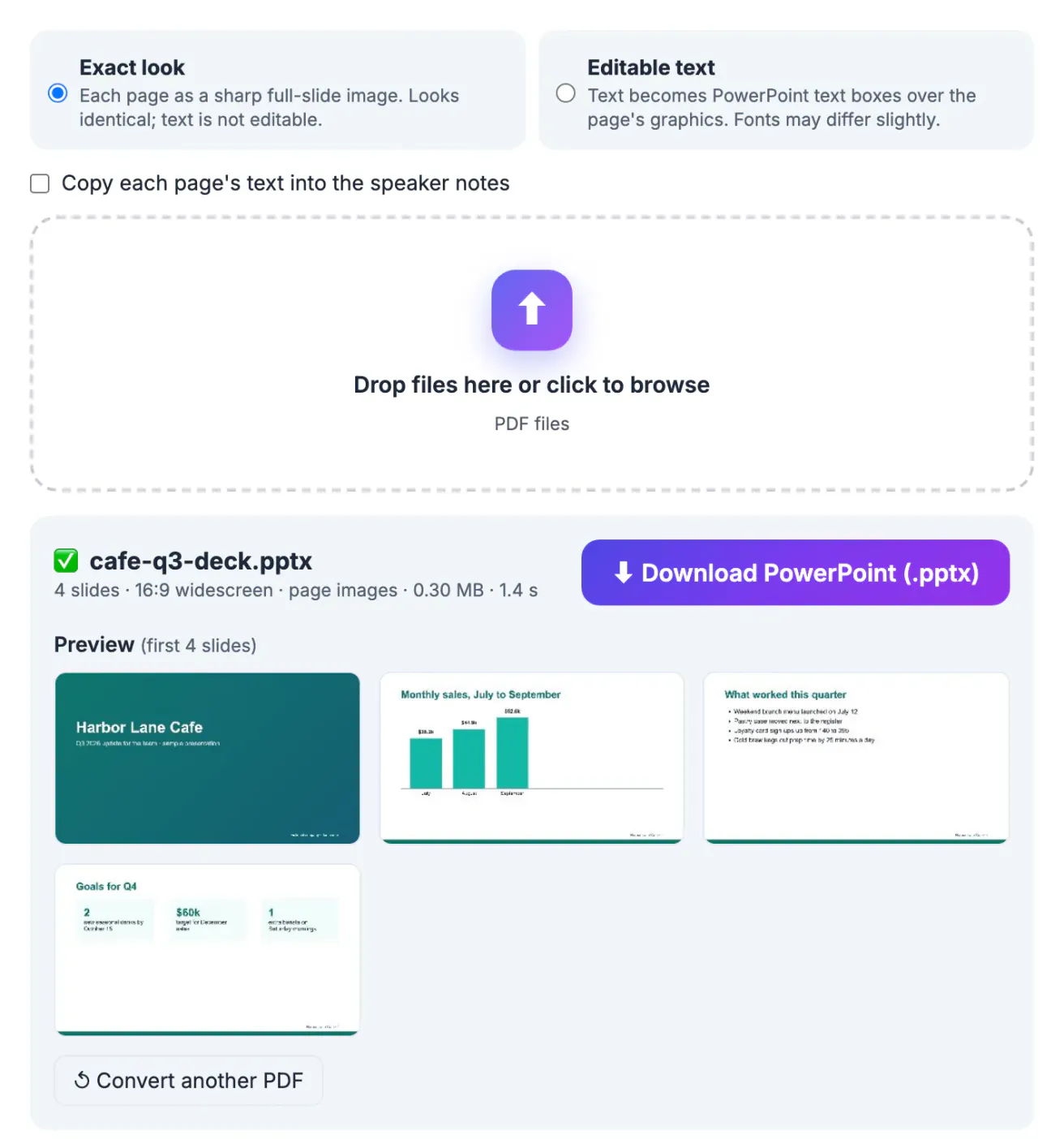
Decks travel as PDFs because they open everywhere and look the same on every screen. The catch comes later: the conference laptop only runs PowerPoint, the team wants to reuse three slides, or the original .pptx was lost with an old computer. A PowerPoint file lets you present with speaker view, reorder slides, and drop pages into another deck. GrabCast renders the pages with PDF.js and writes the .pptx with pptxgenjs directly in your browser, so an unreleased sales deck or a client pitch is never uploaded, and there is no watermark or sign-up.
Exact look or Editable text: which PowerPoint mode fits
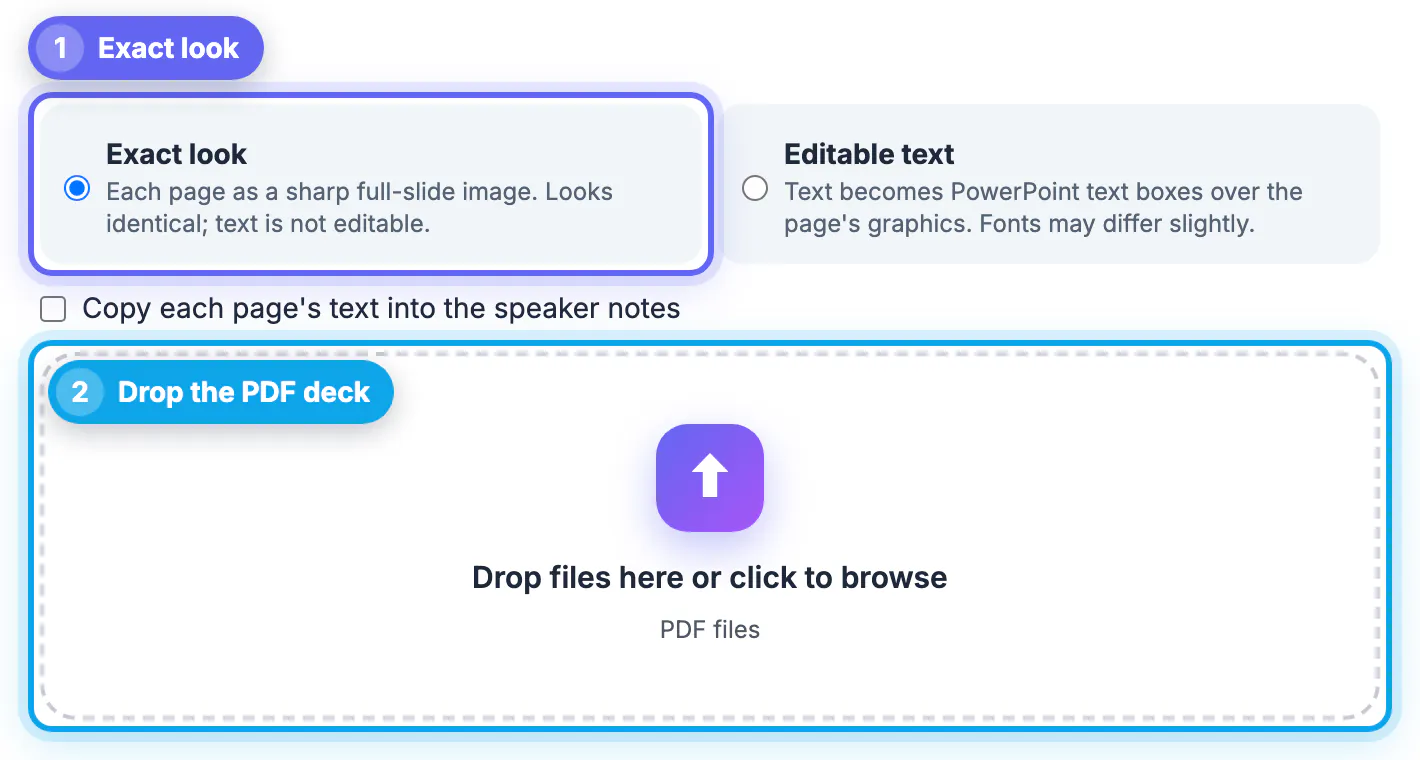
- Exact look renders each page at least twice its original size, about 2,560 pixels on the long side, and places it as the slide background. Fonts, gradients, charts and spacing are identical to the PDF. Text cannot be changed, but you can still add new text boxes, shapes or animations on top.
- Editable text renders the page without its text and adds one PowerPoint text box per line, keeping the size, color, bold and italic. PDF fonts are replaced with standard ones such as Arial, Calibri or Times New Roman, so line widths can shift slightly.
- Pick Exact look when you only need to present, print or share the slides, or when the design uses unusual fonts that must not change.
- Pick Editable text when numbers, dates or wording need updating before the meeting.
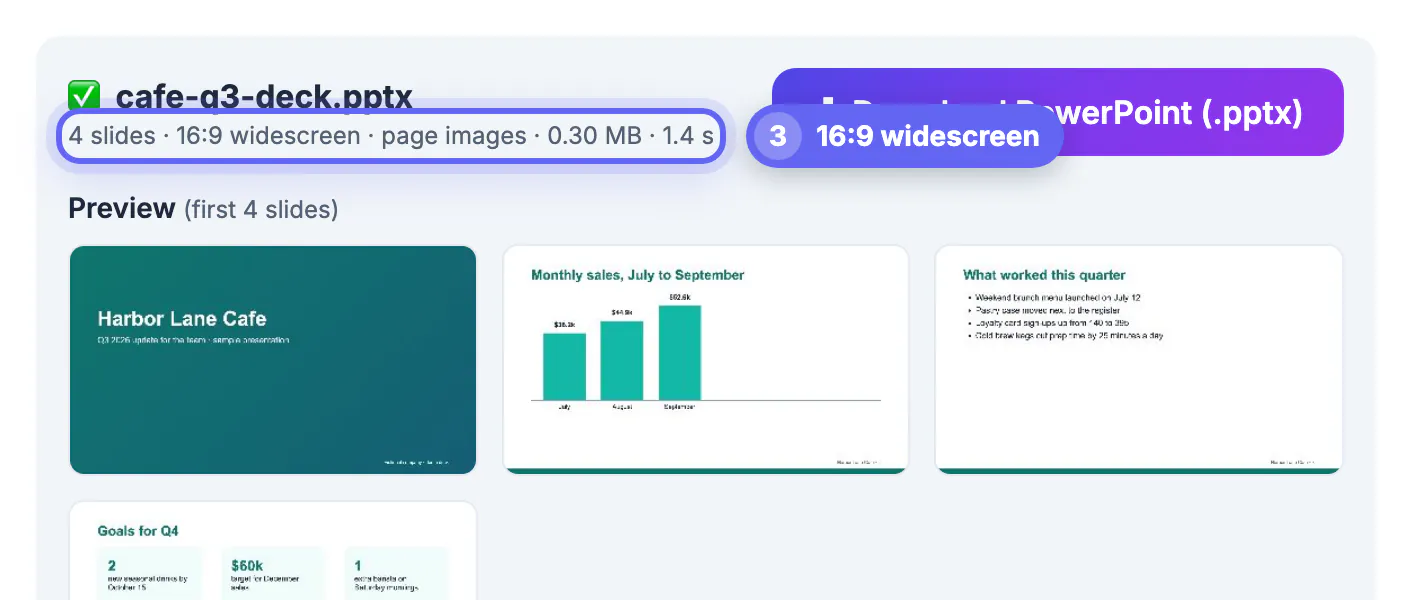
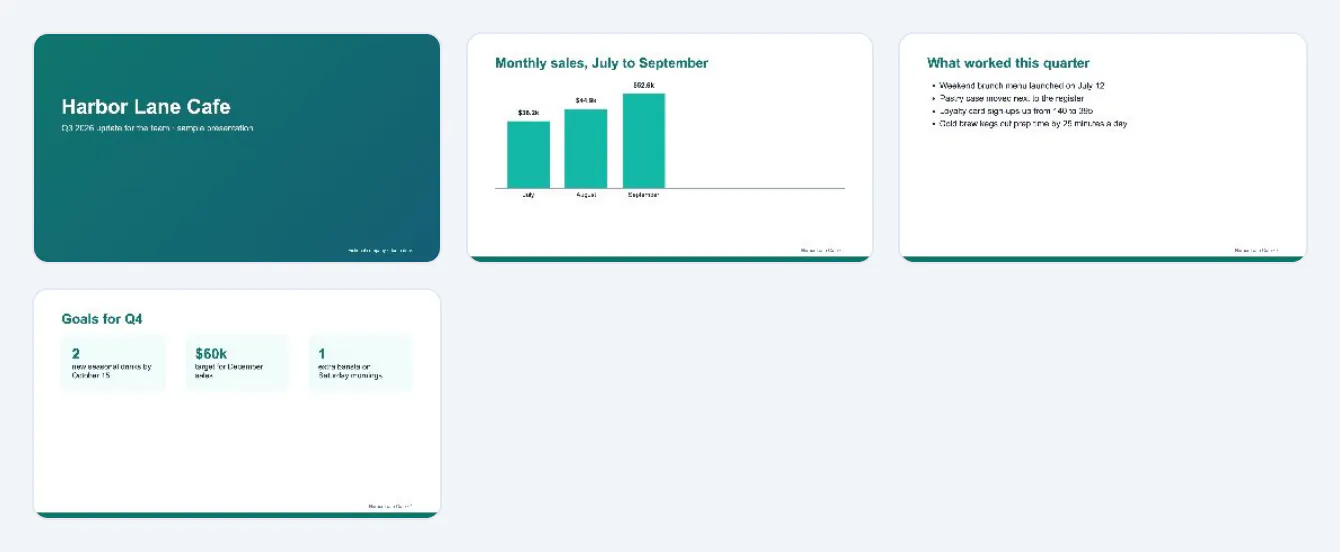
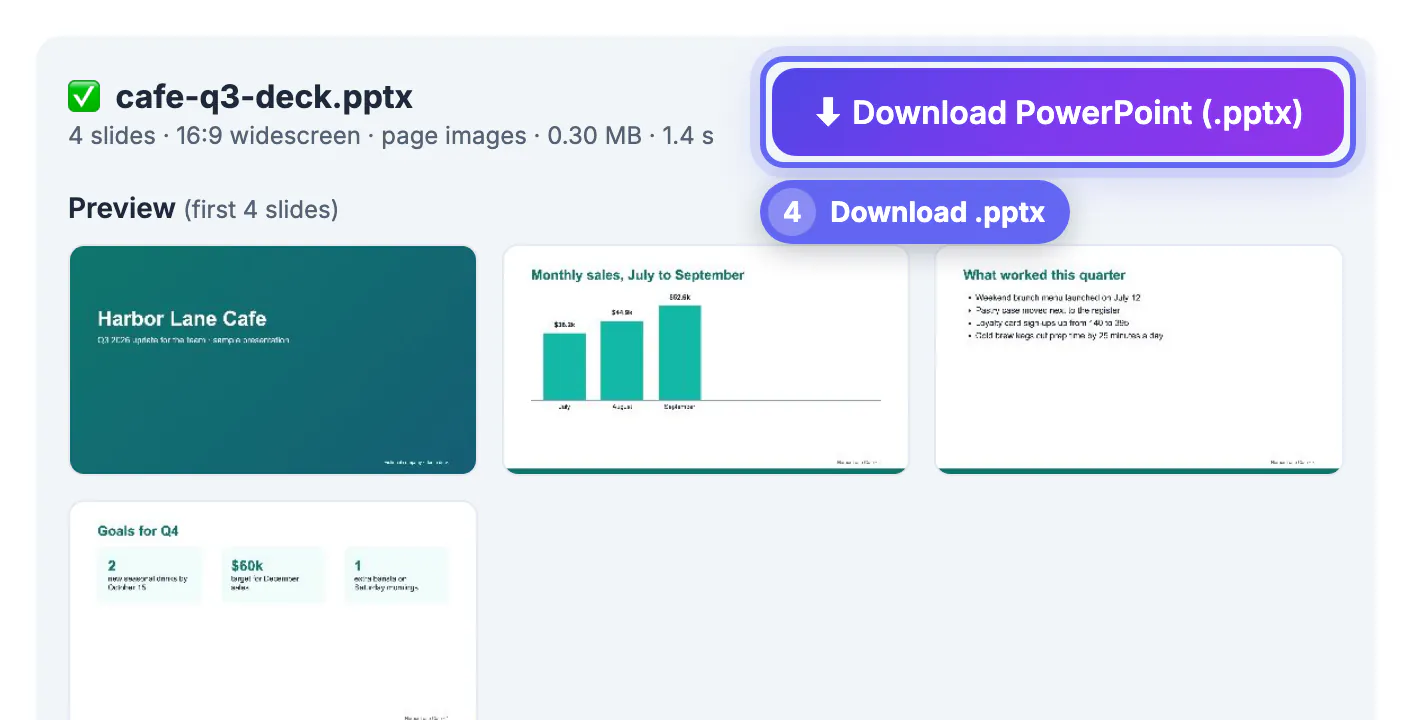
The cafe deck in the screenshots was converted in Exact look: four slides, 0.30 MB, ready in 1.4 seconds on a laptop.
How the slide size is chosen
The converter looks at the first page of the PDF. A page shaped 16:9 becomes a standard widescreen slide of 13.33 by 7.5 inches, and a 4:3 page becomes a 10 by 7.5 inch slide, the two sizes PowerPoint uses by default. The summary line tells you which one you got: the cafe deck reads 4 slides, 16:9 widescreen, page images.
Any other shape, such as a Letter or A4 document page, keeps its own proportions instead of being stretched onto a widescreen slide. If later pages have a different shape from the first, they are centered on a white slide rather than distorted.
That behavior protects charts and photos. A bar chart squeezed from 16:9 into 4:3 looks wrong in a way the audience notices, and correcting it by hand in PowerPoint takes longer than the conversion itself.
What survives in PowerPoint and what stays a picture
- Slide order and page count are always kept: page 3 of the PDF is slide 3 of the deck.
- In Exact look, everything on the page is part of one image per slide, including text, charts, logos and photos.
- In Editable text, shapes, charts and photos remain part of the background picture; only the text becomes editable. Chart bars always stay in the image, and chart labels become text boxes only if they were real text in the PDF rather than part of an embedded picture.
- Each line is its own text box, not a flowing paragraph, so rewriting a long bullet may mean adjusting the boxes below it.
- Links, animations, slide transitions and speaker notes from the original deck are not stored in a PDF, so they cannot come back. The optional notes feature copies each page's visible text into the speaker notes instead.
Before you present the converted deck
Open the downloaded file and click through every slide once in Slide Show view. Exact look slides should be indistinguishable from the PDF. In Editable text mode, look for lines that now run into a picture or wrap differently because of the replacement font, and nudge the box or reduce the font size by a point.
If a page came out as a picture even in Editable text mode, it had no selectable text, which happens with scanned pages or text that was converted to outlines. The converter warns you about those pages; run OCR PDF on the original first if you need them editable.
The tool accepts PDFs of up to 200 pages. Larger files are better split with Split PDF, converted in parts, and joined in PowerPoint with Reuse Slides.
Step-by-step
Common mistakes to avoid
Pro tips
Frequently asked questions
Is the PDF to PowerPoint conversion done on a server?
No. PDF.js renders the pages and pptxgenjs writes the .pptx inside your browser. Only the libraries are downloaded, so your deck is not uploaded anywhere, and the tool is free without sign-up or watermark.
Can I edit the text after converting a PDF to PowerPoint?
Yes, in Editable text mode. Each line becomes a PowerPoint text box with the original size, color, bold and italic. In Exact look mode the slide is a picture, so you can add new text on top but not change the existing words.
What slide size will my presentation have?
It follows the first page. A 16:9 page becomes a 13.33 by 7.5 inch widescreen slide, a 4:3 page becomes 10 by 7.5 inches, and any other shape keeps the page's own proportions.
Does it work with Google Slides and Keynote?
Yes. The download is a standard .pptx file, which Google Slides, Keynote and LibreOffice Impress can open. Replacement fonts in Editable text mode may render slightly differently in each app.
Why is my converted file larger than the PDF?
Exact look stores each page as a high-resolution image so it stays sharp on a projector. A text-heavy PDF can be very small, while the matching images are larger. Editable text slides still carry the page graphics as a picture, but usually weigh less.
Converting a PDF to PowerPoint is quick; choosing the right mode is what saves time. Exact look gives you slides identical to the PDF for presenting and sharing, Editable text gives you text boxes you can change at the cost of slightly different fonts, and in both cases charts and photos stay pictures. Check the slide size in the summary line, run through the slide show once, and the deck is ready.
Related guides
Browse more: all PDF guides · the PDF to PowerPoint converter