PDF to Text vs Retyping: Which Is Faster?
When you compare converting a PDF to text against retyping it by hand, the converter wins on every measure that matters: speed, accuracy, and the sheer tedium of typing pages of words you already have in front of you.
📝 Try the PDF to Text tool now — freeOpen →
Most people retype PDFs simply because no one ever showed them the faster way. They assume the text is permanently locked inside the file, or they only need a paragraph and figure typing it is quicker than hunting for a tool. For anything longer than a sentence, that assumption quietly costs real time and invites mistakes that are easy to miss until they matter.
Speed: seconds versus minutes
A converter reads an entire document at once. A ten-page report becomes plain text almost instantly, no matter how dense the pages are or how small the print is. You spend your time reviewing, not typing.
Typing that same report by hand takes most people the better part of an hour, and that is before you go back and fix the inevitable mistakes. The longer the document, the more lopsided the comparison becomes, until retyping stops being a real option at all.
Accuracy: an exact copy versus human error
Pulling text from a PDF's text layer reproduces every character exactly as written. Names are spelled right, decimals land in the right place, and punctuation stays intact, because nothing is being interpreted or re-entered along the way.
Retyping introduces transposed digits, dropped words, doubled lines, and the occasional autocorrect surprise. In a contract, an invoice, or a set of figures, a single mistyped number can be genuinely expensive, so exactness is not a nice-to-have but the whole point.
When retyping still makes sense
Converting a PDF to text is not always the answer, and it is worth being honest about that. If you only need a five-word phrase and the text is already selectable, copying it directly is just as quick as anything else.
- You need a tiny snippet and the text is already selectable
- You are rewriting the content rather than reproducing it word for word
- The layout matters more than the words and must be rebuilt by hand
- You are transcribing from a source that is not a PDF at all
For everything else—reports, transcripts, research papers, long quotes, and reference material—the converter saves the most time by a wide margin.
Cost, privacy, and effort
A browser-based PDF to text converter is free and needs no signup, so there is no subscription to justify and no trial to cancel later. Because it runs on your own device, confidential files never touch a server you do not control.
Retyping is technically free too, but only if your time is worth nothing, and it still exposes you to the errors a clean extraction avoids entirely. Factor in the mental fatigue of copying pages by eye and the converter wins on effort as clearly as it wins on speed.
Handling scanned pages either way
One case trips people up: a scanned PDF has no text layer to copy, which is often why they resign themselves to retyping in the first place. But retyping a scan is the slowest path of all, and the most error-prone.
A tool with built-in OCR reads the image and reconstructs the text for you, so even a scan does not force you back to the keyboard. Between selectable PDFs and OCR for scans, there is almost no document left where retyping the whole thing is genuinely the better choice.
If a PDF is a scan, the OCR PDF tool makes it searchable, and this explanation of OCR shows why results vary.
A realistic look at the time you save
It helps to put rough numbers on the choice. A confident typist manages perhaps forty words a minute on unfamiliar material, so a dense page of five hundred words is already a solid ten to fifteen minutes of typing, plus a proofreading pass to catch the slips.
A converter reads that same page in the time it takes to drag the file onto the screen. Multiply the difference across a ten-page report and the manual route costs most of an afternoon, while extraction costs a coffee break, with a far cleaner result at the end.
The hidden cost of retyping is attention, not just minutes. Copying figures by eye is mentally draining and exactly where errors creep in, so handing that work to a tool frees you to focus on the part that actually needs a human: judgment, structure, and meaning.
What to do with the text once you have it
The point of winning back that time is doing something useful with it. Extracted text drops straight into an outline, a summary, a translation, or a prompt for an assistant that will not accept a locked PDF in the first place.
Because the words are exact, you can quote a source safely, reconcile a total against a spreadsheet, or search a long reference for one phrase in seconds. Retyping gives you none of that head start, only a tired hand and a document you now have to double-check.
Reuse, accessibility, and searchability
Extracted text is not just faster to produce, it is more useful once you have it. Real characters can be read aloud by a screen reader, resized for anyone with low vision, and searched instantly, while a retyped block carries whatever new errors the typist introduced.
Reuse compounds the advantage. Clean text flows into a translator, a summary, a database, or a template without a second thought, so the small effort of converting once pays off every later time you touch the material.
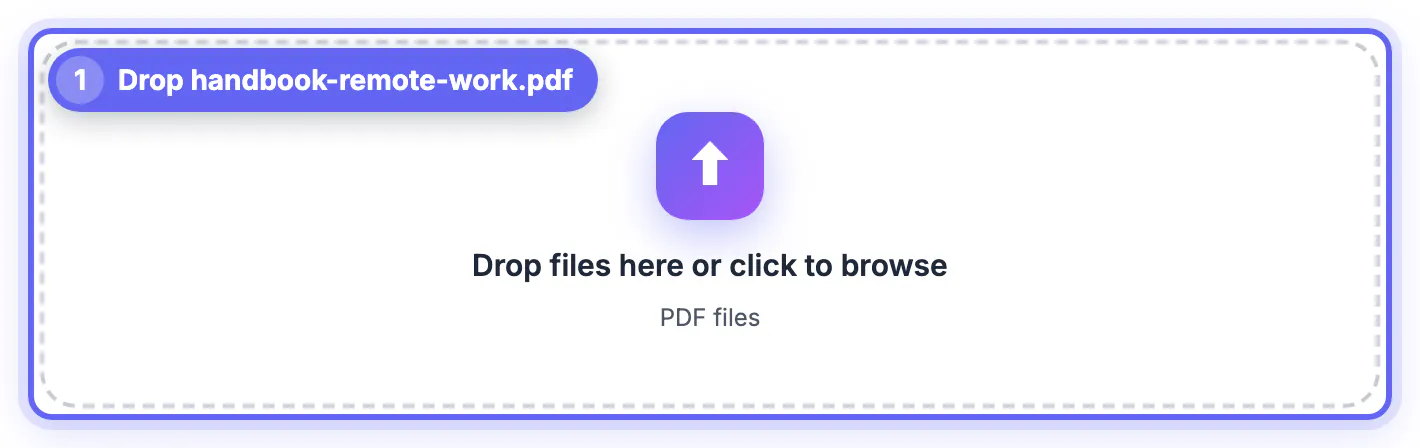
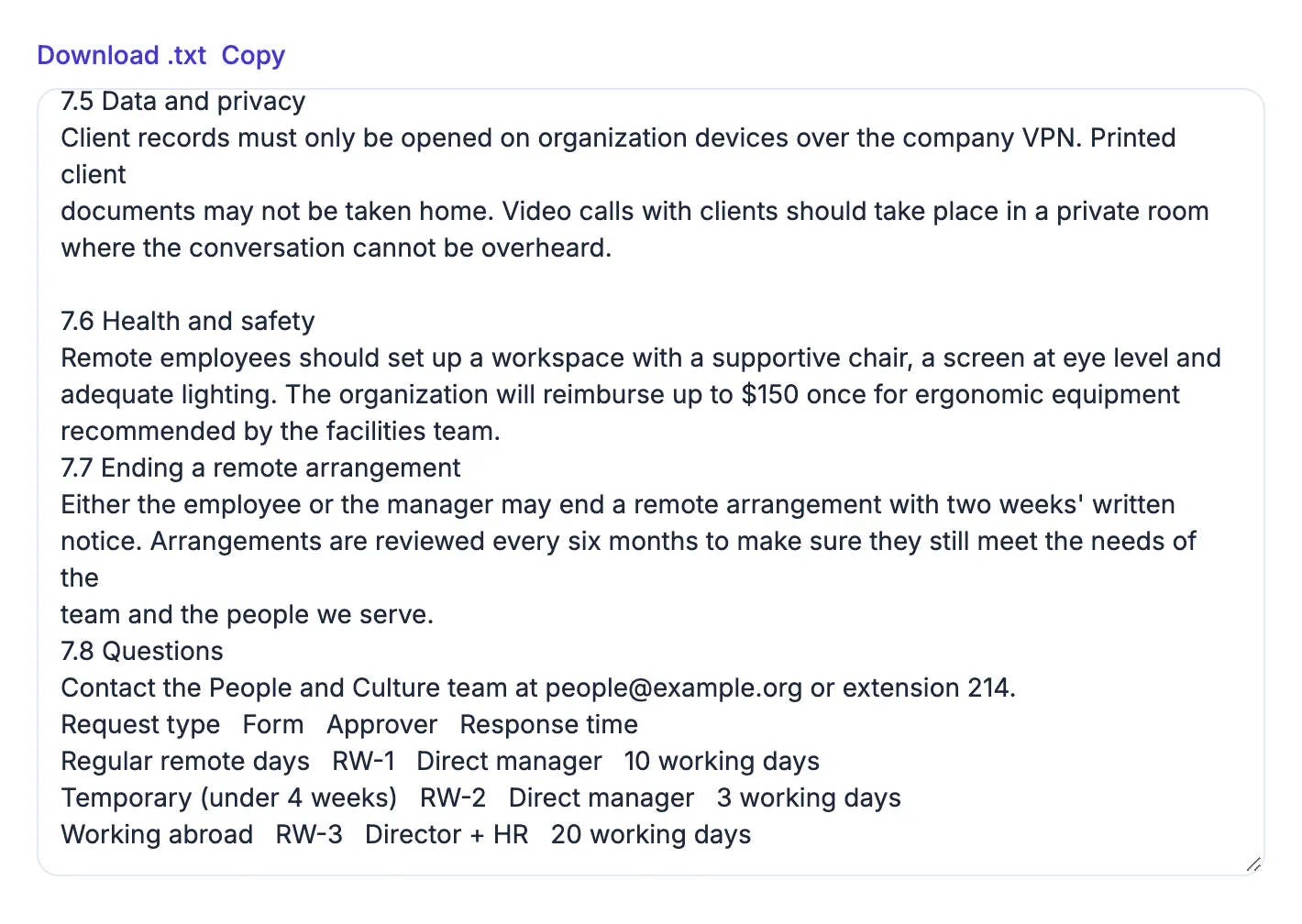
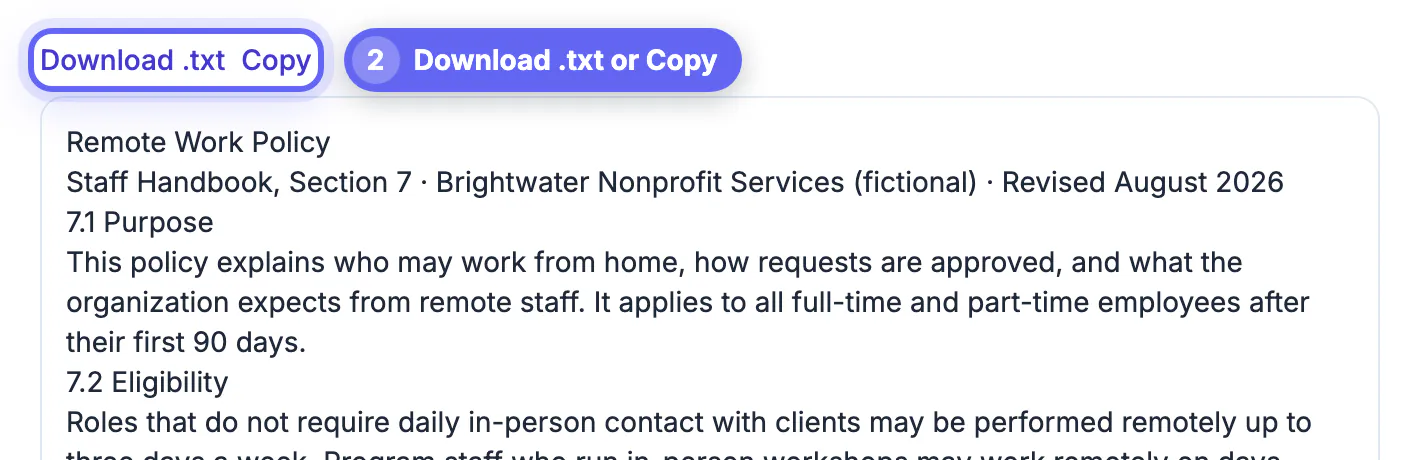
Step-by-step
Common mistakes to avoid
Pro tips
Frequently asked questions
Is converting a PDF to text really faster than retyping?
For anything longer than a sentence, yes. A converter handles a whole document in seconds, while retyping scales with length and adds a proofreading pass on top.
Does a PDF to text converter cost anything?
A browser-based one is free with no account. It reads the file locally, so you avoid both fees and the privacy risk of uploading.
What if my PDF is scanned?
PDF to Text will tell you it found no selectable text, because a scan has no text layer. Convert the pages with PDF to JPG, then run them through Image to Text (OCR), which rebuilds the characters from the image, so you still avoid retyping.
Will I lose formatting when I convert?
Plain-text output keeps the words but drops styling. If layout matters you rebuild it once, which is still far faster than retyping every word.
Is my document safe in a converter?
With a browser tool it is, because the file never leaves your device. Retyping is private too, but far slower and more error-prone.
Retyping only wins for a stray phrase or a full rewrite. For real documents, converting a PDF to text is faster, exact, free, and private—so let the tool do the typing and spend your time reviewing instead.
Related guides
Browse more: all PDF guides · the PDF to Text tool