Black Boxes vs True PDF Redaction: Why Text Still Leaks
A black box drawn over a PDF usually hides nothing: the words stay in the file under the shape, and a simple copy and paste brings them back. True redaction deletes the underlying text and replaces the page with one that never contained it. This explainer shows the difference on a fictional settlement letter, lists the places sensitive data survives besides the visible page, and gives a two-minute test for any PDF you are about to send.
⬛ Try Redact PDF now — freeOpen →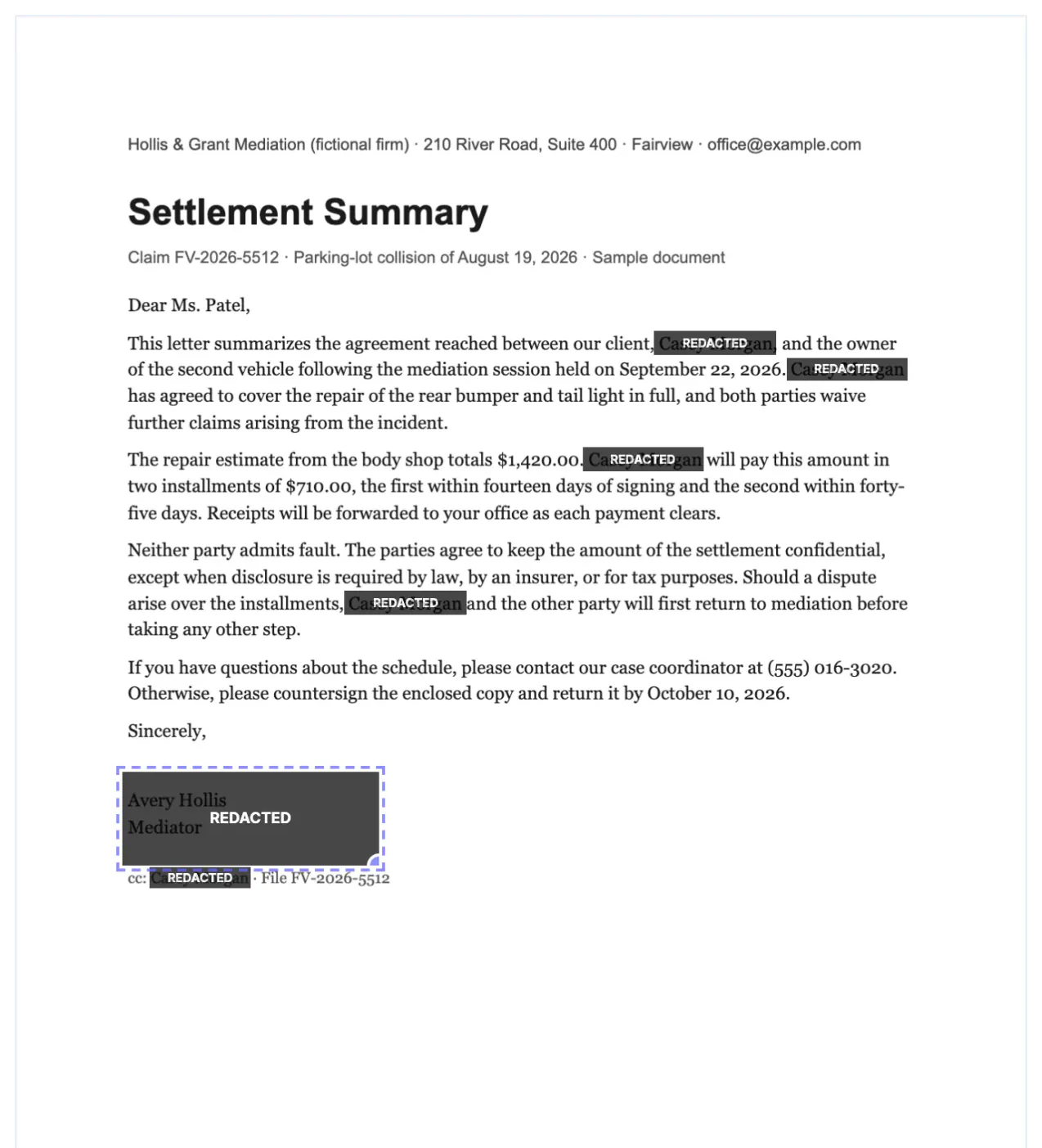
On screen, a covered name and a deleted name look identical. PDF editors make it easy to add a filled rectangle, a thick black highlight or a sticky shape, and printing the page appears to confirm the result. The difference only shows up when someone selects the text, runs a search, opens the file in a different viewer, or reads the document properties. Lawyers, journalists and HR teams have published supposedly sealed details this way for years.
How covered text leaks out of a black box redaction
A PDF page is a list of drawing instructions: place these characters in this font at these coordinates, then draw this rectangle. Adding a black box appends one more instruction, or an annotation that floats above the page. The characters are still there, still indexed, still copyable.
- Select and copy: dragging across the box and pasting into Notepad or an email reveals the words in full.
- Search: Ctrl+F finds the hidden name and highlights its position under the box.
- Accessibility tools: screen readers and text-to-speech read the underlying text aloud.
- Another viewer: some apps render annotations differently or not at all, so the box simply disappears.
- Editing: anyone with a PDF editor can select the rectangle and delete it.
None of this requires special skill. It is the normal behavior of a text layer, which is why a box that merely sits on top should never be treated as redaction.
Flattening the file in a print dialog is not a reliable fix either. Some print-to-PDF drivers keep the text layer and simply bake the rectangle into the same page, so the characters remain selectable under a box that now looks permanent. The only safe assumption is that text stays unless a tool explicitly removes it and you have tested the result.
What true redaction removes, and what it costs
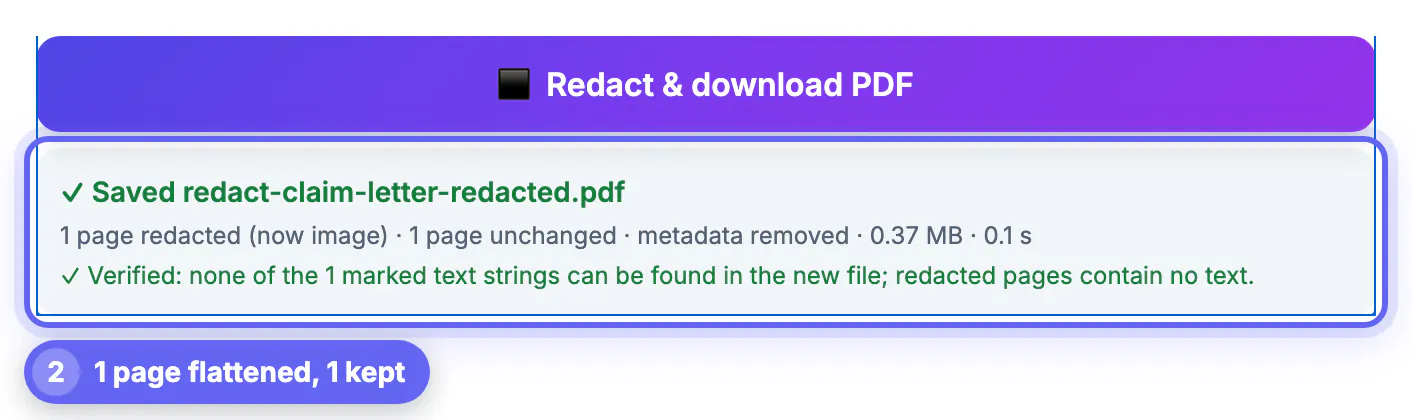
GrabCast's Redact PDF takes the opposite approach. Each page with a mark is re-rendered as an image with the boxes painted into the pixels, and that image replaces the page in a new PDF. The old page's text, fonts and embedded pictures are not copied.
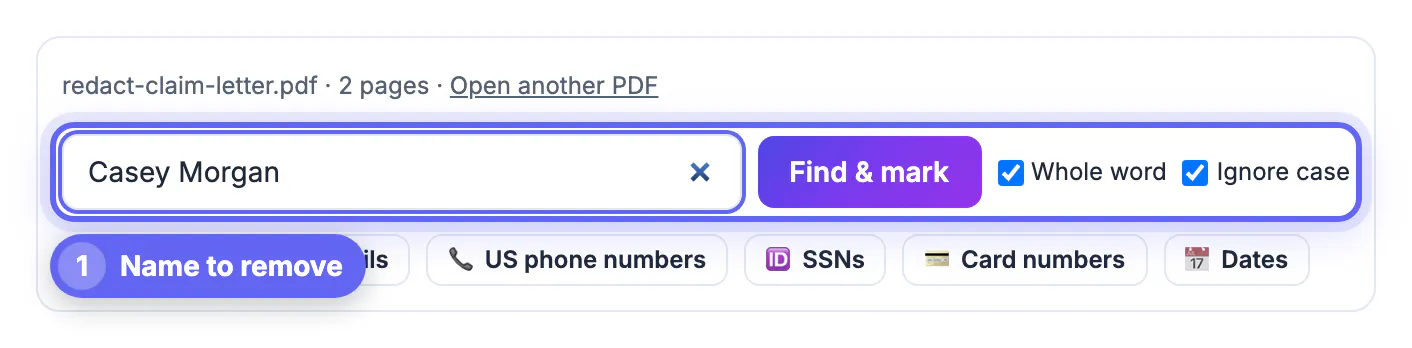
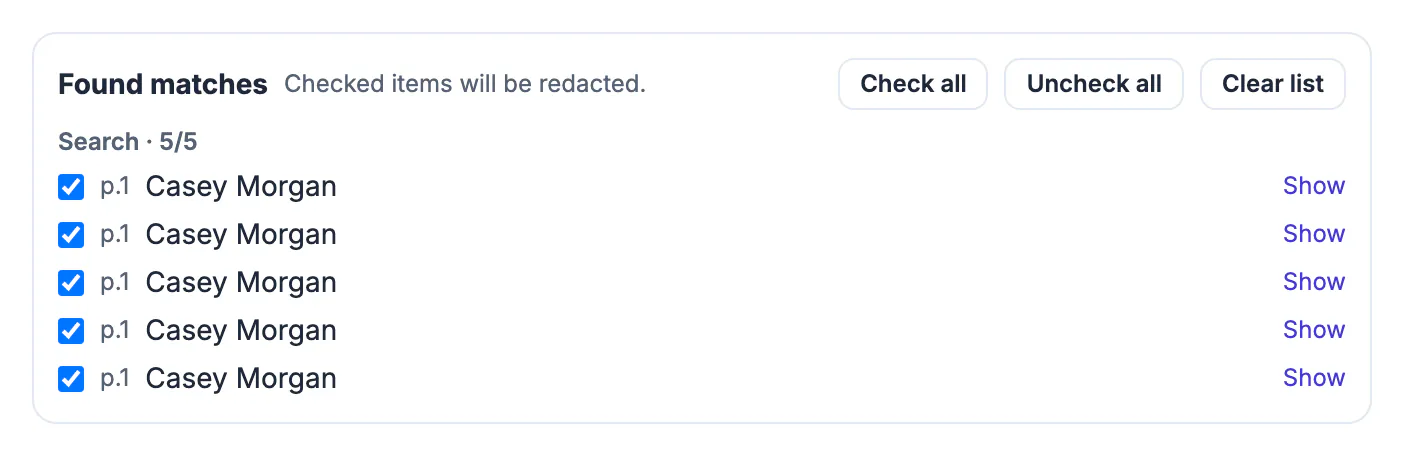
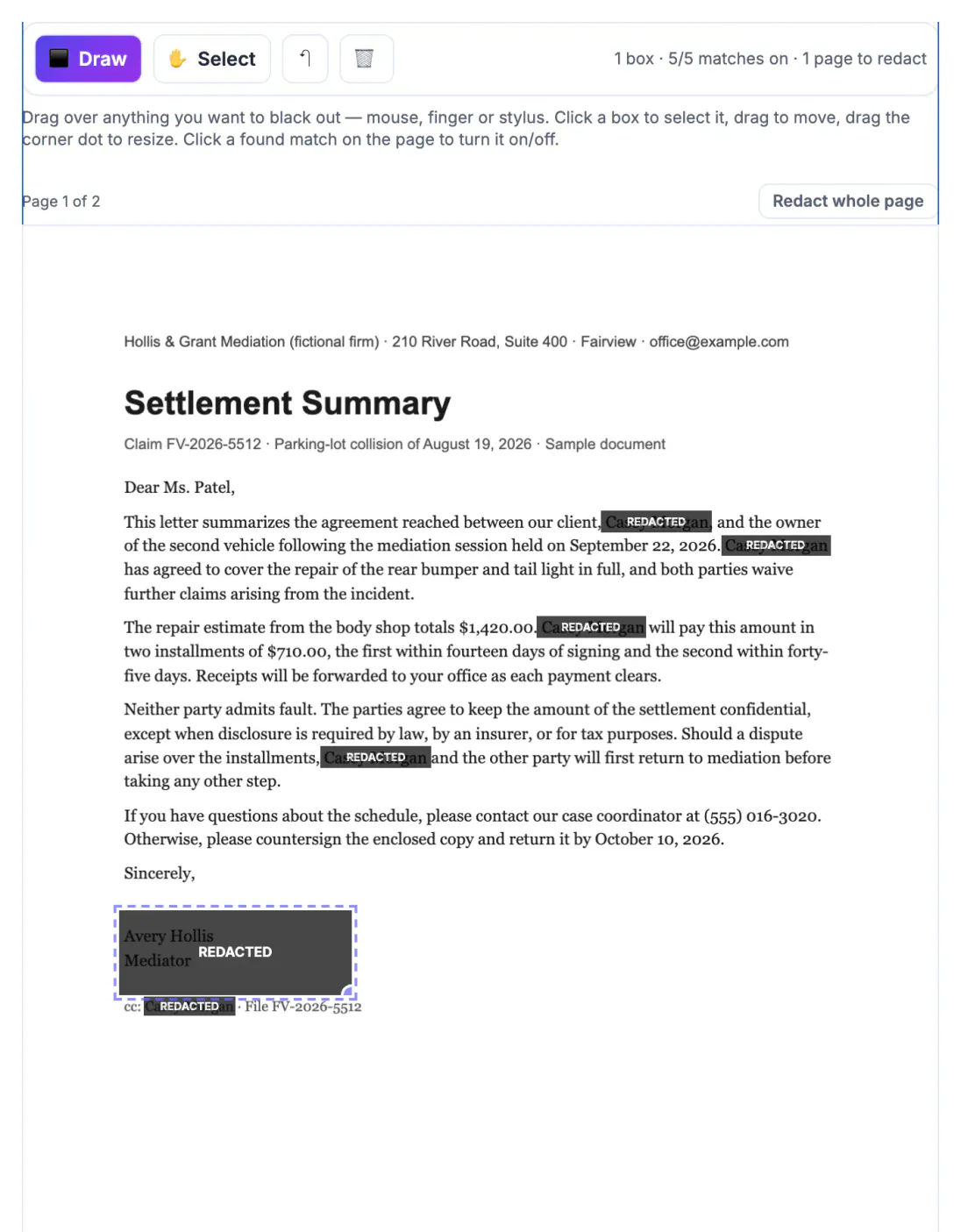
- In our test on the claim letter, the name Casey Morgan appeared five times on page 1 and was found by one search with Whole word ticked.
- A hand-drawn box covered the mediator's signature block, which search could never catch because it is a person's name we did not type.
- The export reported 1 page redacted, 1 page unchanged, metadata removed, and verified that the marked string could no longer be found anywhere.
- Page 2, the payment schedule, kept its selectable text because nothing on it was marked.
The trade-off is honest and worth stating: redacted pages can no longer be searched or copied, they may be slightly softer than the original, and the file often grows. For most legal, HR and claims work that is exactly the right trade.
Hidden places where redacted details survive
The visible page is only part of a PDF. Before a document leaves your hands, think about everything else it can carry.
- Document properties: the title or subject field may repeat a client name, and the author field often shows who drafted it.
- Bookmarks: an outline entry such as Settlement with Casey Morgan survives even if every page is clean.
- Attachments: a PDF can embed the original Word file or a spreadsheet of figures.
- Comments and form fields: reviewer notes and filled-in fields are separate objects with their own text.
- Earlier versions: PDFs saved incrementally can keep previous content inside the same file.
Because the redacted file is a newly built PDF, metadata, bookmarks and attachments are not carried over, and earlier revisions do not come along. Tick Remove all annotations, comments, links and form fields when the source has review comments you have not read.
A two-minute test before you send any redacted PDF
Whatever tool produced the file, run these checks on the copy you are about to send, not the original.
- Open it in a different viewer from the one you used to edit, such as a browser tab.
- Press Ctrl+F or Cmd+F and search for a redacted name, number or phrase; zero results is the goal.
- Drag-select across a black box and paste into a plain text editor.
- Open File, Properties or Document Info and read the title, author and subject.
- Check the bookmarks or outline panel and the attachments panel if your viewer has one.
If any check turns up a hidden value, go back to the original, mark what was missed, and export again. GrabCast's self-check covers the strings you marked, but only you know which words should never have been there.
Also clear hidden document details with the Metadata Remover, and consider password protecting the final file.
Step-by-step
Common mistakes to avoid
Pro tips
Frequently asked questions
Is highlighting text in black the same as redacting it?
No. A black highlight or shape is drawn on top of the text, which stays in the file and can be copied, searched or revealed by deleting the shape.
How can I tell if a PDF was redacted properly?
Search the file for a removed word, try copying across a black box, and look at the document properties and bookmarks. A properly redacted page returns nothing for any of those.
Why does the redacted page look slightly different?
It has been rebuilt as an image at 150, 200 or 300 DPI. At 300 DPI with PNG the difference is hard to see, but the text on that page can no longer be selected.
Does GrabCast keep a copy of my document?
No. The redaction runs in your browser tab with PDF.js and pdf-lib, and the file is never uploaded.
Can I undo a redaction after downloading?
Not in the downloaded file; that is the point. Keep the original, make changes to it, and export a new redacted copy.
A black box is a sticker, not a deletion. Use a tool that rebuilds the marked pages without their text, strip metadata and attachments, and prove the result with a search and a copy test in a second viewer before the file leaves your desk.
Related guides
Browse more: all PDF guides · Redact PDF