Confidential or Draft PDF Watermark: Stamp Every Page
To mark a PDF as Confidential or Draft for free, open GrabCast's Watermark PDF tool, type the label, set the opacity, and drop in the file; every page comes back with the words stamped diagonally across the center. The document is processed in your browser, so a board pack or offer letter never touches a server. The harder questions are which label to use, how visible it should be, and what a stamp can and cannot do, and that is what this guide answers.
🔏 Try Watermark PDF now — freeOpen →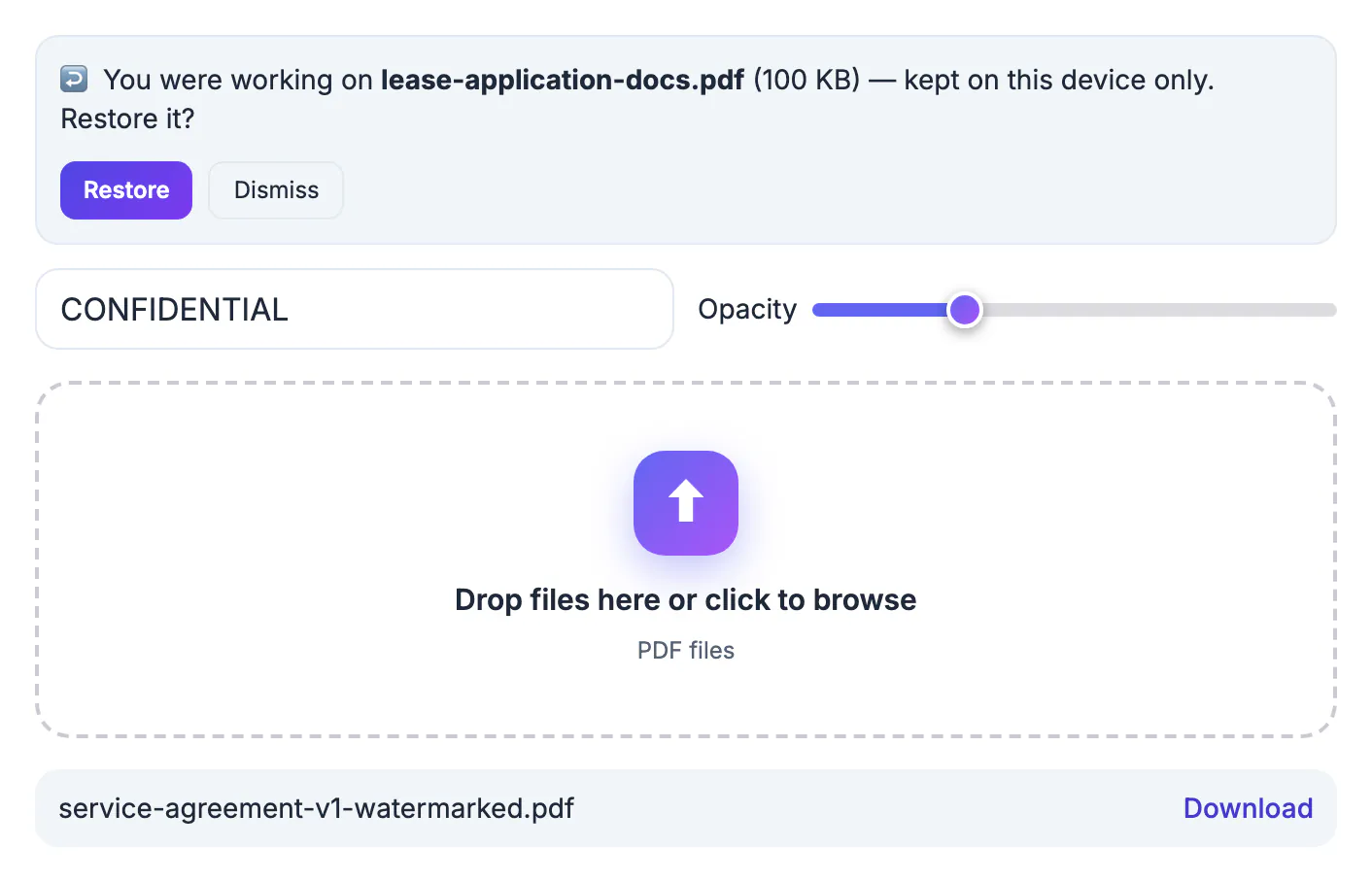
Unlabeled documents get treated as final. A pricing proposal circulated for internal comment ends up forwarded to a client; a manuscript sent to three beta readers gets quoted as the published text; an HR memo meant for managers lands in an all-staff thread. A diagonal label on every page travels with each printout, screenshot and forward, so the status of the document is obvious even when the cover email is long gone. It costs ten seconds and removes a whole category of embarrassing and sometimes expensive misunderstandings.
What the stamp looks like on each page
The tool writes your label in a bold gray sans-serif, running along the page diagonal and centered on every page. Its size scales with the page: up to one seventh of the shorter side, about 87 points on a US Letter sheet, with longer labels shrunk to fit along the diagonal, so a mixed document of Letter, legal, landscape and rotated pages gets a proportionate mark on each.
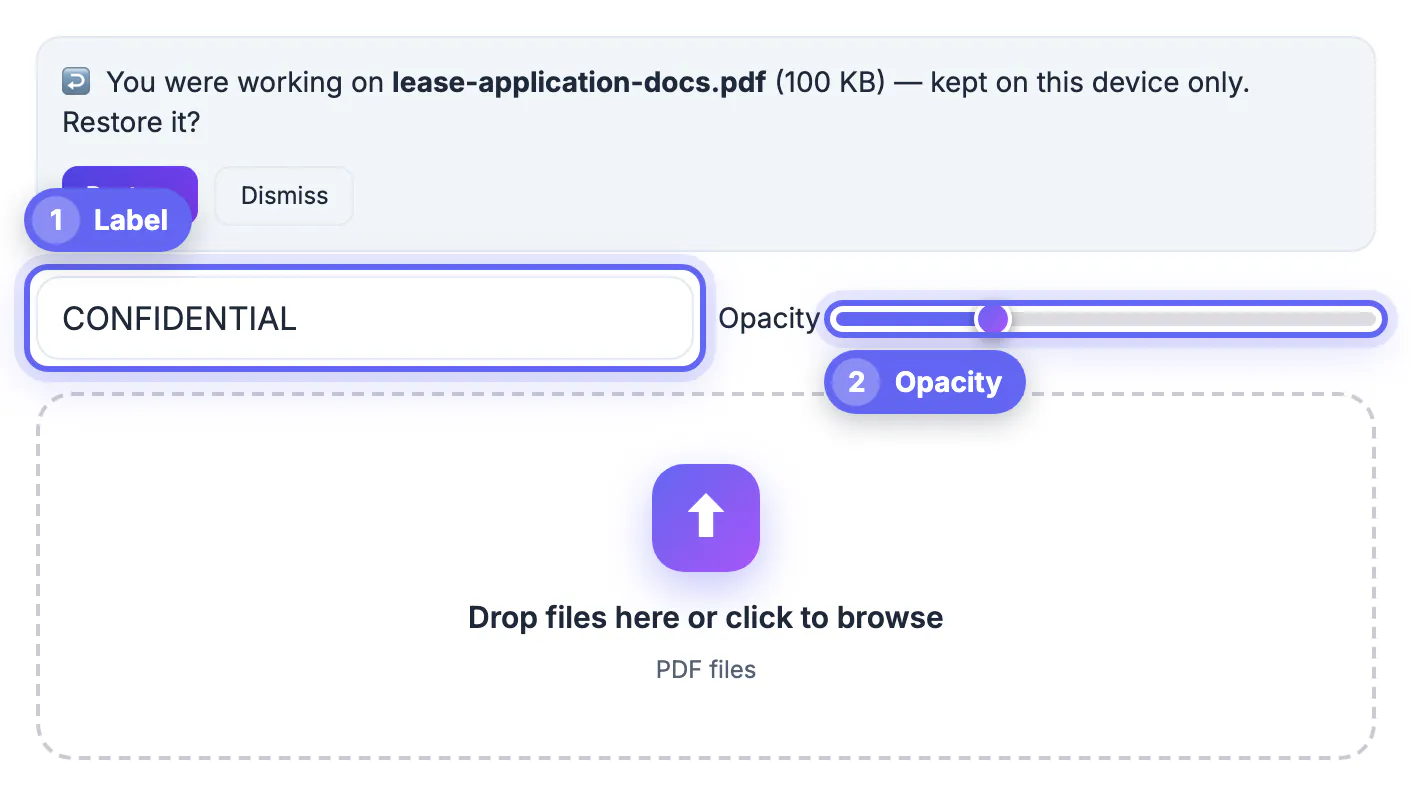
- The label field defaults to CONFIDENTIAL, and you can type anything.
- Opacity runs from 5 to 60 percent, with 20 percent as the default.
- The original body stays selectable and searchable underneath; the mark is added on top as a separate element.
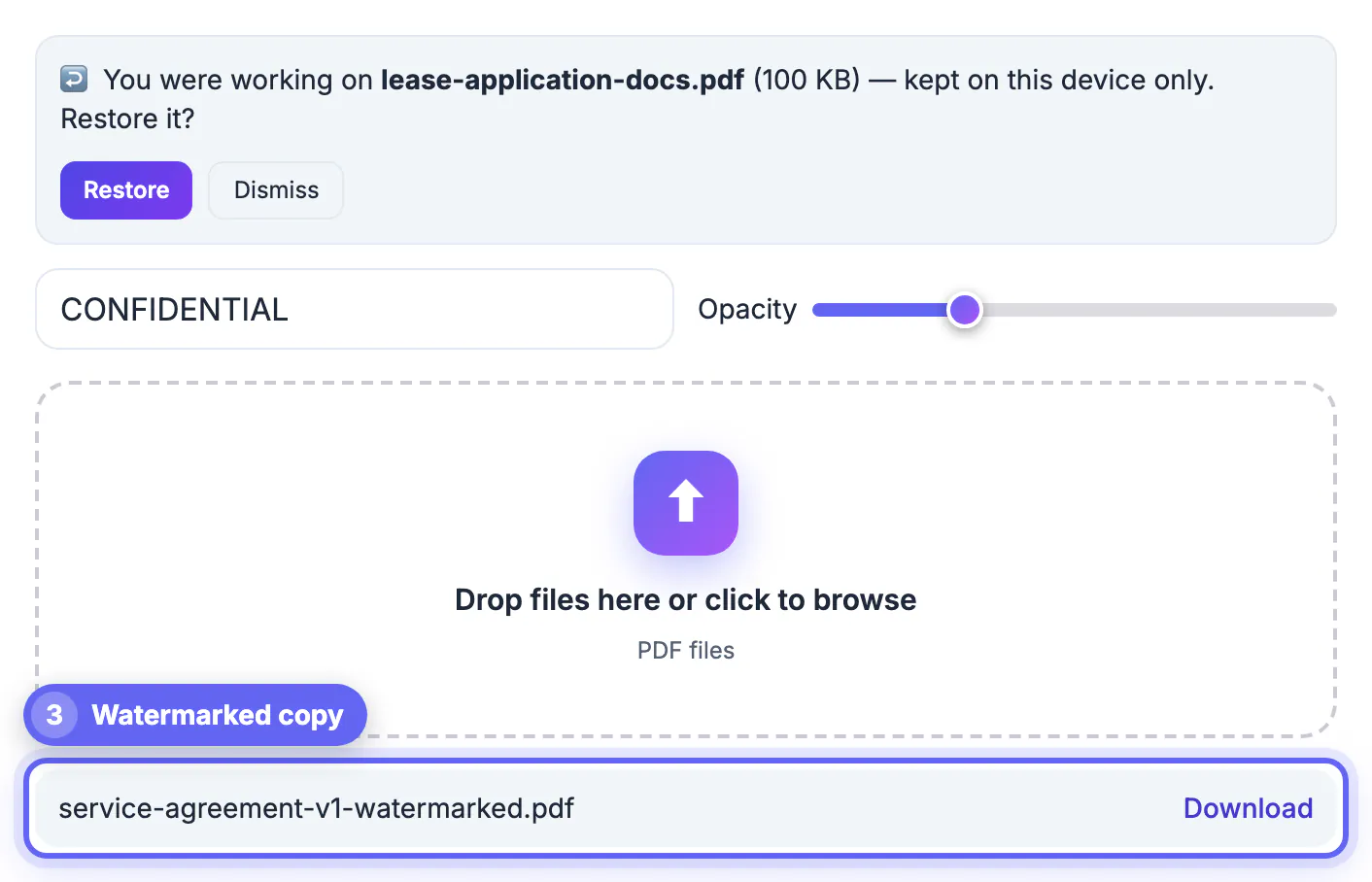
- The file downloads with -watermarked added to its name, leaving your original untouched.
Processing is quick: a 40-page board pack usually finishes in seconds on a laptop, because only one small layer is added per page; very large binders simply take a little longer. Scanned documents work too; the label sits on top of the scanned picture of each page.
Confidential, draft or something else: choosing the label
Pick wording that tells the reader what to do, not just how important the file is.
- DRAFT: content may change; do not quote or act on it yet. Ideal for contracts in negotiation, policies under review and reports awaiting sign-off.
- CONFIDENTIAL: restricted audience; do not forward. Suits salary data, board materials, due-diligence files and unreleased financials.
- INTERNAL ONLY: fine for staff, not for clients or partners.
- SAMPLE or SPECIMEN: shows format, not a usable original, useful for templates and example invoices.
- COPY or VOID: marks duplicates and canceled forms so nobody files them twice.
Keep the label to about 20 characters on Letter or A4 portrait. Longer phrases are shrunk to fit along the diagonal, so the letters get smaller and harder to read. DRAFT v3 2026-09-28 reads well; a full sentence does not.
Legal teams often have house rules, so check before inventing wording. Many firms use PRIVILEGED AND CONFIDENTIAL on attorney-client communications; because that runs past 20 characters and prints noticeably smaller, the short form PRIVILEGED reads better with this tool. Publishers commonly use UNCORRECTED PROOF on advance copies. Matching the convention your readers already know makes the label register instantly rather than looking improvised.
Setting opacity so the page stays readable
At 15 to 25 percent, the mark is obvious at a glance yet body paragraphs and tables stay easy to read, which suits documents people must review closely. Proofs and samples where copying is the bigger worry can go to 35 to 45 percent. The 60 percent maximum works for a one-page flyer mockup but makes dense contracts tiring to read.
Print one page before sending a large batch. Laser printers render light gray differently from screens, and a mark that looked faint on a monitor can come out darker on paper, or nearly vanish on an inkjet in draft mode.
What a stamp does not protect
A label is a notice, not a lock. Because it is added as a separate element, someone with a full editor such as Acrobat Pro can select and delete it, and anyone can retype the content. Treat the mark as a clear statement of intent that discourages casual forwarding and supports a later confidentiality claim, not as access control.
For real protection, combine it with a password or encryption set in a desktop editor, share through a service with access controls and expiry dates, and send only the pages the recipient needs. Labels in accented Latin alphabets, Greek or Cyrillic work, because the tool switches to the free Noto Sans font; Chinese, Japanese, Korean, Arabic, Hebrew and Hindi characters are not in that font yet, so the tool warns you and leaves them blank, and a desktop tool is the better choice for those.
Think about the audience as well. Stamping DRAFT on something a regulator, court or auditor will receive can suggest the content is unreliable, and CONFIDENTIAL on a public filing is simply wrong. Remove labels by exporting a fresh copy from the master once a document leaves the review stage.
A stamp is only a visual marker, so for sensitive pages redact the content and add a password before sharing.
Step-by-step
Common mistakes to avoid
Pro tips
Frequently asked questions
Is the Watermark PDF tool free and private?
Yes. It is free with no sign-up, and the file is processed entirely in your browser. Nothing is uploaded to a server. It works the same on Windows, Mac, Chromebook and mobile browsers.
Can I choose the position, color or font?
No. The mark is always gray bold sans-serif, diagonal and centered on every page. You control the wording and opacity from 5 to 60 percent.
Can someone remove the watermark?
Yes, with a full editor it can be selected and deleted, because it is added as a separate element. Use it as a clear notice, and rely on passwords and access controls for real security.
Will the stamp hide text or break search?
At normal opacity the content remains readable, and the original words stay selectable and searchable underneath the mark.
Can I stamp only some pages?
The tool stamps every page. To mark just a section, split the file, stamp that part, and merge the pieces back together in the right sequence. A marked excerpt is also a neat way to share one chapter for review.
A Confidential or Draft stamp on every page is the cheapest insurance against a document being mistaken for final or forwarded too widely. Choose wording that tells readers what to do, keep it short, stay around 20 percent opacity for readable pages, keep an unstamped master, and add a password when the content truly needs protecting.
Related guides
Browse more: all PDF guides · Watermark PDF