Add a Watermark to a PDF Free: Text, Opacity, Tips
To add a watermark to a PDF for free, open GrabCast Watermark PDF, type your text, set the opacity, and drop in the file; every page comes back with the words stamped diagonally across the center. It takes seconds, needs no account, and the document never leaves your browser. The harder part is choosing what to write and how visible to make it. A watermark that is too faint gets ignored, one that is too heavy makes the page unreadable, and the wrong wording can confuse a client or fail to deter misuse. This guide covers what the tool does exactly, which phrases work for common situations like rental applications and template sales, how to pick an opacity, and the honest limits of text watermarks, including a simple way to make yours much harder to remove.
💧 Try Watermark PDF now — freeOpen →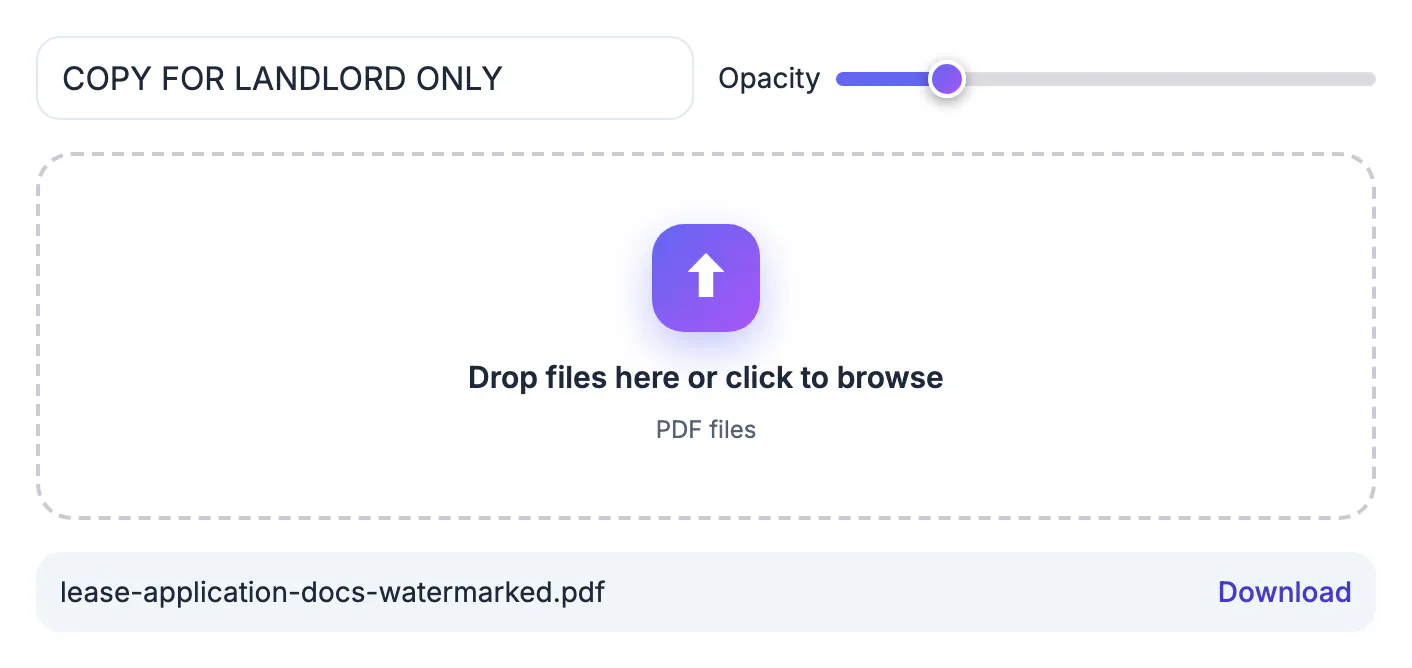
A watermark is a visible label. It tells anyone who sees the page what the document is and who it was meant for, and it follows the page into screenshots and printouts. That makes it effective for three jobs: marking status, such as DRAFT on a proposal that is still changing; limiting reuse, such as SAMPLE on a template you sell or a preview of a report; and discouraging identity fraud, such as a line reading For ABC Property Management rental application only across a copy of your bank statement or driver's license. What a watermark is not is encryption. Anyone who can open the file can read it, and a determined person with an editor can sometimes delete a text layer. So think of a watermark as a strong deterrent and a clear signal, and combine it with other measures, such as sending only needed pages, when the document is truly sensitive. In short, it raises the effort needed to misuse a document and makes the intended purpose obvious to everyone who handles it, from a leasing agent to a printer.
How GrabCast Watermark PDF works
The tool keeps things deliberately simple so the result is predictable on every page.
- Your text is drawn in bold gray Helvetica, or Noto Sans Bold for accented, Vietnamese, Polish, Greek or Cyrillic letters, running along the page diagonal and centered on each page.
- The size scales with the page, up to about one seventh of the shorter side, so letter and A4 pages look consistent.
- Opacity runs from 5 to 60 percent and starts at 20 percent, a good default for reading through.
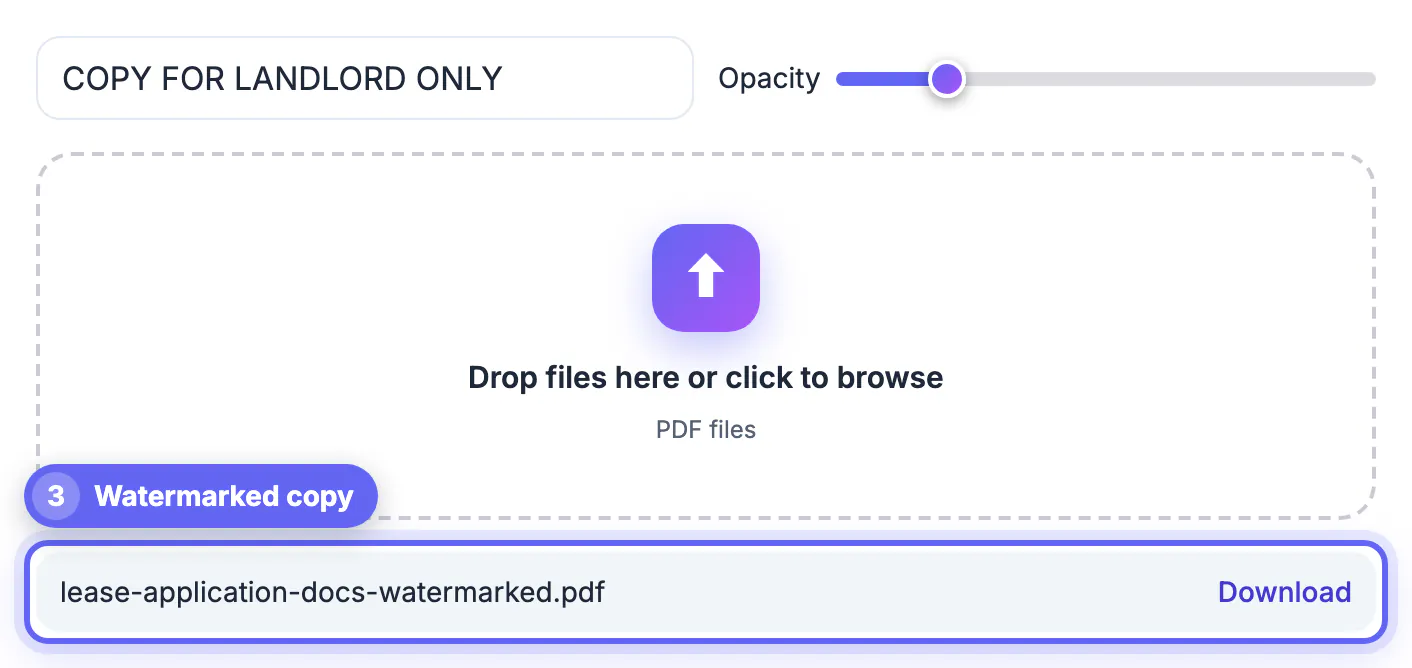
- Every page is stamped in one pass, and the file downloads with watermarked added to its name.
Processing happens locally in your browser. Password-protected PDFs need to be unlocked first, and the tool adds text only; for a logo on photos, use the image watermark tool instead.
Because the stamp is centered on each page's visible area and fitted to it, mixed documents work too, for example a letter-size cover followed by landscape or rotated spreadsheets or a legal-size lease. Each page gets a proportionate mark without any manual positioning.
Wording that works for common situations
Short, specific text is more useful than a generic label. A few patterns that hold up:
- Status: DRAFT, FOR REVIEW, or NOT FINAL on proposals, contracts and design proofs.
- Confidentiality: CONFIDENTIAL or INTERNAL for board decks and HR documents.
- Previews: SAMPLE or PREVIEW on paid templates, printables and research excerpts.
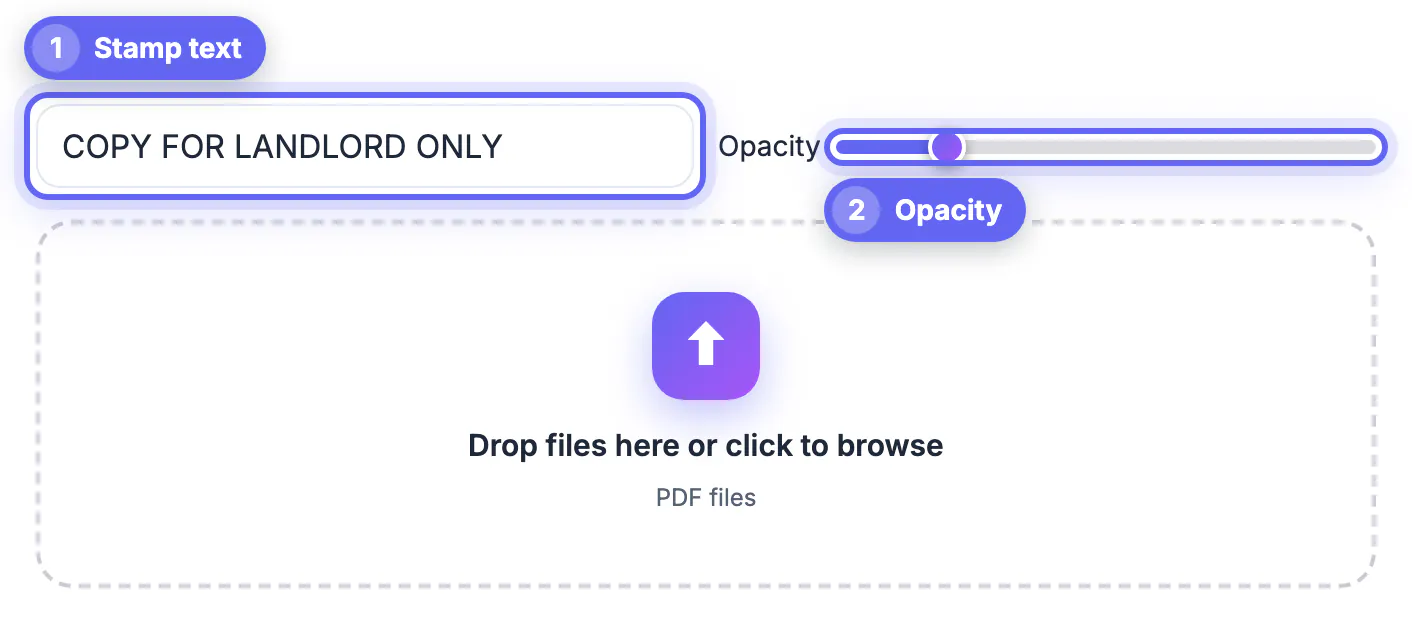
- Identity copies: COPY FOR [recipient] ONLY plus the month, such as COPY FOR LANDLORD ONLY JUN 2026.
Keep it under about 30 characters. Very long phrases are shrunk to fit along the diagonal and become hard to read, so split a long message into a shorter stamp and put the rest in the email.
Avoid stamping personal details such as your full account number or date of birth into the watermark itself; the goal is to label the copy, not to repeat the sensitive data on every page.
Choosing the right opacity
Opacity is a trade-off between deterrence and readability. For text-heavy pages that people need to read, 12 to 20 percent is visible without getting in the way. For photos, floor plans or artwork you are previewing, 30 to 45 percent makes cropping the watermark out impractical. Values near 60 percent are best for documents that should never be used, such as a VOID copy.
Always open the result and zoom into a dense paragraph. Gray text over small black print can reduce contrast for readers with low vision, so drop the opacity a notch if any line becomes hard to read.
A useful habit is to keep two presets in mind: light for anything people need to read and sign, heavy for previews that should only be looked at.
Make a watermark harder to remove
A standard text watermark sits as its own layer in the file. To bake it into the page itself, run the watermarked PDF through GrabCast Compress PDF with the flatten option ticked. Each page is then rendered as a single image with the stamp fused in, so there is no separate text object to delete.
- Upside: much harder to strip, and often a smaller file too.
- Downside: the text is no longer selectable or searchable, and form fields stop working.
- Best for: identity copies and previews, not for contracts the recipient must fill in or sign.
Once the stamp is in place, you can lock the file with a password so it is harder to alter before sharing.
Step-by-step
Common mistakes to avoid
Pro tips
Frequently asked questions
How do I add a watermark to a PDF for free?
Open GrabCast Watermark PDF, type the text, choose an opacity, and drop in the file. Every page gets a diagonal stamp, and you download the result with no account needed. You can repeat the process with different text to create separate copies for each recipient.
Can I add an image or logo watermark to a PDF?
The PDF tool stamps text only. For photos with a logo, use the image watermark tool, and for PDFs a short brand name in text works well. That keeps the stamp crisp at any zoom level, since the text is drawn as vector lettering rather than as a pasted picture.
Can someone remove the watermark?
A text watermark can sometimes be deleted with a PDF editor. Flattening the file afterward with the Compress PDF flatten option fuses it into the page image. For everyday drafts, the layered version is fine, because the goal is labeling rather than preventing edits.
What opacity should a watermark have?
Around 15 to 20 percent for documents people need to read, and 30 to 45 percent for previews or identity copies you want to protect. Test on the densest page before sending, because small print suffers first when the stamp is too strong.
Is my PDF uploaded to add the watermark?
No. The watermark is applied locally in your browser, so the document stays on your device. That matters for identity copies, bank statements and unreleased drafts, which are exactly the files people most often watermark.
A good PDF watermark is short, specific and just visible enough. Stamp DRAFT, SAMPLE or a recipient-specific COPY line, set opacity between 15 and 45 percent depending on the job, and flatten the file when the mark must be hard to remove. GrabCast does it free in your browser, with no account and no upload.
Related guides
Browse more: all PDF guides · Watermark PDF