Free AI Blog Post Generator: Outline, Draft, Then Edit
A free AI blog post generator can turn a topic into an outline and a rough draft in about ten minutes, but the post only becomes worth publishing after you add the facts, examples and first-hand experience the AI cannot supply. The workflow below uses three modes of the GrabCast AI Writer: Brainstorm ideas for angles and headlines, Write about a topic for each section, and Improve & fix grammar for the final polish. It runs in your browser with no account. Because each request is capped at roughly 8,000 characters, you naturally draft one section at a time, which is also the best way to keep the writing specific. Along the way this guide answers the question most bloggers ask first: will Google penalize a post written with AI? Short answer: not for using AI, but yes for publishing thin, unhelpful pages, however they were made.
✍️ Try AI Writer now — freeOpen →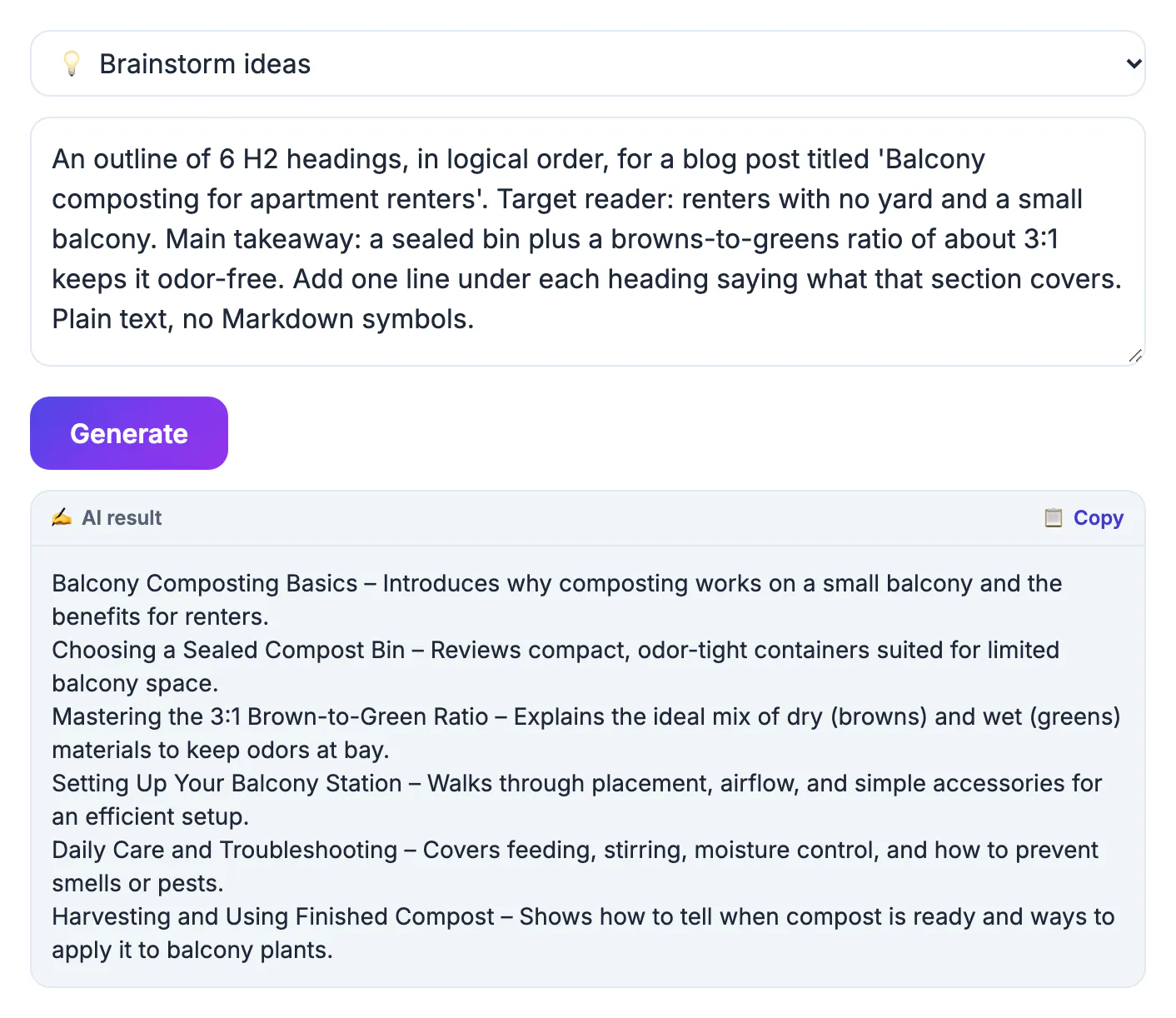
Google's published guidance, updated in 2023, says it rewards helpful, reliable content regardless of how it is produced, and that using automation mainly to manipulate search rankings breaks its spam policies. In March 2024 Google added a scaled content abuse policy aimed at sites that pump out large numbers of unoriginal pages, whether written by people, AI or both. So the risk is not the tool; it is the output. A raw AI draft tends to restate what already ranks, with no evidence that anyone tried the thing being described. Google's quality raters look for E-E-A-T: experience, expertise, authoritativeness and trust. Your edits supply those signals: the test you ran, the photo you took, the mistake you made and fixed, the number you checked. AI gives you speed on structure; you give the post a reason to exist.
Brief the blog post generator before you draft
A topic alone, such as home composting, gets you the same post as everyone else. A brief gets you a post for one reader with one question. Write four or five lines before you open the generator, then use Brainstorm ideas to get ten angles or headlines and pick the one you can back up with real experience.
- Reader: who is searching, for example a renter with a small balcony and no garden.
- Question: the exact problem, such as can I compost in an apartment without smells or fruit flies.
- Your evidence: what you have done, measured or seen, like a six-month trial with a sealed bin.
- Angle: the one point your post makes that generic posts skip.
- Target length: most how-to posts land between 1,200 and 2,000 words; say so in the brief.
Generate the outline, then one section at a time
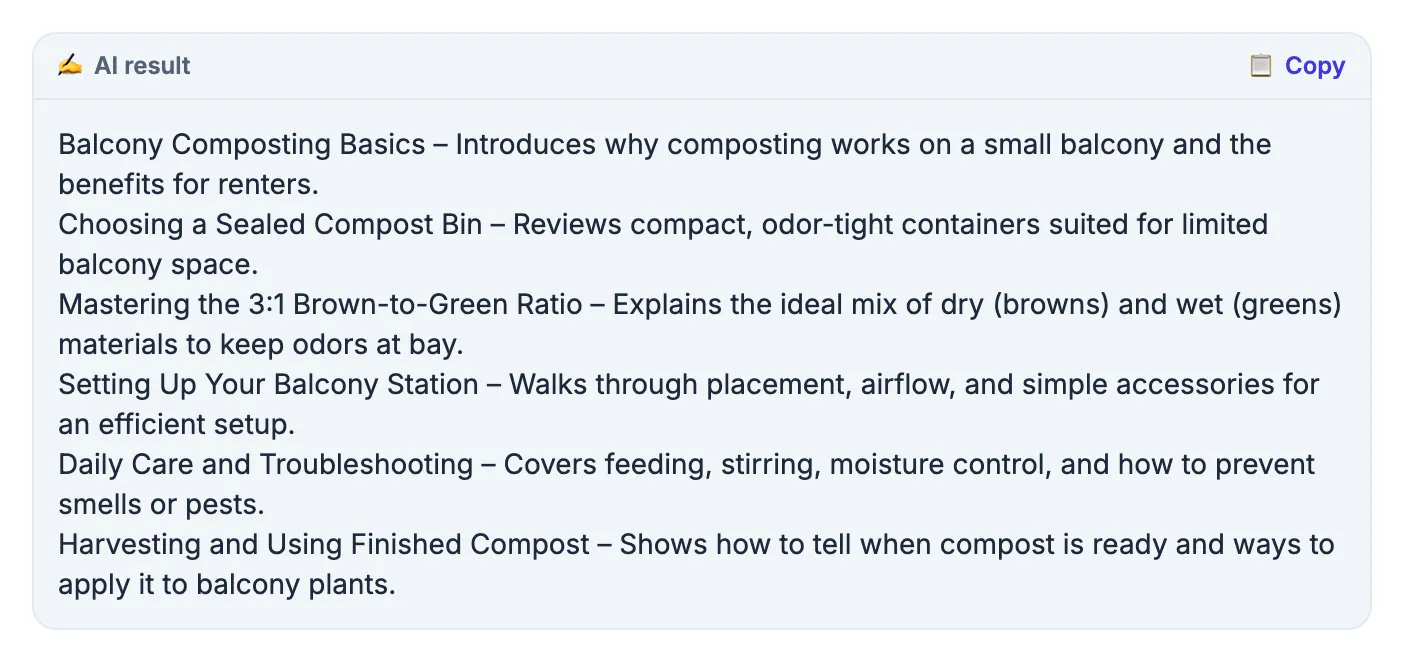
Ask for an outline of five to seven headings first and reorder it until the logic flows from the reader's question to the answer. Then switch to Write about a topic and paste the brief, the outline and one heading per request, with your notes for that section. A 1,500-word post usually takes five or six generations this way.
- Keep each paste under the roughly 8,000-character cap; the brief plus one heading and notes fits easily.
- Feed each section a concrete input, such as your measurements, a customer question or a step you actually took.
- Regenerate only the section that missed, and say what was wrong: too vague, too long, wrong reader.
- The free service allows about 12 requests per minute and 300 per day per IP, so one post will never hit the limit.
Add the experience only you can supply
This is the step that decides whether the post helps anyone. Read each AI section and ask: could this paragraph appear on any other blog? If yes, replace it with something only you know. Compare composting can reduce household waste with our two-person household cut trash bags from three a week to two after the first month. The second one is evidence.
- Add first-hand details: photos, timings, costs you paid, settings you used, what went wrong.
- Replace AI statistics with figures you can link to a primary source, or remove them.
- State an opinion and defend it; a safe summary of every view gives readers nothing to act on.
- Cut throat-clearing openers and closing paragraphs that repeat the intro.
Final checks before you publish
AI writes wrong things in a confident voice, so the last pass is about accuracy and readability, not polish alone. Run the finished text through Improve & fix grammar in chunks, then check readability and length in a word counter.
- Fact-check every name, date, price, quote and claim against a source you would cite.
- Aim for a Flesch Reading Ease score around 60 or higher for a general audience; reading time at 238 words per minute tells you if the post respects the reader's time.
- Write a meta description and headline that promise exactly what the post delivers.
- Publish fewer, better posts. Ten near-identical AI articles on neighboring keywords is exactly the pattern the scaled content policy targets.
Before hitting publish, run a proofreading pass to catch the small errors drafts tend to hide.
▶ Watch: How to write with a free AI writer (0:37)
Video transcript
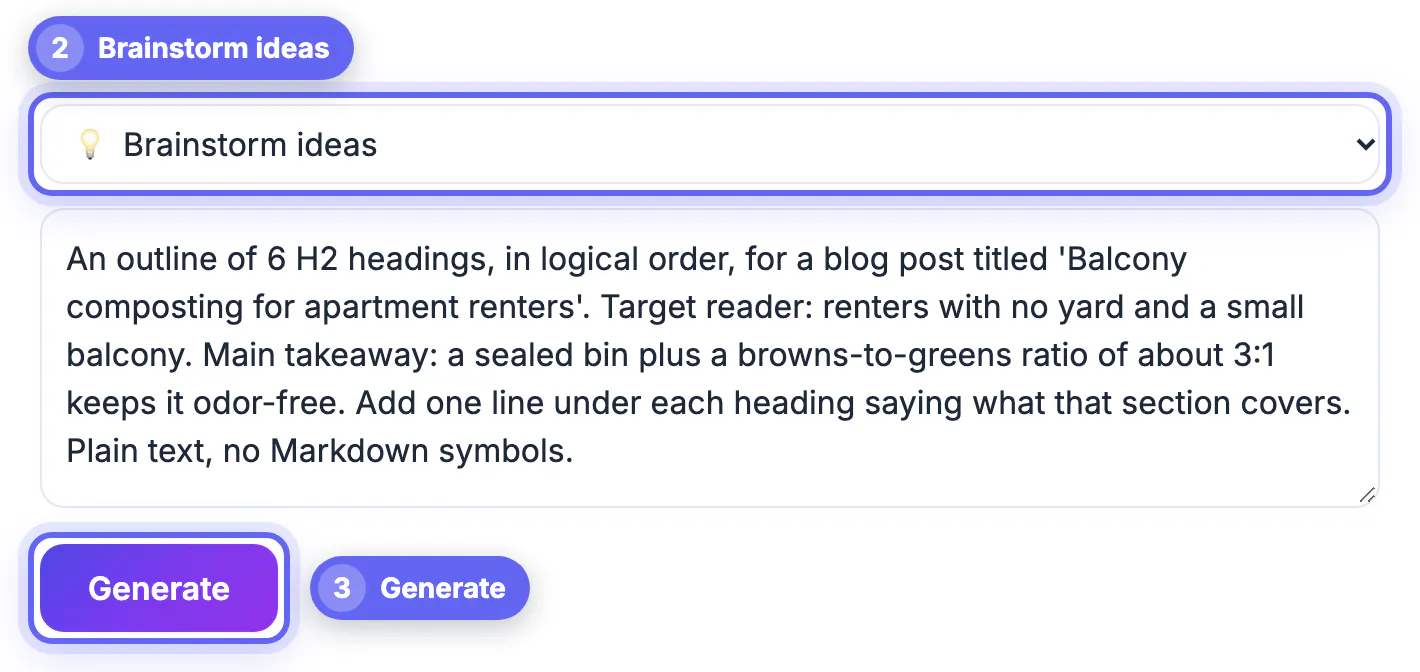
- Choose Write. Write drafts new text. Summarize, paraphrase and grammar fixes are here too.
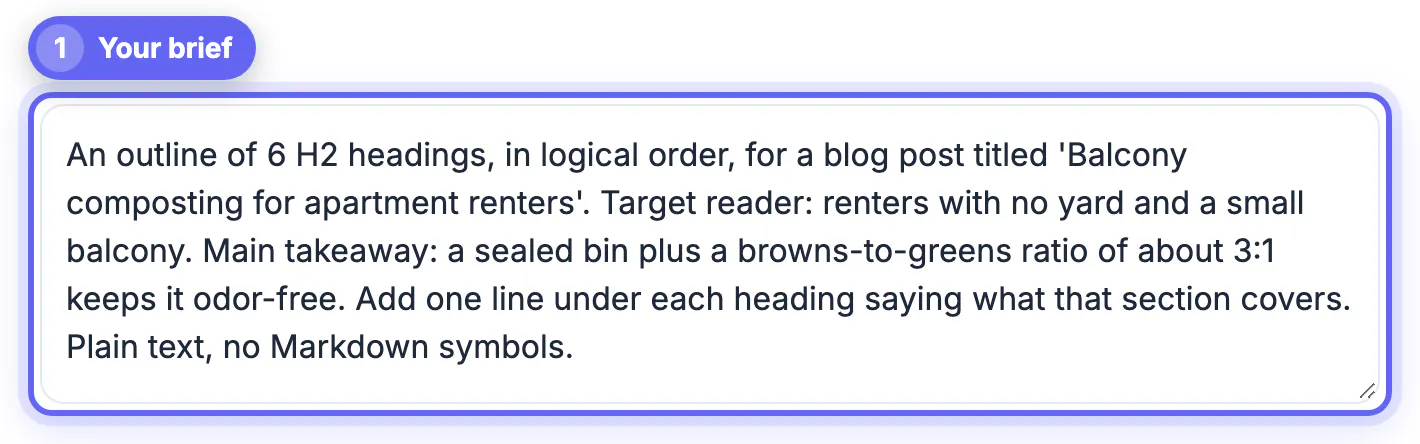
- Describe what you need. Say who it is for, the tone, and the facts it must include.
- Generate. The free AI writes a first draft in a few seconds.
- Read and check it. Check names, dates and places. AI drafts can be wrong, so edit before you send.
- Copy the text. Copy the draft and paste it into your email app.
Step-by-step
Common mistakes to avoid
Pro tips
Frequently asked questions
Can AI write a whole blog post for me?
It can draft one, but a raw draft is generic and sometimes wrong. Use the generator for the outline and first pass, then add your own experience, sources and opinion before publishing.
Will Google penalize AI-written content?
Google says it judges content on helpfulness, not on how it was made. It does act against pages mass-produced to manipulate rankings, so thin, unedited AI posts at scale are the real risk.
What does E-E-A-T mean for a blog post?
Experience, expertise, authoritativeness and trust. In practice it means showing you actually did or know the thing: real examples, original photos or data, clear sourcing and an identifiable author.
Is the AI blog post generator free?
Yes. The GrabCast AI Writer is free with no signup. Each request can be about 8,000 characters, with roughly 12 requests a minute and 300 a day per IP address.
Can it write just an intro or one paragraph?
Yes. Paste your heading and a few notes and ask for a single paragraph or a two-sentence intro. Short, targeted requests usually produce better text than asking for a full post.
A free AI blog post generator removes the blank page and the outlining grind, but the reader and Google both reward what it cannot write: your experience, your evidence and a clear point of view. Brief it properly, draft one section at a time, replace every generic line with something specific, and fact-check before you publish. Fewer, better posts built this way beat a pile of fast ones.
Related guides
Browse more: all AI guides · AI Writer