How to Proofread Your Writing for Free
Typos, clunky sentences, and bloated paragraphs quietly undermine even great ideas. Proofreading fixes that, and you do not need paid software to do it well. With a simple process and a couple of free tools, you can catch the errors that spell-check misses and tighten your writing until it reads clean and confident. This guide shows how to proofread your writing for free using proven techniques anyone can apply. The free GrabCast Word Counter runs entirely in your browser with no signup and nothing to install, giving you instant word and character counts, reading time, and a clear view of length as you trim. You will learn how to separate editing from proofreading, spot your own blind spots, and use structure and distance to catch far more mistakes.
🔢 Try the Word Counter tool now — freeOpen →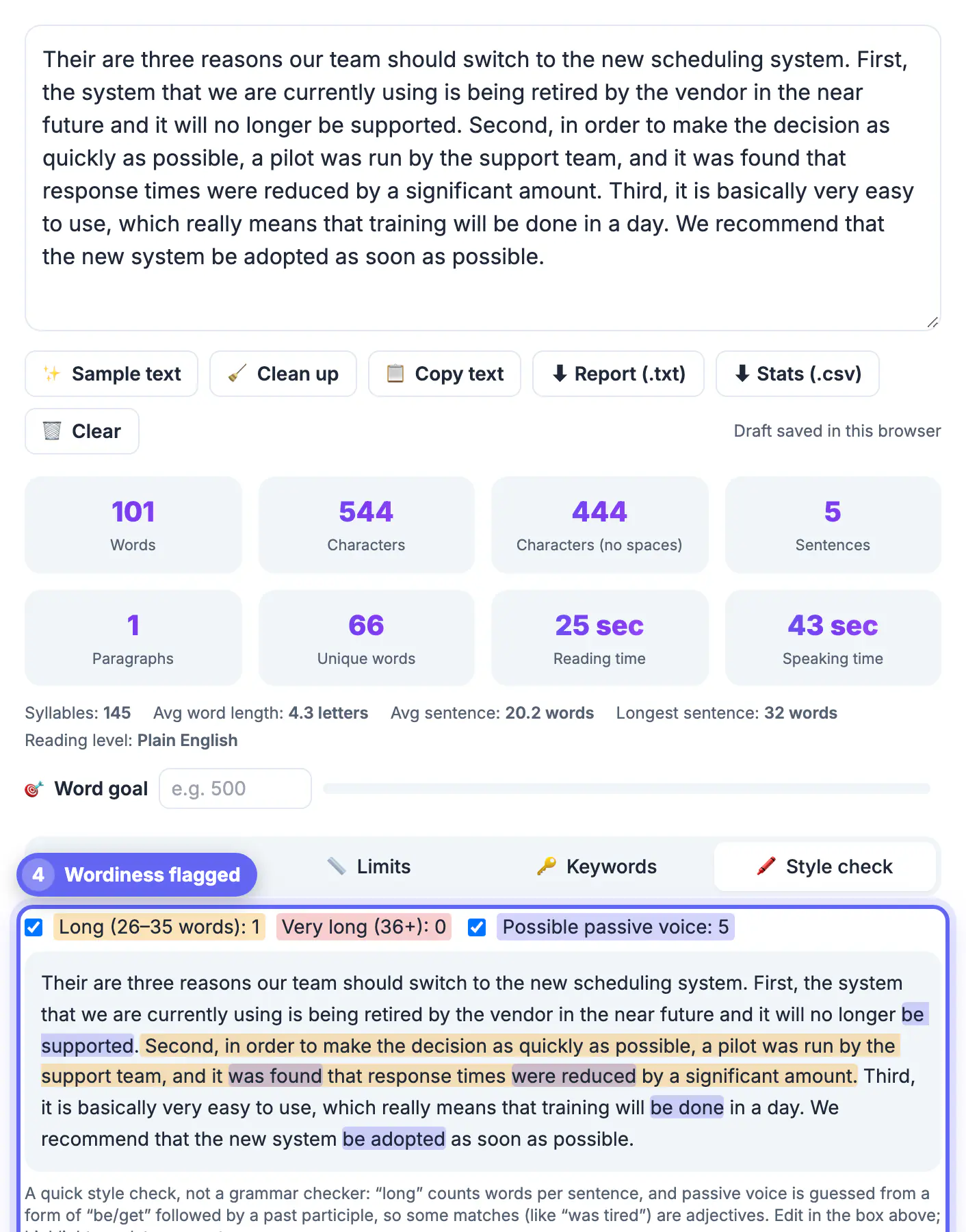
Your brain is your biggest obstacle when proofreading your own work. Because you know what you meant to write, you read what you intended rather than what is actually on the page, silently correcting errors as you go. That is why obvious typos survive multiple read-throughs. Fatigue makes it worse; the longer you stare at a draft, the less you notice. The fix is not more effort but better technique. Creating distance, changing how the text looks, and reading in a different mode all trick your brain into seeing the words fresh. Free tools help by handling the mechanical parts, counting length, flagging repetition, and measuring reading time, so you can focus your attention on judgment. Good proofreading is a repeatable process, not a talent, and anyone can learn it.
Separate editing from proofreading
Editing and proofreading are different jobs, and doing them at once means doing neither well. Edit first for structure, clarity, and flow. Only once the content is settled should you proofread for the small surface errors, so you are not polishing sentences you later delete.
- Edit first for structure, argument, and overall clarity.
- Proofread last for spelling, grammar, and punctuation.
- Never try to fix meaning and typos in the same pass.
Trick your brain into seeing errors
Since your mind autocorrects familiar text, change the conditions so the words feel new. A short break, a different format, or reading aloud forces you to process each word instead of skimming, which is where hidden mistakes finally surface.
- Step away for an hour, or overnight, before proofreading.
- Read the text aloud to catch awkward or run-on sentences.
- Change the font or read bottom to top to see fresh.
Use free tools to tighten it
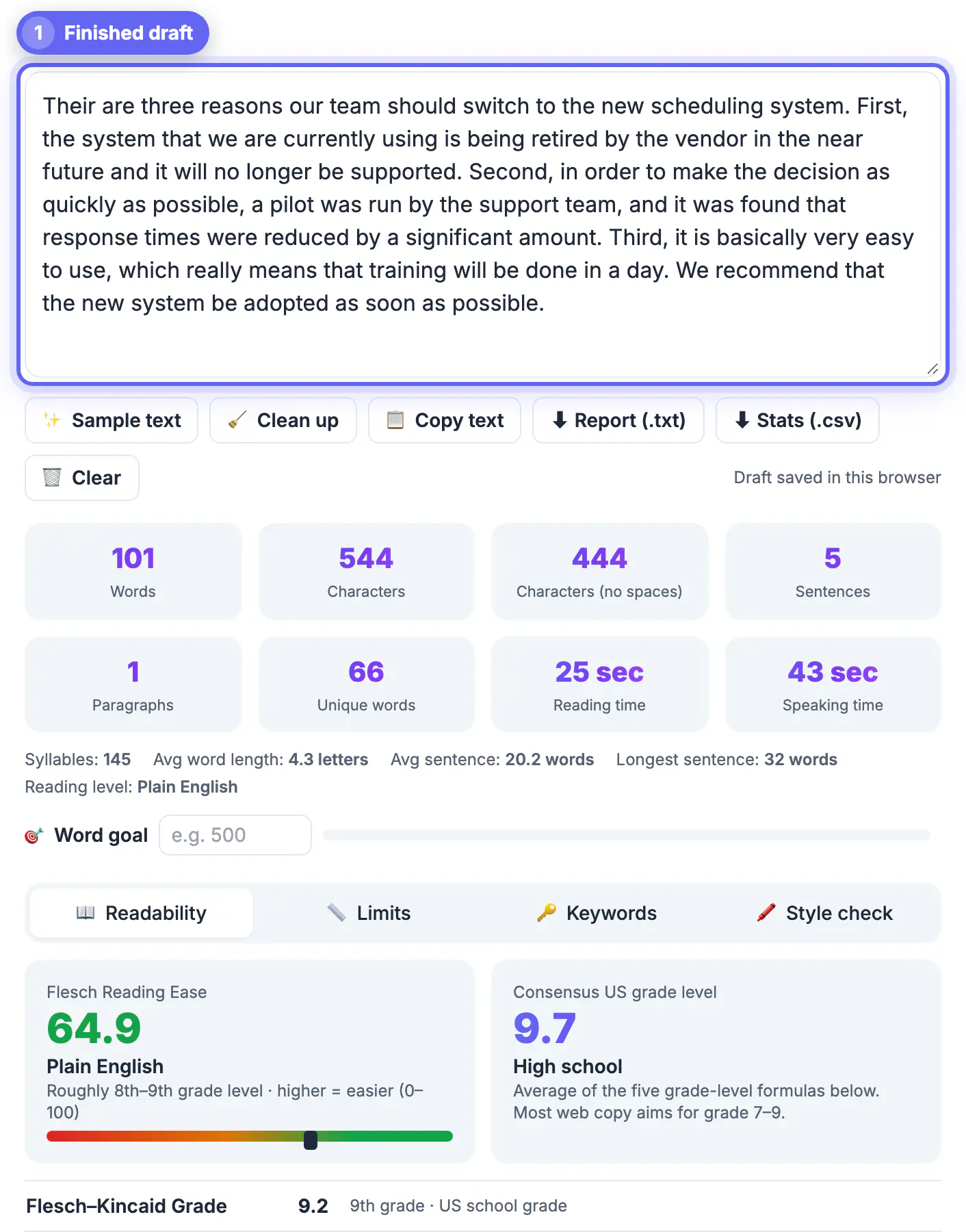
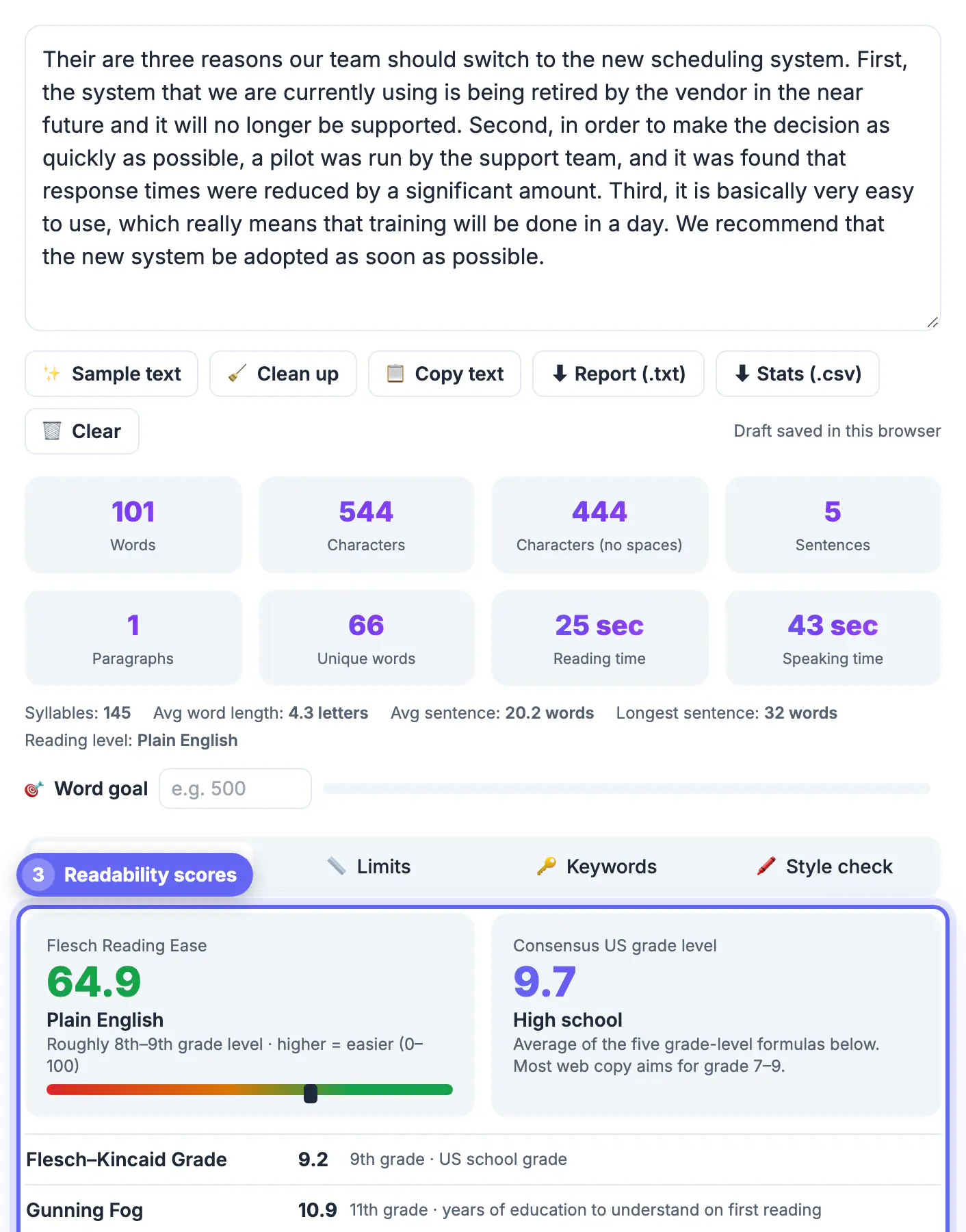
Free tools handle the measurable side of writing so you can judge the rest. A word counter shows whether you are within limits and reveals bloat, while reading time tells you if a piece is realistic for its purpose. Use the numbers to guide your cuts.
- Check word and character counts against any limit you must hit.
- Watch reading time to confirm the length fits the reader.
- Cut filler words and repeated phrases to sharpen every sentence.
A reusable proofreading checklist
A short checklist keeps you from fixing the same kinds of mistakes by eye every time. Read through once per item instead of trying to catch everything in one pass.
- Spelling of names, brands and numbers, since spell-check ignores correctly spelled wrong words such as form and from.
- Homophones like their, there and they're, and affect versus effect.
- Consistent formatting for dates, headings, bullet punctuation and capitalisation.
- Repeated words across a line break, a classic slip that the eye skips.
- Links, figures and quoted figures checked against the source.
Checking length and reading time as you finish
Once the text is clean, confirm it fits its purpose. A word counter shows total words, characters and sentence length, which flags rambling paragraphs worth splitting. If you are working to a limit for a post or an application, the word counter guide for essays and tweets explains how common platforms count characters so you do not trim blindly.
Proofreading different kinds of documents
The checklist shifts with the document. An email needs a hard look at the recipient name, dates and attachments mentioned. A CV or cover letter deserves a pass for consistent tense and verified contact details, because one wrong digit in a phone number defeats the whole application. Long essays benefit from checking citations and headings against the table of contents, while short social posts need a last look at hashtags, handles and links. Matching your pass to the stakes saves time on casual notes and protects the pieces that matter most.
- Read numbers and names twice, aloud, and compare against the source.
- For anything printed or sent to a client, wait a day before the final read.
- Ask a friend to read just the first and last paragraph; they spot problems you stopped seeing.
Step-by-step
Common mistakes to avoid
Pro tips
Frequently asked questions
What is the difference between editing and proofreading?
Editing improves content, structure, and clarity. Proofreading is the final pass for surface errors like spelling, grammar, and punctuation. Do editing first, proofreading last.
Why do I miss my own typos?
Your brain reads what you meant, not what you wrote, so it silently corrects errors. Distance and format changes help you see the words fresh.
Does reading aloud really help?
Yes. It forces you to process each word and naturally exposes run-on sentences, awkward phrasing, and missing words that your eyes skip when reading silently.
How does a word counter help proofreading?
It checks length against limits, flags bloat, and estimates reading time, letting you tighten wordy sentences and confirm the piece fits its intended purpose.
Is the GrabCast Word Counter free?
Yes. It runs in your browser with no signup and nothing to install, giving instant word, character, and reading-time stats at no cost.
Great proofreading is a process, not a gift. Edit for content first, then create distance, read aloud, and change the text's look so your brain stops autocorrecting. Use the free in-browser Word Counter to check length, reading time, and cut filler, then do one final pass for spelling and grammar. With these steps, clean, confident writing is well within reach for free.
Related guides
Browse more: all text and developer guides · the Word Counter tool