Word Counter for Essays and Tweets: Limits in One Place
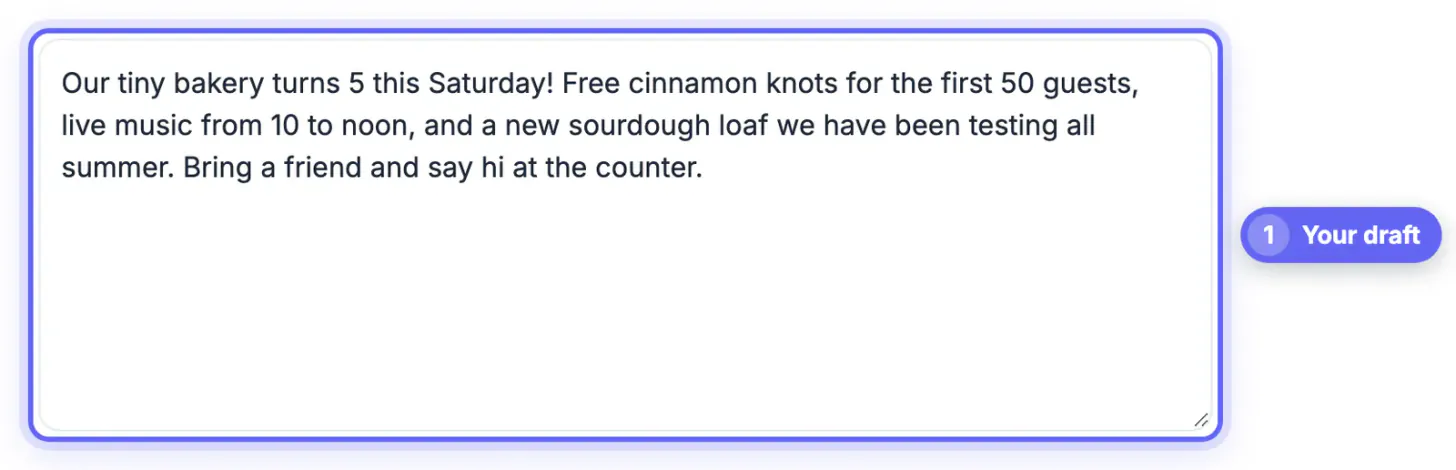
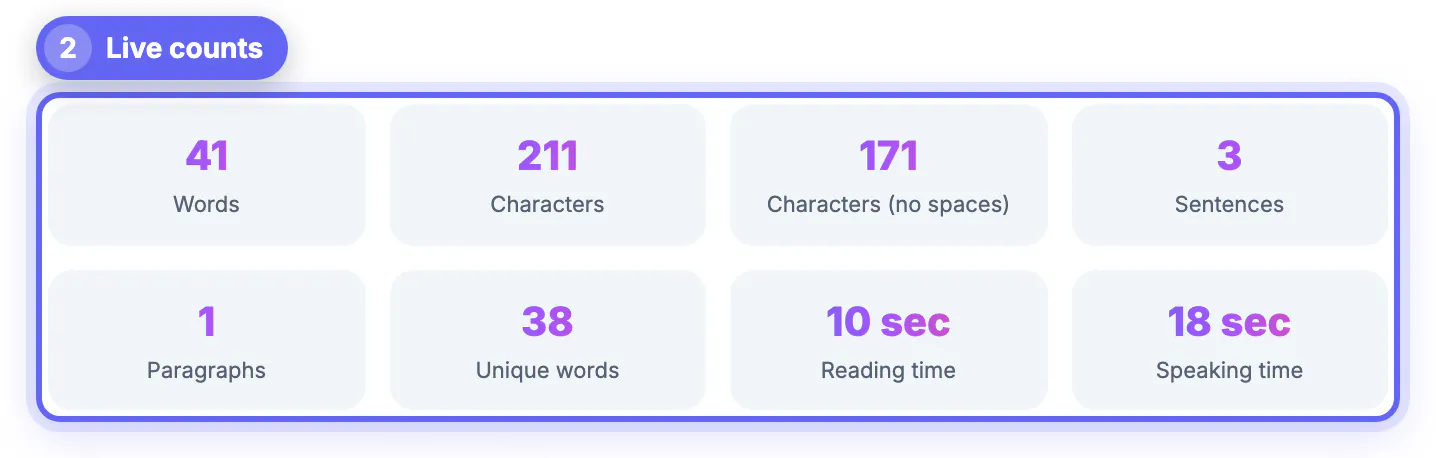
Paste your draft into the GrabCast Word Counter and you see the total, characters with and without spaces, sentences, paragraphs, unique terms, reading time and speaking time at once, so you can check it against a 650 limit for a college essay or 280 characters for a post on X in the same window. A Keywords tab shows which terms you lean on too often. Nothing is uploaded, and the draft stays only in this browser's local storage.
🔢 Try Word Counter now — freeOpen →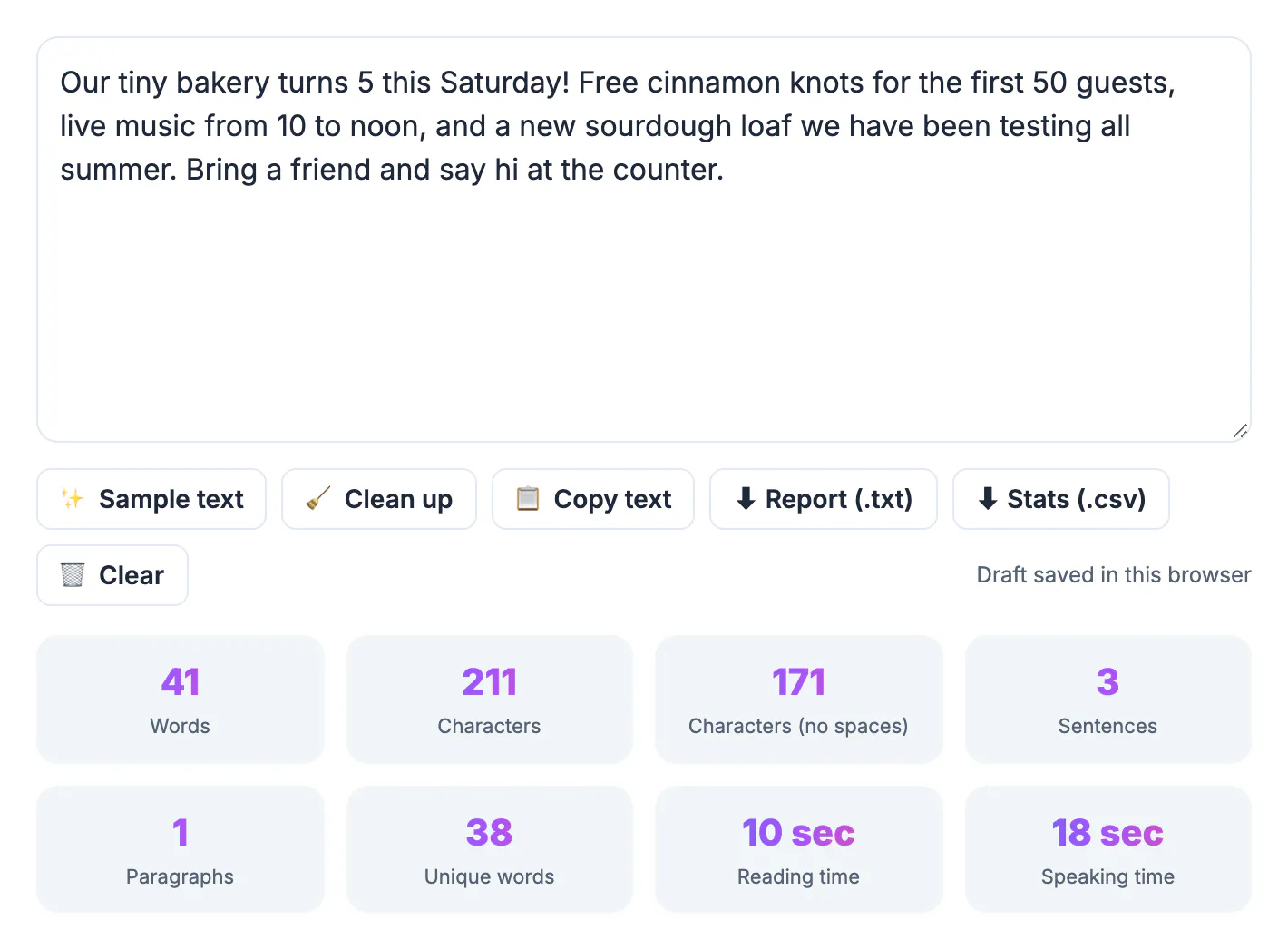
Writers rarely publish one piece in one place. A scholarship essay gets trimmed into a cover letter paragraph, a blog post becomes a LinkedIn update and a thread, and a speech has to fit a two minute slot. Each destination measures length differently: schools count words, social platforms count characters, and event organizers count minutes. Checking all three numbers side by side stops you from guessing, and it takes the anxiety out of the final edit before you hit submit.
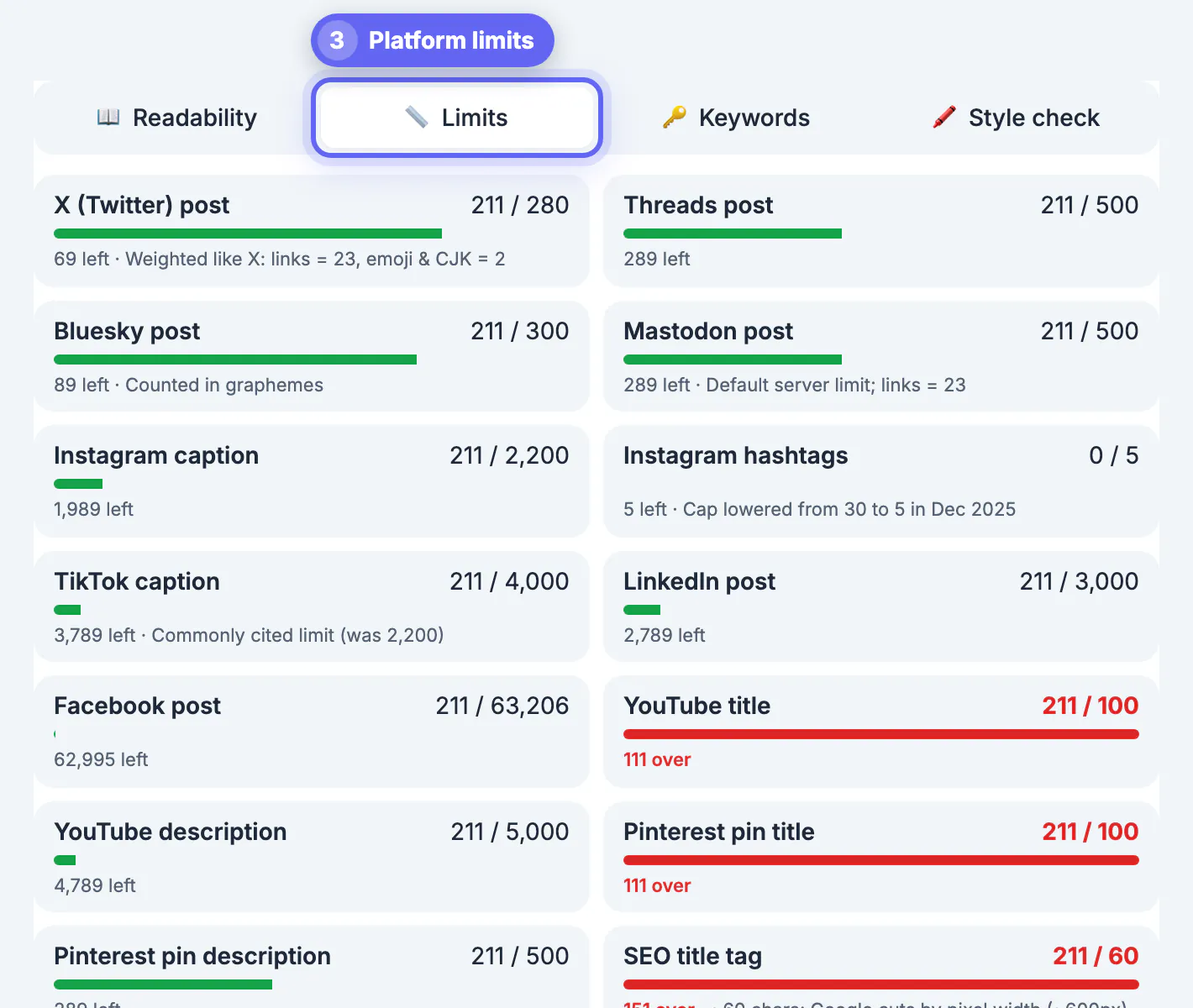
Limits that matter for essays, posts and captions
These are the ceilings writers bump into most often in the United States. Platforms change them occasionally, so treat the list as a starting point and confirm on the form you are filling in. Scholarship portals and graduate applications often set their own caps, sometimes in characters rather than words, and a few reject a submission that is even one over.
- Common App personal essay: 250 minimum, 650 maximum; many supplemental prompts cap at 150, 250 or 350.
- X: 280 characters for a standard post; paid accounts can write far longer, but only the opening shows in the feed before a Show more link.
- Threads: 500 characters. Bluesky: 300 characters.
- Instagram caption: 2,200 characters, with roughly the first 125 visible before the more link.
- LinkedIn post: 3,000 characters, and about 210 show before the see more cut.
- YouTube: 100 character titles and 5,000 character descriptions.
For a college essay, the total should land within a word or two of what an application portal reports, since most portals also split on spaces; if you are right at the cap, trust the portal. Character limits are where the differences show up, as the next section explains.
Why a character count can differ from X
The counter's main figure is raw characters, including spaces and line breaks, the way a text editor measures them. X uses a weighted formula: every link counts as 23 characters no matter how long it is, and emoji plus Chinese, Japanese and Korean characters count as two. The Limits tab applies that formula in its X row, so the raw figure and the X figure can differ. Links are the main gap.
- A post with a 60 character URL shows 37 more raw characters than the X row counts, and still fits on X.
- A post with a short link such as a 15 character domain shows fewer raw characters than X will count.
- Hashtags and mentions count as ordinary characters on every platform.
When you are within a few characters of the limit, go by the X row rather than the raw figure, and paste the draft into the X composer for the final check.
Reading time, speaking time and keyword density
Reading time assumes 238 per minute, a comfortable pace for adults reading on a screen. Speaking time assumes 140 per minute, closer to a presentation or podcast delivery than casual conversation. A 650 entry essay therefore reads in under three minutes and takes about four and a half to say out loud, which is useful when a scholarship interview asks you to talk through your essay.
The Keywords tab lists your most frequent words or 2- and 3-word phrases with their density, and can hide common filler like the, and, with and your. If a single term appears 14 times in a 500 entry draft, readers will notice, and admissions officers who read dozens of essays a day notice faster than most. Swap a few for synonyms or restructure sentences. Unique terms, shown in its own tile, gives a rough sense of vocabulary range.
Here is how that plays out in practice. A high school senior pastes a 712 entry draft for a 650 cap. The keyword panel shows that realized, journey and passion each appear five or more times, and the reading time says about three minutes. Cutting two repeated anecdotes and one throat-clearing opening paragraph drops the total to 641, and the same edit trims the spoken version for an interview to under five minutes.
Quirks of the counter to keep in mind
Every counting tool makes choices, and knowing them avoids surprises on deadline day.
- Only groups that contain a letter or number count, so well-known counts once and a dash surrounded by spaces is ignored.
- Sentences end at periods, question marks and exclamation points; abbreviations like Dr. and U.S. do not end one, but a heading line without punctuation counts as its own sentence.
- Each non-empty line counts as a paragraph, so a poem or a list raises that tally.
- Microsoft Word and Google Docs sometimes treat hyphenated compounds and slashes slightly differently, so totals can differ by a few.
- The text box keeps your draft in this browser's local storage, but keep your master copy in a document or the online notepad.
If pasted text brings odd line breaks that skew the count, run it through the Text Cleaner first.
Step-by-step
Common mistakes to avoid
Pro tips
Frequently asked questions
Does the word counter match Microsoft Word?
Very closely for normal prose. Small differences can appear with hyphenated words, slashes or stray spaces, usually a handful of words at most.
How are emoji counted?
Most emoji count as two characters, the same as on X. Some combined emoji, like family or flag sequences, count as more.
What reading speed does it use?
Reading time uses 238 words per minute and speaking time uses 140 words per minute.
Is my essay stored or uploaded?
No upload: counting happens in your browser, and the draft is kept only in this browser's local storage until you press Clear. Keep your own copy of anything important.
Can it count words in another language?
Yes for languages that separate words with spaces. Chinese and Japanese text without spaces will show low word totals, so use the character count instead.
Paste once and check every limit: words for essays, characters for posts and captions, minutes for talks. The GrabCast Word Counter also flags overused terms and shows an X-weighted count on its Limits tab, but keep a master copy of important drafts elsewhere.
Related guides
Browse more: all text and developer guides · Word Counter