Distraction-Free Online Notepad: Drafting Setup for Writers
A distraction-free online notepad is a single plain-text box with nothing to click except Copy, Download and Clear, which makes it one of the quickest ways to get a first draft out of your head. Open it in a full-screen browser window, type until a timer or word target says stop, then paste the result into Google Docs or Word for editing. This guide covers what GrabCast's free Online Notepad strips away and what it keeps, a two-minute screen setup, three drafting methods with concrete targets, and a clean hand-off to your main editor, including how to keep headings intact when the draft is plain text.
📝 Try the Online Notepad tool now — freeOpen →
Drafting and editing pull in opposite directions. Drafting needs momentum and a tolerance for rough sentences, while editing needs judgment and a willingness to cut. A full word processor invites both at once: the style menu, the comment pane and the red squiggles all ask you to fix something now. A plain box removes most of those prompts, so the only available action is the next sentence. Many professional writers draft somewhere deliberately humble, whether a paper notebook, a plain text editor or an email to themselves, for the same reason. The notepad also lowers the stakes. Nobody mistakes an unformatted box for a finished document, so it feels acceptable to write badly, which is usually what gets a stuck draft moving again.
What a distraction-free online notepad removes, and what it keeps
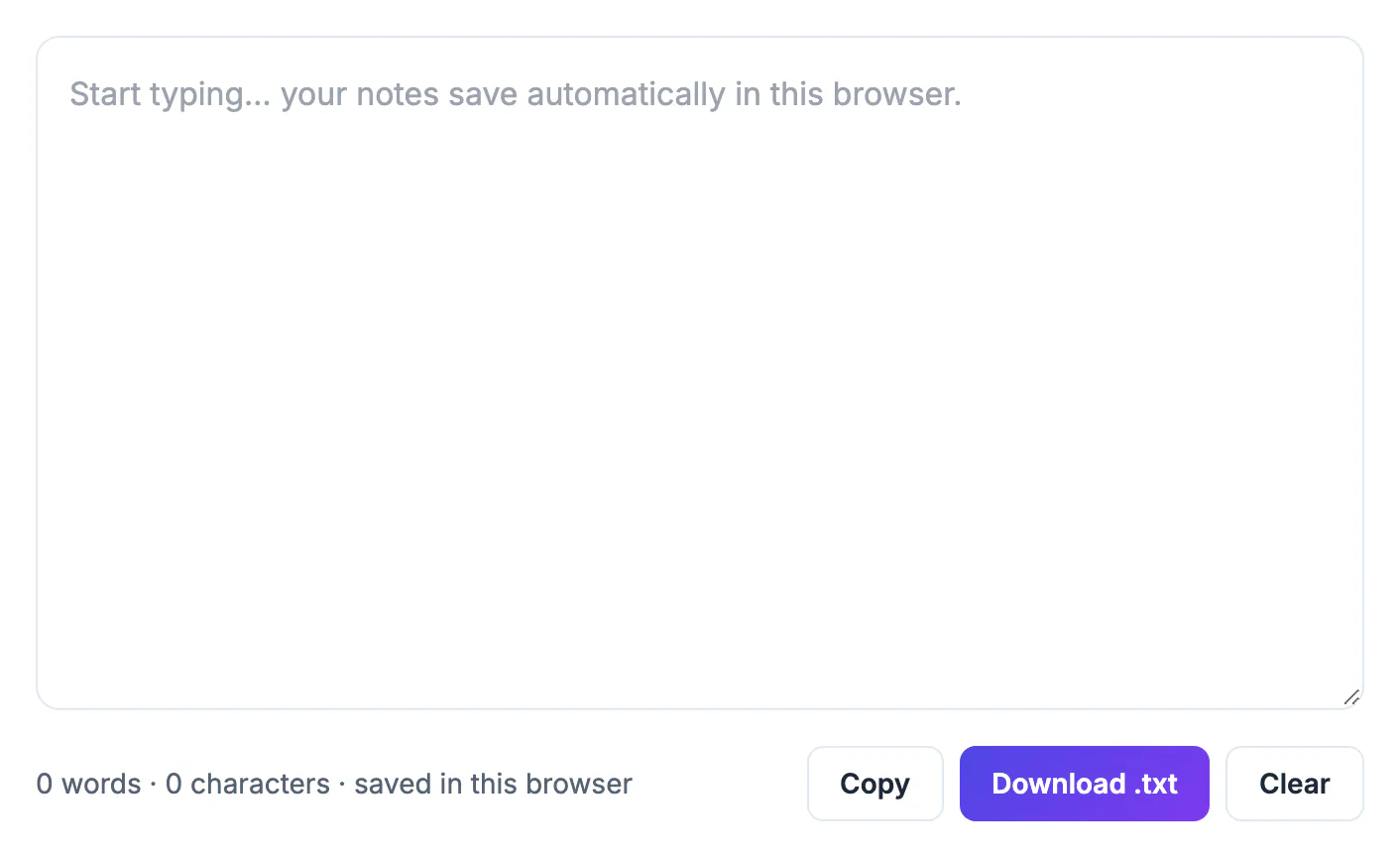
The GrabCast notepad has no toolbar, fonts, styles, comments, sharing panel or sidebar. What remains is small and useful.
- A large text box with a live status line showing words and characters, handy for a 500-word sprint or a 2,200-character limit.
- Autosave to your browser's local storage on every keystroke, so a closed tab does not cost you a paragraph.
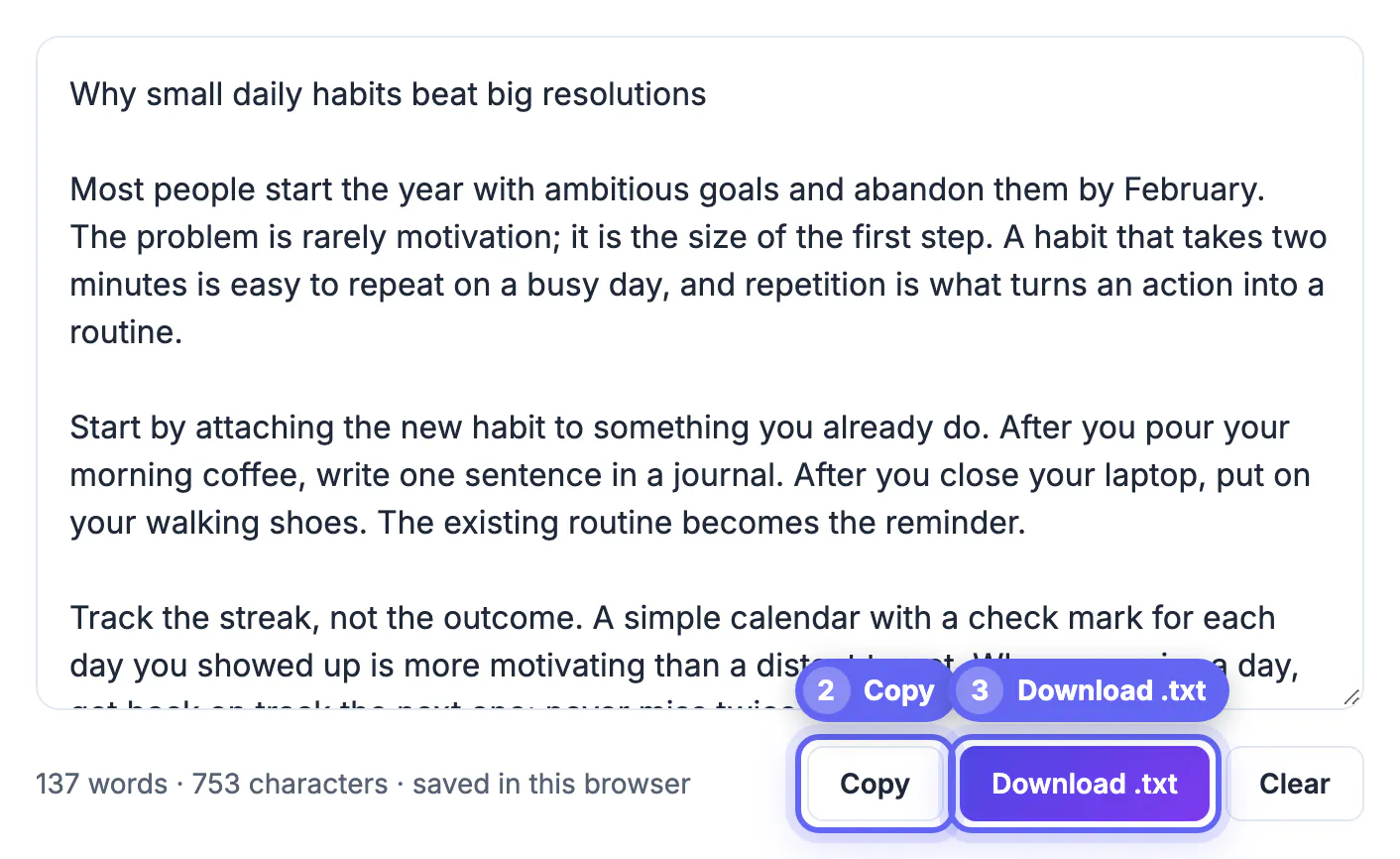
- Copy for moving the whole draft to another app, Download .txt for a notes.txt file, and Clear for starting fresh.
- No account and no upload; the draft stays on your device.
What it does not do matters just as much. There is no bold, no headings, no version history and no sync to your phone. If a draft needs structure, type Markdown marks such as # for a heading or - for a bullet; they stay readable as plain text and convert cleanly later. Your browser may still underline misspellings, since text boxes use its built-in spell check; if the squiggles tempt you to stop and fix typos, most desktop browsers let you switch spell check off in their settings.
Set up a clean writing screen in two minutes
The notepad removes clutter inside the page. The rest of the screen is up to you, and a short setup ritual helps the brain recognize that drafting has started.
- Go full screen: F11 in Chrome, Edge or Firefox on Windows, or Control+Command+F in most Mac browsers, which hides tabs and the address bar.
- Enlarge the text with Ctrl or Command and the plus key; 125 to 150 percent zoom makes a laptop screen feel like a page rather than a form.
- Turn on Do Not Disturb or a Focus mode on your computer and put the phone in another room, not just face down.
- Close every other tab. A mail tab with an unread count is the fastest way back out of a sentence.
If the box feels short, drag its lower-right corner to make it taller in most browsers. The goal is to see several paragraphs at once so you keep the thread, without scrolling back up to reread and polish what you just wrote.
Three drafting methods that suit a blank page
A plain box works best with a rule about when to stop. Pick one method per session and let the status line track progress.
- Timed freewrite: ten minutes, no deleting, no stopping. If you stall, type the last word again until the next thought arrives. Expect 250 to 400 rough words.
- Word-target sprint: set a number such as 500 words and write until the counter passes it. A 50,000-word book draft in a month works out to about 1,667 words a day, or three to four sprints.
- Bullet dump before prose: list every point a piece must make, one per line, then reorder them by cutting and pasting before writing full sentences under each.
- Morning pages, typed: write about three pages, roughly 750 words, of whatever is on your mind before other work, then clear the box without rereading.
Pairing any of these with a 25-minute focus timer adds a firm end point, which makes it easier to start. The rule that matters most is simple: no editing until the timer or target is reached. Rough sentences are the raw material; the next stage is for fixing them.
If you work in timed bursts, pair the notepad with the Pomodoro Timer to keep your sessions short and focused.
Moving a plain-text draft into your real editor
When the session ends, the draft needs a proper home for revision, comments and formatting.
- Click Copy and paste into Google Docs, Word or Pages; plain text arrives without stray fonts or colors, so it adopts the document's own styles.
- If you typed Markdown headings, run the text through a Markdown to HTML converter or paste it into an editor that understands Markdown to keep the structure.
- Click Download .txt if you want a dated archive of raw drafts, which is useful for tracking daily output across a project.
- Press Clear only after the copy has landed, since clearing cannot be undone.
Some writers keep the notepad as a permanent scratch area beside a long project, jotting stray ideas there instead of interrupting the main manuscript. That works well as long as you remember the note lives in one browser on one device; a weekly download keeps those fragments safe.
Step-by-step
Common mistakes to avoid
Pro tips
Frequently asked questions
What makes this notepad distraction-free?
It shows one plain-text box, a word and character count, and three buttons: Copy, Download .txt and Clear. There are no menus, fonts, comments or notifications to manage.
Can I format text or add headings?
Not directly, since it is plain text by design. Type Markdown marks such as # for headings and - for bullets, then convert or format them in your main editor.
Will I lose my draft if I close the tab?
No. The notepad autosaves to your browser's local storage as you type. Clearing site data, closing a private window or pressing Clear does remove it, so download important drafts.
How do I move the draft into Google Docs or Word?
Click Copy and paste. Plain text takes on the document's own styles, so there is no clean-up of stray fonts or colors.
Is it free, and do I need an account?
It is free with no sign-up. The text stays on your device and is never sent to GrabCast's servers.
Treat the distraction-free notepad as a drafting room: full screen, one stopping rule, no editing until it is reached. Let the word count mark progress, type Markdown marks when you need structure, and hand the draft to your main editor with Copy once the rough version exists.
Related guides
Browse more: all text and developer guides · the Online Notepad tool