Free Pomodoro Timer Online: Run a Full 25/5 Cycle
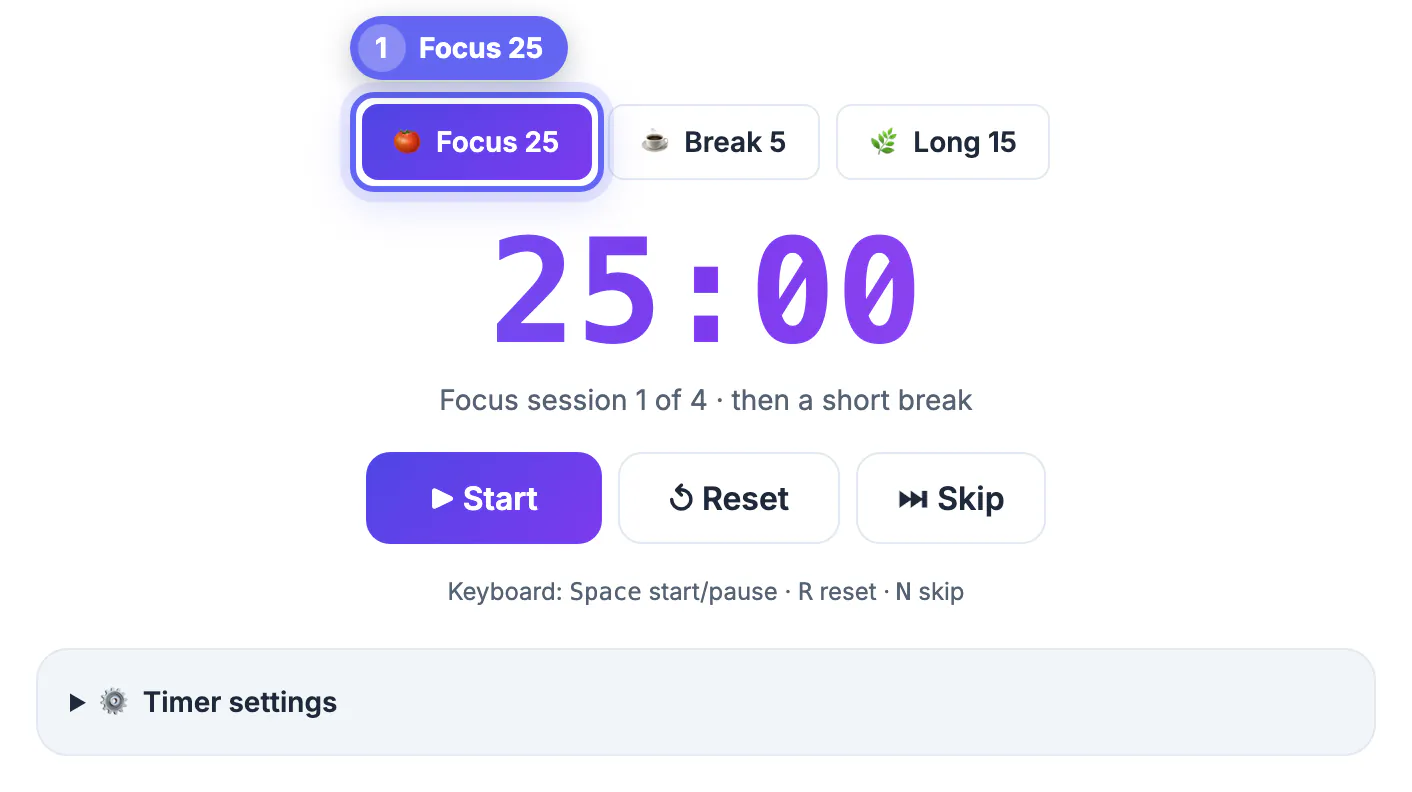
GrabCast's free Pomodoro timer online gives you three one-click presets, Focus 25, Break 5 and Long 15, plus Start, Pause, Reset and Skip, a countdown in the browser tab title and a short chime at zero. Pick Focus 25, press Start (or the Space key) and work on one task until the chime; the timer then lines up Break 5, or Long 15 after every fourth focus session, and shows which round you are on. This guide shows how to run a full four-round cycle, what to do when someone interrupts, how to set 50-minute blocks in Timer settings, and how to keep the countdown alive on a phone or a laptop that likes to sleep.
🍅 Try Pomodoro Timer now — freeOpen →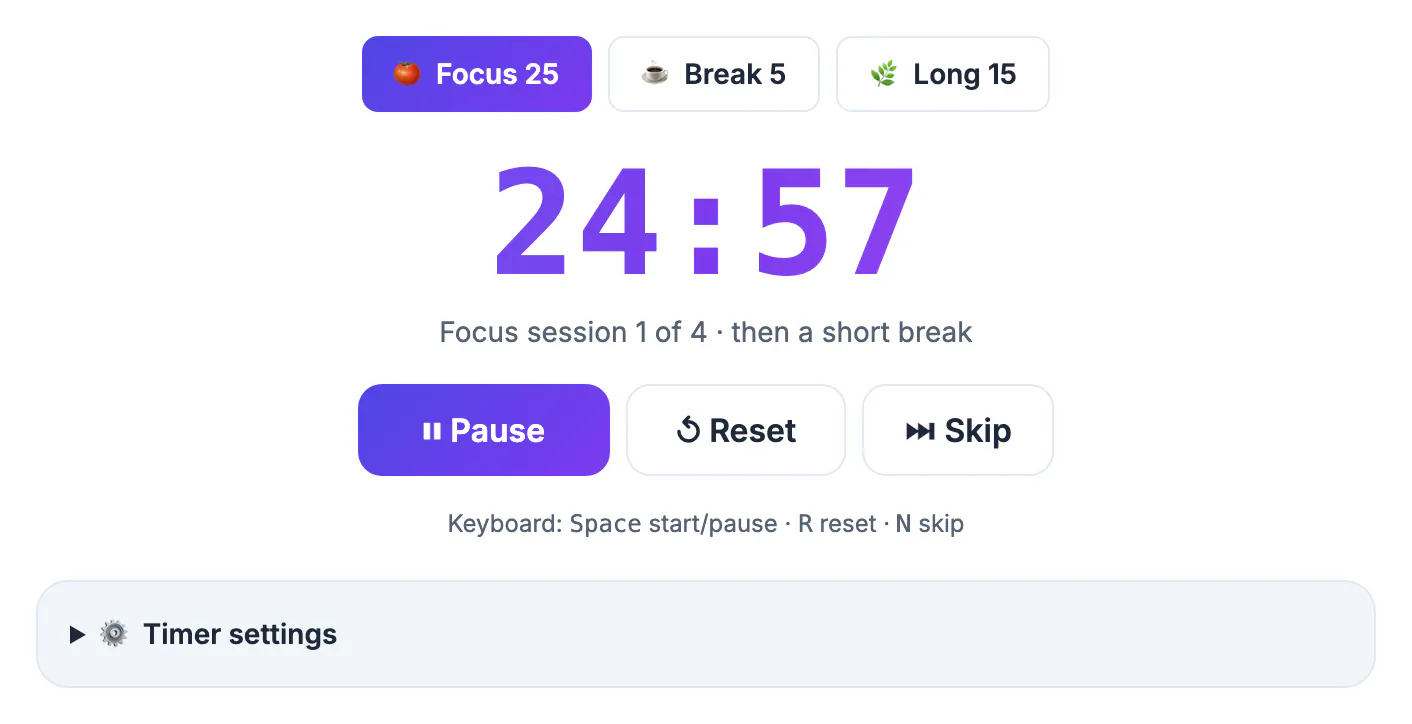
Feature-packed productivity apps offer statistics, streaks, task lists and sound themes, and each of those is one more thing to set up before you start working. This timer is ready the moment the page loads with the classic 25/5/15 lengths, and there is nothing to sync or sign in to; Timer settings is a folded panel you can ignore until you need it. By default the next session is lined up but waits for you to press Start, and many people find that small manual step helpful rather than annoying, because deciding to start the next session is a conscious commitment instead of something that happens to you. If you prefer a hands-off rhythm, tick Auto-start the next session. Your lengths and on/off choices are kept only in this browser's local storage, so nothing about your work habits is recorded on a server.
What this free Pomodoro timer does, and what it leaves to you
Knowing the exact behavior prevents surprises in the middle of a session.
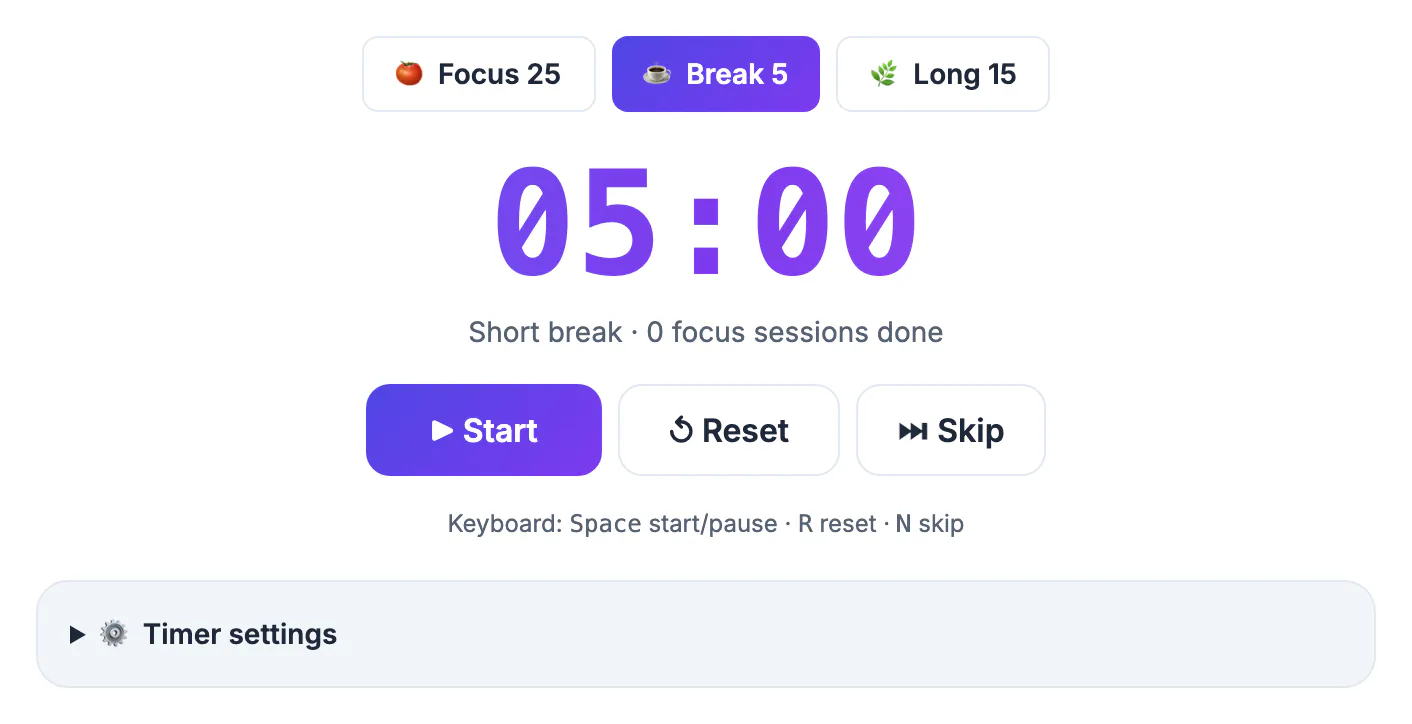
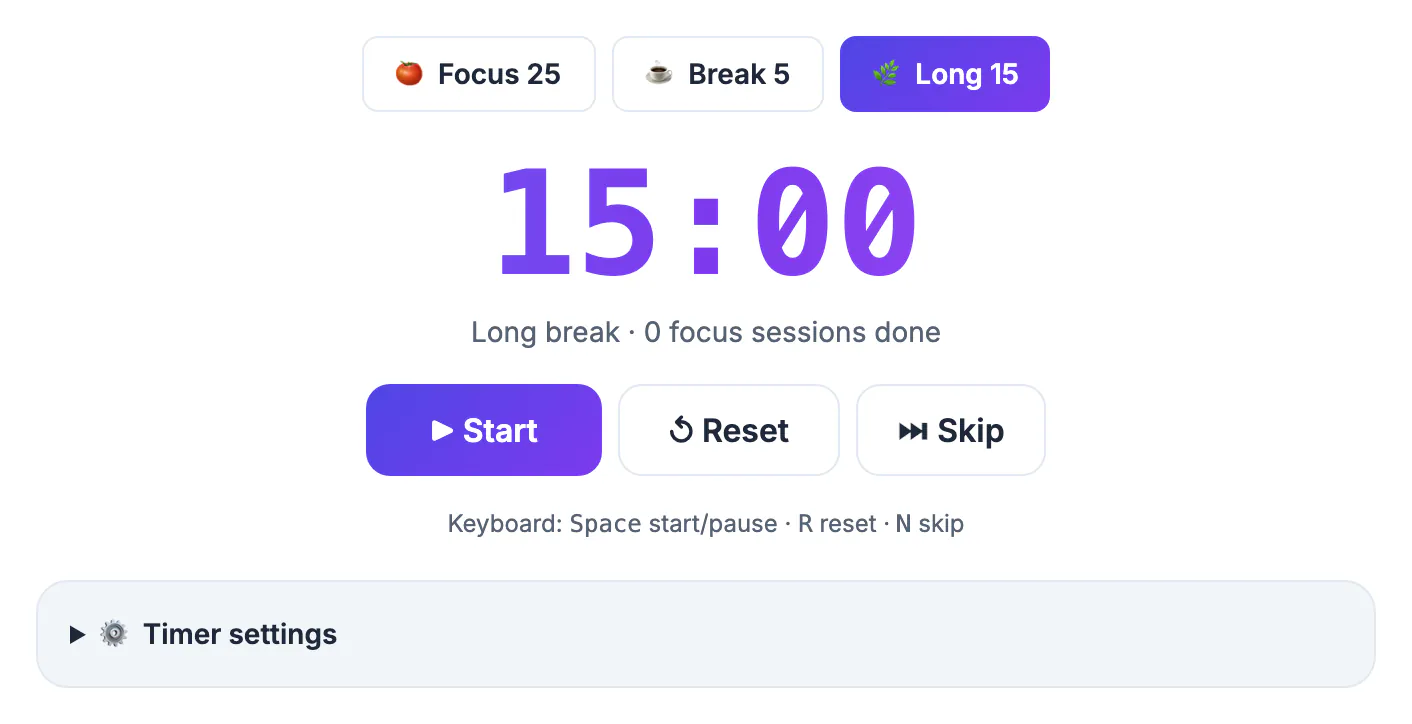
- Presets: Focus 25 sets 25:00, Break 5 sets 5:00 and Long 15 sets 15:00. Timer settings lets you change them, focus from 1 to 180 minutes, and choose how many focus sessions come before a long break; Restore defaults brings back 25/5/15.
- Start and Pause share one button, also on the Space key. Pausing freezes the remaining time, and pressing Resume continues from it.
- Reset and Skip: Reset (R) puts the current session back to its full length, and Skip (N) ends it and moves to the next one. Clicking a different preset also stops the countdown and loads the new length.
- At zero the page plays a short chime, shows a desktop notification if you turned one on, and lines up the next session. It starts on its own only when Auto-start is ticked.
While the countdown runs, the remaining time appears at the front of the tab title, such as 18:42, and because it is calculated from the clock it stays accurate in a background tab. A line under the digits shows Focus session 2 of 4, or how many focus sessions are done. There is no saved history: reloading or closing the page ends the session and resets that count, though your settings are kept. Everything runs in your browser with no account.
Running a full four-round cycle by hand
The classic cycle is four focus sessions with short breaks between them and a longer break at the end. With the default lengths, it takes a little over two hours.
- 9:00 Focus 25, 9:25 Break 5, 9:30 Focus 25, 9:55 Break 5.
- 10:00 Focus 25, 10:25 Break 5, 10:30 Focus 25.
- 10:55 Long 15, then 11:10 either a new cycle or the end of the block.
- Total: 100 minutes of focused work and 30 minutes of breaks, 130 minutes in all.
The timer counts rounds only until you reload, so keep a running tally on a sticky note or in a notepad: one tick per finished focus session. The tally doubles as a planning tool. If writing a report took seven ticks this week, you know to budget two cycles for the next one rather than guessing. Some people prefer a 20 to 30 minute long break after the fourth round; set Long break to 25 in Timer settings if you want the extra time. On heavy days, two full cycles separated by a proper lunch give 200 minutes of focused work, a solid day of deep work for most people, with meetings and email fitting into the remaining hours.
If you want to log how long your sessions really take, the Time Card Calculator adds them up, and a daily block works well for learning a language with AI.
Interruptions, overruns and the 50-minute question
Francesco Cirillo, who devised the technique in the late 1980s, treated a focus session as indivisible: if it is truly broken, it does not count, and you start a fresh one. The Pause and Reset buttons map neatly onto that rule.
- Short, avoidable interruption: tell the person you will get back to them at the break, jot it down, and keep going without touching the timer.
- Genuine emergency: press Reset, deal with it, and start a new Focus 25 later rather than resuming a half-cold session.
- A quick pause you choose: Pause is there for a doorbell or a kettle; use it sparingly, since frequent pausing erodes the point of the timebox.
- Running over: when the beep sounds mid-sentence, finish the sentence, not the section, and take the break.
For deep work that suits longer stretches, open Timer settings and set Focus to 50; the page remembers it in this browser. Pair it with a 10-minute short break and a 30-minute long break to keep a similar work-to-rest ratio, and press Restore defaults to go back to 25/5/15.
Keeping the Pomodoro timer running on phones and laptops
A browser-based countdown depends on the page staying open and awake, and devices handle that differently.
- Laptops: the countdown is based on the clock, so it stays accurate in a background tab, but a sleeping computer cannot play the chime when time runs out. Plug in or extend the sleep setting for long sessions.
- Phones and tablets: iOS and Android may pause a web page when the screen locks or you switch apps. Keep the screen on and the browser in front, or prop the phone on a stand.
- Sound: the end tone is a short chime generated on your device. Keep the volume up, turn on Desktop notification as a visual backup, and remember that muted tabs and silent mode can hide the sound.
- Findability: pin the tab in Chrome, Edge or Firefox so it stays at the left edge and the countdown in its title is always visible.
On a shared desk or in a library, headphones keep the beep from bothering neighbors. If you work across two screens, drag the timer tab into its own small window and park it in a corner; the large digits stay readable even at a reduced size.
Step-by-step
Common mistakes to avoid
Pro tips
Frequently asked questions
Is this Pomodoro timer free, and do I need an account?
It is free with no sign-up. Open the page, choose Focus 25, Break 5 or Long 15, and press Start. There is no limit on how many sessions you run.
Can I set custom lengths such as 50 or 45 minutes?
Yes. Open Timer settings and set Focus anywhere from 1 to 180 minutes, plus your own short and long breaks and how many sessions come before a long break. The settings are saved in this browser, and Restore defaults brings back 25/5/15.
Does the timer switch to a break on its own?
It lines up the next session for you: a short break, or a long break after every fourth focus session. It waits for you to press Start unless you tick Auto-start the next session in Timer settings.
Will it keep running if I switch tabs?
Yes, and the remaining time shows in the tab title. The countdown is based on the clock, so it stays accurate in the background. Closing or reloading the page resets it, and a locked phone may pause the page.
Does the timer track how many rounds I finished?
Within a visit, yes: it shows which focus session of the cycle you are on and how many are done. It keeps no history after a reload and sends nothing to a server, so a tick mark on paper works for longer-term tracking.
The GrabCast timer is intentionally lean: 25/5/15 presets you can change, a clock-based tab-title countdown, a chime and a round counter. Supply the rest yourself with a paper tally, a one-line task note and a device that stays awake, and a full 130-minute cycle becomes an easy, repeatable routine.
Related guides
Browse more: all all guides · Pomodoro Timer