Event Flyer QR Codes: Size, Placement and RSVP Links
An event flyer QR code works when it does one job: take a passer-by from a poster on a corkboard to your RSVP form, ticket page or schedule in a single scan. Get the link, the printed size and the contrast right and it will scan from across a hallway; get any of them wrong and people give up after two tries. This guide walks through a real example, a Saturday farmers market poster, and covers where to point the code, how big to print it for the distance people will stand, how to tell which flyers actually brought guests, and the proof test to run before you pay for 200 copies.
🎟️ Try the QR Code tool now — freeOpen →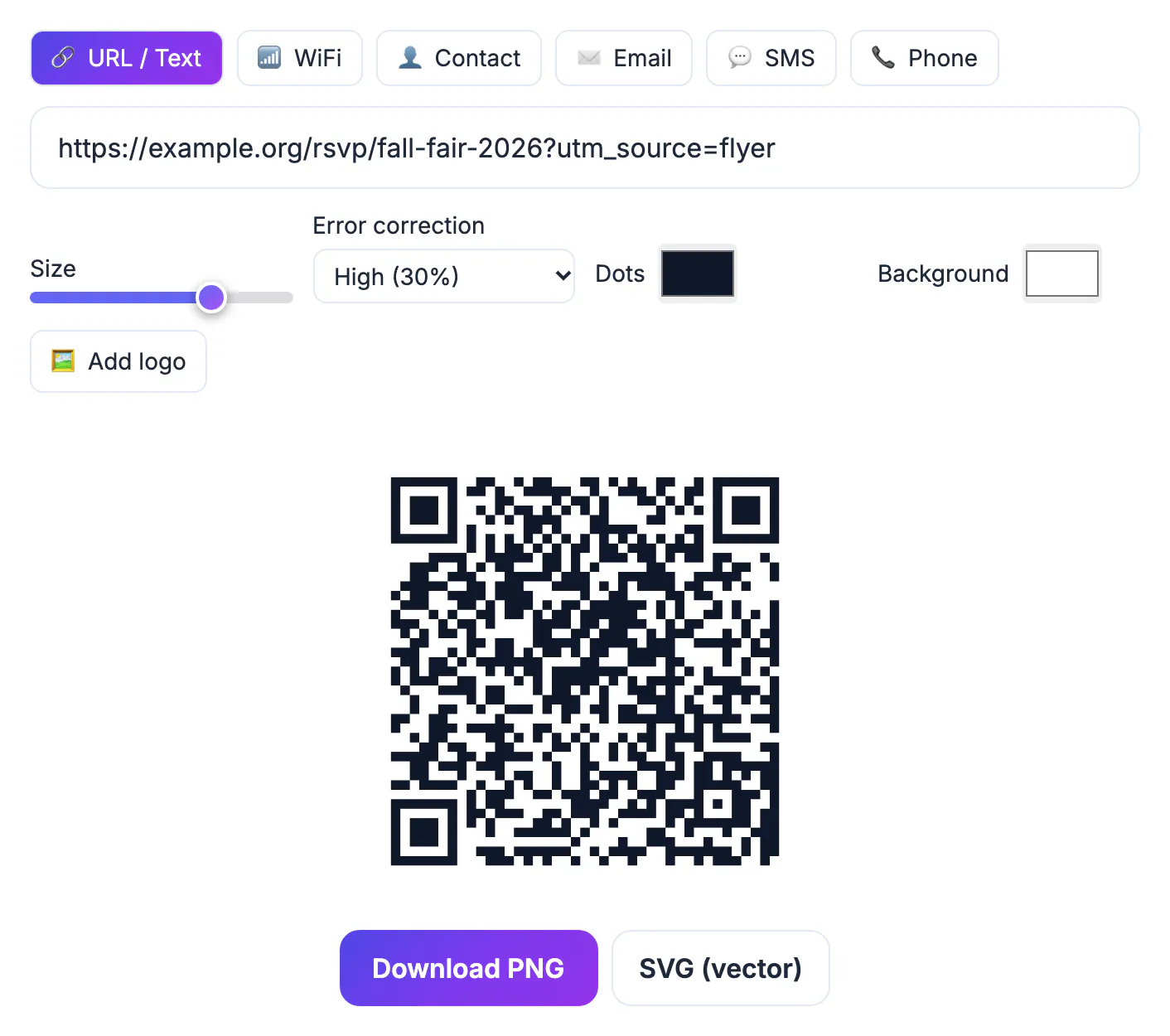
Nobody retypes a long registration address from a lamppost. A printed code turns a glance into a visit while the reader is still curious, and it lets you change what they see later because the code can point to a page you control. It also gives a small organizer something a big one has: a measurable path from paper to sign-up, so next season you know whether the library board, the coffee shop window or the campus kiosk earned its print run.
Pick the one action your event flyer should trigger
Before you create anything, decide what a scan should accomplish. For a free community event it is usually an RSVP form, because a head count drives how many chairs, tables and snacks you order. For a paid concert it is the ticket checkout page. For a recurring meetup it may be a page listing the next three dates. Choose one; a code that lands on a busy homepage with six buttons loses people on a four-inch phone screen.
Calendar adds deserve a note. GrabCast's QR Code tool offers six payload types, URL or text, WiFi, contact card, email, SMS and phone, and it has no dedicated calendar-event type. The dependable workaround is to link to an event page that carries its own Add to Calendar button, or to a hosted .ics file. That page is also where you can add parking directions, accessibility notes and a map, all of which would never fit on the printed sheet.
- Free or capacity-limited gathering: RSVP form (Google Forms, Eventbrite, your own site).
- Ticketed show: the checkout page itself, not the venue homepage.
- Series or club night: a schedule page you update each month.
- Pop-up or fundraiser: a donation or pre-order page with the date repeated at the top.
Size and contrast rules that keep it scannable
A widely used rule of thumb is a ten-to-one ratio: the code should be at least one tenth as wide as the distance people will scan from. Someone reading a letter-size poster at arm's length, roughly 20 inches, needs a code about 2 inches wide. A poster in a shop window viewed from 5 feet needs about 6 inches. Handbills and table tents held in the hand can drop to 1 inch, but rarely less.
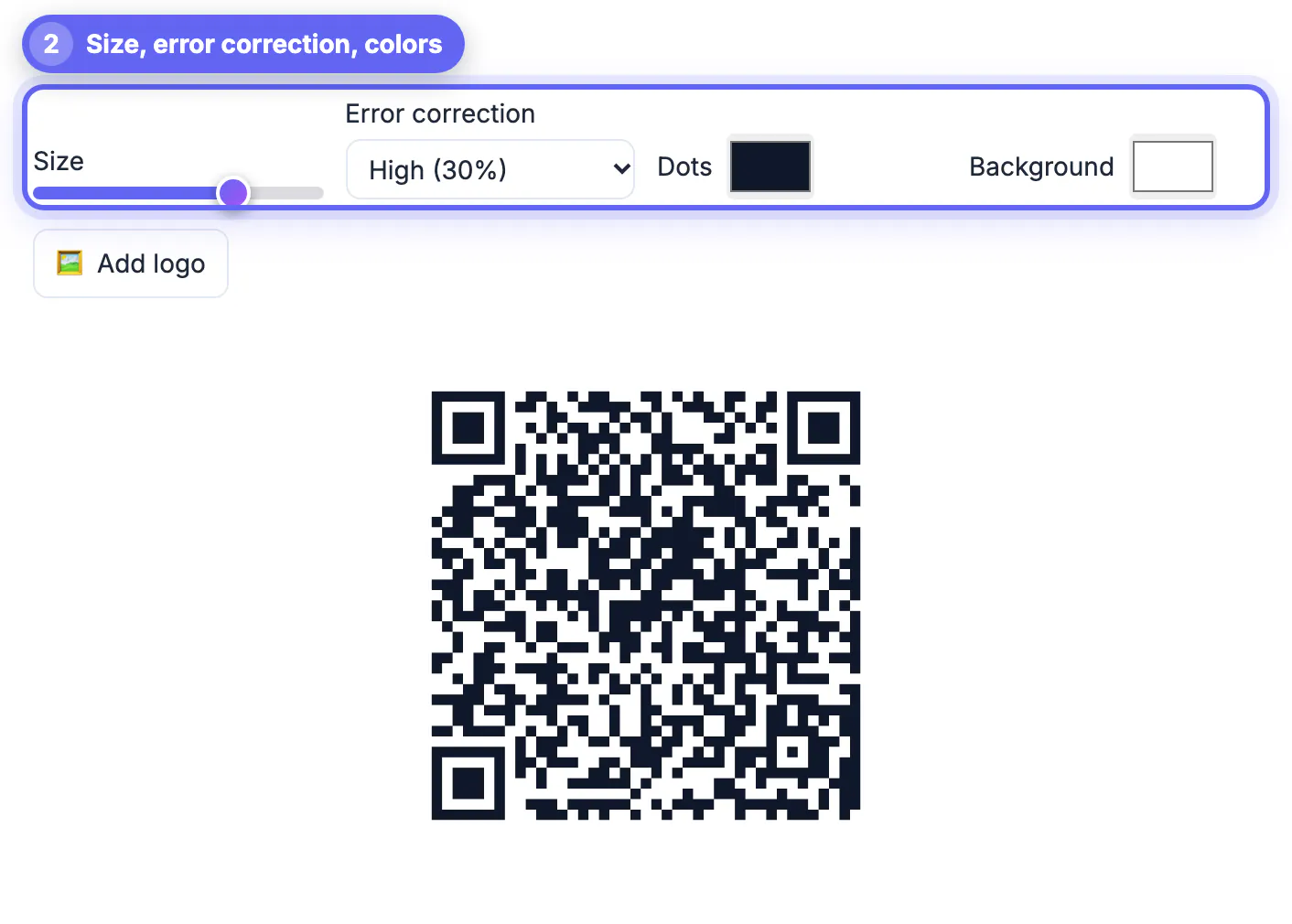
The tool gives you the controls that matter for print. A size slider sets how many pixels each module (each little square) gets, from 4 to 18. A short link of around 40 characters produces a 29-module grid, and the generator adds a 4-module quiet zone on every side, so at the top setting the PNG comes out about 666 pixels wide, roughly 2.2 inches at 300 dpi. For anything bigger, download the SVG, which is vector and stays sharp at any size the print shop needs.
- Error correction: Medium (15%) is the default; switch to Quartile (25%) or High (30%) for outdoor posters that will get rain, scuffs or staples.
- Colors: dark dots on a light background. The tool warns when contrast drops below 3:1 and when you invert to light-on-dark, which some phone cameras refuse to read.
- Logo: adding one automatically bumps correction to High and covers about a fifth of the width, so test it harder.
- Keep at least a finger's width of blank margin; do not let a photo or border touch the code.
Counting which flyers bring people
Codes made in this tool are static: the link is baked into the pattern, there is no redirect server in the middle, and nothing counts scans for you. That is a privacy plus for your attendees and it means the code never expires, but it also means measurement is your job. The simple fix is UTM tags on the link, which Google Analytics and most site builders already read.
Make one version per placement. For example, add ?utm_source=flyer&utm_medium=print&utm_content=library to the copy pinned at the library and swap the last value to cafe for the coffee shop. Each version produces a slightly different pattern, so label the files clearly. After the event, your analytics report shows visits per placement, and you can compare those against RSVPs to see which wall is worth paper next time.
- Keep tagged links short; long query strings create denser codes that are harder to scan small.
- If the page is a form on another platform, check that it keeps the tags or use that platform's own source field.
- Log each placement, date and file name in a spreadsheet as you hang them.
To compare flyers, build a tagged link with the UTM Builder and read this UTM naming guide for a clear scheme.
Proof test the event flyer before the print run
Print one copy on the actual paper at the actual size and walk it around. Scan it with an iPhone camera and an Android camera, in daylight and under the dim hallway light where it will hang, from the distance you planned for. Scan it after folding it if it is a handbill. If either phone hesitates, raise error correction, enlarge the code or simplify the link, then print another proof.
Remember that a static code cannot be edited after printing. If the destination might move, point it at a stable page you own, such as yoursite.com/market, and change what that page shows instead. Finally, put a few words of instruction beside the code, like Scan to RSVP by May 3, plus a short typed address for people who cannot or prefer not to scan.
Step-by-step

Common mistakes to avoid
Pro tips
Frequently asked questions
How big should a QR code be on a flyer?
Use roughly one inch of code width for every ten inches of scanning distance. About 2 inches suits a letter-size flyer read up close; window posters seen from several feet need 5 inches or more.
Can the code add my event straight to someone's calendar?
The tool has no calendar-event type. Link to an event page with an Add to Calendar button or to a hosted .ics file instead, which also lets you include directions and updates.
Will the code stop working after the event?
No. The link is stored in the pattern itself, so the code keeps opening that address as long as the page exists. Retire the page or redirect it to your next event.
Can I see how many people scanned it?
Not from the code itself, because nothing sits between the scan and your page. Add UTM tags to the link and read the visits in your site analytics.
PNG or SVG for printing?
SVG for print shops and large posters because it is vector and scales cleanly. PNG is fine for social posts, email invites and small digital flyers.
Point the code at one stable page you control, print it big enough for the viewing distance with dark-on-light contrast, tag each placement so you can measure it, and scan a real proof with two phones before printing the batch.
Related guides
Browse more: all all guides · the QR Code tool