QR Code for Plain Text: Free, Offline, No Link Needed
To create a QR code for plain text, choose URL / Text in GrabCast QR Code Generator, type your message instead of a web address, test-scan the preview, and download it as PNG or SVG. The words are stored inside the pattern itself, so a phone can read them with no signal, no website and no account, and the code never expires. That makes plain text codes useful for serial numbers on equipment, batch codes on product labels, clues in an escape room or instructions taped inside a machine room with no reception. This guide explains how much text fits, what different phones show when they scan it, how large to print it, and the cases where a link would serve you better.
🏷️ Try the QR Code tool now — freeOpen →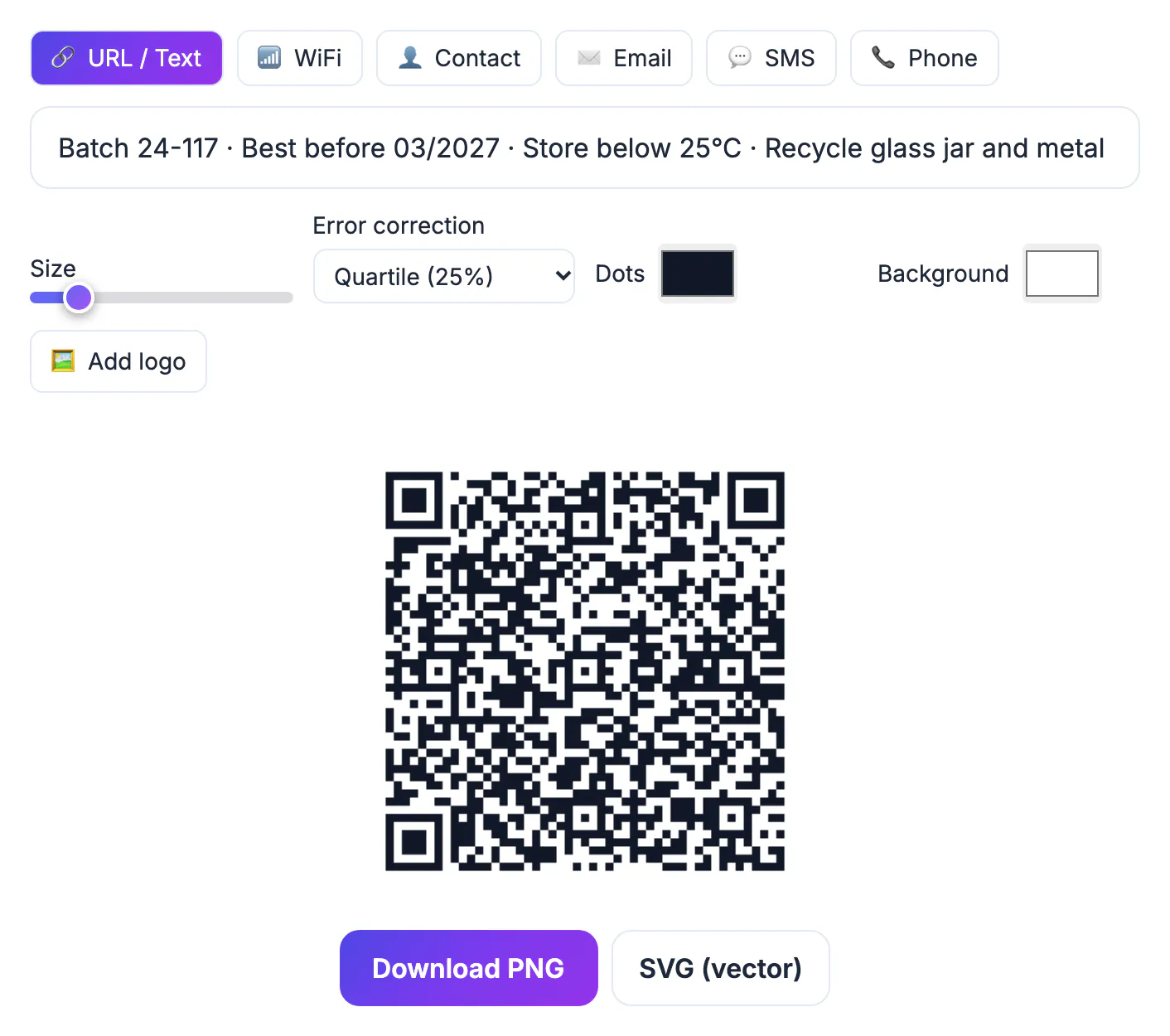
A link needs a working website and a connection at the moment of scanning, and both can fail: a domain lapses, a page moves, a basement storeroom has no signal. Plain text has none of those dependencies. The message lives in the printed square, so a technician can read an asset ID in a plant room, a visitor can read a trail marker in a park, and a customer can read a lot number years after the brand redesigned its website. It is also private by design, since scanning contacts no server and nobody can count or track the scans. The trade-off is space: a code holds a paragraph at most, and whatever you print is fixed forever.
What a phone does when it scans a plain text QR code
A phone recognizes the content type and reacts accordingly, and plain text gets the simplest treatment.
- Depending on the phone and camera app, the text appears in a pop-up or preview card, often with options to copy it, share it or search the web for it.
- On Android, Google Lens and most camera apps show the decoded text with a Copy button; on iPhone, the Camera app shows a banner you can tap to see or use the text.
- If your text looks like a web address, a phone number or an email address, the phone will usually offer to open, dial or compose instead, so write plain sentences if you want them read as text.
- No network request happens during the scan, so the code works in airplane mode, underground or abroad without roaming data.
Test with at least one iPhone and one Android phone before printing, because the wording on screen and the available buttons differ between camera apps and system versions.
How much text fits, and why shorter scans better
The QR standard caps capacity by error correction level: at the largest size, 2,953 bytes at Low, 2,331 at Medium (the default in GrabCast), 1,663 at Quartile and 1,273 at High. Real limits come much sooner, because every extra character makes the grid denser.
- A 20-character serial number fits in a 25 by 25 grid, which scans easily even when printed small.
- About 300 characters needs roughly a 69 by 69 grid, which wants to be printed around 2 inches wide to scan reliably.
- Plain English letters and digits take one byte each; accented letters usually take two and emoji four, because the generator encodes text as UTF-8.
- If the text will not fit, the tool shows a Text too long for a QR code message, and you need to shorten it or switch to a link.
The URL / Text field is a single line, so there are no line breaks. Separate items with a slash or a vertical bar, for example Model X200 | Serial 48213 | Service 2027-03, and keep the most important words first in case the phone preview truncates the rest.
To check the length first, paste the text into the Word Counter, and use the Text Cleaner to remove stray line breaks.
Good uses for a plain text QR code
Text codes shine wherever the information is short, fixed and needed on the spot.
- Asset tags on laptops, tools and lab equipment: an ID plus a support phone number that works even when the network is down.
- Product labels and packaging: batch or lot codes, a short allergy note or storage instruction that must stay readable offline.
- Games and events: scavenger hunt clues, escape room hints and trail markers that do not depend on a website staying online.
- Inventory bins and storage boxes: a list of contents that anyone can check without opening the box.
Keep secrets out of it. Anyone with a phone can read a text code, so never encode passwords, account numbers or private notes. Wi-Fi access is the one exception that has its own format: use the WiFi type in the generator instead of typing credentials as plain text.
Make, print and test the code
GrabCast builds the code in your browser; the text you type is not sent to a server, and nothing tracks later scans.
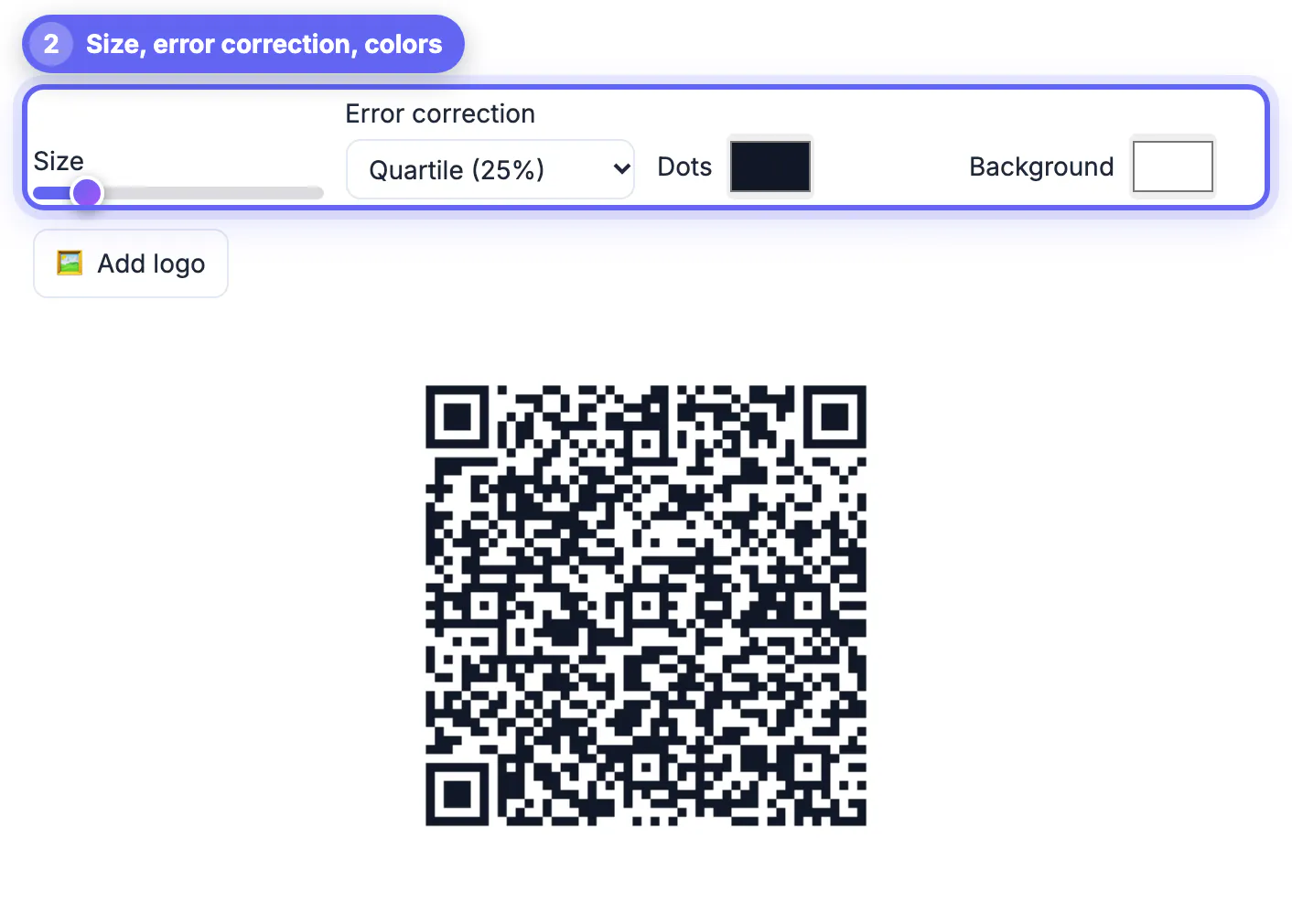
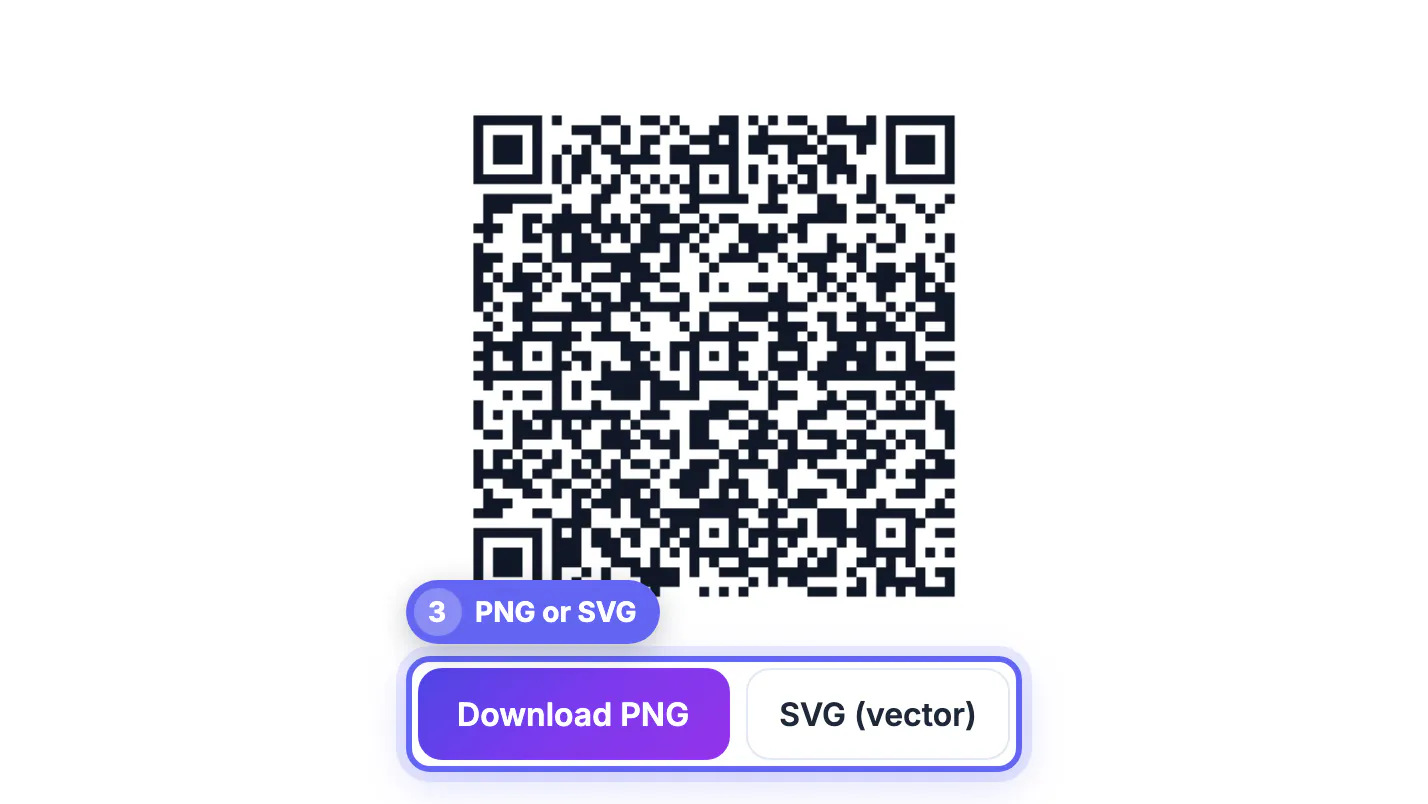
- Size slider: raises the pixels per grid cell for the PNG. For print, the SVG (vector) download stays perfectly sharp at any size.
- Error correction: Medium (15 percent) suits paper labels; choose Quartile or High for codes that will get scuffed, at the cost of a denser grid.
- Colors: keep dark dots on a light background; the tool warns about low contrast and light-on-dark combinations that some phones cannot read.
- Print at least about 1 inch (2.5 cm) wide for short text, larger for longer messages, and leave the white border around the pattern intact.
Scan the printed sample on the real material, not just the screen preview. Curved bottles, glossy stickers and folds distort the pattern, so place the code on the flattest panel available and keep the text short enough that a small print still works.
Step-by-step

Common mistakes to avoid
Pro tips
Frequently asked questions
Does a plain text QR code need the internet?
No. The text is stored inside the pattern, so a phone decodes and shows it with no connection, and no server is contacted.
How much text can a QR code hold?
Up to 2,331 bytes at the default Medium error correction, but a few hundred characters is a practical maximum for a code that scans easily at a normal print size.
Can I add line breaks?
Not in GrabCast's URL / Text field, which is a single line. Use separators such as a slash or a vertical bar between items.
Will a plain text QR code expire?
No. It is a static code with no redirect or account behind it, so it works for as long as the print survives. You cannot edit it later, though.
Can I track how many people scanned it?
No. Scans do not pass through any server, which is good for privacy but means there are no scan counts. Use a tracked link if you need statistics.
A QR code for plain text is the most durable code you can print: it needs no website, no signal and no subscription, and it never expires. Keep the message short and on one line, avoid text that looks like a link or phone number, leave private data out, and test the printed code on real phones before you print the full run.
Related guides
Browse more: all all guides · the QR Code tool