Website URL QR Code for Print Ads, With UTM Tracking
To make a QR code for a website URL, paste the full link into the URL / Text tab of a generator, download the result as SVG for print, and scan a test proof before anything goes to the printer. The harder question is how you will know whether that poster, mailer or trade-show banner actually sent anyone to your site. This guide answers both: it builds the link with UTM tags so every scan shows up in Google Analytics 4 under the right campaign, keeps the pattern light enough to read from across a room, and explains the one limit of a free static code you must plan around before printing 5,000 copies.
🔳 Try the QR Code tool now — freeOpen →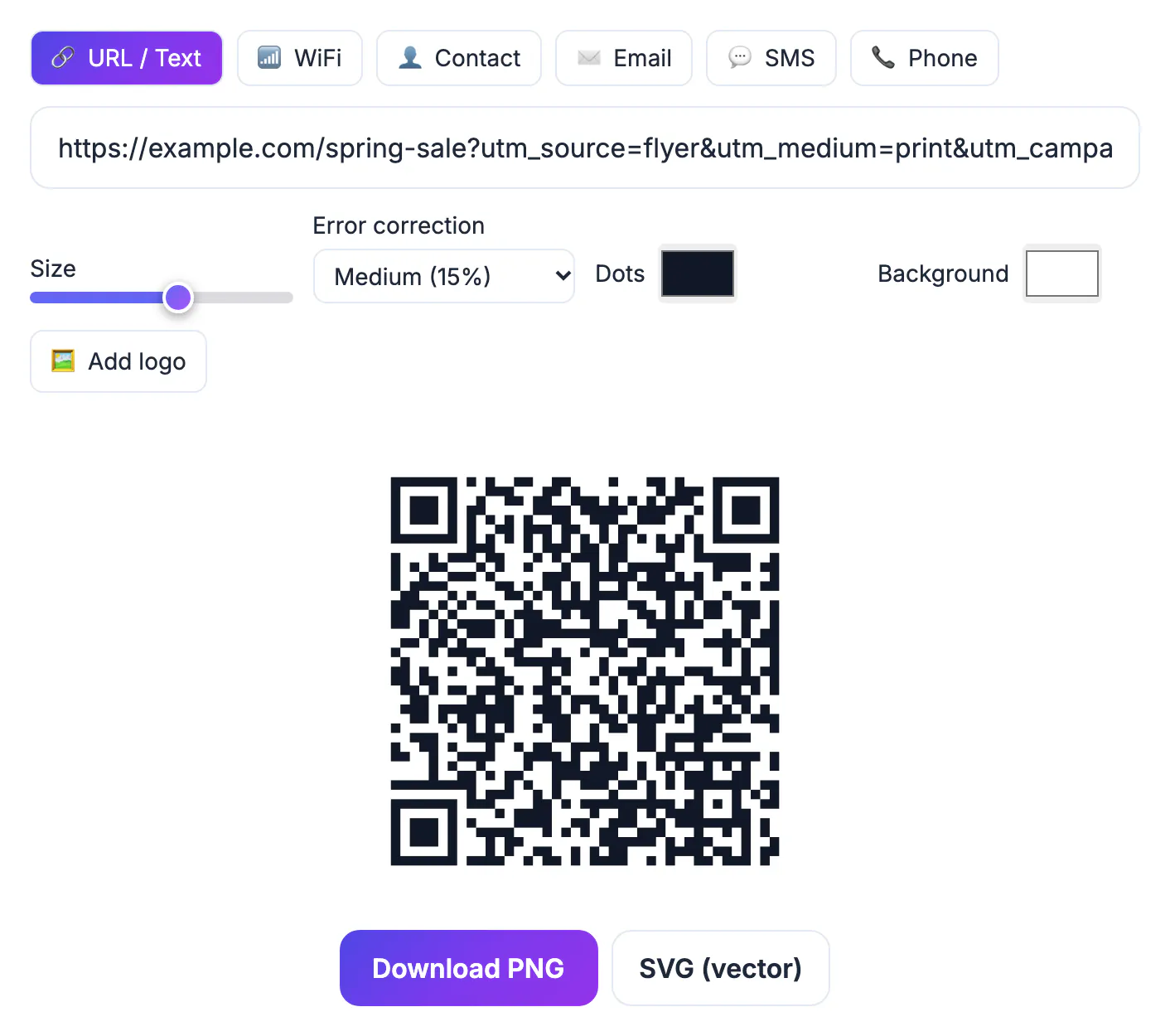
A static QR code is just your URL drawn as black and white modules. Nothing in the pattern counts scans, and nothing lets you change the destination after printing. That sounds like a weakness, but it moves the job to where it belongs: your own analytics. Tag the address with utm_source, utm_medium and utm_campaign and each scan lands in your reports labeled with the exact placement that earned it, with no third-party dashboard, subscription or expiring redirect. The code keeps working as long as your page does, which is exactly what a printed piece with a two-year shelf life needs.
Build the tagged website URL first
Decide what you want to compare before you write a single tag. A dental practice testing a mailer against a window decal needs two codes that differ only in the source value; a brand running one poster in twelve cities needs utm_content to separate the locations.
- utm_source names the specific placement: bus_shelter_5th_ave, spring_mailer, booth_banner.
- utm_medium names the channel, and should stay the same across all printed items, for example print or qr.
- utm_campaign groups everything in one push, such as spring_sale_2026, so the whole campaign reports together.
- Use lowercase with underscores. GA4 treats Print and print as two different values, which quietly splits your numbers.
- Keep a small spreadsheet of every tagged link and where it was printed. Six months later nobody remembers what flyer_b meant.
Google's free Campaign URL Builder assembles the string for you if you prefer not to type question marks and ampersands by hand. Paste the result into a browser and confirm the page loads before it goes anywhere near a printer.
Tags are easier to manage with a naming scheme, so read this guide to UTM parameters and build links with the UTM Builder.
Keep a long tracked link easy to scan
Every character you add makes the pattern denser. A bare address like https://example.com/p/bus fits in a version 2 symbol, 25 modules across, at the default Medium error correction. A full tagged link of about 95 characters needs version 6, 41 modules across. Both scan, but the denser one needs to be printed larger to read at the same distance.
- Point the square at a short path on your own domain, such as example.com/go/bus, and set that path to redirect to the fully tagged landing page.
- Use a temporary 302 redirect. Browsers can cache a permanent 301, so a phone that scanned last month may skip your updated destination.
- A redirect you control also fixes the biggest weakness of static codes: if the landing page moves, you change the redirect, not 5,000 printed postcards.
- If you use a third-party shortener, check its terms. Some free plans expire links or add interstitial ads, and a dead short link kills every printed code at once.
How the GrabCast QR Code tool builds the file
GrabCast draws the code in your browser from the text you type, so the link is not sent anywhere to generate it. The URL / Text tab is selected by default; paste the address and the preview appears straight away.
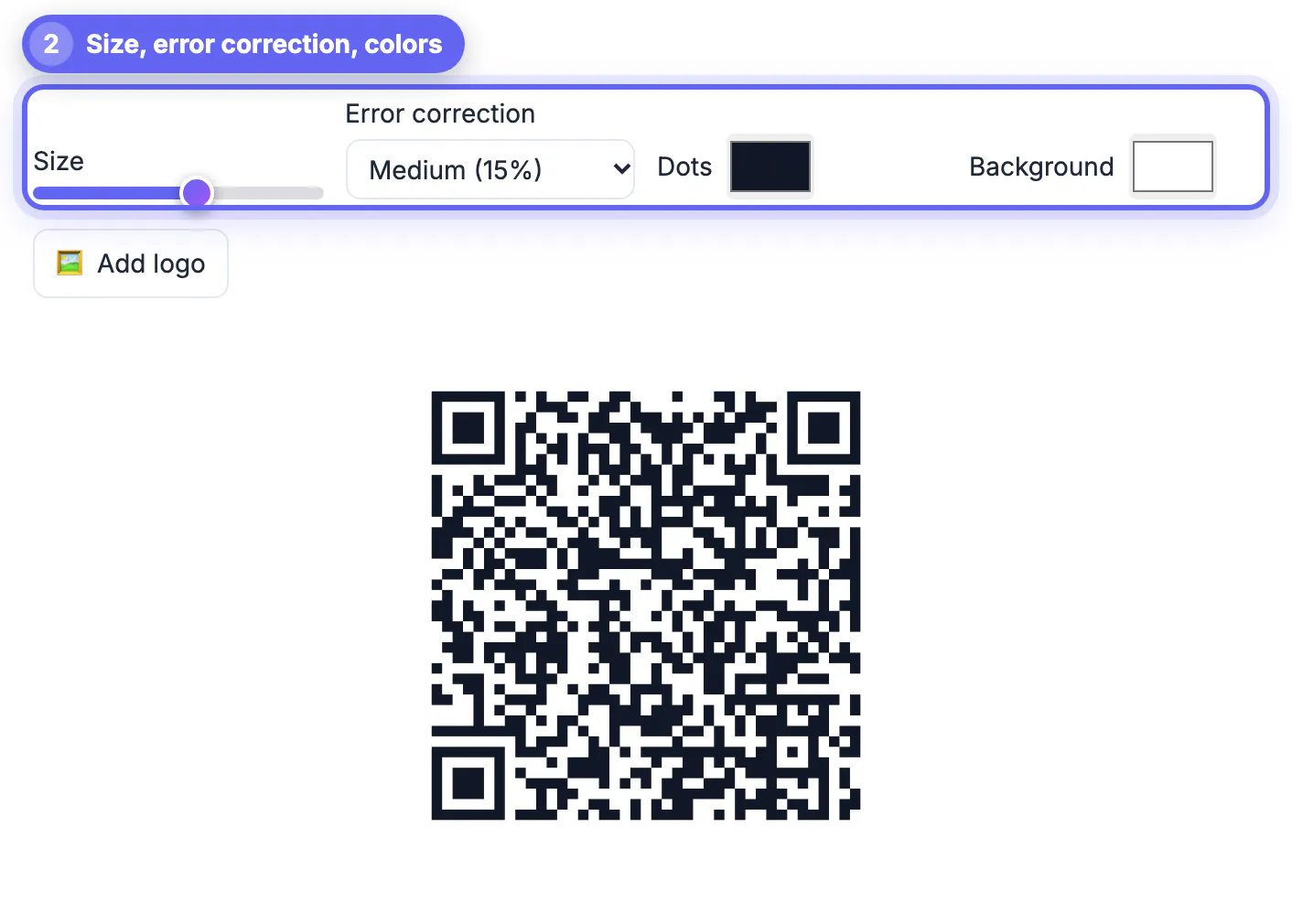
- The Size slider sets pixels per module, from 4 to 18. The PNG width is the module count plus an 8-module quiet zone, times that number, so a 41-module code at 8 comes out at 392 by 392 pixels.
- Error correction runs from Low (7 percent) to High (30 percent). Medium is the default and is right for most clean print.
- Dots and Background take any color, and the tool warns you if contrast drops below 3 to 1 or if you pick light dots on a dark background, which some phones refuse to read.
- Add logo places your image in the center on a padded patch and locks error correction to High while the logo is on.
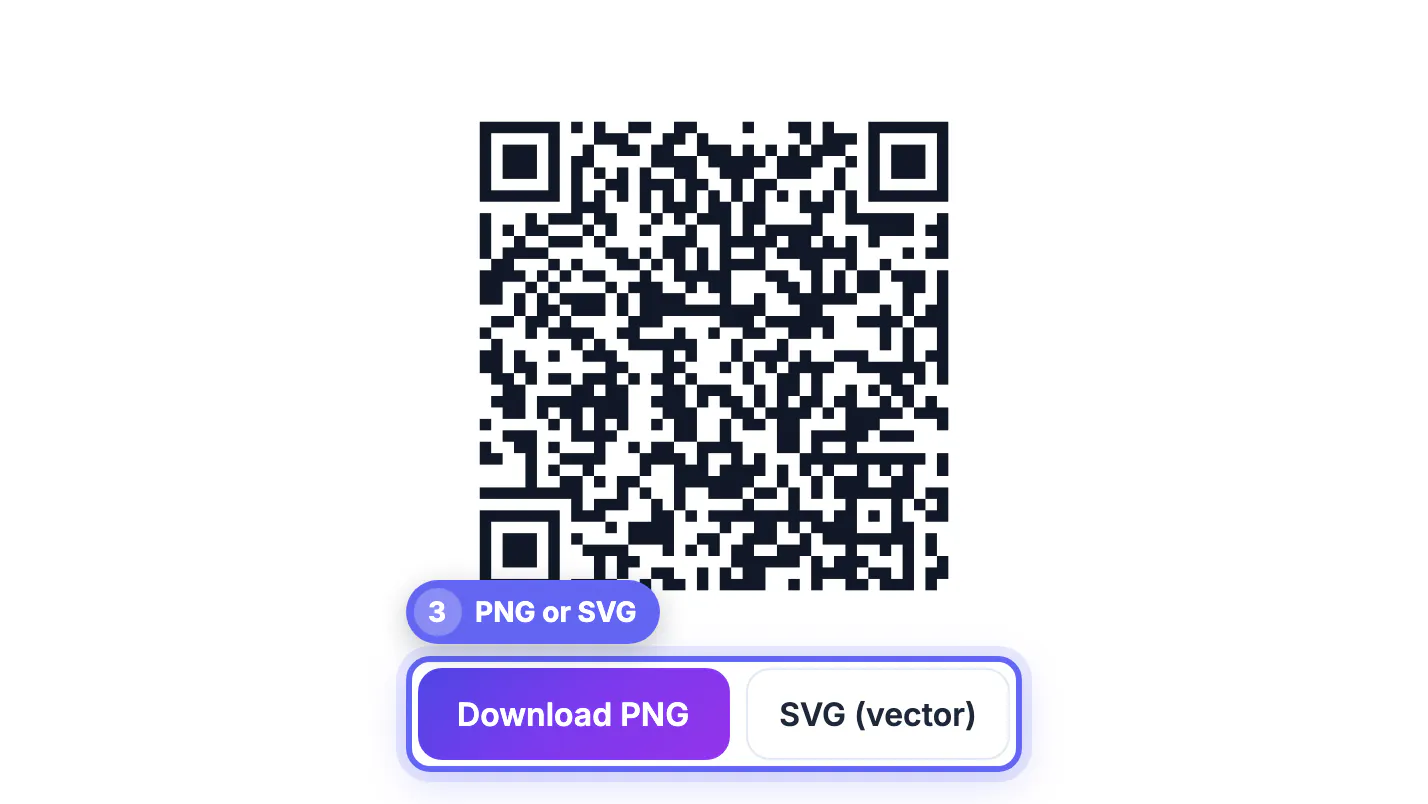
- Download PNG for screens and slides, or SVG (vector) for print. An added logo is embedded in both files; an SVG logo stays vector inside the SVG, while photo and PNG logos are embedded at up to 1024 pixels.
One honest limit: GrabCast makes static codes. It does not count scans, host redirects or let you edit a printed code later. The tagged link and your own analytics do that work.
Print the website QR code at a size that scans
Most scanning failures are about print size and placement, not the generator. A common rule of thumb is that a code scans comfortably from roughly ten times its width, so a 1 inch square works at a counter and a 10 inch square on a window reads from a few yards back.
- Never print a campaign square smaller than about 0.8 inch (2 cm), and go bigger for dense, tagged links.
- Keep the white quiet zone around the edge. Designers love to crop it tight, and scanners hate it.
- Put it at chest height where a phone is already in hand, not above a doorway or at ankle level on a sandwich board.
- Add one line of text that says what the scan delivers, like 20 percent off your first cleaning, plus the short address for people who prefer to type.
- Scan the actual printer proof with an iPhone and an Android phone, in the lighting where it will hang, before approving the run.
Step-by-step

Common mistakes to avoid
Pro tips
Frequently asked questions
Do UTM tags stop a QR code from scanning?
No. They only make the link longer, which adds modules to the pattern. A 95-character tagged link still scans reliably when printed at about 1.2 inches or larger. If the design needs a small code, point it at a short redirect on your own domain instead.
Can I count scans without a paid QR platform?
Yes, indirectly. The scan itself is not counted, but the visit it produces is. With UTM tags, GA4 or any analytics tool shows sessions, engagement and conversions per placement, which is usually more useful than a raw scan count.
Can I change where the code goes after it is printed?
Not with a static code, because the address is drawn into the pattern itself. The workaround is to print a short link on your own domain and change its redirect whenever the campaign moves.
Should the code open my homepage?
Rarely. A scan is a person with a phone who wants the thing on the poster. Send them to a page about that offer, with the same headline, and you keep the momentum the print created.
Does GrabCast store the links I turn into codes?
No. The QR Code tool builds the image in your browser from the text in the box. Nothing is uploaded to create it, and there is no account or scan database.
A website QR code is only as smart as the link inside it. Tag the address with UTM values for source, medium and campaign, route it through a short redirect you control if it gets long, and print it large enough with its quiet zone intact. GrabCast draws the square free and in your browser; your analytics does the counting.
Related guides
Browse more: all all guides · the QR Code tool