QR Code Menus for Restaurants and Shops That Scan Easily
A QR code menu works when the code points to a fast mobile page you can edit, is printed large enough on a matte card, and has a paper menu backing it up. GrabCast's QR Code tool creates a free static code for any link, with custom colors, an optional logo, adjustable error correction and PNG or SVG download for print, and it warns you if your color choice may not scan. This guide is for owners and managers of restaurants, cafes, bars and small shops who want fewer reprints and happier guests, not a gimmick on the table.
🔳 Try the QR Code tool now — freeOpen →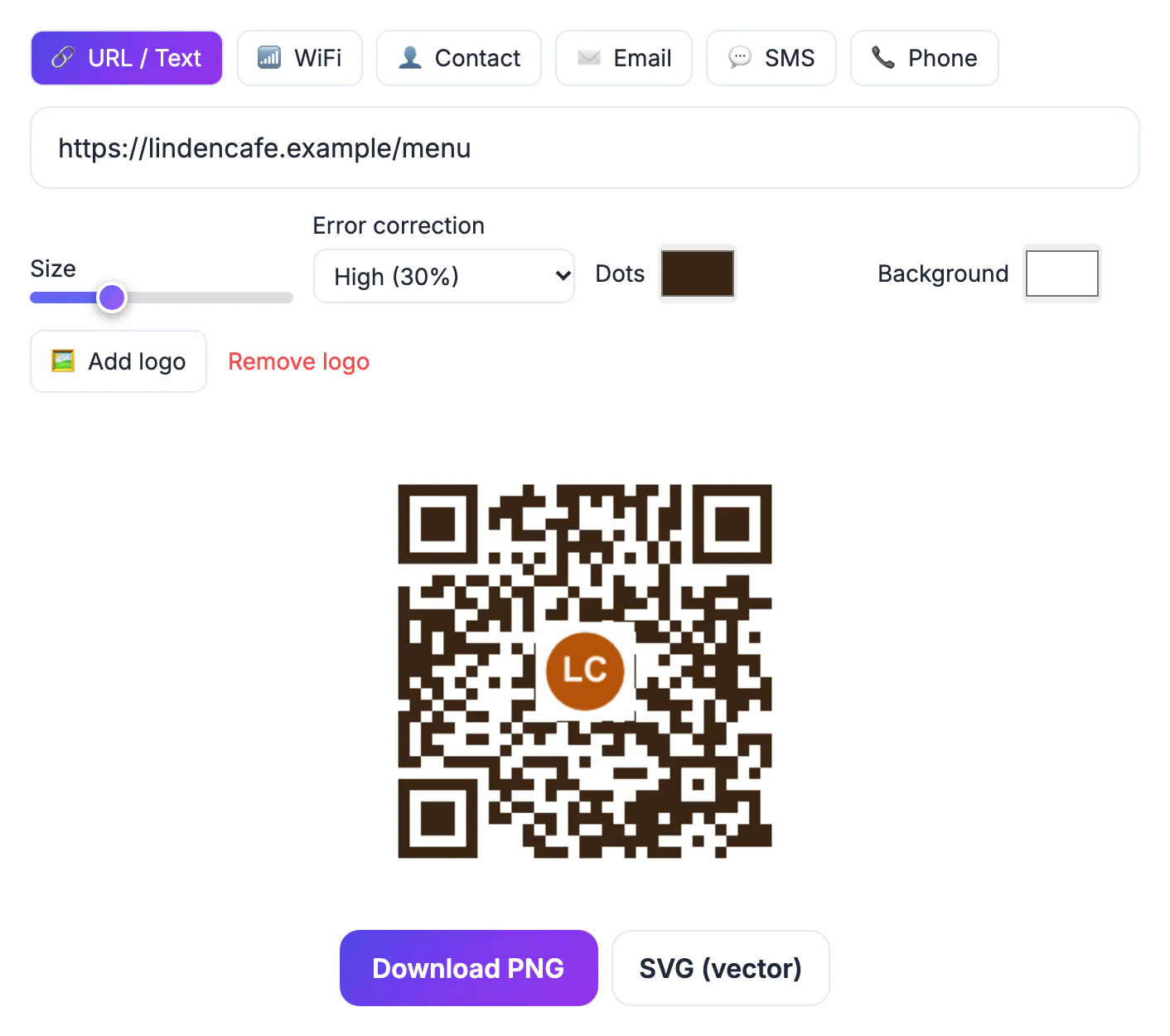
A printed menu is out of date the moment a dish sells out or a supplier raises prices. With a link behind a printed square, you edit a web page and every table sees the change at once, which cuts reprints and keeps prices and allergen notes accurate. It also helps service: guests can browse while they wait, staff spend less time handing out and wiping menus, and shops can link shelf labels to product details or reviews. The catch is experience. A slow page, a tiny code in a dim corner or a pinch-to-zoom document turns convenience into frustration, and some guests simply prefer paper, so the setup matters as much as the idea.
Point the code at a page you control
GrabCast makes static QR codes: the web address is stored directly in the pattern, so the code never expires and does not depend on anyone's subscription. The trade-off is that the address itself cannot change after printing, so choose a stable one, such as yoursite.com/menu, and update the page behind it whenever prices or dishes change. Dynamic QR services add redirects and scan statistics, but they usually require an ongoing plan and codes can stop working if it lapses.
Make the destination a mobile web page rather than a multi-page PDF. Most website builders, including Squarespace, Wix and WordPress, or your online ordering system, can host a simple menu page with sections for starters, mains, drinks and allergens. If you must use a PDF, make it single-column, portrait, and small; running it through Compress PDF to under 1 MB helps guests on weak signal.
- Static code, stable address, edit the page not the code
- Mobile page beats a zoom-and-scroll document
- Keep the page light for patchy restaurant Wi-Fi
- Short addresses make simpler, easier-to-scan patterns
Design and size the QR code for real tables
A useful rule of thumb is that a printed square scans from about ten times its width, so one read from 30 cm across a table should be at least 3 cm wide, and 4 cm (about 1.5 inches) is more comfortable. Window and wall signs read from a few meters need to be much larger. The generator adds the required quiet margin around the pattern; do not crop it when you lay out the card.
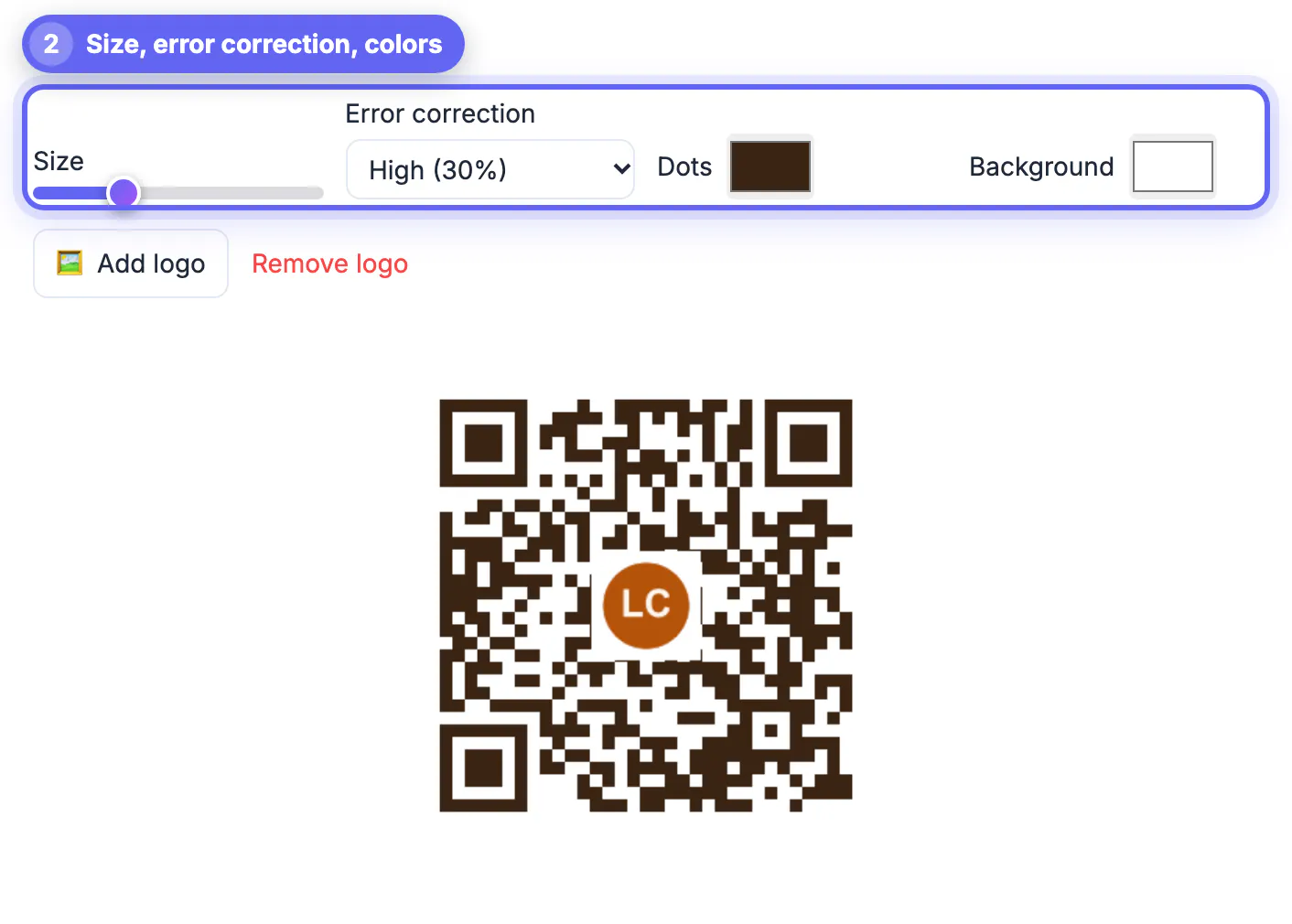
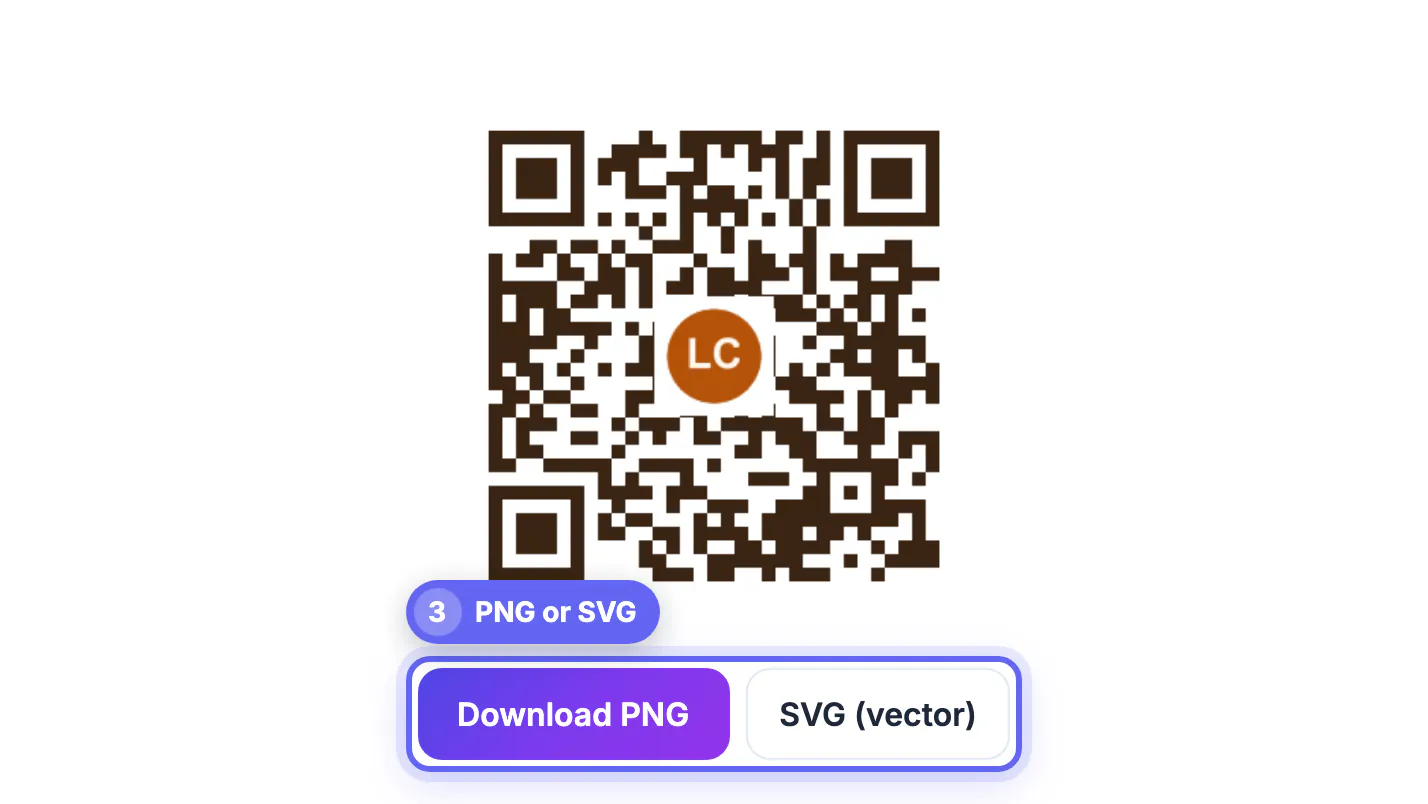
Dark dots on a light background scan most reliably. The tool flags low contrast and light-on-dark combinations that some phones struggle with. Adding a logo is possible; the tool automatically switches to High error correction, which tolerates about 30 percent damage, so the logo does not break scanning. Download SVG for print shops, since vector files stay sharp at any size, and PNG for quick use on screens and social posts.
- Size: at least one tenth of the scanning distance
- Dark on light, with the quiet margin intact
- Logo only with High error correction
- SVG for print, PNG for screens
Print and place it where guests look
Put a short instruction beside the square, such as Scan for today's menu and allergens, so people know what they will get. Table tents, stickers under a clear acrylic stand, and printed coasters all work; matte lamination avoids the glare that overhead lights create on glossy finishes. Place codes flat or slightly angled toward the seat, never in shadow or on a curved bottle.
Shops can use the same approach on shelf edges, fitting-room mirrors and the counter, linking to product details, size guides or a loyalty signup. A second code for guest Wi-Fi is a small courtesy: the QR Code tool has a Wi-Fi type that encodes your network name, password and security so guests join with one scan. Test every placement with both an iPhone camera and an Android phone before you roll it out to all tables.
- A clear prompt next to every code
- Matte finish to fight glare
- Separate Wi-Fi code for guests
- Test on iPhone and Android at the actual seat
To see which tables or posters get scans, add tags to the link using these UTM naming rules.
Keep restaurant menus accessible and working
Not every guest has a charged phone, good eyesight or a data plan. Keep a few paper menus, including a large-print copy, and train staff to offer one without being asked. Allergen information must also be reachable without a phone: in the EU and UK, venues must be able to provide information on the 14 regulated allergens, and US guests with allergies will ask staff directly, so the page should mirror what the kitchen actually uses.
Build a quick weekly check into the closing routine. Scan a few codes at random, confirm the page loads, look for worn or peeling stickers, and make sure sold-out items and price changes are live. If you ever change website platforms, keep the old menu address redirecting to the new page so printed codes continue to work.
- Paper and large-print menus on request
- Allergen details available from staff too
- Weekly scan test and sticker check
- Redirect old addresses when the site moves
Step-by-step

Common mistakes to avoid
Pro tips
Frequently asked questions
Should the code link to a PDF or a web page?
A mobile web page is better for guests. If you use a PDF, make it single-column, portrait and compressed so it opens quickly on a phone.
How do I update the menu without reprinting?
Edit the page the code points to. The printed code stays the same as long as the page address does not change.
Do codes from the QR Code tool expire?
No. They are static codes that store the link directly, so they work as long as the destination page exists.
How big should a table code be?
At least 3 cm wide for a table, with 4 cm more comfortable. Codes on windows or walls need to be larger for longer distances.
Can I track how many people scan it?
Not with a static code by itself. Add analytics to the menu page, or a UTM tag to the link, to count visits instead.
Link the printed code to a stable, fast mobile page you can edit, print it large on matte stock with a clear prompt, and test it where guests actually sit. Keep paper and allergen help available from staff, and a QR menu becomes a convenience rather than a hurdle.
Related guides
Browse more: all all guides · the QR Code tool