Do QR Codes Expire? Static vs Dynamic Codes Explained
Do QR codes expire? A static QR code never does: the link or text is written into the pattern itself, so it scans for as long as the print survives. A dynamic QR code can stop working at any time, because it only holds a short link on the provider’s server, and that redirect can be switched off when a trial ends, a subscription lapses or the company closes. Know which kind you have before you print.
🔳 Try QR Code Generator now — freeOpen →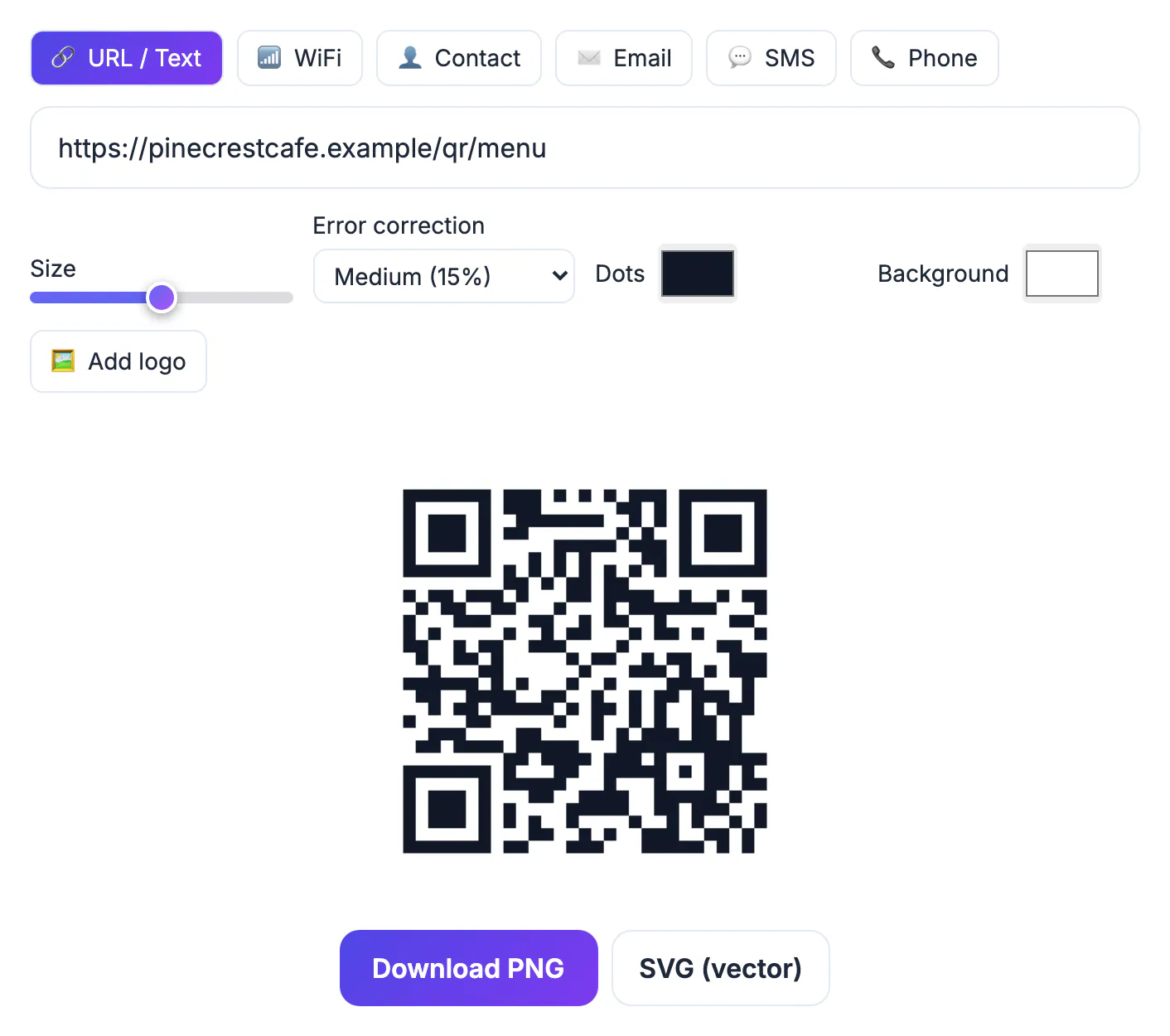
Nobody notices an expired code until customers do. A restaurant prints table tents or a brand adds a code to packaging, and months later every scan lands on an upgrade page. The pattern is fine; the service behind it is gone. Reprinting is the real cost: design time, a new print run, sometimes relabelling stock by hand. Some free generators quietly make trial-plan dynamic codes, so nobody realises a clock is running.
Static vs dynamic QR codes: where the link lives
A static QR code stores your final content directly: the full web address, the Wi-Fi details or the contact card. A phone acts on it without asking anyone’s server, which is why a static code printed years ago still scans today.
A dynamic QR code stores a short address on the provider’s domain. When someone scans it, the phone opens that short link, the provider logs the scan and forwards the visitor to your real page. That middle step enables editing and statistics, and it is the single point of failure.
- Static: content fixed at print time, no generator tracking, nothing to renew.
- Dynamic: editable destination and scan counts, but every scan depends on the provider and your account.
Do QR codes expire? Why some “free” ones stop working
Dynamic codes cost money to run. Common arrangements include a trial after which the redirect is paused, a monthly scan cap, or deletion of inactive accounts. Before printing, read what happens to existing codes when a plan ends.
- Trial ended: scans land on an upgrade page, not your menu.
- Scan cap reached: the code fails until the next billing cycle.
- Provider shut down or rebranded: the short domain stops resolving and every code on it breaks together.
- Account lost: whoever made the code left, and nobody can log in.
Dynamic codes suit paid, short campaigns. The problem is using one by accident for something printed to last.
How to tell which kind you have
Point your phone camera at the code but do not tap the link yet. Both iPhone and Android cameras show a preview of the address first.
- If the preview shows your own domain, such as yourcafe.com/menu, the code is static and points straight at you.
- If it shows an unfamiliar short domain or random characters, it is almost certainly a dynamic redirect owned by the generator.
- If it shows a URL shortener, you depend on that shortener in the same way, even if the code itself was made elsewhere.
Wi-Fi, contact and plain text codes are static by nature. Check every code you inherit from an agency or previous manager.
Make a permanent QR code you control
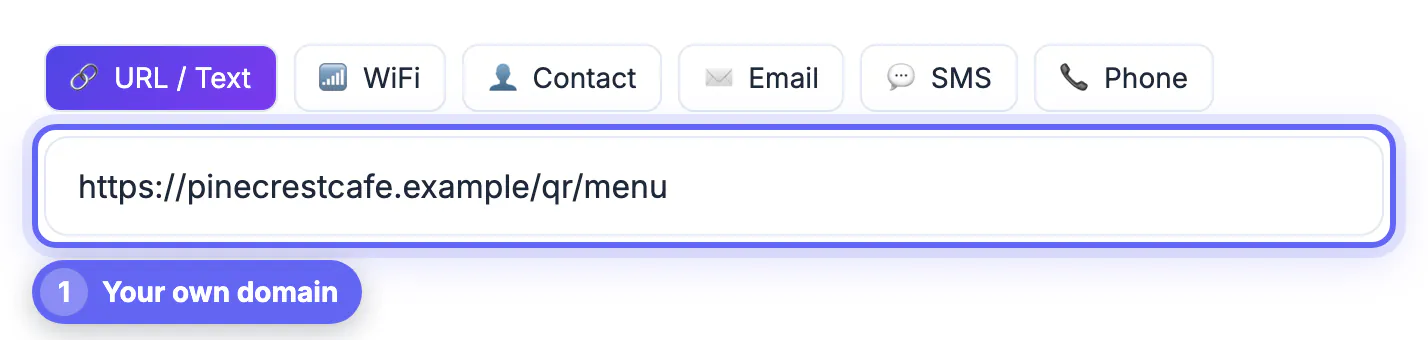
The safest setup is a static code pointing to an address on a domain you own: a redirect you control, not rent.
- Pick a short, stable path such as yourshop.com/qr/menu and publish it before printing.
- If the destination may change, set that path up as a redirect in your website host or CMS; you edit the redirect, not the printed code.
- Renew the domain on auto-pay and keep the login in a shared password manager; a lapsed domain breaks codes too.
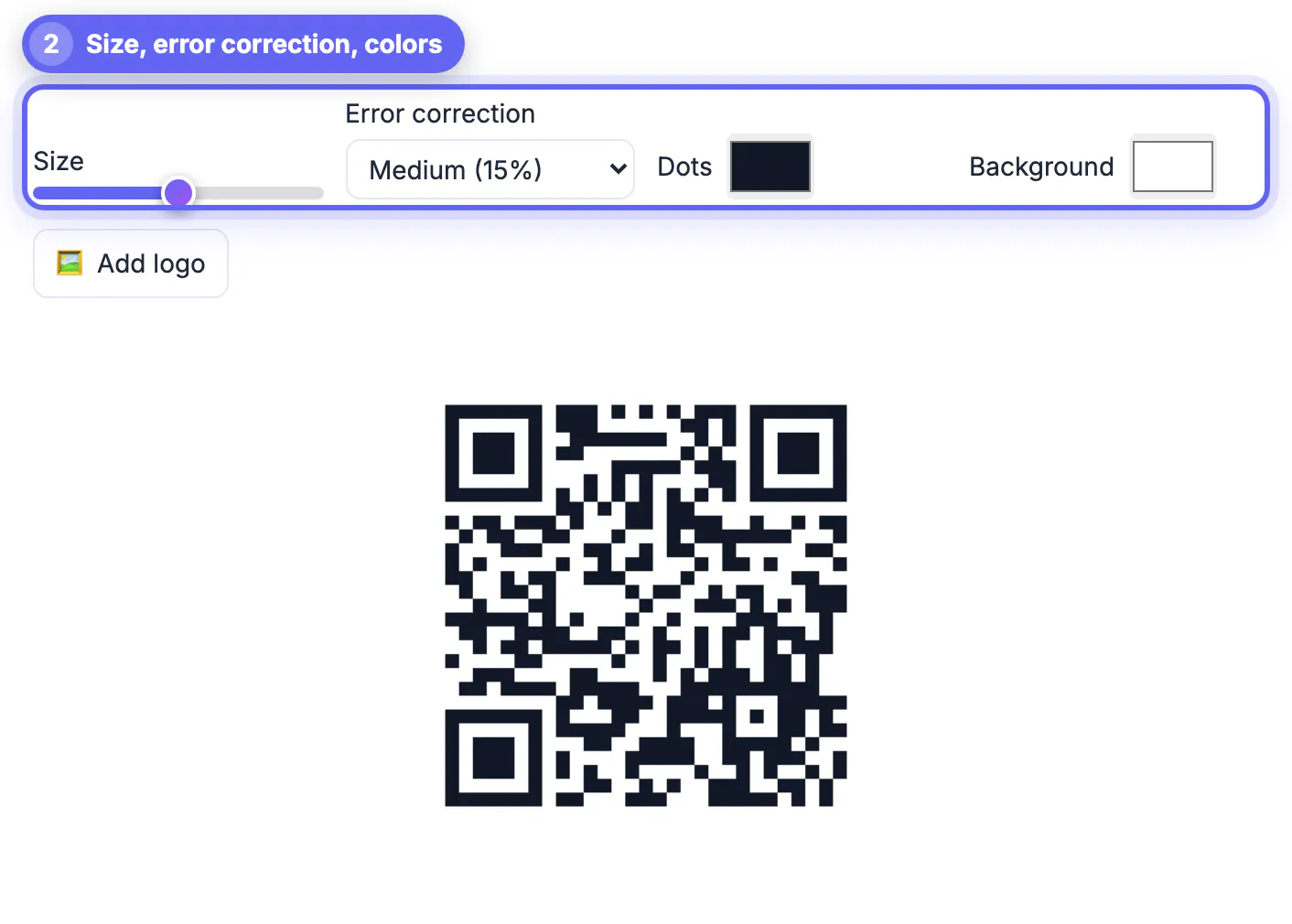
- Make the code with a static generator. GrabCast’s QR Code Generator builds it in your browser from the URL you type, so the address inside the pattern is exactly yours, with no GrabCast redirect and no scan limit.
- Need scan counts? Add UTM tags to the link and read them in your own analytics instead of the generator’s dashboard.
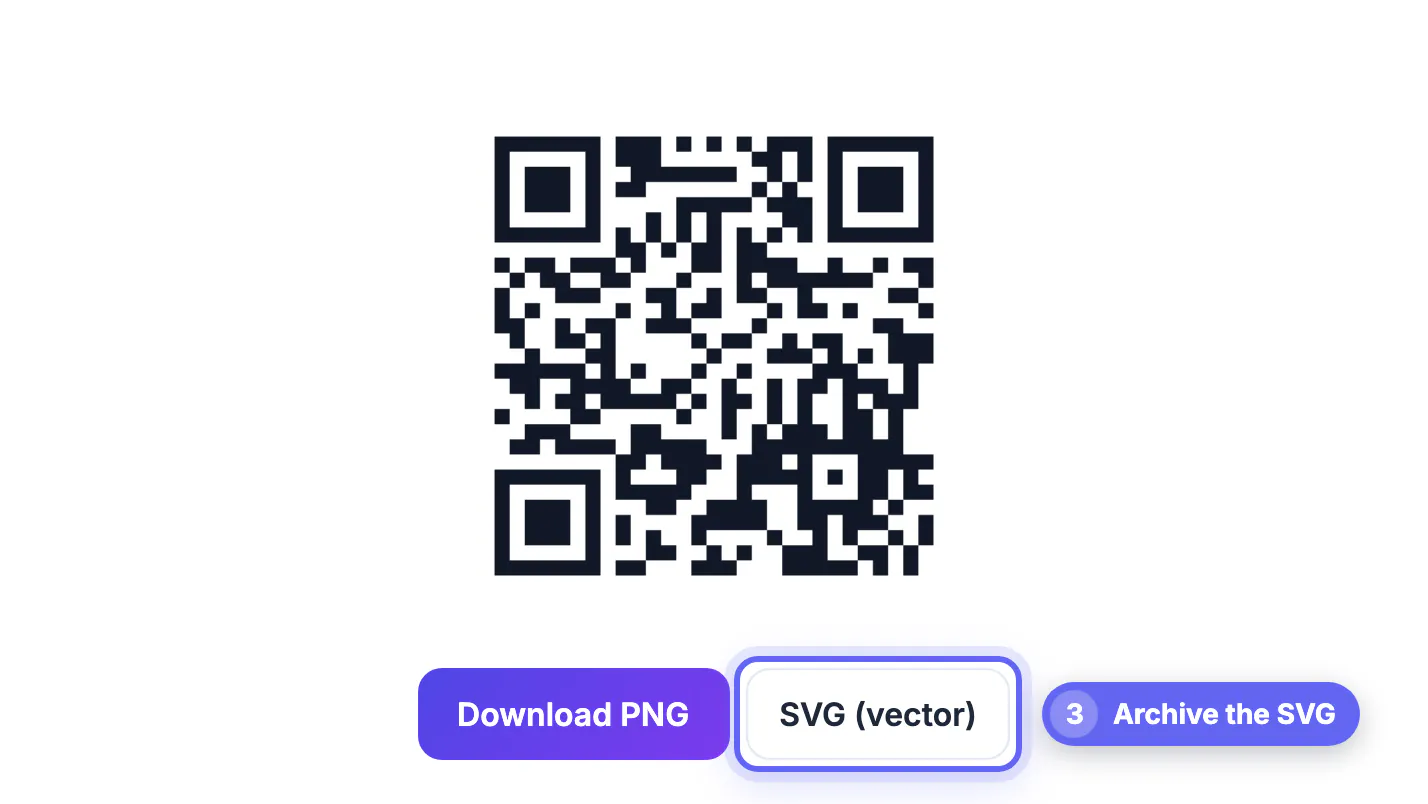
For print, download the SVG so the code stays sharp at any size.
What to do with a code that has stopped working
If a printed code now leads to an error page, first work out which kind it was. Scan it and read the preview address. When the address points to a third-party domain, the redirect was probably switched off, so you cannot repair the printed code itself.
- Contact the provider to ask whether the account can be restored or the link transferred.
- Create a new static code for the correct destination.
- Replace the printed copies, or cover the old code with a sticker carrying the new one.
- Keep the source file so you can reprint without recreating it.
For building the replacement, creating a QR code in four steps explains type, style, testing and saving, and a website URL QR code with tracking shows how to measure scans without a paid subscription.
Questions to ask before you buy a QR service
Ask what happens to your codes if you cancel, whether you can export them, who owns the domain used for the redirect, and whether scan data is shared. A reputable service answers plainly. If the terms are vague, use a static code on your own domain instead.
Step-by-step
Common mistakes to avoid
Pro tips
Frequently asked questions
Do QR codes expire?
Static codes do not. Dynamic codes can stop when the provider’s redirect is turned off.
Does a GrabCast QR code expire?
No. The codes are static and generated in your browser, with no redirect and no scan limit. They only stop working if the address you put inside them goes offline.
Can I edit a static QR code after printing?
Not the code. Point it at your own domain and change that URL’s redirect instead.
Can I see how many people scanned a static code?
Yes, in your analytics, via UTM tags.
Is a dynamic QR code ever the better choice?
Yes, for short paid campaigns that need built-in statistics, not for long-lived print.
QR codes only expire when something between the scan and your content disappears. Use a static code pointing at a domain you own, keep the domain renewed, and a trial can never force a reprint.
Related guides
Browse more: all all guides · QR Code Generator