WiFi QR Code for Guests: Safe Setup and a Printable Sign
A WiFi QR code lets a guest point their phone camera at a sign and join your network without typing the password. Build it on a separate guest network, enter the exact network name and password, pick the matching security type, then print it large and test it on both an iPhone and an Android phone. This guide is written for Airbnb hosts, cafe owners, small offices and anyone tired of spelling out a 20-character password to visitors; it covers how the format works, the settings that trip people up, and how to keep a scan-to-join sign from becoming a security hole.
📶 Try the QR Code tool now — freeOpen →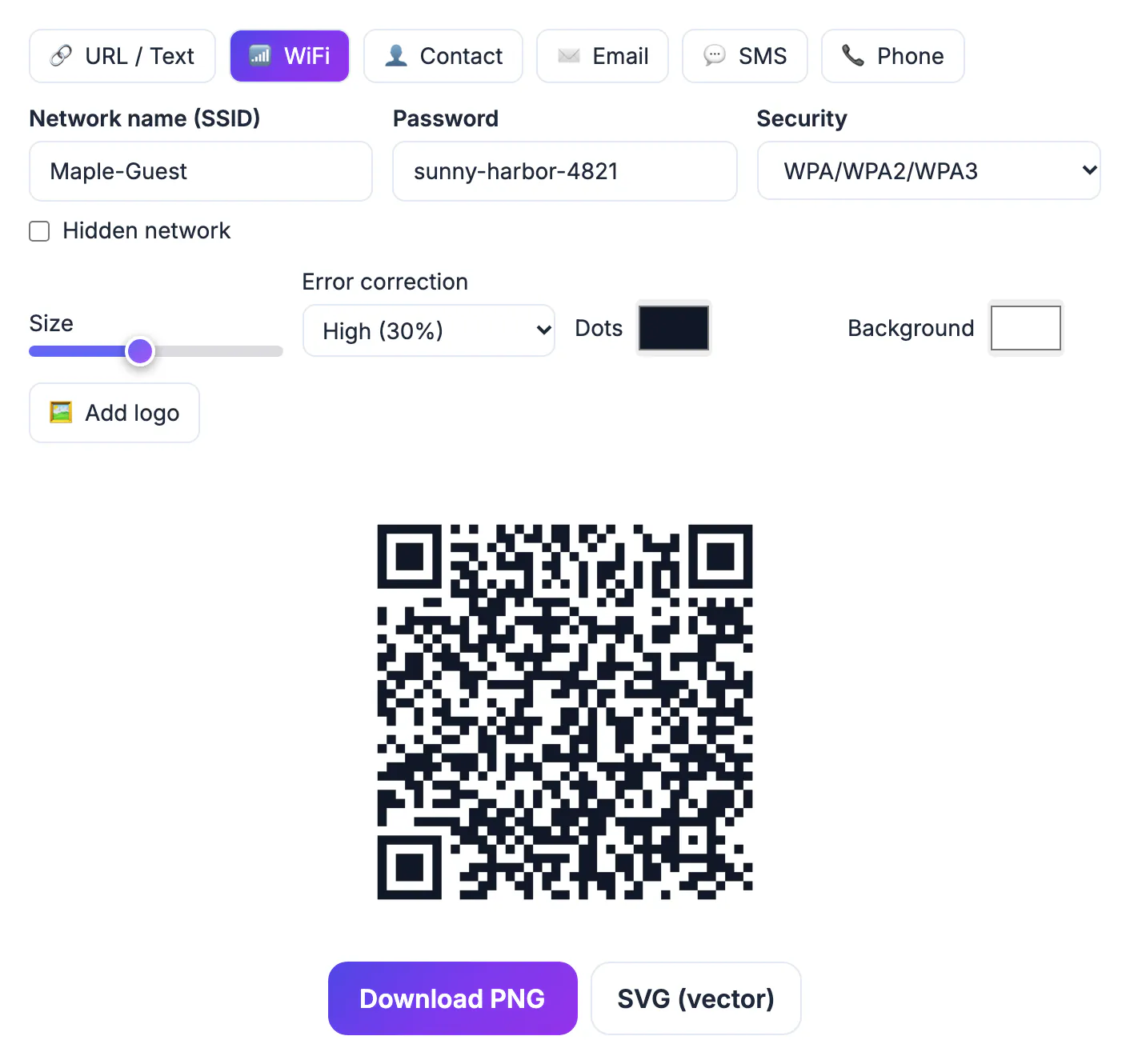
The WiFi password is written into the square in plain text. Any scanner app, and many phone cameras, will show it to whoever photographs your sign, and it will keep working after that guest leaves. That is fine for a network meant for visitors and a real risk for the one your laptop, NAS and smart locks live on. Almost every router sold in the last several years can run a guest network that reaches the internet but cannot see your other devices. Set that up first, give it its own password, and the sign on the fridge becomes a convenience instead of a liability.
What a WiFi QR code actually contains
Phones recognize a simple text format that starts with WIFI: and lists the security type, the network name and the password. For a network called Maple Loft Guest with WPA security it looks roughly like WIFI:T:WPA;S:Maple Loft Guest;P:yourpassword;;. When the camera reads that text it offers to join, and the guest taps once.
- iPhones have joined WiFi from the built-in Camera app since iOS 11; tap the Join network banner.
- Android 10 and later read it from the camera or the QR scanner in Quick Settings; on older phones, Google Lens handles it.
- Semicolons, commas, colons, backslashes and quote marks have special meaning in this format, so they must be escaped. GrabCast does that for you.
- Because the network name is case sensitive, Maple Loft Guest and maple loft guest are different networks as far as a phone is concerned.
Set up the WiFi QR code in GrabCast
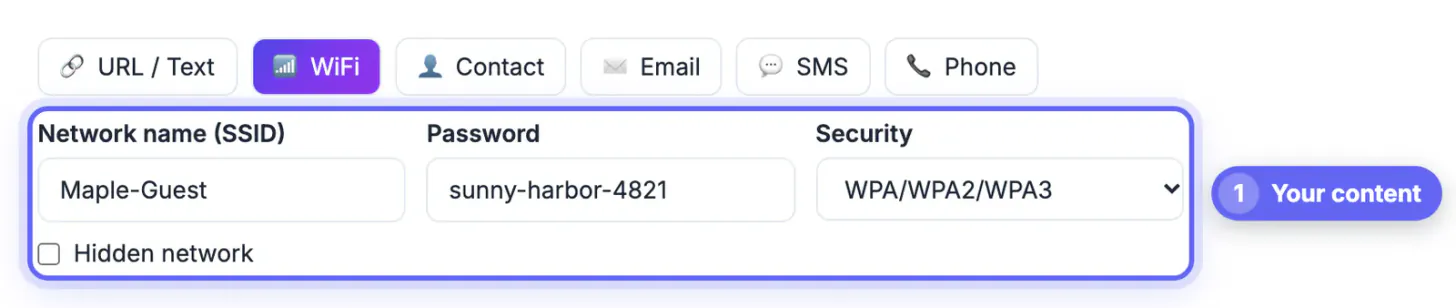
Open the QR Code tool and pick the network tab labeled WiFi. It shows three fields and a checkbox, and it builds the code in your browser, so the password you type is not sent to a server.
- Network name (SSID): copy it from your router app or the phone that is already connected, character for character.
- Password: the visitor network password. The tool trims spaces at the start and end, so avoid passwords that begin or end with a space.
- Security: WPA/WPA2/WPA3 for nearly every modern router, WEP only for very old equipment, or None (open) for a network without a password.
- Hidden network: tick this only if the router does not broadcast its name. Hiding the name adds no real security and makes joining slower on some phones.
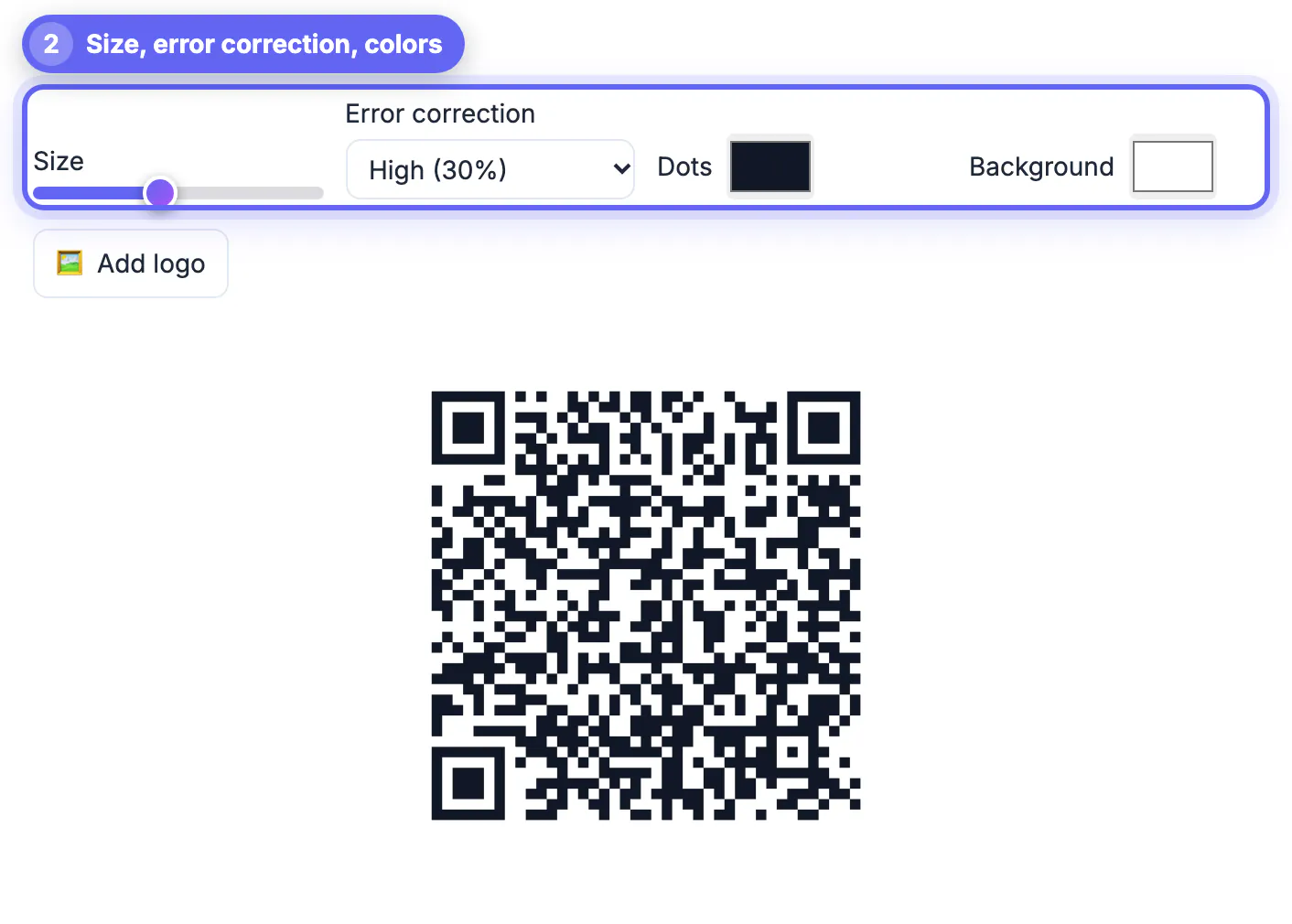
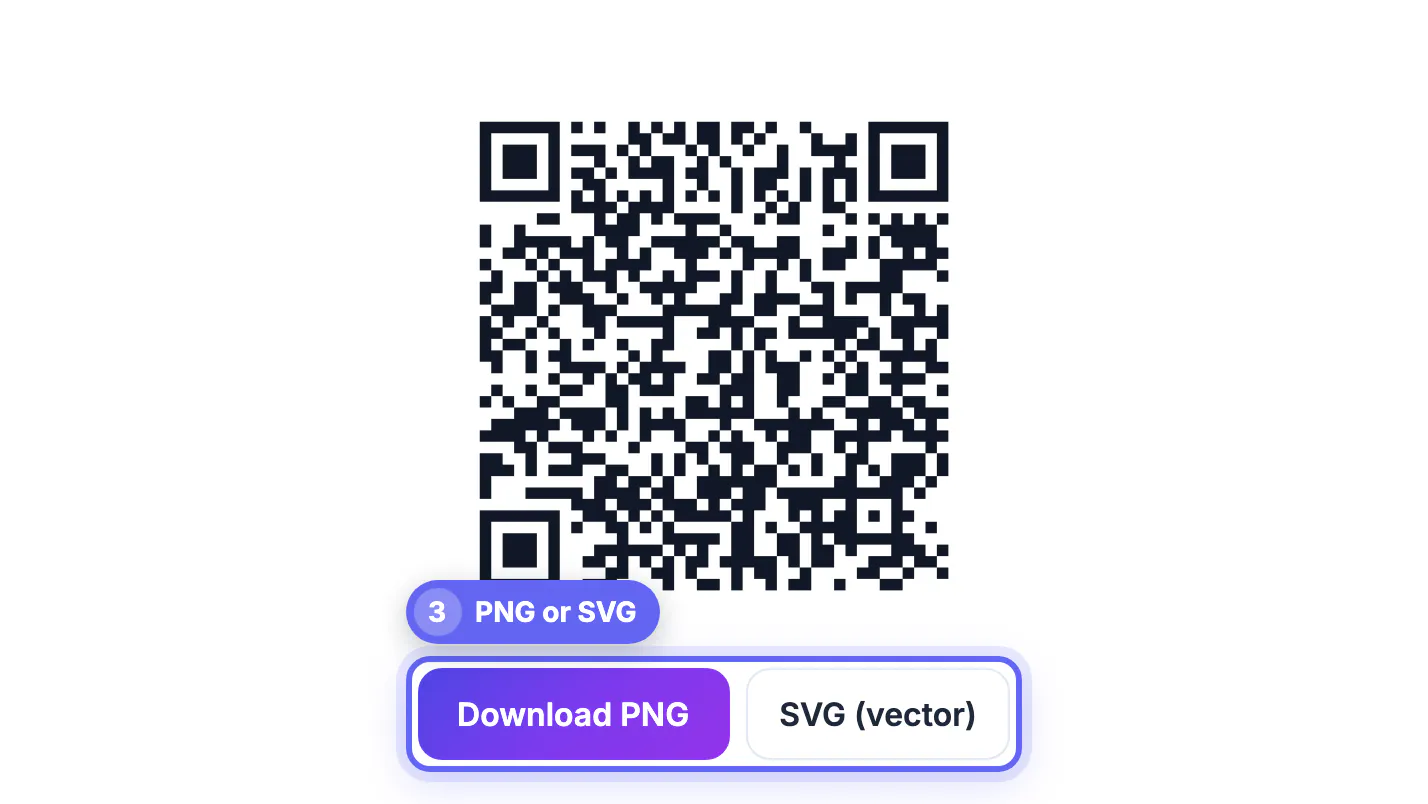
Leave error correction on Medium unless you add a logo, in which case the tool raises it to High for you. Then download PNG for a quick printout or SVG if a print shop is producing a framed sign or sticker.
Pick a strong guest password with the Password Generator, and see how to create a strong password if you want rules of thumb.
When scanning works but joining does not
Most failed joins come from the network, not the code. Work through these before you reprint anything.
- The password was changed on the router after the sign was printed. Every change means a new code.
- A WPA3-only network meets an older phone that does not support WPA3. Switching that network to WPA2/WPA3 transition mode usually fixes it.
- Separate 2.4 GHz and 5 GHz names, like Loft and Loft-5G. The code joins only the one you typed; many hosts pick the 2.4 GHz name for its range.
- Enterprise networks with individual usernames (WPA2-Enterprise) are not covered by this format in GrabCast, and hotel-style captive portals still show their login page after joining.
- MAC address filtering on the router blocks new devices regardless of the password.
Print a WiFi sign that guests can scan
A sign like this is read from arm's length on a counter, a nightstand or a wall by the door. Two to three inches square is plenty for a short network name and password; a long password makes the pattern denser, so give it a little more.
- Print dark modules on a white or very light background. The tool warns when contrast is too low or colors are inverted.
- Write the network name and password in text under the code for laptops and the occasional phone that will not scan.
- Laminate it or slide it into a stand; a creased paper sign can defeat a camera.
- Place it where people sit or arrive, not behind the router in a cupboard.
- Rotate the visitor password every few months, or between long-term tenants, and print a fresh code the same day.
iPhone owners can also share a saved network with a nearby Apple device, and recent iOS versions can show a QR code for a saved network in the Passwords app; many Android phones can do the same from WiFi settings. Those are handy for a quick one-off. A printed sign wins when you have a steady stream of visitors.
Step-by-step
Common mistakes to avoid
Pro tips
Frequently asked questions
Is it safe to put my WiFi password in a QR code?
It is as safe as writing the password on a card, because anyone who scans or photographs it can read it. That is why the code should point at a guest network that is isolated from your own devices, with a password you rotate.
Does a WiFi QR code work on both iPhone and Android?
Yes. iPhones on iOS 11 or later join from the Camera app, and Android 10 or later joins from the camera or the Quick Settings scanner. Older Android phones can use Google Lens.
Does it work with WPA3?
Choose WPA/WPA2/WPA3 in the Security menu. Current phones handle WPA3 networks with that setting. If an older phone fails, run the guest network in WPA2/WPA3 mixed mode.
What happens if I change the password?
The printed code stops working, because the old password is stored inside it. Generate a new code with the new password and replace the sign.
Does GrabCast see my WiFi password?
No. The code is drawn in your browser from what you type, and nothing is uploaded to create it. You can even disconnect from the internet after the page loads and it still works.
A WiFi QR code saves every guest from typing a password, but build it on a dedicated guest network, not your main one. Match the network name, password and security type exactly, print the code large with the details written underneath, and test the join on two different phones. GrabCast makes it free and in your browser.
Related guides
Browse more: all all guides · the QR Code tool