Email Data Breach Response: A 24-Hour and 30-Day Plan
If your email turned up in a data breach, change the password on that site and on every account where you reused it, today, then turn on two-step verification. A leaked handle on its own is mostly a spam and phishing risk; a leaked password or Social Security number is the real emergency. Here is the order of operations, from the first hour to the next month.
📩 Try the Temporary Email tool now — freeOpen →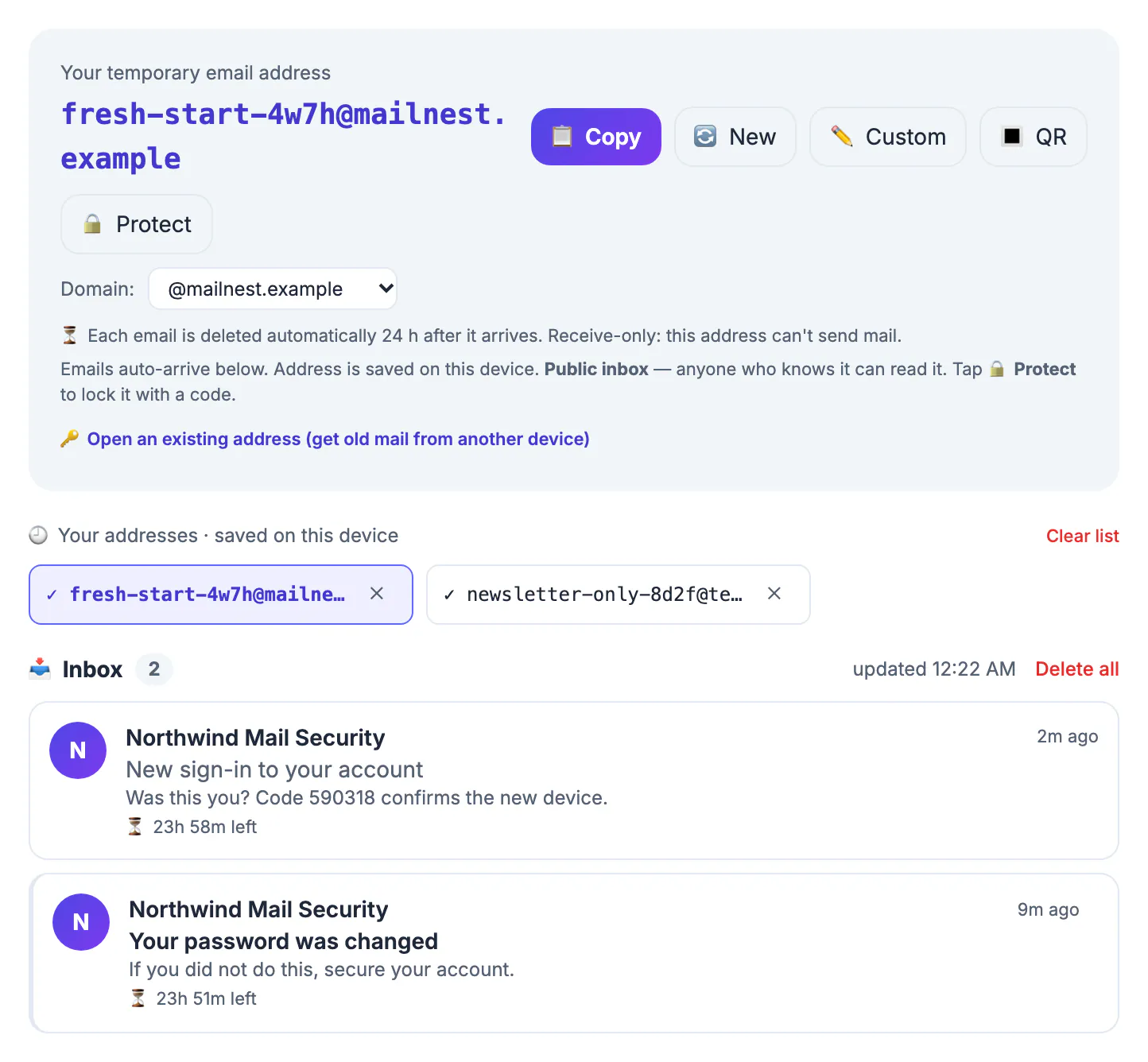
Breached lists get copied, merged and resold, so the same address can draw targeted scams long after the original incident. Attackers also try leaked passwords on other sites automatically, a technique called credential stuffing. Acting in the right order closes the expensive doors first and leaves the slow clean-up for later.
Figure out what leaked in the breach
Notices vary. Start with the company's own letter, which in the US often arrives by post or in your inbox, and which in the EU must reach affected people without undue delay when the risk to them is high under GDPR. Then look up your handle on Have I Been Pwned, a free service that lists which known incidents included it and what kinds of records were exposed.
- Handle only: expect more spam and phishing; no emergency.
- Handle plus password, even hashed: change it everywhere you used it, today.
- Phone number or home address: watch for SIM-swap attempts and scam texts, and ask your carrier about a port-out PIN.
- Birth date, Social Security number or card details: freeze credit and alert your bank or card issuer.
The first 24 hours: passwords, two-step codes, sessions
Change the password on the affected service first, then on every other account that shared it. A password manager makes this realistic; aim for 16 or more random characters, unique per site. Prioritize the mailbox itself, then banking, then shopping accounts with saved cards, then social media.
Turn on two-step verification wherever it is offered. An authenticator app or a passkey resists phishing better than SMS codes, which SIM-swap attackers can intercept. Then use each important service's option to sign out of all other sessions, which ends any login an attacker already has.
Inside your mailbox, check three settings attackers love: forwarding rules, filters that auto-delete or archive messages, and recovery phone numbers or backup addresses. A silent forwarding rule can copy every future reset link to someone else.
Change reused passwords first. The Password Generator makes new ones, and the Password Breach Checker tests old ones.
The next 30 days: credit, scams, and cleanup
If a Social Security number or birth date was exposed, place a credit freeze with all three US bureaus, Equifax, Experian and TransUnion. Freezes are free under federal law and block new accounts in your name until you lift them. Review your free credit reports at AnnualCreditReport.com, and check bank and card statements weekly for small test charges.
Expect phishing that mentions the incident by name, promises compensation or claims your account will close. Go to the company's site by typing its URL rather than clicking links, and never share a verification code with someone who calls you. For identity theft in the US, IdentityTheft.gov from the Federal Trade Commission walks you through a recovery plan step by step.
Keep a short log as you go: the date, what you changed, and which accounts still need attention. If you later dispute a fraudulent charge, file a police report or contact the breached company about compensation, a dated timeline of your actions makes every conversation faster. After 30 days, revisit the log and close any account you no longer use rather than leaving it dormant with your details inside.
Where a temporary email fits, and where it does not
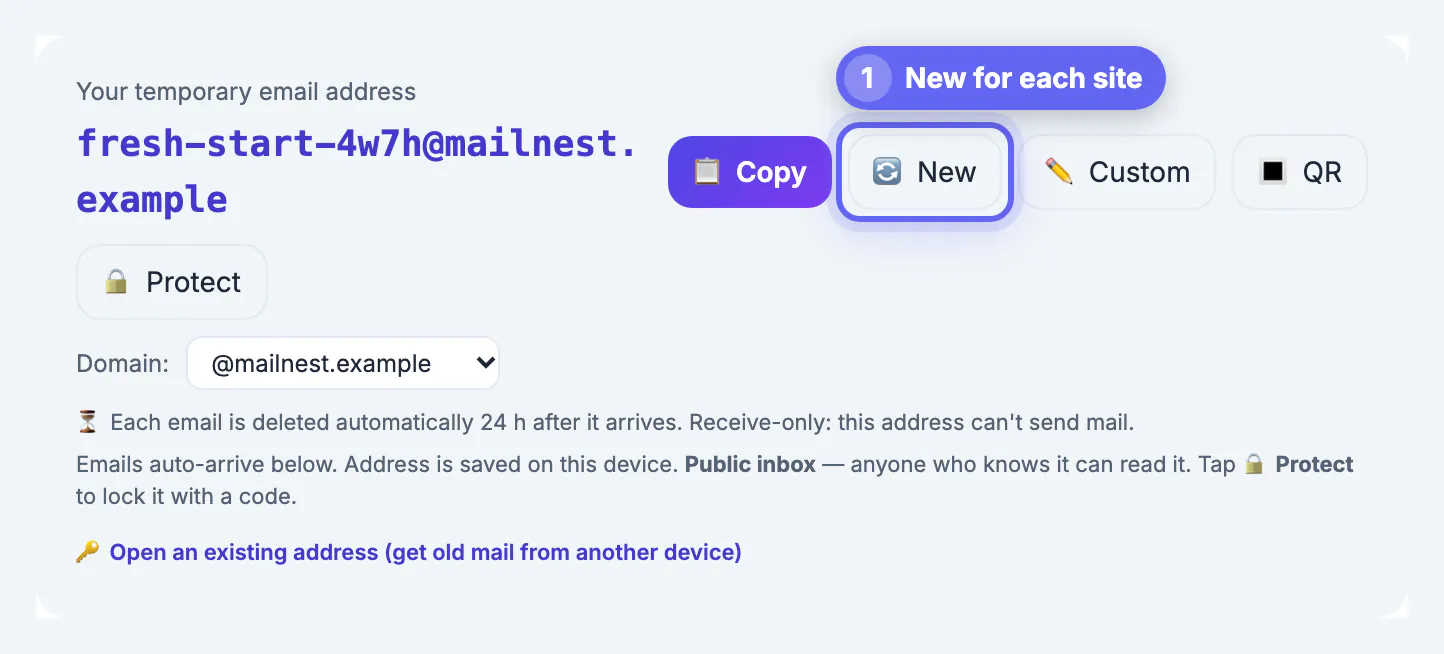
A throwaway inbox cannot repair a breach, and it must not become the login for the accounts you just secured. Its job is prevention: the fewer services that hold your real handle, the less a future leak exposes. For single-use sign-ups, such as a white paper, a coupon or a forum you want to read once, GrabCast's Temporary Email gives you a random receive-only inbox whose messages are erased 24 hours after arrival.
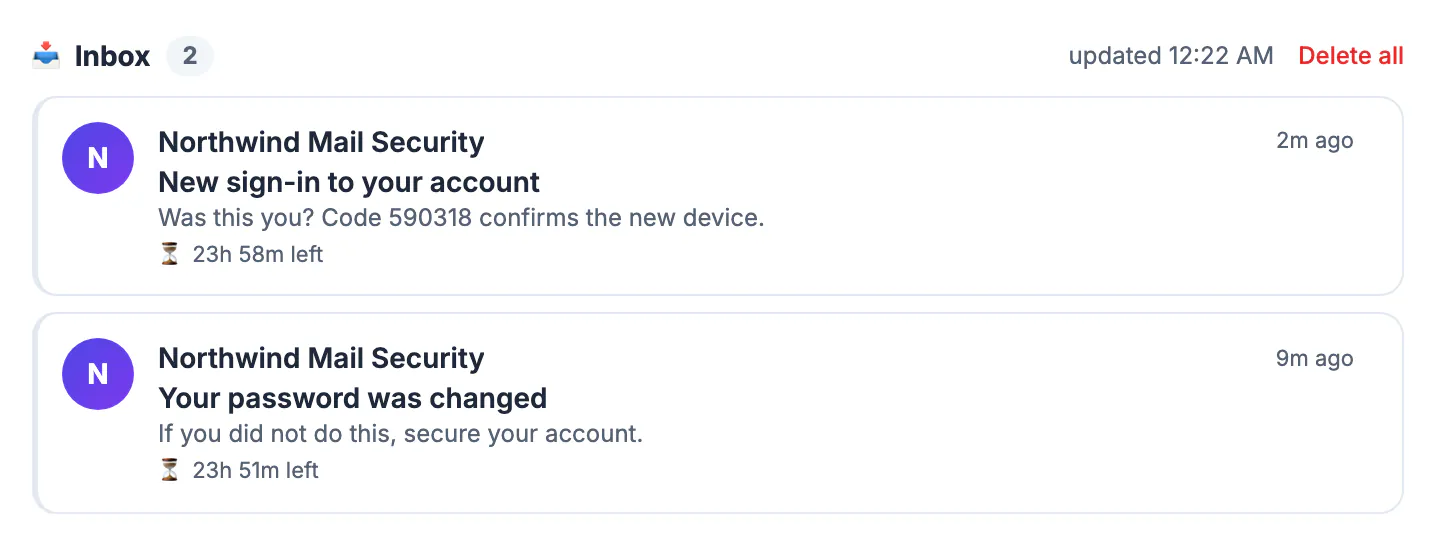
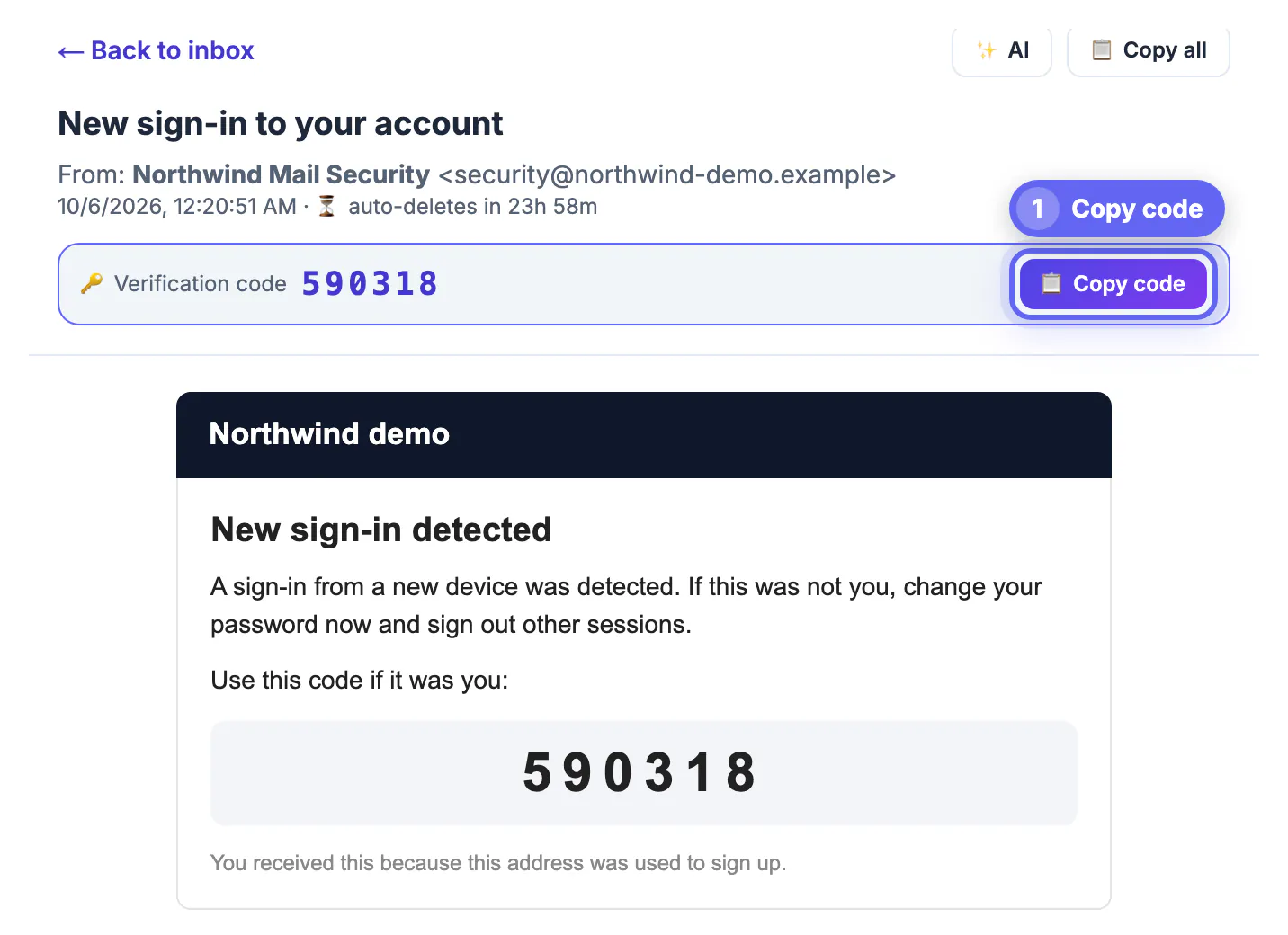
It also has a built-in AI button that summarizes a message and rates its phishing risk as low, medium or high. That check runs on a cloud AI service, so the message text leaves your browser, and it is a second opinion rather than a verdict. Keep it for low-stakes messages, and for anything claiming to come from your bank, contact the bank directly through its app or the number on your card.
Step-by-step
Common mistakes to avoid
Pro tips
Frequently asked questions
What should I do first after an email data breach?
Change the exposed password on every account that used it, starting with your mailbox, then enable two-step verification. Everything else can wait a few hours; those two steps cannot. If you cannot remember every place you reused it, start with the accounts that could cost money or lock you out, and let your password manager's reuse report find the rest.
Should I delete my breached email account?
Usually not. It holds your recovery links and history. Secure it with a new password and two-step sign-in, clean up forwarding rules, and move sign-ups to aliases over time.
Does a breach mean my inbox was hacked?
No. It means a company that stored your handle was hacked. Your mailbox is at risk only if you reused the leaked password there or fall for follow-up phishing.
Can a temporary inbox protect me from breaches?
Only going forward, and only for throwaway sign-ups. A service that never had your real handle cannot leak it. Accounts you depend on still need a real inbox.
Is the AI phishing check in GrabCast's temp inbox private?
No. The AI button sends the sender, subject and up to about 3,500 characters of the message to a cloud AI service to produce the summary and risk rating. Use it only for messages you are comfortable sharing.
After an email data breach, change reused passwords first, add app-based or passkey sign-in, and inspect forwarding rules and recovery settings. Freeze credit if identity numbers leaked, distrust breach-themed messages, and route future one-off sign-ups to a temporary inbox so there is less to leak next time.
Related guides
Browse more: all all guides · the Temporary Email tool