Temp Email for QA and App Testing: API, Limits, Pitfalls
A temp email inbox is a quick way to exercise the mail-driven parts of a product during testing: sign-up confirmation, verification digits, password reset, magic links and team invitations. GrabCast's Temporary Email tool can be driven by hand in a browser or through a small REST API with no key, which makes it handy for manual QA and light scripted checks. It also has hard limits, a shared public domain, 24-hour retention, no attachments and per-IP rate caps, that make it the wrong choice for load tests or anything involving real customer data. Here is the practical playbook, with the exact numbers from the backend.
📩 Try the Temporary Email tool now — freeOpen →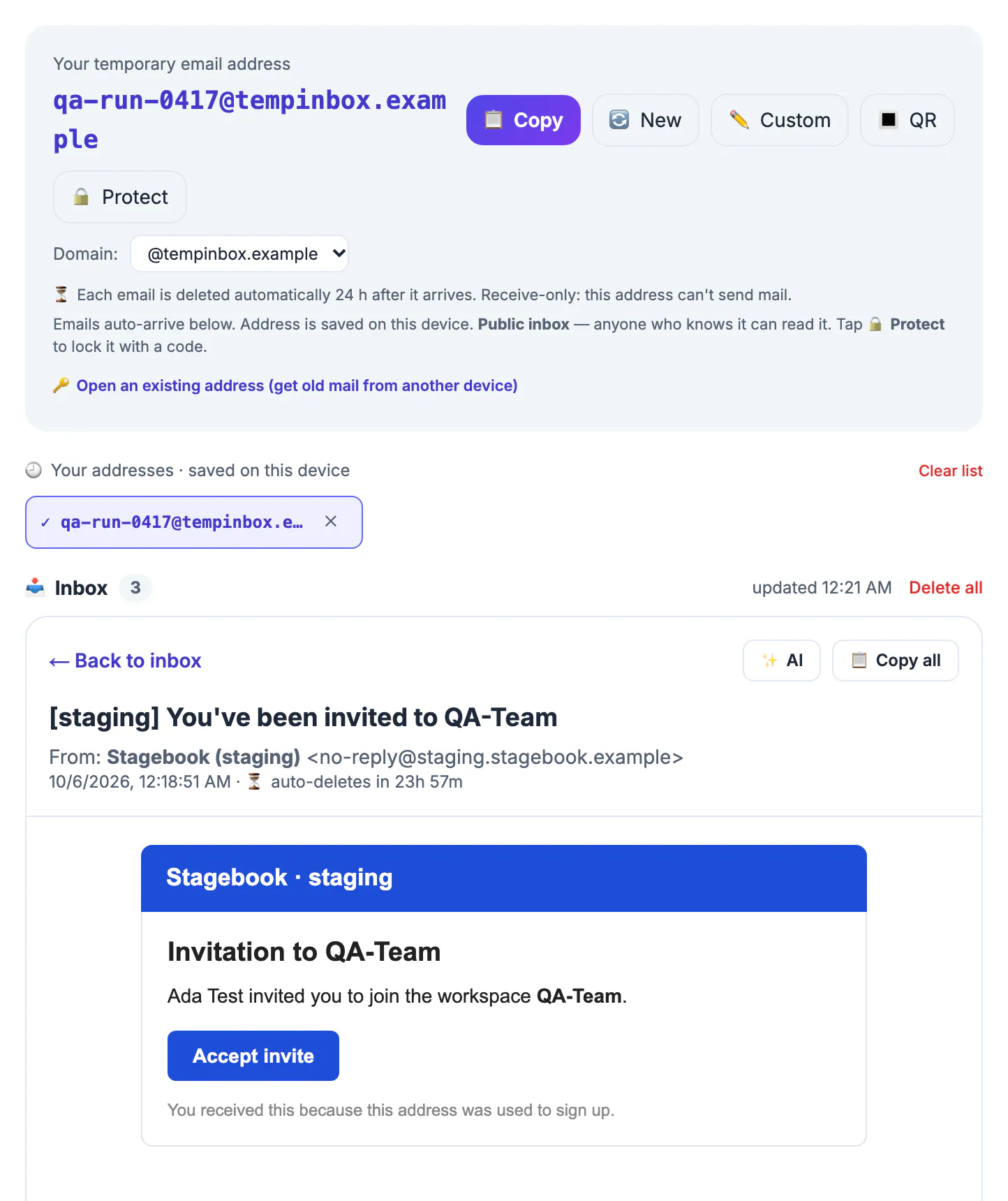
Most registration systems reject a second account on the same address, so every test run needs a new one. Gmail plus-tags help, but they pile hundreds of test messages into a personal mailbox and leak a real address into staging databases. A disposable mailbox per run keeps test data isolated, lets a teammate reproduce your exact case, and cleans itself up.
Manual QA with the temp email page
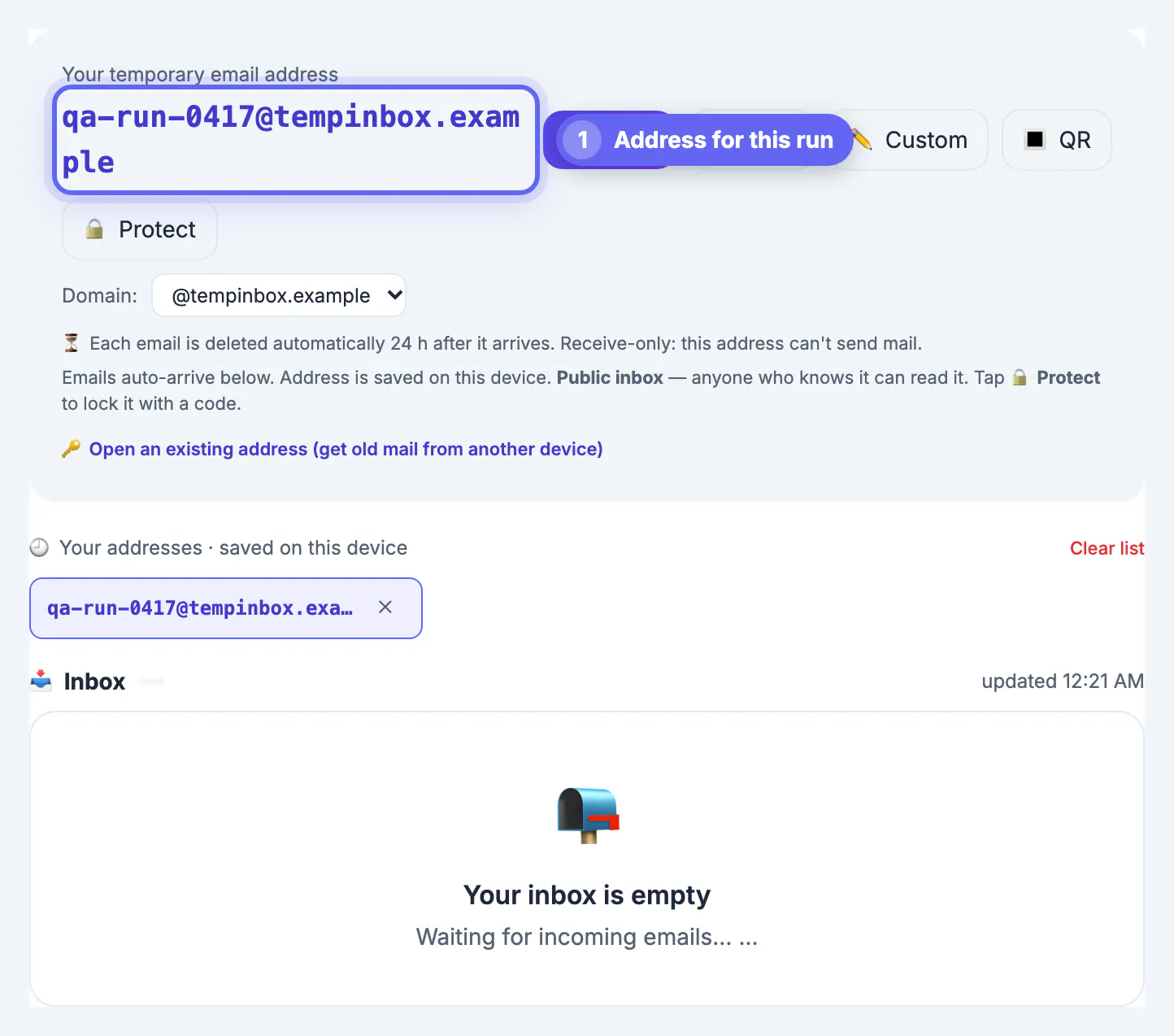
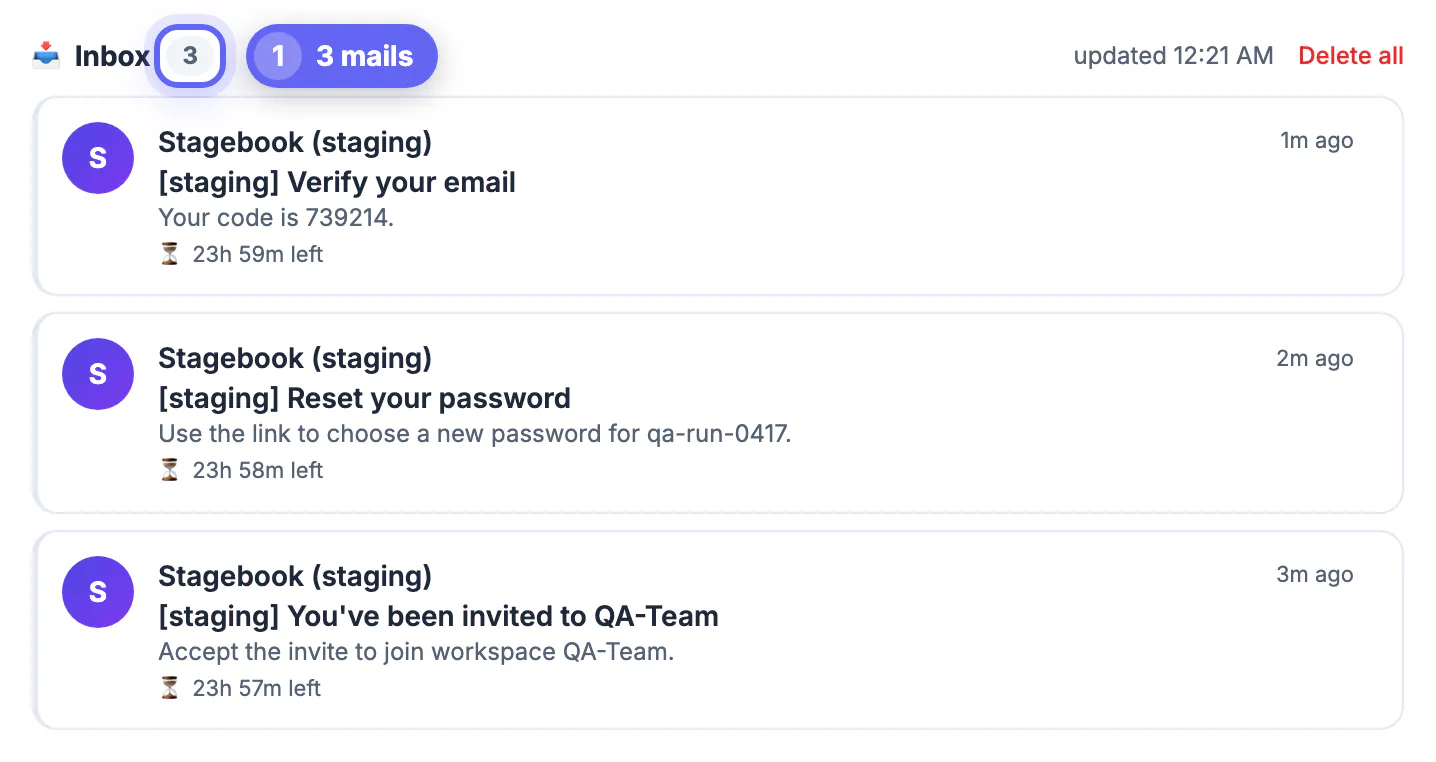
For exploratory testing, open the tool in one tab and your staging build in another. Copy the generated name, register, and watch the message arrive; the page checks every 12 seconds while visible. Open it to inspect the subject line, sender name, plain-text part and HTML rendering. HTML is shown in a sandboxed frame with scripts blocked, which is close to how webmail clients treat it, and a Copy all button grabs the plain text for bug reports.
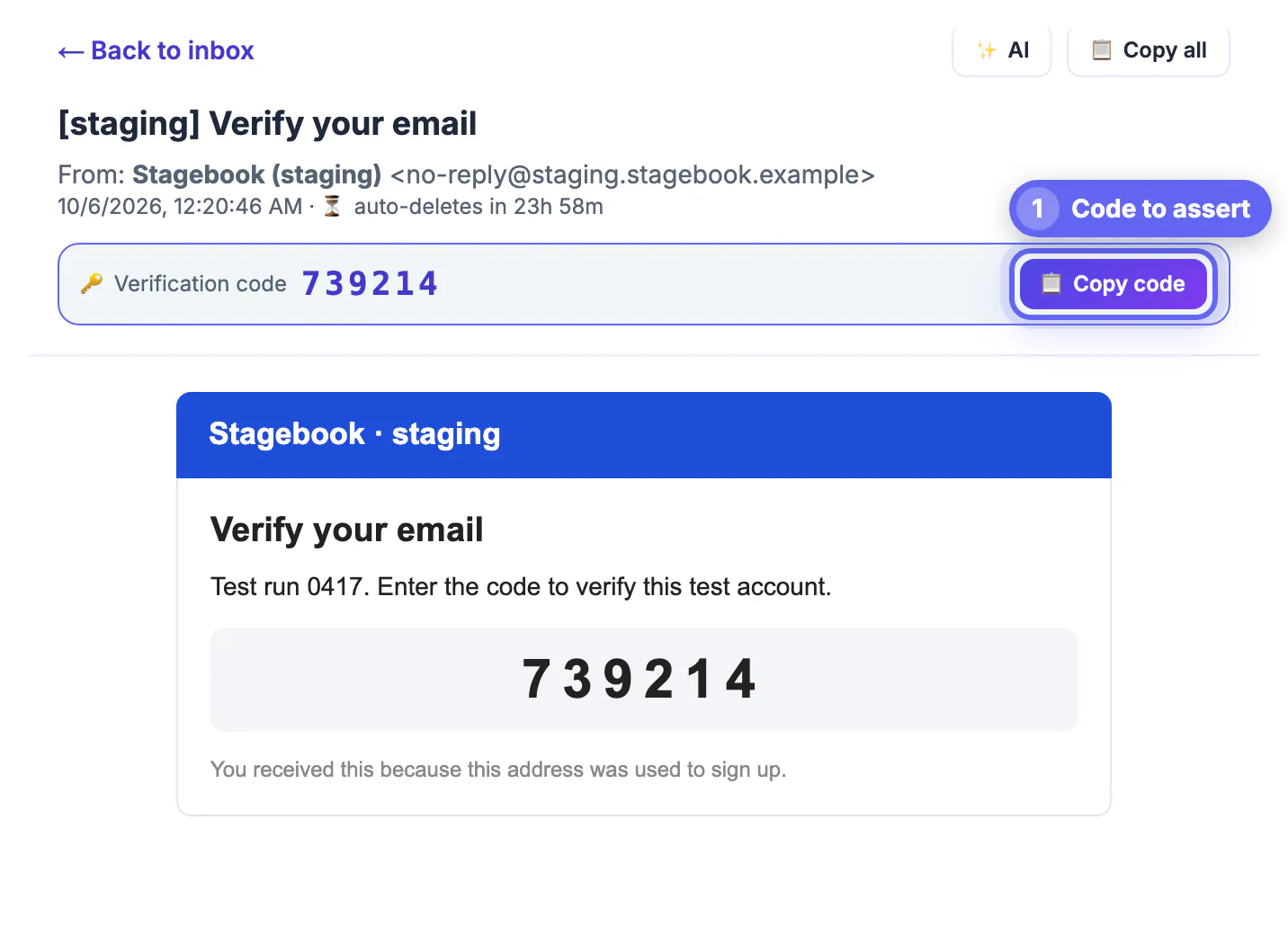
The automatic digit detector is a useful test in itself. It looks for a 4 to 8 character token after words like code, verification or OTP, then falls back to the first standalone six-digit number. If it highlights the wrong value, real users skimming on a phone may make the same mistake, so consider putting the one-time number on its own line with a clear label.
Scripted checks with the REST API
The same backend exposes plain JSON endpoints at grabcast-api.onrender.com with no authentication. POST /api/tmpmail/new returns a random address plus its retention in hours. GET /api/tmpmail/{address} lists up to 50 messages, newest first, each with id, sender, subject, a 140-character snippet, a read flag and a UTC timestamp. GET /api/tmpmail/{address}/{id} returns the full text and HTML bodies and marks the message read. DELETE on either path removes one message or empties the mailbox.
- Creating addresses: the backend currently allows 20 per minute and 120 per day from one IP.
- Reading: 120 list or message requests per minute per IP; poll every 10 to 15 seconds, not in a tight loop.
- Deleting: 60 requests per minute per IP.
- You may also build your own label on the pool domain: 1 to 64 characters of letters, digits, dots, underscores or hyphens, starting with a letter or digit.
- Protected mailboxes need the security code sent in an X-Inbox-Key header.
A typical end-to-end check creates an address, submits your sign-up form with it, polls the list until a message whose subject matches arrives or 90 seconds pass, fetches the body, extracts the link or digits with your own regex, and completes the flow. Give each run a random label; a predictable one like qa-run-7 on a public domain can be read by anyone who guesses it.
API responses arrive as JSON, and the JSON Formatter makes them easy to read. Need unique IDs for test records? The UUID Generator makes them in bulk.
Limits that shape your test plan
Know what this setup cannot tell you before you rely on it. Messages are deleted about 24 hours after arrival, and each mailbox keeps only its 50 newest. More than 30 messages to one mailbox within a minute are dropped as a flood. Attachments are stripped, so invoice PDFs or calendar invites sent as files cannot be verified here. Bodies are trimmed at roughly 100,000 characters of text and 300,000 of HTML. There is no sending, so reply-to handling cannot be exercised.
- Deliverability is out of scope: a catch-all mailbox accepts nearly everything, so it will not reveal whether Gmail or Outlook would file your mail as spam.
- Load tests are out of scope: per-IP caps and the flood filter will throttle you long before you learn anything useful.
- Some anti-abuse vendors list shared throwaway domains, so your own staging validation may reject it; whitelist the domain in staging rather than weakening production rules.
Test data hygiene and better options at scale
Treat every message as public. Never send production tokens, real customer names, addresses or payment details to a shared throwaway; seed staging with fake data. If your team needs privacy and more headroom, GrabCast supports connecting your own domain through Cloudflare Email Routing and a small Worker, after which that domain's mailboxes are not shared with other visitors, keep messages about 72 hours and hold up to 300 per mailbox.
For continuous integration, a local SMTP catcher is usually the stronger fit. Mailpit, the actively maintained successor to the older MailHog, runs in a container, accepts everything your staging server sends, keeps attachments and offers its own API, all without leaving your network. Hosted sandboxes from email platforms do the same with team features. Use the public throwaway for quick manual checks and demos, and the catcher for anything automated.
Step-by-step
Common mistakes to avoid
Pro tips
Frequently asked questions
Does the temp email API need a key?
No. The endpoints need no sign-up; instead they are rate-limited per IP instead: 20 new addresses a minute and 120 a day, 120 reads a minute and 60 deletes a minute.
Can I receive attachments during testing?
No. The backend stores the text and HTML parts and drops attachments, so test file delivery with a local SMTP catcher.
How long can a test mailbox be used?
The address works indefinitely, but each message is removed about 24 hours after arrival and only the 50 newest are kept.
Can I test outgoing replies?
No. The service is receive-only and has no sending capability.
Is it safe for staging credentials?
Only for throwaway test data. The shared domain is public by name, so never send production secrets or real customer information to it.
A shared throwaway domain is a fast, keyless way to click through mail-driven flows by hand or in light scripts, within 24-hour retention, 50-message and per-IP limits; keep real data out of it, and move automated suites to your own domain or a local catcher like Mailpit.
Related guides
Browse more: all all guides · the Temporary Email tool