Online Shopping With a Temporary Email: What Goes Where
A temporary email is useful for online shopping at exactly one stage: the browsing stage, when a store wants your address before it will show a size chart, a lookbook PDF or a first-visit popup. Once money changes hands, your purchase records belong in a permanent mailbox, because receipts, tracking, returns, warranty claims and safety recalls all arrive by email, sometimes months later. This guide maps a typical purchase from first click to warranty claim and marks which address belongs at each step, with notes on welcome-discount rules and fake delivery messages.
📩 Try the Temporary Email tool now — freeOpen →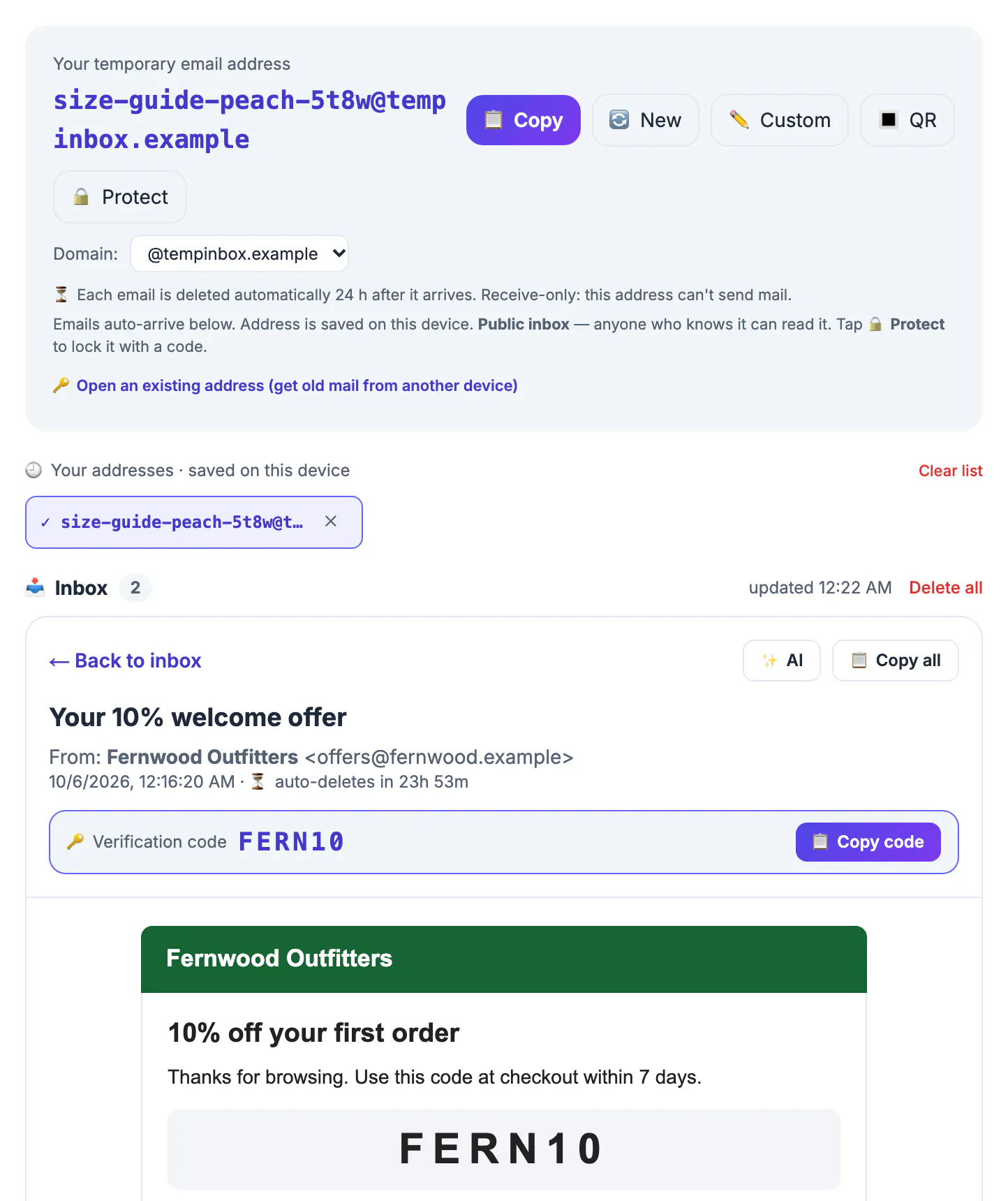
For most stores, the email list is the most profitable marketing channel they own: abandoned-cart reminders, restock alerts and weekly promotions all depend on it. That is why the pop-up appears within seconds of landing. Handing over your main address is a trade you can make deliberately, for a brand you like, rather than by reflex on every site you glance at.
Browsing stage: where a throwaway fits online
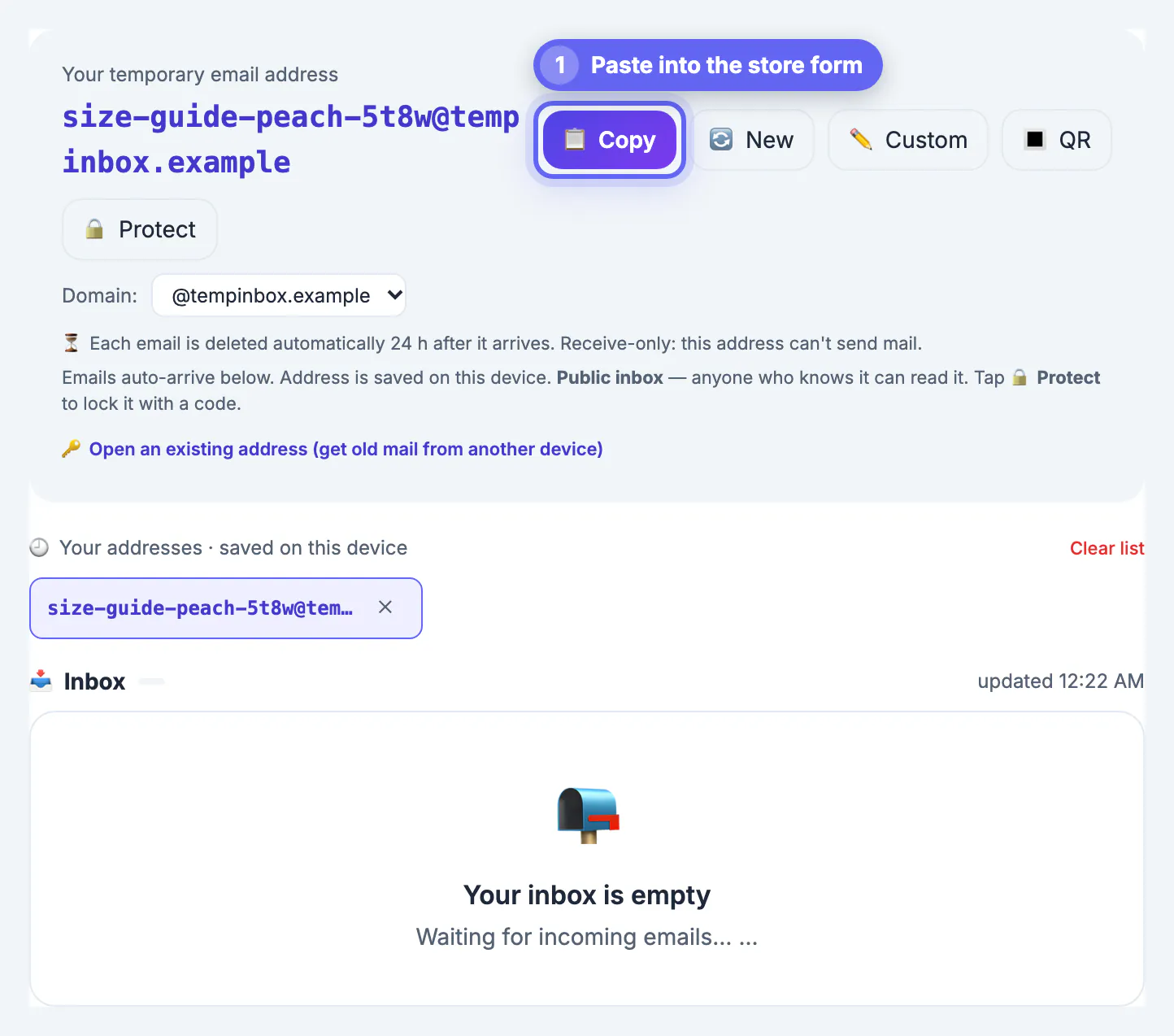
Plenty of retail sites gate low-value content behind an email field: a printable size guide, a seasonal catalog, a product manual you want to read before buying, or a quiz that sends results by mail. None of these create an obligation or a record you will need later, so a throwaway from GrabCast's Temporary Email tool is a reasonable fit. Copy the generated name, paste it, and the message usually appears on the tool's page within half a minute.
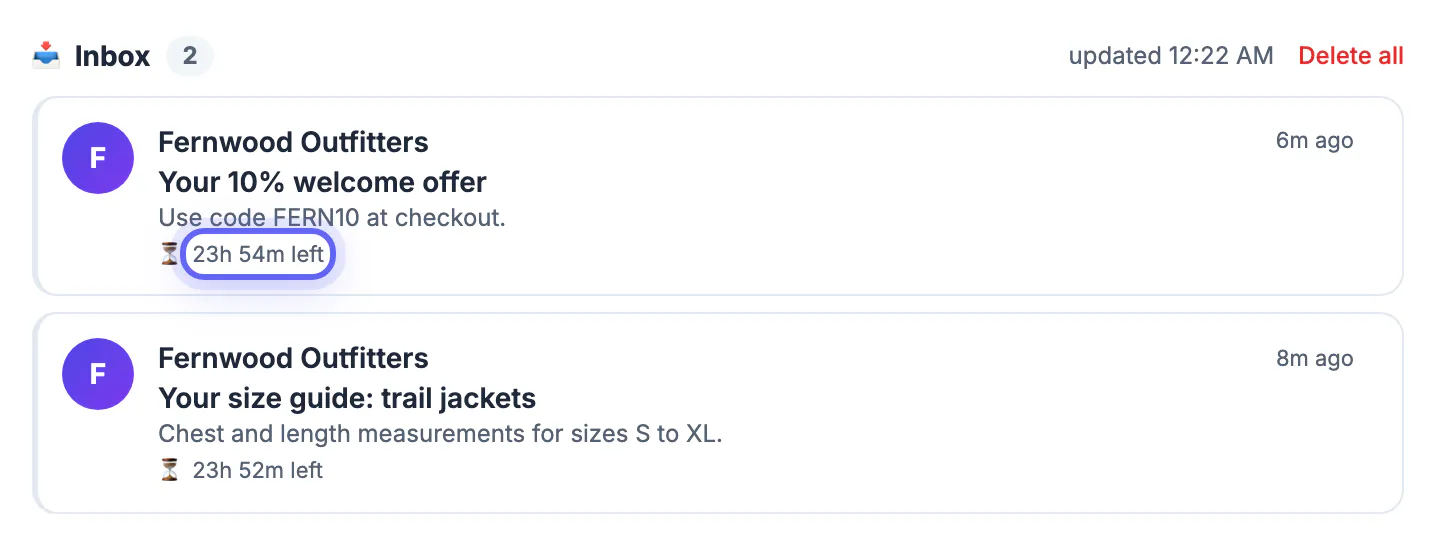
Two limits shape this stage. First, the tool keeps messages for about 24 hours, so anything that arrives later, such as a restock alert or a price-drop notice for the jacket you are watching, will never reach you there. Second, the mailbox is readable by anyone who knows its exact name unless you press Protect and set a security code; that matters little for a catalog but more if the message contains a login link.
Welcome discounts and store rules
First-order codes are the main reason shoppers reach for a throwaway, so it helps to be clear about the rules. A welcome code sent to a new subscriber is almost always meant as one per customer. Using a fresh address to claim it once, instead of your main account, is a privacy decision. Creating address after address to claim it repeatedly usually violates the store's terms, and retailers commonly match orders by shipping address, card and device, so they may cancel the order or the discount.
- Fine: one welcome code, delivered to a throwaway, for a first order you place yourself.
- Not fine: rotating addresses to stack or repeat new-customer offers.
- Better long term: a forwarding alias for stores you buy from regularly, so their offers reach you and you can switch them off.
Loyalty programs deserve the same thinking. Points, birthday rewards and member-only prices are tied to an account that you will log into for years, and many stores offer price adjustments or extended holiday returns only to members who can show the original confirmation. Joining with a mailbox that empties itself by tomorrow means forfeiting those perks the first time you need a password reset, so give loyalty accounts an alias or your main address.
Checkout and after: keep shopping records permanent
At checkout, use your real address or an alias that forwards to it, even for guest checkout. The order confirmation is your proof of purchase, including price, date, seller and item details. Shipping and tracking notices tell you when a package is stolen from the porch. Return authorizations and prepaid labels usually arrive by email and may expire in 14 to 30 days. Warranty claims often ask for the original receipt a year or more later.
There is also a safety reason. When a product is recalled, retailers and manufacturers often notify buyers by email, and in the US recalls are posted by the Consumer Product Safety Commission. If your order sits under a mailbox that emptied itself the next day, you will not hear about a faulty charger or a recalled car seat. If you ever need to dispute a charge with your card issuer, the order and delivery messages are the evidence they will ask for.
Shopping from a cafe or hotel? Read whether public Wi-Fi is safe first, and give each shop account its own password from the Password Generator.
Spotting fake delivery and order messages
Online shoppers are a favorite phishing target, and fake shipping notices are among the most common lures: a package is held, a customs fee is due, a payment failed. Throwaways attract this kind of junk too, because some of those names end up on spam lists. Treat any message that asks you to pay, log in or update card details with suspicion, wherever it lands.
GrabCast's tool renders HTML messages in a sandboxed frame that blocks scripts, and an optional AI button can summarize a message and rate its phishing risk as Low, Medium or High. That button sends the message text to a cloud AI service, so use it on marketing mail, not on anything private. Its rating is a hint, not a verdict. The dependable check is independent: open the retailer's site or app yourself and look up the order there instead of clicking the link in the message.
Step-by-step
Common mistakes to avoid
Pro tips
Frequently asked questions
Can I use a temporary email for online shopping checkout?
You can, but you should not. Receipts, tracking, returns, warranty claims and recall notices all come by email, often weeks or months after the order.
Is it okay to use a throwaway for a welcome discount?
Using one to receive a single first-order code for yourself is a privacy choice. Using many to repeat the offer usually violates the store's terms.
Why did my restock alert never arrive?
Messages on the throwaway are deleted about 24 hours after arrival, and alerts sent later reach a mailbox you are no longer watching. Use an alias for alerts.
Does the AI phishing check keep my messages private?
No. It sends the message text to a cloud AI service. It is optional; skip it for anything personal and verify orders on the retailer's site.
What is better than a throwaway for stores I like?
A forwarding alias from services such as Apple Hide My Email, Firefox Relay or SimpleLogin keeps your main address private and still delivers the mail.
Throwaways belong at the browsing stage, for catalogs, guides and a single welcome code; every purchase, return, warranty and recall belongs in a permanent mailbox, and every alarming delivery message should be checked in the retailer's own app.
Related guides
Browse more: all all guides · the Temporary Email tool