Reply With a Temporary Email? Why It's Receive-Only
No, you cannot reply from GrabCast's temporary email. The inbox is receive-only: there is no Send, Forward or Reply button and no outgoing mail server behind it. That design is deliberate, and for verification codes it never matters. When you do need a two-way conversation, the fix is a relay alias or a real account, both covered below.
📩 Try the Temporary Email tool now — freeOpen →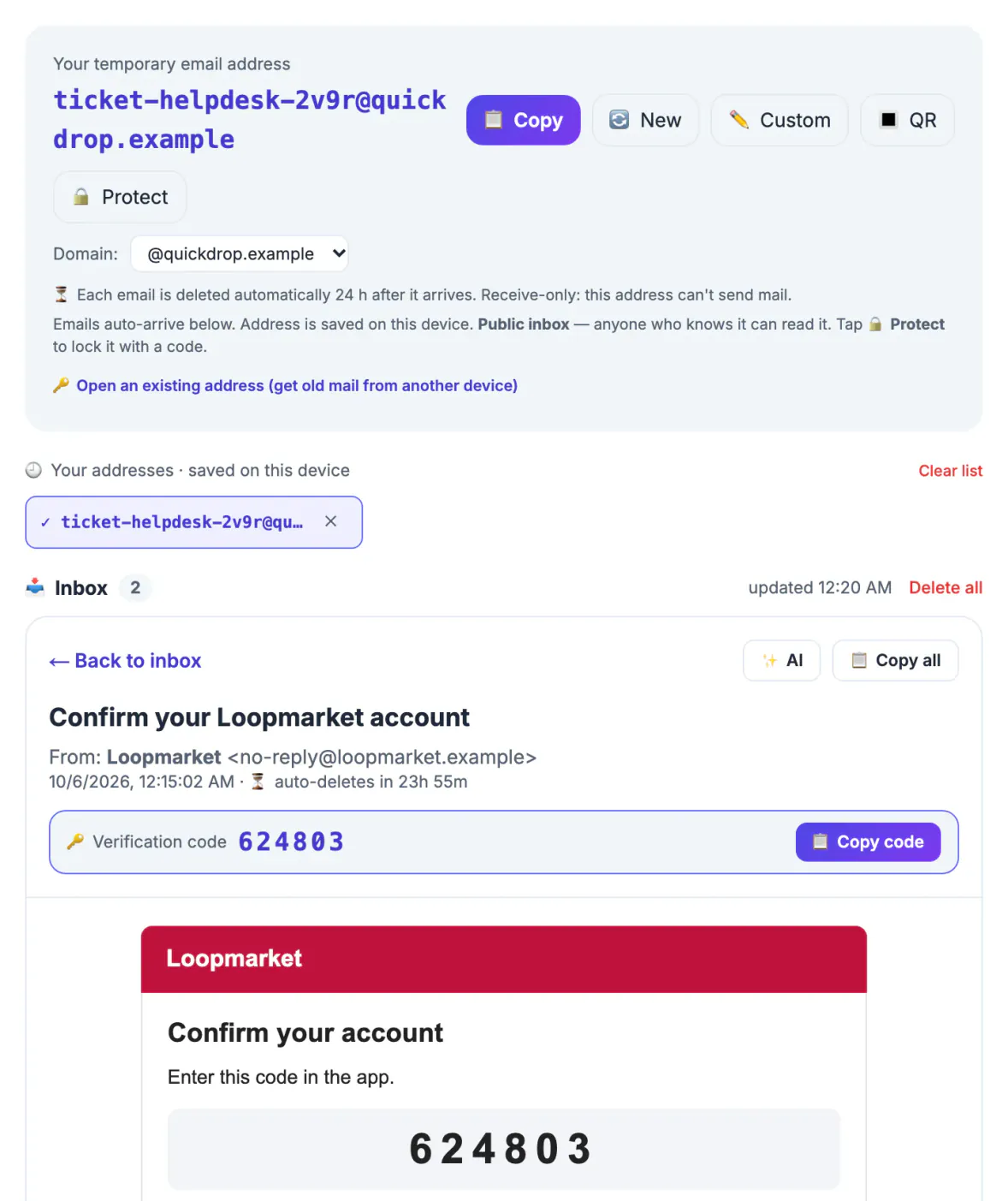
An outgoing service on a shared public domain would be abused within hours for spam and phishing, and major providers would soon block everything it sent. Keeping the tool one-way protects its reputation, so the codes you do need keep arriving, and it prevents anyone from impersonating you through a handle they happened to guess.
What the temporary email can and cannot do
Think of it as a mail slot with a window. GrabCast gives you a random handle on inbox.grabcast.click, checks for new messages every 12 seconds, and shows each one in a sandboxed viewer that blocks scripts inside HTML newsletters. When a message contains a verification code, a highlighted bar offers Copy code, and Copy all grabs the full text.
An optional AI button asks a cloud AI service for a short summary and a phishing-risk rating. That means the sender, subject and up to about 3,500 characters of the body leave GrabCast's page for that request, so skip it for anything sensitive. What the tool lacks is just as important:
- No composing, answering or forwarding, and no SMTP settings to add to a mail app.
- No attachments; files are dropped on arrival.
- No long-term storage; each message is erased 24 hours after it arrives.
When a site's message seems to ask for an answer
Most messages that look like they need an answer do not. Account confirmations want a click or a code, not a written response. Support tickets usually include a link to a web portal where you continue the conversation, and marketplace notices point back to the app's own chat. In those cases, open the link from the message, answer on the website, and the next update lands back in the throwaway inbox.
Some exchanges really do need a written response: a seller confirming a pickup time, a landlord, a recruiter, a club organizer. Answering through an app's built-in messaging keeps your details hidden without any outgoing mail at all. If the other person only uses regular mail, move the conversation to an account that can send, and say so in your first message.
A quick example: you list a bike for sale and a buyer contacts you through the marketplace, which notifies your throwaway inbox. Open the notification, tap through to the listing's chat, and agree on a pickup time there. Your contact details stay private, the platform keeps a record if something goes wrong, and nothing ever has to be sent from the disposable domain.
Alias services that can answer for you
Relay aliases solve the two-way problem. Services such as SimpleLogin, Addy.io, Firefox Relay and Apple's Hide My Email create a random forwarding handle that delivers to your real inbox. Several of them also let you answer through the alias, so the other side sees only the relay, though on some services that feature belongs to a paid plan. Check each provider's current feature list before relying on it.
Plus addressing is the budget version: Gmail delivers yourname+store@gmail.com to your normal inbox. It costs nothing and filters well, but anything you send goes out from your real handle, and the part before the plus sign is visible to everyone who receives it.
Here is how relay answering typically works. A message from a seller reaches your real inbox through the alias, marked with the relay's own sender handle. When you answer that message, the relay swaps your real handle for the alias before passing it on, so the seller sees the same random handle you signed up with. If you later disable the alias, both directions stop, which makes it a clean way to end a conversation that has run its course.
Forwarding setups such as the Free Email Forwarding Setup Wizard route mail to a real inbox. Once you can reply, the AI Email Reply Writer can help draft the message.
When you need a real inbox from the start
A throwaway inbox is the wrong tool whenever the relationship will last or has consequences. Use a real account, or an alias you monitor, for:
- Anything involving money: purchases you might return, subscriptions, invoices, refunds, and bank or payment apps.
- Job applications and interviews, where recruiters expect a response and may write back weeks later.
- Rentals, contracts, school, healthcare and government services.
- Any account you may need to recover, since reset links go to the registered inbox.
And never use a disposable handle to contact someone in order to dodge accountability, get around a block or ban, or pose as someone else. Beyond breaking most sites' terms, that is precisely the behavior that gets disposable domains blocklisted for everyone.
Step-by-step
![Inbox counter at 2 with Loopmarket 'Confirm your Loopmarket account' and Helpdesk Hub '[Ticket TKT-4Q9] We received your request'](img/steps/temporary-email/can-you-reply-with-a-temporary-email-02.webp)
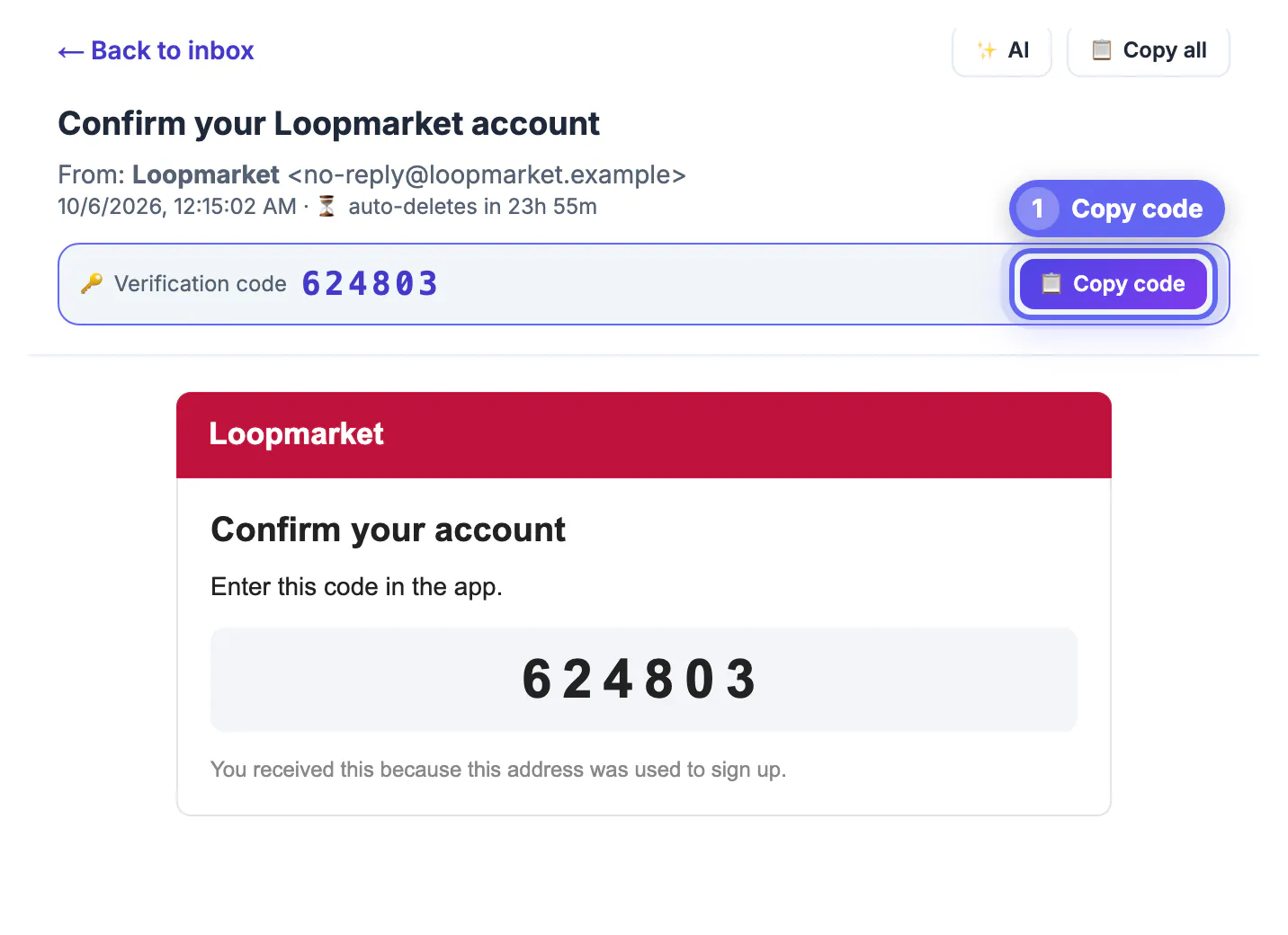
![Opened Helpdesk Hub email '[Ticket TKT-4Q9] We received your request' with an Open ticket in the portal button and Copy all highlighted](img/steps/temporary-email/can-you-reply-with-a-temporary-email-03.webp)
Common mistakes to avoid
Pro tips
Frequently asked questions
Can you reply with a temporary email from GrabCast?
No. It only receives. There is no compose or reply function and no outgoing server, by design.
Can I forward a message to my real inbox?
Not automatically, and there is no auto-forward rule to configure. Use Copy all and paste the text into a new message from your own account, or open any links directly. Attachments are not stored, so there is nothing to forward.
Do other temp mail sites allow replies?
A few offer limited sending from shared domains, but outgoing mail from disposable domains is widely blocked or filtered as spam, so it is unreliable. A relay alias is the dependable way to answer without exposing your real handle.
Will the sender know I used a temporary email?
They can see the domain, and some sites check it against lists of disposable domains and refuse the sign-up. That is one more reason to use a real inbox for anything important.
Is it rude to sign up with a disposable inbox?
Not for one-off downloads, event check-ins or newsletters you want to preview before committing. It becomes a problem when a person expects to reach you, so switch to a real account whenever someone is waiting on a response.
GrabCast's temporary email receives mail but cannot reply, forward or send, and that one-way design keeps it reliable for codes. When an exchange needs an answer, respond through the site's portal or app chat, use a relay alias that supports replies, or move to a real inbox.
Related guides
Browse more: all all guides · the Temporary Email tool