Disposable Email vs Real Inbox: 12 Everyday Scenarios
The choice between a disposable email and your real inbox comes down to one question: will you ever need this message, or this sender, again after today? If yes, use a permanent address or an alias that forwards to it; if no, a throwaway keeps your main account out of another database. Abstract rules are easy to agree with and hard to apply at a checkout page, so this comparison works through twelve concrete situations, then explains the five properties behind each verdict, using GrabCast's free Temporary Email tool as the throwaway example.
⚖️ Try the Temporary Email tool now — freeOpen →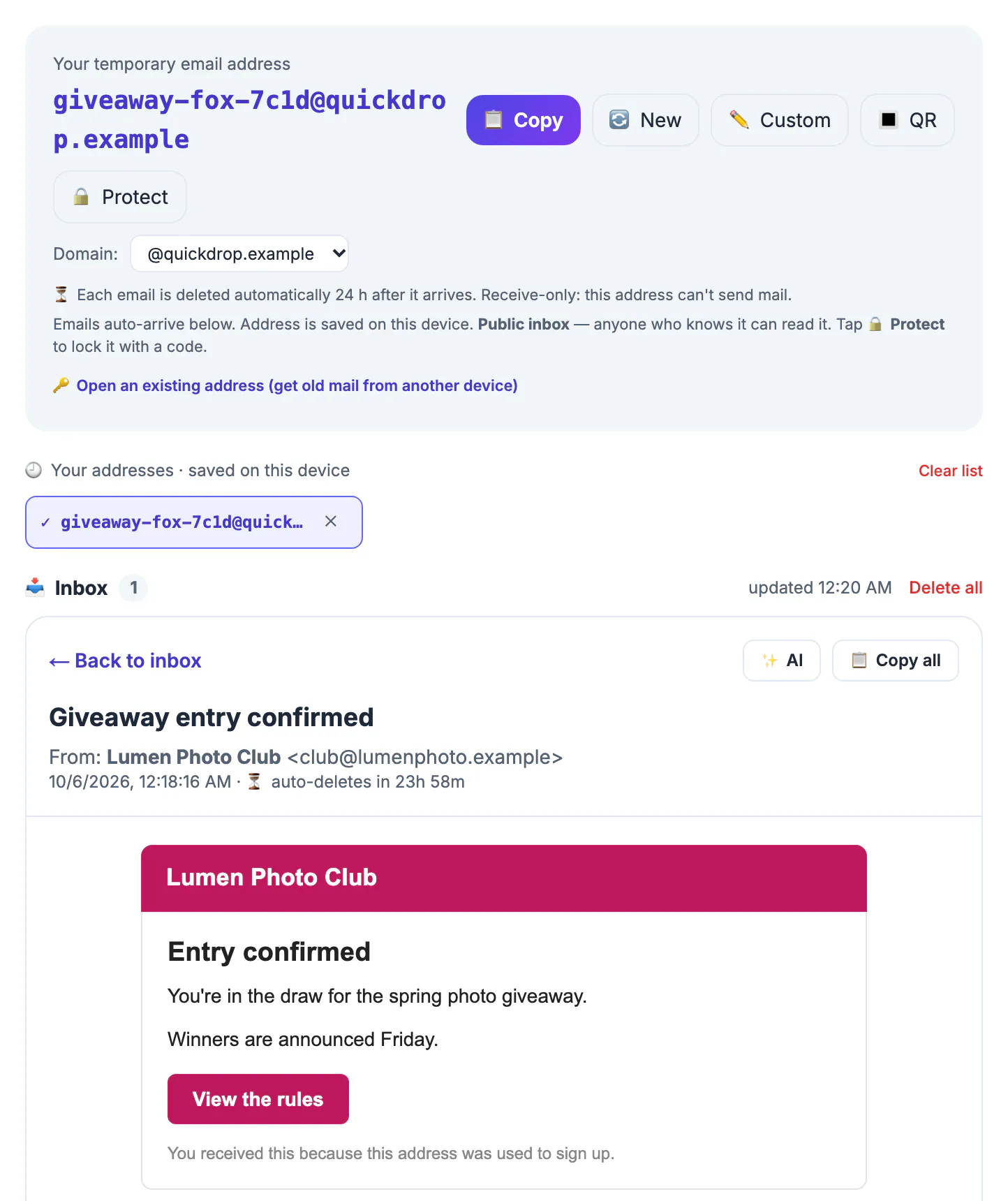
Choosing a permanent address when a throwaway would do costs you some marketing mail. Choosing a throwaway when you needed a permanent address can cost you an account, a refund, a job interview or a legal record. The two mistakes are not symmetric, so when you are unsure, lean toward a permanent address or an alias and save throwaways for the clear-cut cases.
Twelve situations, one verdict each
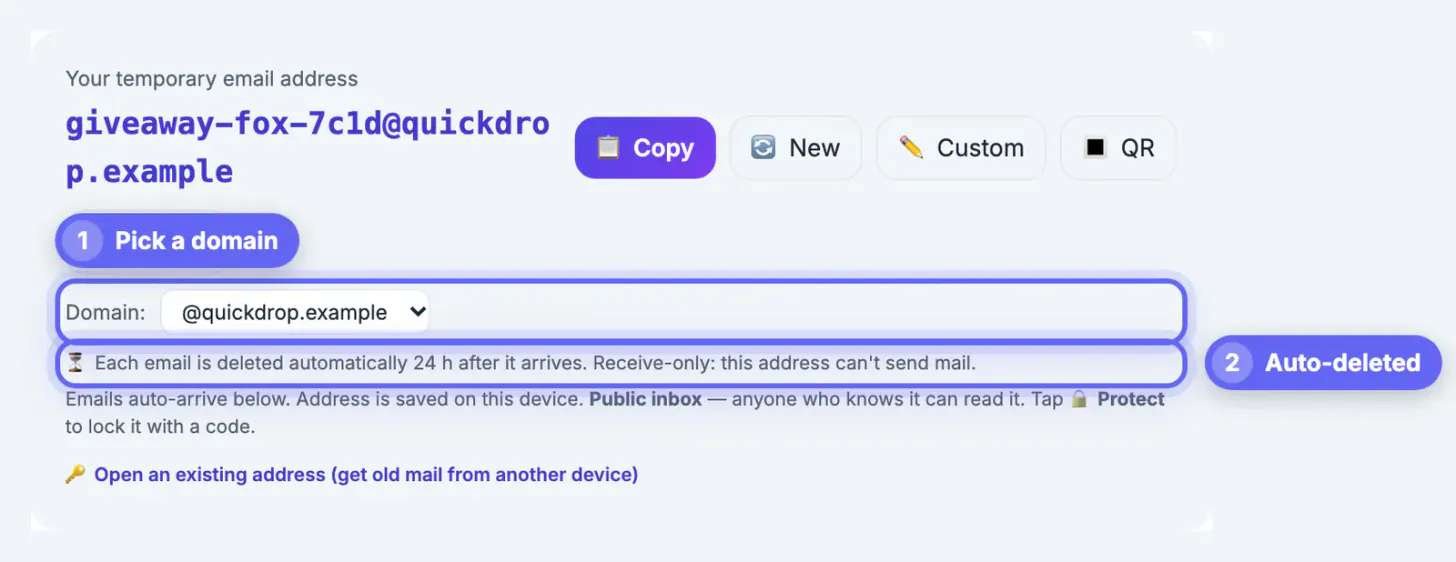
Here is how the choice plays out in daily life. Each verdict assumes the throwaway behaves like GrabCast's: public to anyone who knows the name unless protected with a code, receive-only, and cleared of messages about 24 hours after they arrive.
- Downloading a one-off PDF report from a vendor: throwaway.
- Airport, cafe or hotel Wi-Fi portal that demands an address: throwaway.
- Reading one gated news article or forum thread: throwaway.
- Entering a single giveaway you will check the same day: throwaway, knowing you may miss a winner notice sent later.
- Newsletter you actually want to read: alias.
- Online store where you will place orders: alias or permanent.
- Job applications and recruiter contact: permanent, because interview invites can come weeks later.
- Bank, brokerage, tax, benefits or health portals: permanent, always.
- Apartment rental, utility or insurance accounts: permanent.
- Social or gaming account you want to keep for years: permanent or alias.
- Testing your own website's sign-up form: throwaway.
- Anything involving a contract, a payment card or identity documents: permanent.
Notice the pattern in the list. Every throwaway verdict involves a message you will read within minutes and never need again, while every permanent verdict involves money, identity, a future reply or a record someone may ask you to produce. Giveaways sit on the border because winners are often contacted days later; if the prize matters to you, enter with an alias instead.
Lifespan and recovery
The first property is how long mail survives. A permanent account holds years of history and is searchable. A throwaway on GrabCast keeps each message about a day, holds at most 50 per mailbox, and drops attachments entirely, so no PDFs, tickets or invoices. The name itself stays saved in your browser, but that is a convenience on one device, not storage.
The second is recovery. Your main provider offers password resets, backup codes, recovery phone numbers and identity checks. A throwaway has none of that; if you lose the name or its security code, there is no support desk to call. Any account registered to it inherits that weakness, because the site's reset message will go to a mailbox you cannot count on.
Privacy, sending and records compared with a disposable email
The third property is who can read it. Your main account sits behind your password and, ideally, two-factor authentication. A throwaway is public by name by default. GrabCast adds an optional Protect button that locks the mailbox with a code of at least four characters, which closes the gap for the few hours you use it, but it still is not designed for sensitive mail.
The fourth is sending. A permanent account sends, replies, forwards and threads conversations; a throwaway only receives. The fifth is records. Tax documents, employment letters, lease agreements and purchase receipts often need to be kept for years, and some must be produced during a dispute or audit. Only a permanent account, or files you save deliberately, meets that need.
- Needs a reply? Permanent or an alias that supports replies.
- Needs to be kept? Permanent.
- Needs to stay private? Permanent, or a protected throwaway for a same-day, low-stakes message.
The middle ground: forwarding aliases
Many people frame this as a two-way choice, but a third option handles most gray areas. Forwarding aliases from Apple Hide My Email, Firefox Relay, DuckDuckGo Email Protection or SimpleLogin give each company its own stand-in address that forwards to your main account. You keep the mail and the recovery benefits, the company never sees your primary address, and you can disable one alias when it starts spamming.
Aliases require an account with the alias provider, and some services, especially financial ones, reject known alias domains too. Where that happens, give them your permanent address; those are exactly the relationships where you want reliable mail anyway. A practical split for most households is roughly this: permanent for a dozen essential accounts, aliases for the long tail of shops and apps, and a throwaway for the handful of one-time gates you hit each week.
A forwarding alias is set up in minutes with the Free Email Forwarding Setup Wizard. For the real inbox, pair it with a strong password from the Password Generator.
Step-by-step
Common mistakes to avoid
Pro tips
Frequently asked questions
Is a disposable email better than a real inbox for privacy?
For a same-day, low-stakes message it keeps your main address out of a database. For anything sensitive, your password-protected main account is more private, because a throwaway is readable by name unless locked.
Can I move an account from a throwaway to my main address later?
Often yes, in the account's settings, but do it within about a day while the confirmation can still reach the throwaway.
Where does a forwarding alias fit?
Between the two: it hides your main address like a throwaway but delivers and keeps mail like a permanent account.
Which one should I use for job hunting?
Your permanent address. Recruiters reply on their own schedule, and missing a message can cost the opportunity.
Do throwaways keep attachments like tickets?
No. GrabCast stores only the text and HTML of a message, so tickets, invoices and other files never reach you there.
Use your permanent account for anything you must recover, reply to or keep; use a forwarding alias for ongoing senders you may want to cut off; and use a throwaway only for one-time gates where losing every message tomorrow costs you nothing.
Related guides
Browse more: all all guides · the Temporary Email tool