Disposable Email Address Basics: How the Mail Gets There
A disposable email address is a working mailbox on someone else's domain that you use for one sign-up or one message and then abandon. It receives real mail, needs no account or password, and costs nothing, but it is usually readable by anyone who knows the name and it cannot send. Those two facts explain nearly everything about when it helps and when it hurts. Below is a look under the hood, using GrabCast's free tool as the worked example: where the random name comes from, how a message physically lands on your screen, how long it sticks around, and how this differs from aliases and plus-addressing.
📨 Try the Temporary Email tool now — freeOpen →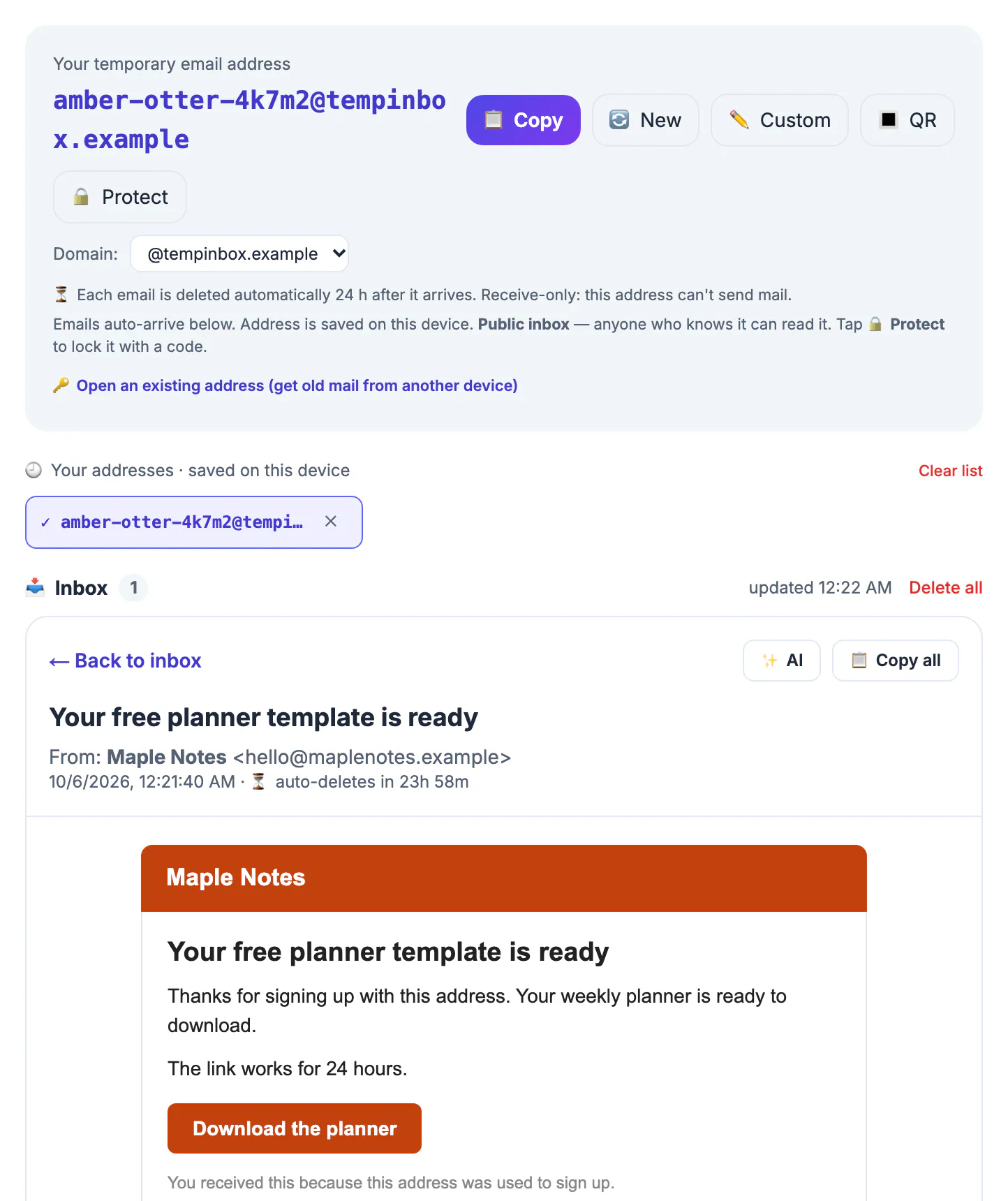
Most people meet throwaway mailboxes as a trick for dodging newsletters. Knowing the plumbing changes how you use them: you stop sending anything sensitive to a public mailbox, you stop expecting it to hold receipts for months, and you start picking the right tool, a throwaway, an alias or your main account, for each form you fill in. That judgment is the real privacy win.
Anatomy of a disposable address
Every mailbox string has two halves. The part after the @ is a domain whose mail servers belong to the service; at GrabCast it is currently inbox.grabcast.click. The part before the @, called the local part, is simply a label. The service accepts mail for any label on its domain, a setup known as catch-all routing, so it never has to create mailboxes in advance.
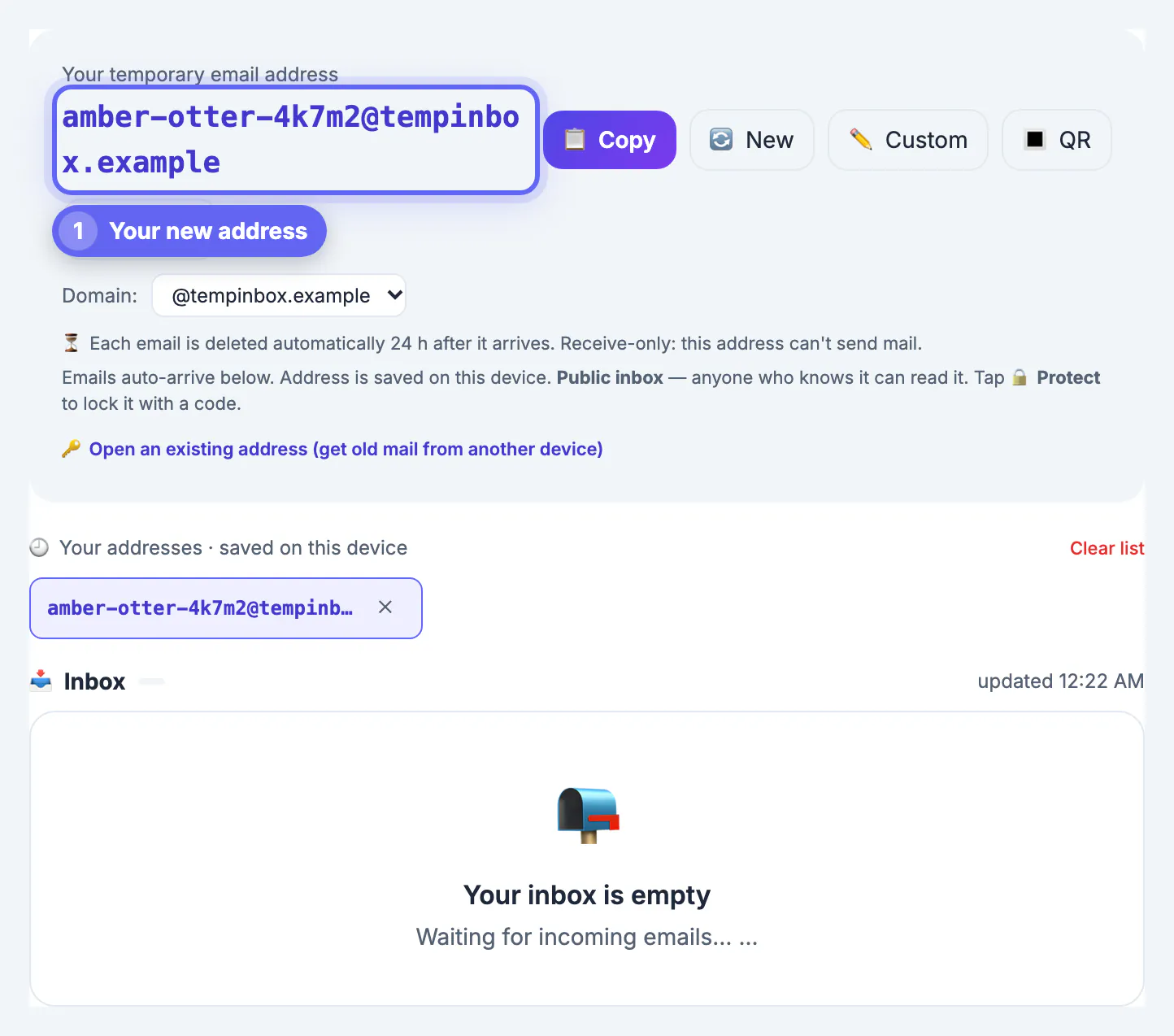
GrabCast's page builds the label in your browser from an adjective, a noun and five random characters drawn with the browser's cryptographic random generator, producing names like swiftotter7k2qa. That gives roughly 24 billion combinations, which makes collisions between visitors very unlikely and blind guessing impractical. It does not make the mailbox secret, though; anyone you share the name with can open it.
Following a message from sender to screen
When a shop or app sends a confirmation, its mail server looks up the MX records for the domain, the DNS entries that say which server accepts mail there. For GrabCast those point to Cloudflare's mail routing, which hands the raw message to GrabCast's backend. The backend reads out the sender, subject, plain-text body and HTML body, stores them, and discards any attachments. Very large bodies are trimmed so one giant newsletter cannot fill the database.
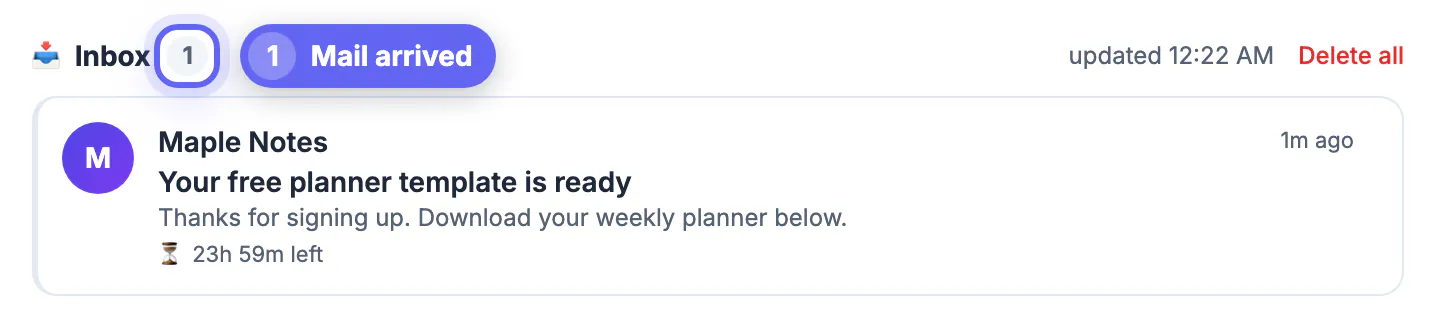
Meanwhile the open tab asks the server for new messages every 12 seconds, so mail usually appears within seconds of being sent without you pressing refresh. To avoid polling forever, the page stops checking while the tab is hidden and pauses after about 30 minutes, showing a tap-to-resume link. HTML messages are displayed inside a sandboxed frame that blocks scripts, and when a message contains something that looks like a one-time code, a button offers to copy it.
- Inbound filters drop empty messages and more than 30 messages per minute to one mailbox.
- Each mailbox keeps at most its 50 newest messages; older ones are removed first.
- There is no outgoing server, so replying or forwarding is impossible by design.
Who can read it and how long it lasts
By default the mailbox is public in the literal sense: the server hands the message list to anyone who asks for that exact name. GrabCast adds an optional Protect button. You set a security code of at least four characters; from then on the server only returns mail to someone who supplies that code, and you can reopen the same mailbox from another device by entering the name plus the code. Whoever sets the code first controls the mailbox, so protect it before important mail arrives.
Lifetime has two layers. The name itself is saved in your browser and shows up in a list of up to 20 recent names on that device until you pick a new one or clear the list. The messages are different: the server deletes them roughly 24 hours after they arrive. Choosing New wipes the current mailbox's messages immediately. Plan on a one-day window, not a mailbox you can revisit next month.
Disposable email vs aliases and plus-addressing
Two relatives are often confused with throwaways. Plus-addressing, supported by Gmail, Outlook and Fastmail among others, lets you write yourname+shop@gmail.com; mail still lands in your main account and the tag reveals who leaked your address, but your real identity is visible in the string. Forwarding aliases such as Apple's Hide My Email, Firefox Relay, DuckDuckGo Email Protection and SimpleLogin create a private stand-in that forwards to your real mailbox and can be switched off later.
- Throwaway: no account, public by default, receive-only, messages gone in a day. Best for a one-time code or download link.
- Alias: needs an account with the alias provider, private, often allows replies, lasts until you disable it. Best for shops and newsletters you may keep.
- Your real account: permanent and recoverable. Required for banking, taxes, health portals, work, school and anything you must be able to reset.
For a permanent alias that reaches your real inbox, the Free Email Forwarding Setup Wizard walks through the setup. To see how a domain's mail is configured, the Email DNS Checker reads its records.
Step-by-step
Common mistakes to avoid
Pro tips
Frequently asked questions
Is a disposable email address a real mailbox?
Yes in the sense that real mail servers deliver to it. It lacks the parts that make an account yours: a password, recovery options, sending and long-term storage.
Can someone guess my throwaway?
Blind guessing among about 24 billion random names is impractical, but anyone you share it with, or who sees it on your screen, can open it unless you set a security code.
Does it keep attachments?
No. GrabCast stores the text and HTML parts of a message and drops attachments, so do not use it to receive files.
How long do messages last?
About 24 hours after arrival, and each mailbox keeps only its 50 newest messages. The name itself stays saved on your device until you replace it.
Is it the same as Hide My Email or Firefox Relay?
No. Those are forwarding aliases tied to your account that deliver into your real mailbox. A throwaway forwards nowhere and needs no account.
A throwaway mailbox is a catch-all label on a shared domain: it receives real mail within seconds, keeps it about a day, cannot send, and is readable by anyone with the name unless you protect it with a code. Use it for one-off messages and keep your real account for anything you must recover.
Related guides
Browse more: all all guides · the Temporary Email tool