Stop Spam Before It Starts: Disposable Inboxes and Aliases
You cannot un-send the spam already reaching you, but you can stop spam from multiplying by never giving a durable address to senders you do not need. A disposable inbox handles one-off sign-ups, a forwarding alias handles senders you might keep, and your main address goes only to people and institutions you trust. This guide starts with how addresses leak, then gives a cleanup routine for the junk you have now and a three-tier routing system for the future, using GrabCast's free throwaway tool for the bottom tier.
🛡️ Try the Temporary Email tool now — freeOpen →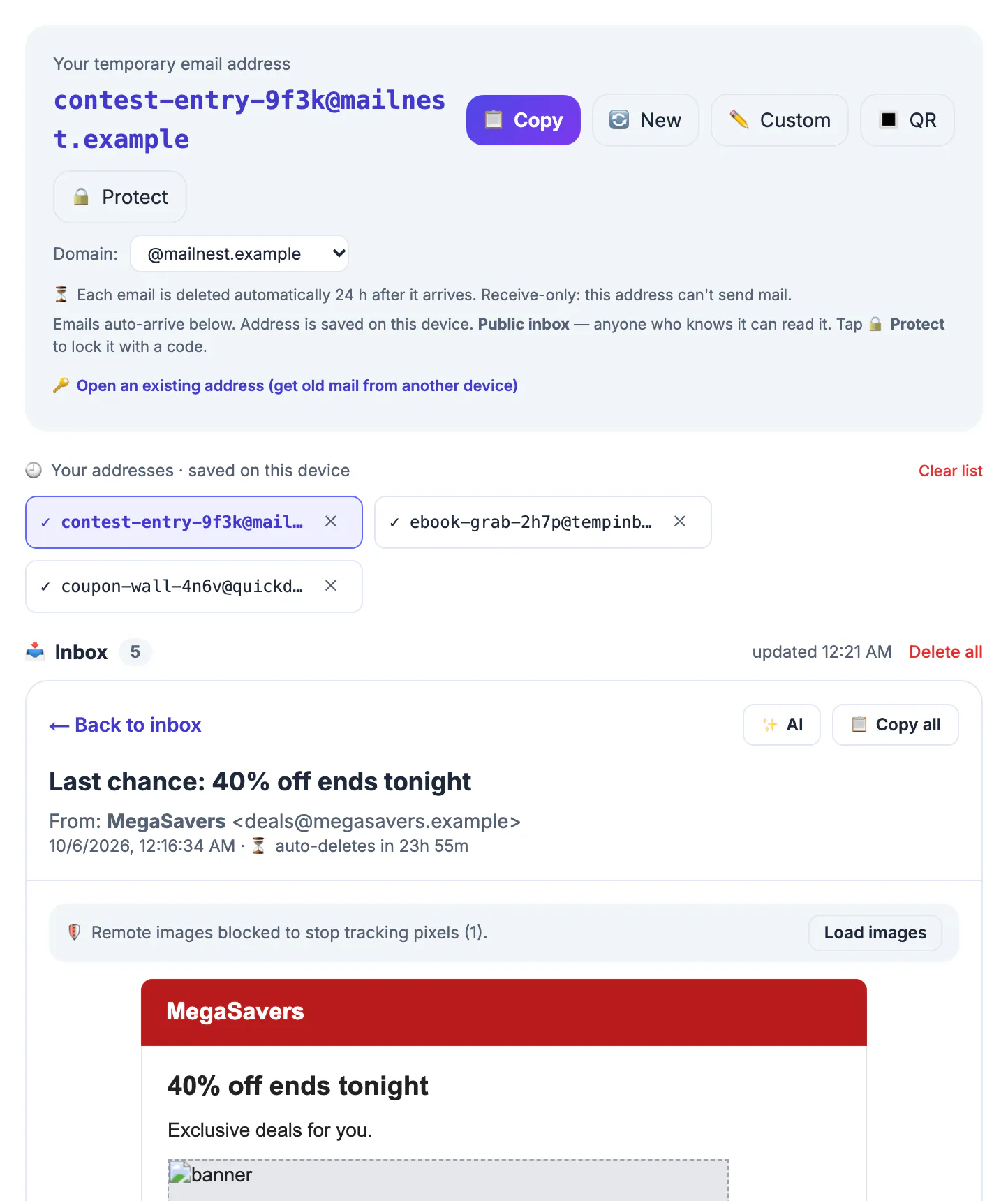
Spam filters at Gmail, Outlook and Apple are very good, yet unwanted mail keeps coming because much of it is technically legitimate marketing you once agreed to, sometimes by ticking a pre-checked box. Filters sort it; they do not stop it being sent. Controlling which address each sender receives is the only step that shrinks the flow itself.
Where junk mail comes from
Most unwanted mail traces back to a handful of routes. The biggest is you, entering your address for a coupon, a Wi-Fi hotspot, a webinar, a raffle or an app. Some of those companies share lists with partners or sell them. The second route is breaches: when a service you used is hacked, its customer list circulates, and sites such as Have I Been Pwned let you check which breaches include you. The third is scraping, where bots harvest addresses printed on websites, forum signatures and public documents.
- Sign-ups and checkboxes: the source you control most directly.
- Breached databases: out of your control after the fact, but you can limit what the next breach contains.
- Scraped pages: avoid publishing your address in plain text; use a contact form instead.
Clearing the spam you already get
Split the pile into two kinds. Marketing from real, recognizable companies can be unsubscribed. In the US the CAN-SPAM Act requires commercial senders to honor opt-outs within 10 business days, and Gmail and Yahoo now require large senders to offer one-click unsubscribe, so the link at the bottom usually works. Give it two weeks, then filter anything that persists.
Mail from unknown senders, lottery wins, fake invoices and anything with alarming urgency belongs in a different bucket. Do not click its unsubscribe link, which can confirm your address is active or lead to a phishing page. Mark it as spam or junk in your mail app instead; that trains the provider's filter for you and for other users. Then set a few rules, for example auto-archive newsletters you skim once a month, so the remaining noise stays out of your primary view.
Routing new sign-ups with a disposable inbox
For the future, sort every email field into three tiers. Tier one, your real address, goes to banks, employers, schools, government, doctors, family and any account you must be able to recover. Tier two, a forwarding alias from Apple Hide My Email, Firefox Relay, DuckDuckGo Email Protection or SimpleLogin, goes to shops, newsletters and services you expect to hear from again; if one starts spamming, you switch that alias off. Tier three, a disposable inbox, goes to one-time gates: a white paper, a printable checklist, a contest you enter once, a forum you only want to browse.
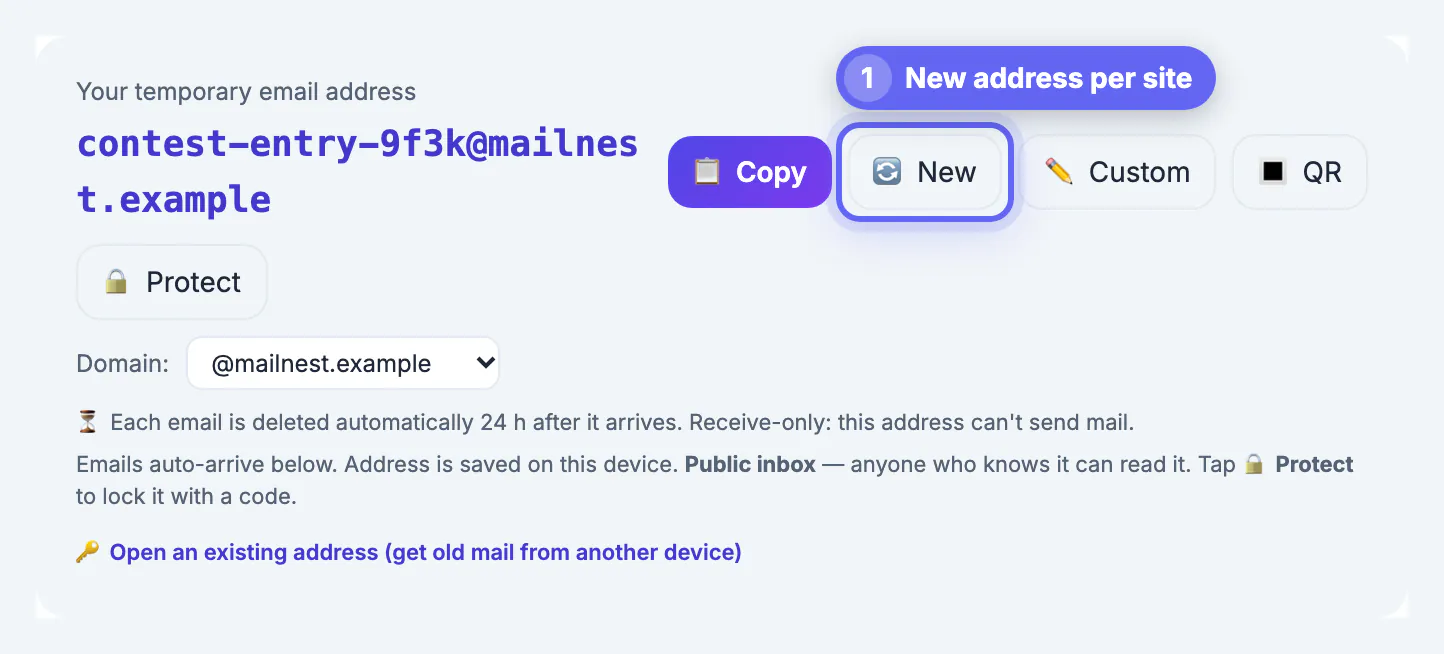
GrabCast's tool is built for tier three. It generates a random name in your browser, shows arriving messages within seconds, and deletes stored messages about 24 hours later. Whatever the sender does with that name afterward, the marketing sequence, a partner list, even a future breach, it lands in a mailbox nobody is watching. Press New for the next sign-up so two companies never share one name, and remember that anyone who knows the exact name can read the mailbox unless you set a security code with Protect.
- Real address: things you must recover or legally keep.
- Alias: things you might keep, with an off switch.
- Throwaway: things you need once, today.
What a throwaway cannot stop
Be realistic about the limits. Switching to throwaways now does nothing for the addresses already sitting on marketing lists and in breach dumps; those need the cleanup routine above, and in bad cases a fresh primary address. It also does not make you anonymous: cookies, device fingerprints, phone numbers and payment details still identify you to the companies you deal with, so this is spam control, not invisibility.
Finally, a throwaway domain gets junk of its own, since shared names end up on lists too. That is harmless in a mailbox you abandon, but it means you should not use the tool for anything you would mind others seeing. Some sites also refuse known throwaway domains; when that happens, respect it and decide whether the site is worth a tier-one or tier-two address, rather than hunting for a way around the block.
For a permanent alias that forwards to your real inbox, try the Free Email Forwarding Setup Wizard. If you run your own domain, the Email DNS Checker helps make spoofed mail harder to pass.
Step-by-step
Common mistakes to avoid
Pro tips
Frequently asked questions
Can a disposable email stop spam I already get?
No. It only prevents new senders from getting a durable address. Existing spam needs unsubscribing, reporting and filters.
Is it safe to click unsubscribe?
For recognizable companies, generally yes; US law requires them to honor opt-outs within 10 business days. For unknown or scam senders, report as spam instead.
Throwaway or alias for newsletters?
An alias. You will want future issues, and an alias delivers them to your real mailbox while letting you cut off that sender later.
Does a throwaway make me anonymous?
No. Companies can still recognize you through cookies, devices, phone numbers and payment details. It limits email spam, not tracking in general.
Why does the throwaway receive random junk?
Shared throwaway domains attract spam of their own. It does not affect you once you abandon the name, but it is another reason to keep sensitive mail away from it.
Clean up existing junk with safe unsubscribes, spam reports and filters, then stop spam growing by giving each sender only the address it deserves: real for essentials, an alias for repeat senders, and a fresh disposable inbox for one-time gates.
Related guides
Browse more: all all guides · the Temporary Email tool