Websites That Block Temporary Email: Reasons and Options
Websites block temporary email because throwaway sign-ups are disproportionately linked to fake accounts, repeated free-trial and coupon claims, and users they can never reach again. If a form says your address is not allowed, the site recognized the domain and made a policy decision; nothing is wrong with your browser. This article explains the reasoning from the site owner's side, how detection usually works, and what you can legitimately do next, whether you are a privacy-minded user or someone running a sign-up form yourself.
📩 Try the Temporary Email tool now — freeOpen →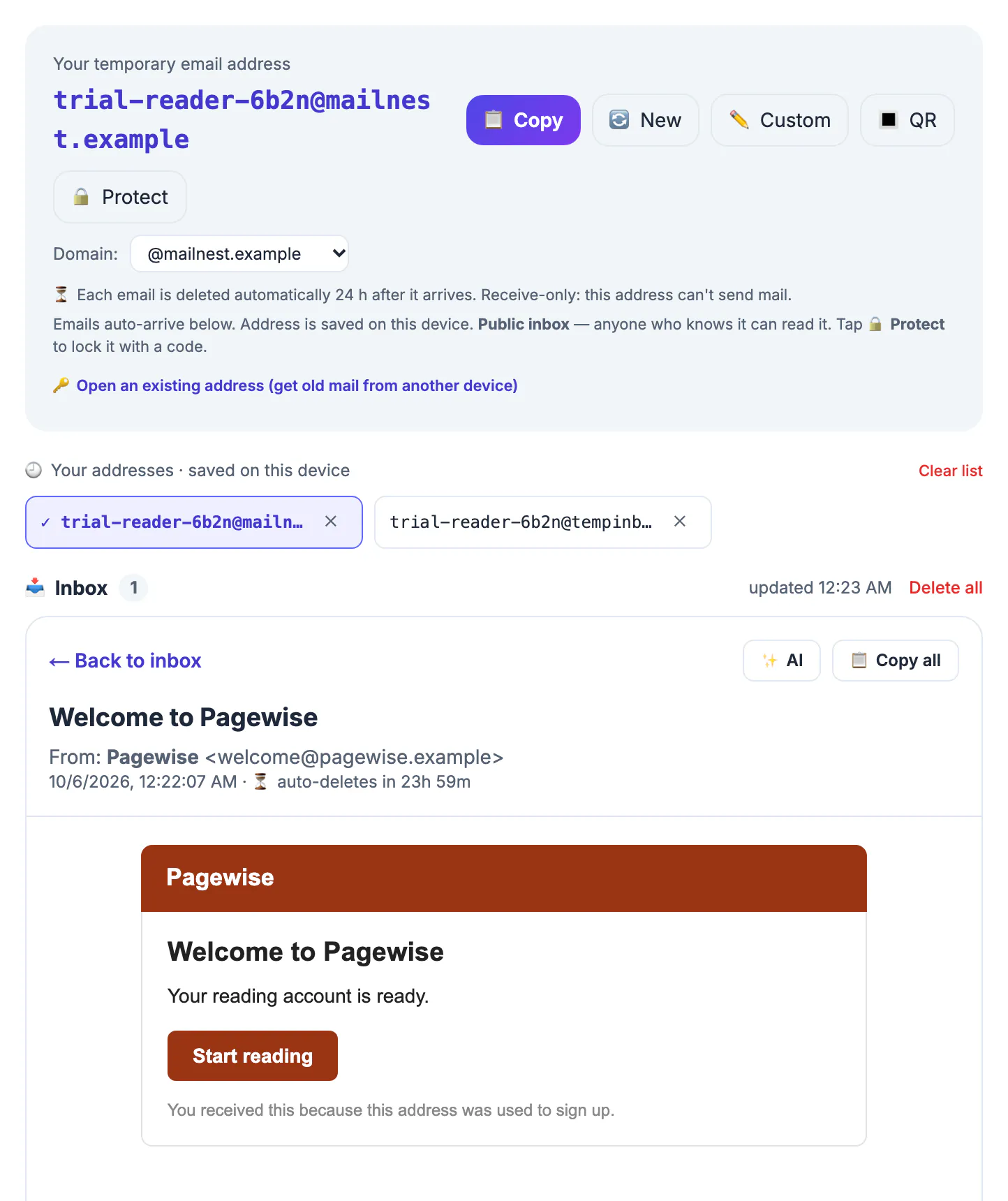
A rejection feels personal when you only wanted a download. Seen from the other side, the same rule is often a response to thousands of bot accounts or a promotion drained by repeat claims. Understanding the trade-off helps you decide quickly whether the site deserves a permanent address or an alias, or whether to simply move on.
Four reasons sites block throwaway domains
Abuse prevention comes first. Unlimited free addresses make it cheap to create hundreds of accounts, and those accounts fuel spam posts, fake reviews, vote manipulation, referral-bonus farming and ban evasion. Requiring a durable address raises the cost of each new account just enough to slow that down.
Offer protection comes second. Free trials, welcome discounts and sign-up credits are budgeted on the assumption of one per person. When the same customer can claim them repeatedly, the promotion loses money and may be withdrawn for everyone. Third is reachability: a company needs to deliver receipts, security alerts, policy changes and, for regulated businesses such as fintech, identity and compliance notices. Messages to an abandoned mailbox fail silently, and poor engagement can hurt the sender's reputation with Gmail and Outlook. Fourth is support cost, because users who lose access to a throwaway eventually write in asking for account recovery the site cannot verify.
- Community platforms: mostly fighting bots and ban evasion.
- Subscription and SaaS products: mostly protecting trials and credits.
- Banks, marketplaces and payment apps: mostly legal, security and fraud requirements.
How websites spot a temporary email
Most checks are simple. The commonest is a list of known throwaway domains; several open-source lists on GitHub track thousands of them and are updated as new services appear, and many sign-up libraries include one. Shared domains used by popular tools, including GrabCast's inbox.grabcast.click, can land on such lists at any time.
Beyond lists, some sites look up the domain's DNS records, since throwaway services accept mail for every possible name. Others pay verification services that score an address using domain age, catch-all behavior and past abuse. A growing number also flag forwarding-alias domains, and some combine the check with device, IP and payment signals, which is why the same address may pass on one site and fail on another.
Timing varies as well. Some forms reject the domain the moment you type it, others accept the sign-up and quietly restrict the account later, for example by withholding a trial or flagging it for review. A few services even allow the account but refuse to send promotional credits to it. If a site behaves oddly after sign-up, a hidden domain policy is a likely explanation, and its help pages or support team can usually confirm.
What to do when websites block your address
Start by asking what you actually want from the site. If it is a one-time download or a quick look, the easiest option is often to leave; plenty of alternatives exist. If you want an ongoing account, it deserves a lasting address anyway, and the block is doing you a favor, since a throwaway would have left you with no password reset path after its messages vanished about a day later.
- Use a forwarding alias from Apple Hide My Email, Firefox Relay, DuckDuckGo Email Protection or SimpleLogin, if the site accepts it.
- Use your permanent address and untick every marketing and partner-sharing box.
- Read the privacy policy or ask support how your address will be used before deciding.
- Walk away if the trade is not worth it.
What we do not recommend is hunting for an unlisted domain or rotating services until one slips through. The rule is the site's to set, getting around it usually breaks its terms, and accounts created that way are often closed later along with anything you bought or built there.
If you run the form: blocking with care
Site owners have trade-offs too. Blanket blocking also turns away privacy-conscious visitors who only wanted a newsletter sample, and alias users are often your most careful customers. Consider blocking throwaways only where abuse actually costs you, such as trials and credits, while leaving low-risk actions like a whitepaper download open. Pair the rule with a clear message explaining why and suggesting an alias, and apply rate limits, email confirmation and bot checks, which catch abuse regardless of domain.
If you test your own sign-up flow with a throwaway, remember that production validation may reject it; whitelist the domain in staging only. And review the domain list you depend on now and then, because stale entries can block legitimate providers by mistake.
If you would rather accept real addresses, the Email DNS Checker helps confirm your own confirmation emails are set up to arrive. Visitors who want an alias can use the Free Email Forwarding Setup Wizard.
Step-by-step
Common mistakes to avoid
Pro tips
Frequently asked questions
Why do websites block temporary email addresses?
Mainly to limit fake accounts, repeated trial and discount claims, undeliverable mail and unrecoverable accounts. It is a business decision, not a technical fault.
How do they know my address is disposable?
Usually from published lists of throwaway domains, sometimes backed by DNS checks and paid verification services that score the address.
Is it wrong to try another throwaway domain?
Getting around a site's deliberate block usually breaks its terms and risks losing the account. Use an alias or your permanent address instead.
Do sites block aliases too?
Some do, especially banks and marketplaces. Many ordinary sites accept aliases, which makes them the best private option for accounts you keep.
Does GrabCast's domain get blocked?
It can be. Shared throwaway domains are added to public lists over time, so expect some sites to refuse it.
A blocked throwaway is a site's policy choice, driven by abuse, promotion costs and reachability; respect it, and give sites you want to keep using a permanent address or a forwarding alias rather than searching for a domain that slips through.
Related guides
Browse more: all all guides · the Temporary Email tool