Keep Your Email Address Private: A Three-Tier System
To keep your email address private, stop handing the same inbox to every form: use your real account only for identity, money and work, an alias for services you keep, and a disposable inbox for one-time codes. That single sorting rule blocks most marketing spam and most cross-site matching before it starts. This guide shows where logins actually leak, how to set up each tier in about 20 minutes, and where a throwaway inbox is the wrong tool.
📩 Try the Temporary Email tool now — freeOpen →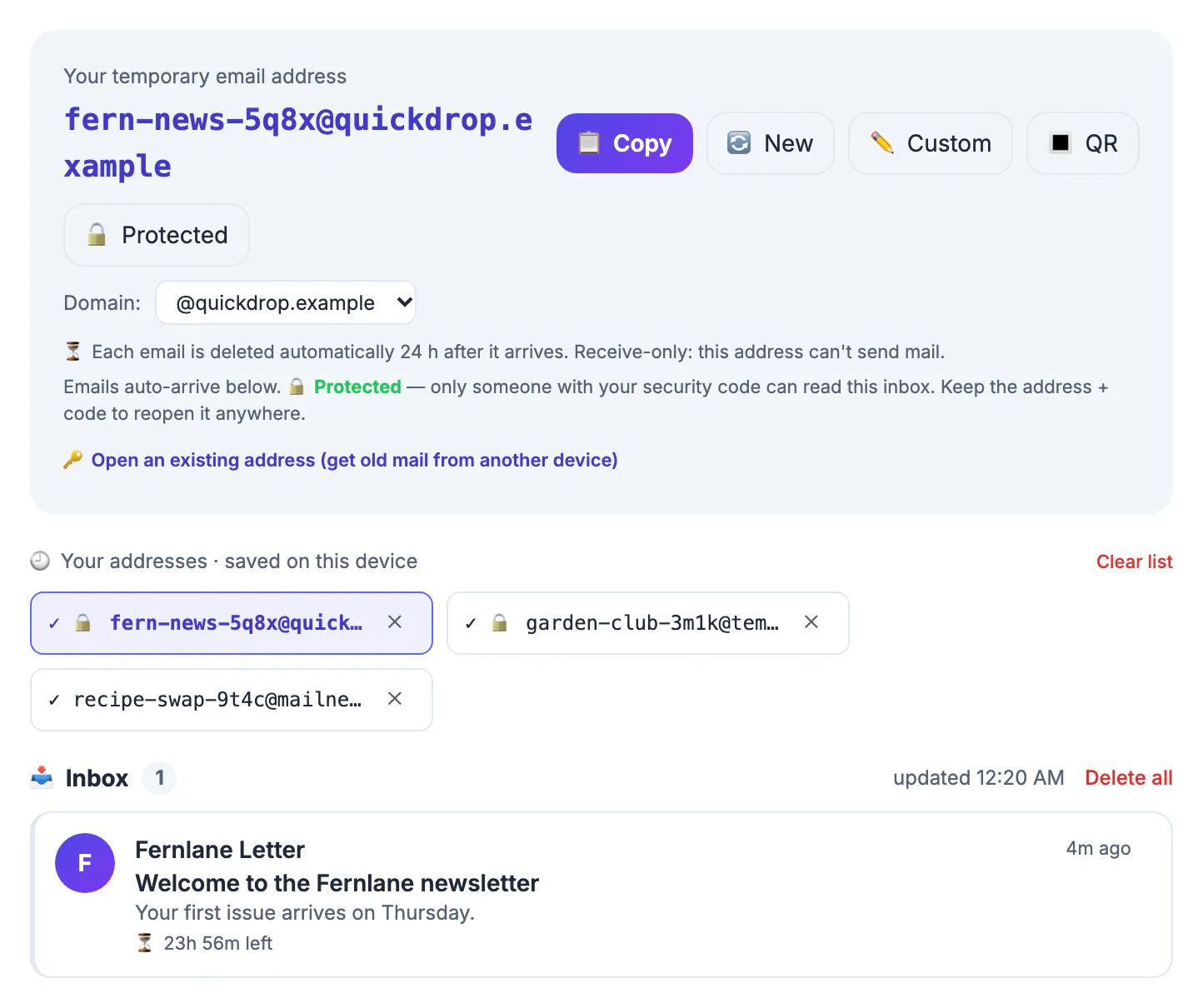
Your login name is the most reused identifier you own. Retailers, ad networks and data brokers match it across sites to link purchases, browsing and public profiles into one record, and breach dumps attach it to old passwords. You cannot rotate it as easily as a password, so the practical defense is to limit how many systems ever see it.
Where your email address actually leaks
Most exposure comes from ordinary places, not hackers. Checkout forms and loyalty programs share contact lists with marketing partners, and their privacy policies often allow it. Gated downloads, webinar sign-ups and airport Wi-Fi splash pages collect a login in exchange for a PDF or 30 minutes of internet. Public footprints add more: a résumé posted as a PDF, a comment on an old forum, a GitHub commit, or a domain registration without WHOIS privacy.
Then there is passive tracking. Marketing newsletters embed invisible one-pixel images that report when and roughly where you opened a message; Apple Mail Privacy Protection and Gmail's image proxy blunt part of this, but not every app does. Finally, breaches: once a site is hacked, its user list circulates for years and gets merged with other lists.
- High risk: sweepstakes, coupon walls, free Wi-Fi portals and 'enter to see the price' forms.
- Medium risk: newsletters, retailer accounts, event tickets and app sign-ups.
- Low risk but high stakes: your bank, employer, doctor and government portals, which still deserve your real login.
Three tiers, set up in about 20 minutes
Tier 1, the real inbox. One account at a reputable provider, protected by a long unique password and two-step verification; an authenticator app or a passkey beats SMS codes. Give it only to banks, tax and health portals, your employer, and any account you would need to recover years from now.
Tier 2, aliases. Aliases forward to the real inbox but can be switched off one by one. Plus addressing is the free starting point: Gmail and many other providers deliver name+shop@gmail.com to name@gmail.com, so you can filter by tag and see who shared your details. Its weakness is that the real login sits in plain view before the plus sign, and some forms reject the symbol. Relay services such as Apple's Hide My Email (part of iCloud+), Firefox Relay, DuckDuckGo's forwarding service and SimpleLogin generate random handles instead, which hides the real one completely.
Tier 3, disposable. A receive-only inbox you abandon after one use, for a download code, a one-time coupon or a forum thread you want to read once.
Tier two is easiest with forwarding, and the Free Email Forwarding Setup Wizard guides you through it. The Password Breach Checker is a useful extra check for older passwords.
Where a temporary email helps, and where it hurts
GrabCast's Temporary Email tool gives you a random handle such as swiftotter4k9q2 at inbox.grabcast.click as soon as the page opens. New mail appears on its own, because the page checks the server about every 12 seconds, and a detected verification code gets a one-tap Copy code button. It is receive-only: you cannot send, answer or forward from it. Messages are stored on GrabCast's server and erased 24 hours after they arrive, attachments are dropped, and each inbox holds at most 50 messages.
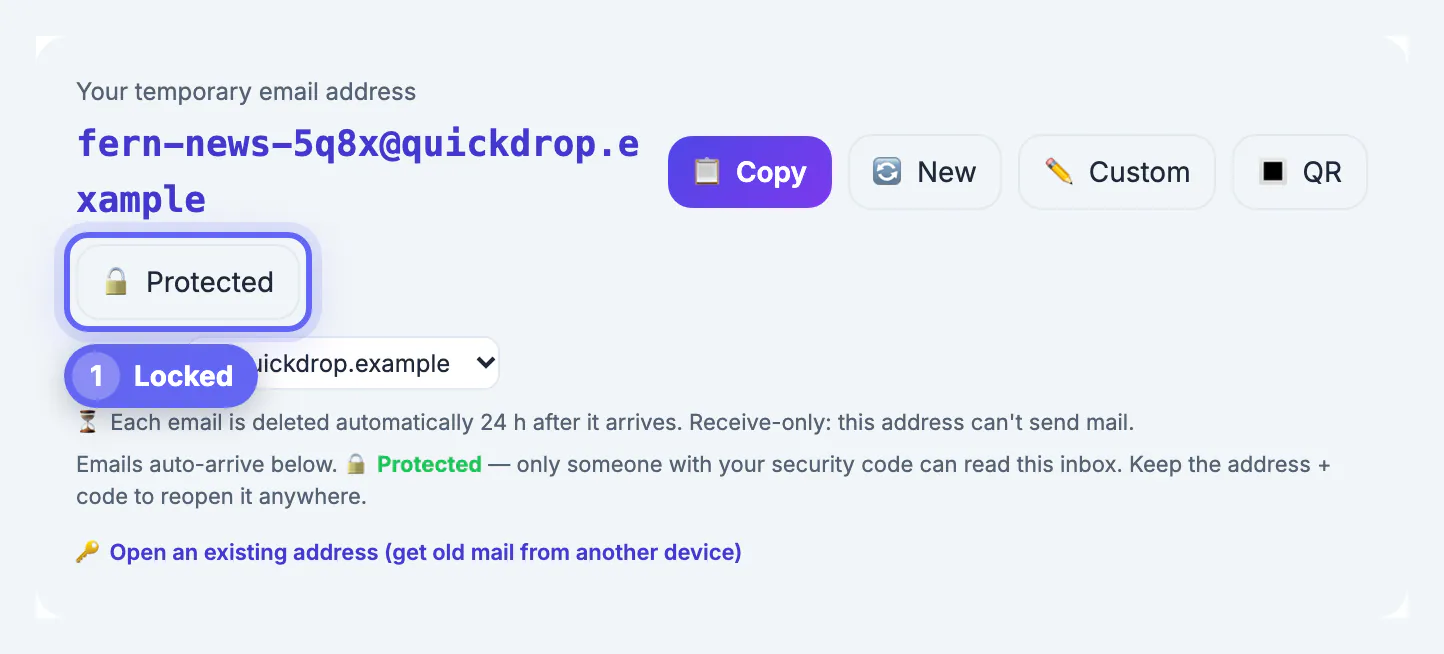
The inbox is also public by default. Anyone who types the same handle can read what arrives, which is why the page offers a Protect button that locks it behind a security code of at least four characters. Even locked, treat it as a mail slot, not an account.
- Good fit: a one-time download link, a coupon code, a trial of software you plan to evaluate honestly, or testing your own sign-up form.
- Bad fit: anything involving money, identity, medical or legal records, and any service you may need to recover with a password reset later.
- Off-limits: dodging a ban, stacking one-per-customer trials or discounts, or hiding from people who need to reach you. That breaks most sites' terms and is exactly what their filters look for.
Shrinking the exposure you already have
You cannot pull a leaked handle back, but you can make it less useful. Start with the senders already in your inbox: search for the word unsubscribe and work through the last 90 days, using the link in legitimate newsletters and the spam button for anything you never signed up for. Delete accounts you no longer use; many services bury the option under Settings, then Privacy or Account. In the US, several states, including California, give residents the right to ask companies to delete personal information, and the EU's GDPR grants a right to erasure.
Next, cut new leaks at the source. On GitHub, switch commits to the noreply handle GitHub provides in your account settings. Turn on WHOIS privacy for any domain you own. Stop loading remote images by default if your mail app allows it. Then schedule a 10-minute review each quarter so the list of senders stays short.
Step-by-step
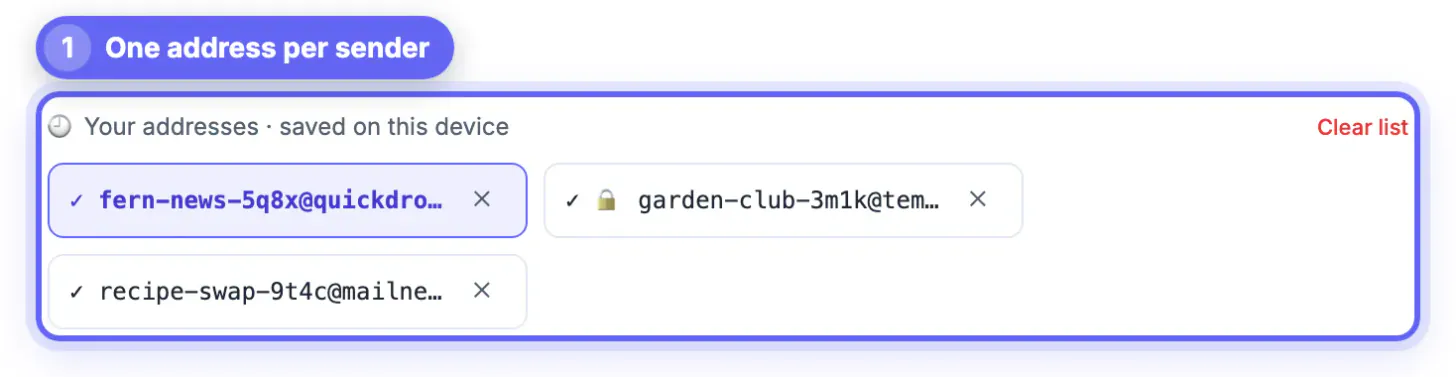
Common mistakes to avoid
Pro tips
Frequently asked questions
Is a temporary email enough to keep my address private?
No. It covers one-time sign-ups only. Long-term privacy comes from limiting the real inbox to trusted accounts and using aliases for everything you keep. A throwaway inbox is the third layer, not the whole plan.
Can I make an address private again after it leaked?
Not completely. You can reduce harm: unsubscribe, delete dormant accounts, file deletion requests where your state or country allows it, and move important accounts to a fresh alias. Changing your primary address is the last resort, and it only helps if you guard the new one.
Are alias services and plus addressing the same thing?
Plus addressing adds a tag to your real handle and is free with many providers. Alias services create unrelated random handles that forward to you, so the recipient never sees your real one. Aliases can be disabled individually; a plus tag can only be filtered.
Who can read mail in a GrabCast temporary inbox?
By default, anyone who knows the exact handle, because the inbox is public. Tap Protect and set a security code of four or more characters; after that, reading or deleting mail requires the code, and you can reopen the same inbox on another device with the handle plus the code.
When is a real inbox required?
Whenever you must receive mail months later or prove who you are: banking, taxes, insurance, healthcare, school, employment, domain registration, app stores and any account holding payment details. Those services also send security alerts you do not want to miss.
Keeping your email address private is a routing habit: real inbox for identity and money, aliases for services you keep, and a receive-only temporary inbox for single-use codes. Lock throwaway inboxes with a code, never use them for accounts you may need to recover, and prune old senders every quarter.
Related guides
Browse more: all all guides · the Temporary Email tool