Temporary Email Lifespan: How Long Mail and Handles Last
A GrabCast temporary email keeps each message for 24 hours after it arrives, then deletes it from the server; the handle itself never expires. Those are two different clocks, and mixing them up is why people lose codes or find a download link gone. Below: every timer involved, what survives a closed tab, and when to switch to a permanent inbox.
📩 Try the Temporary Email tool now — freeOpen →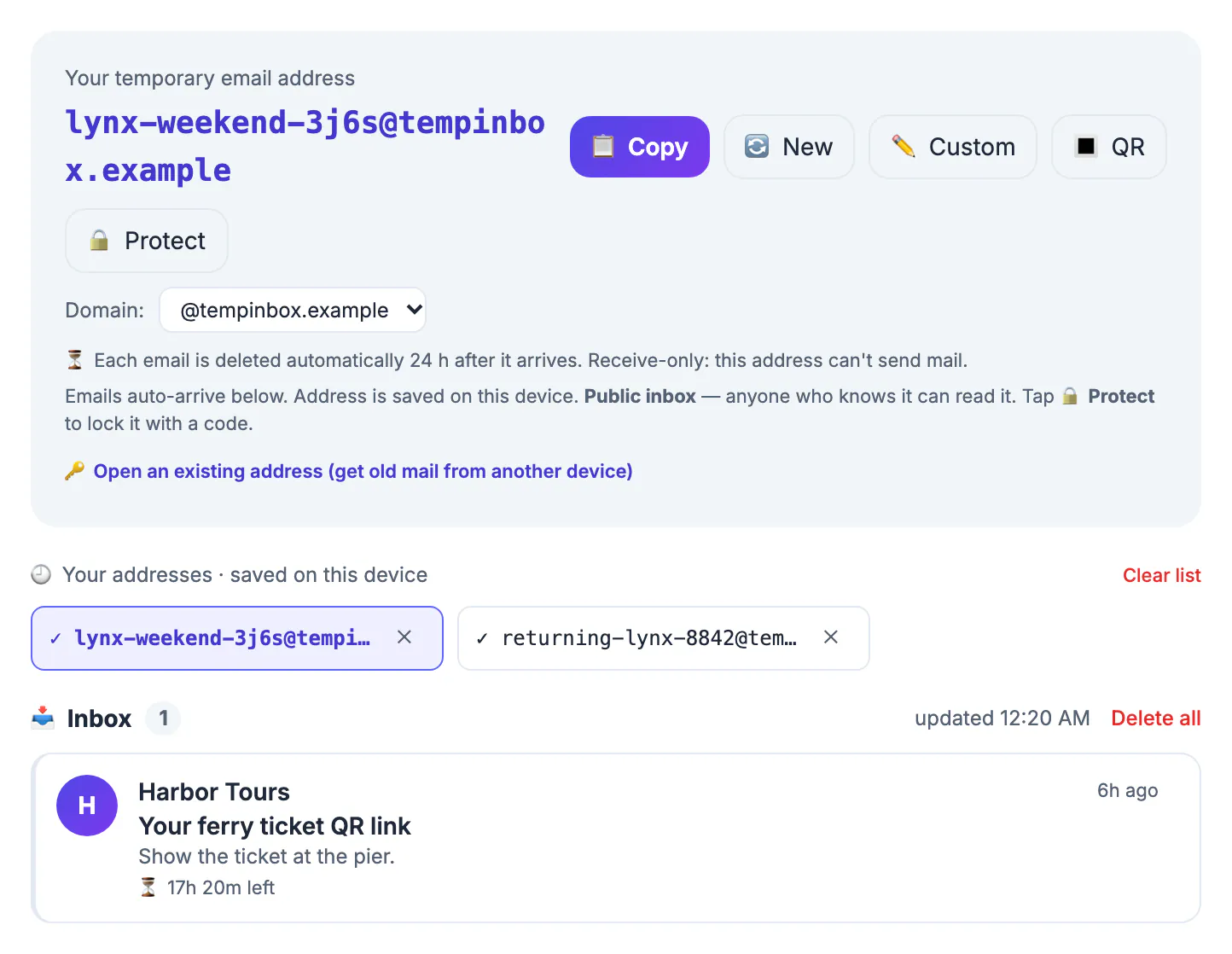
Disposable inbox services rarely spell out that the message store, the handle and the browser page each expire on their own schedule. If you know which one runs out first, you can grab a download link before it vanishes, reopen an old handle on purpose, or decide that a throwaway is the wrong choice for this sign-up.
How long a temporary email keeps each message
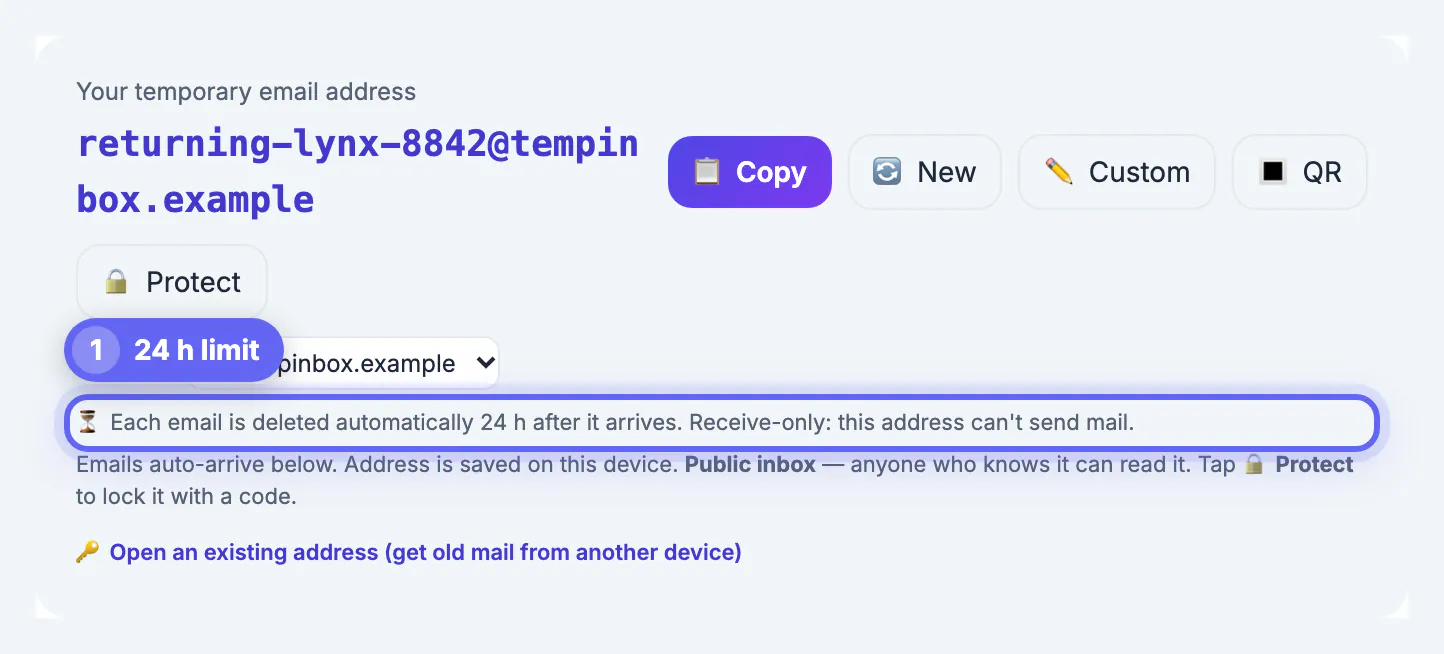
On GrabCast's shared domain, every message is stored for 24 hours counted from the moment it arrives, not from when you opened the page. A message received at 9:05 a.m. on Tuesday is removed during routine clean-up once it passes 9:05 a.m. on Wednesday, whether you read it or not. Plan on having it for one day and no more.
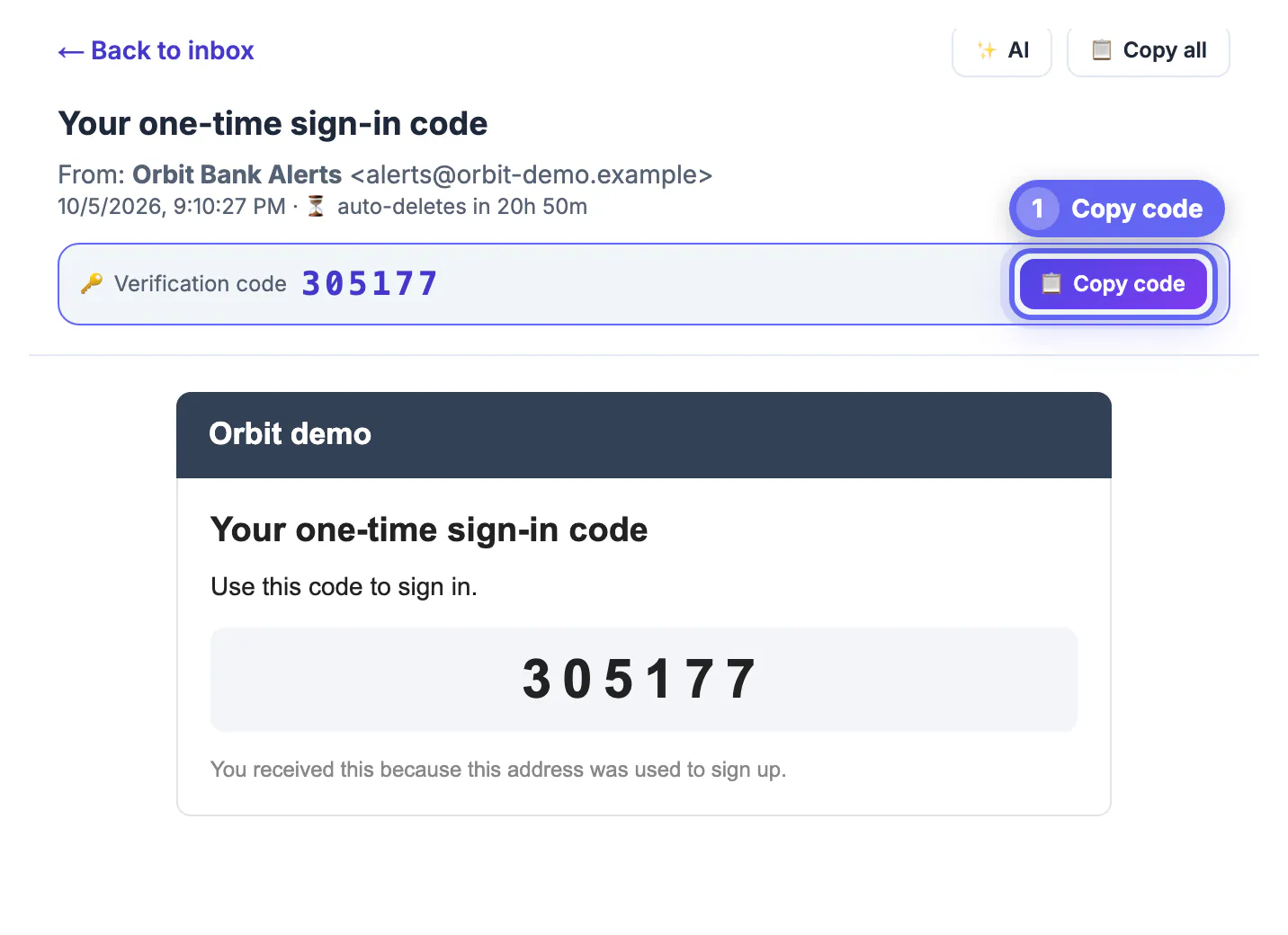
The sender runs a separate, much shorter clock. Many sites expire their own verification codes and magic links within minutes, and some queue outgoing mail, so a code can take a minute or two to show up. If a code arrives after it has lapsed on the sender's side, request a fresh one instead of retyping the old one; the 24-hour store cannot bring an expired code back to life.
Three other rules can remove mail earlier. Each inbox holds at most 50 messages, so the 51st pushes out the oldest. A flood guard discards anything beyond 30 messages to a single inbox within 60 seconds, which stops spam bombing. And you can delete mail yourself: one message at a time, everything with Delete all, or by tapping New, which discards the current mail before giving you a fresh handle.
- Stored: sender, subject, plain-text and HTML body, trimmed if a message is enormous.
- Not stored: attachments. A PDF or image attached to a message never reaches the inbox, so use a real account for anything delivered as a file.
The handle itself never expires
The handle is just a random string such as luckymaple3x8kd, built in your browser from an adjective, a noun and five random characters. That gives roughly 24 billion combinations, so two people landing on the same one is very unlikely. Nothing on the server retires it: type the same handle a month from now with Open an existing address, and any new mail sent to it will appear.
That permanence cuts both ways. An unprotected inbox is readable by anyone who knows the handle, today or next year. If you signed up somewhere with it, a stranger who learns it could request a password reset and read the link. The Protect button closes that gap: set a code of at least four characters, and from then on reading or deleting needs the code. The lock has no expiry either, so write the code down; there is no recovery if you forget it.
What survives closing the tab
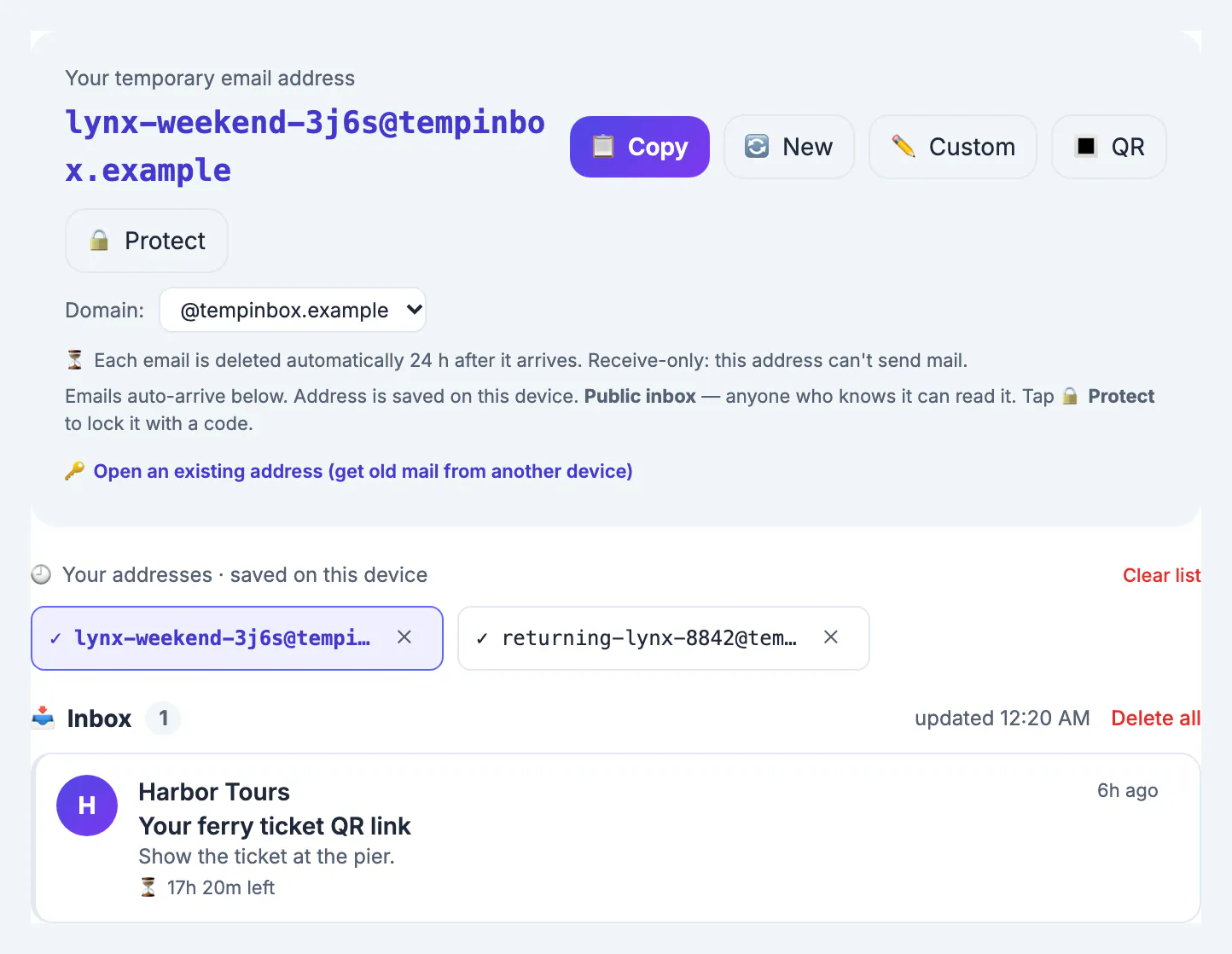
The page saves your current handle in the browser's local storage, so reopening the tool on the same device brings back the same inbox. A small Your addresses list remembers up to 20 handles you used on that device, marking the ones that received mail, but it stores only the handle strings, never message content. Clearing site data, using a private window or switching browsers wipes that list; the mail on the server is unaffected and still follows the 24-hour rule.
While the page is open, it checks for new mail every 12 seconds. It skips checks while the tab is hidden and pauses automatically after about 30 minutes, showing a Paused, tap to resume note so a forgotten tab never polls forever. If a code seems slow, tap that note or bring the tab back to the front before requesting a new one.
Other services, your own domain, and when to switch
Retention varies widely across disposable inbox providers: some wipe an inbox after minutes, others hold mail for days, and many let anyone reuse a handle later. Check each service's own page rather than assuming. GrabCast also lets site owners connect their own domain with Cloudflare's free Email Routing and a small mail worker; mail on a connected domain is kept for 72 hours and up to 300 messages per inbox, which suits QA teams testing sign-up flows.
Move to a permanent inbox or an alias when any of these apply:
- You will need to receive mail after tomorrow, such as shipping updates, renewal notices or a receipt for returns.
- The account could ever need a password reset.
- The message will carry an attachment you need.
- The service handles money, health, identity or work.
If you want an address that outlives any inbox, the Free Email Forwarding Setup Wizard helps with forwarding on your own domain, and the Email DNS Checker verifies the records.
Step-by-step
Common mistakes to avoid
Pro tips
Frequently asked questions
How long does a temporary email last on GrabCast?
Messages are kept 24 hours after arrival on the shared domain. The handle itself does not expire, and a security code you set on it has no expiry either.
Can I get a message back after it was deleted?
No. Deleted and expired mail is removed from the server with no backup. If the sender allows it, request a new code or link.
Why did an older message vanish before 24 hours?
Either the inbox passed 50 messages and the oldest was pushed out, you tapped New or Delete all, or someone with access deleted it. Protect the inbox with a code to rule out the last case.
Does closing the browser end the inbox?
No. Mail keeps arriving on the server. Reopen the page on the same device to resume, or use Open an existing address anywhere with the handle and, if set, the code.
Is 24 hours long enough for a free trial?
Only for the confirmation step, which is usually all a throwaway should handle. Trial reminders, receipts and cancellation confirmations arrive later, so if you are paying or might be billed, sign up with a real inbox or an alias you monitor.
A GrabCast temporary email keeps messages for 24 hours, caps each inbox at 50, drops attachments, and never retires the handle itself. Copy what you need immediately, lock any inbox that receives a login link, and use a permanent inbox for anything you will need past tomorrow.
Related guides
Browse more: all all guides · the Temporary Email tool