Best Word Counters and Writing Tools by Task
The best word counters and writing tools in 2026 depend on the question you are asking: how long is this, how hard is it to read, is it correct, or will it fit the platform. For fast totals, GrabCast's free counter, Microsoft Word and Google Docs are all reliable; Hemingway Editor is the classic readability checker; Grammarly, ProWritingAid and LanguageTool handle grammar and style. Most writers end up with a small stack rather than one app. This guide organizes the well-known options by task, explains why two counters can disagree on the same essay by a few units, and lists the character limits that trip people up on X, LinkedIn, Instagram, YouTube and search results. Products are described by documented features, with no invented prices.
🔢 Try the Word Counter tool now — freeOpen →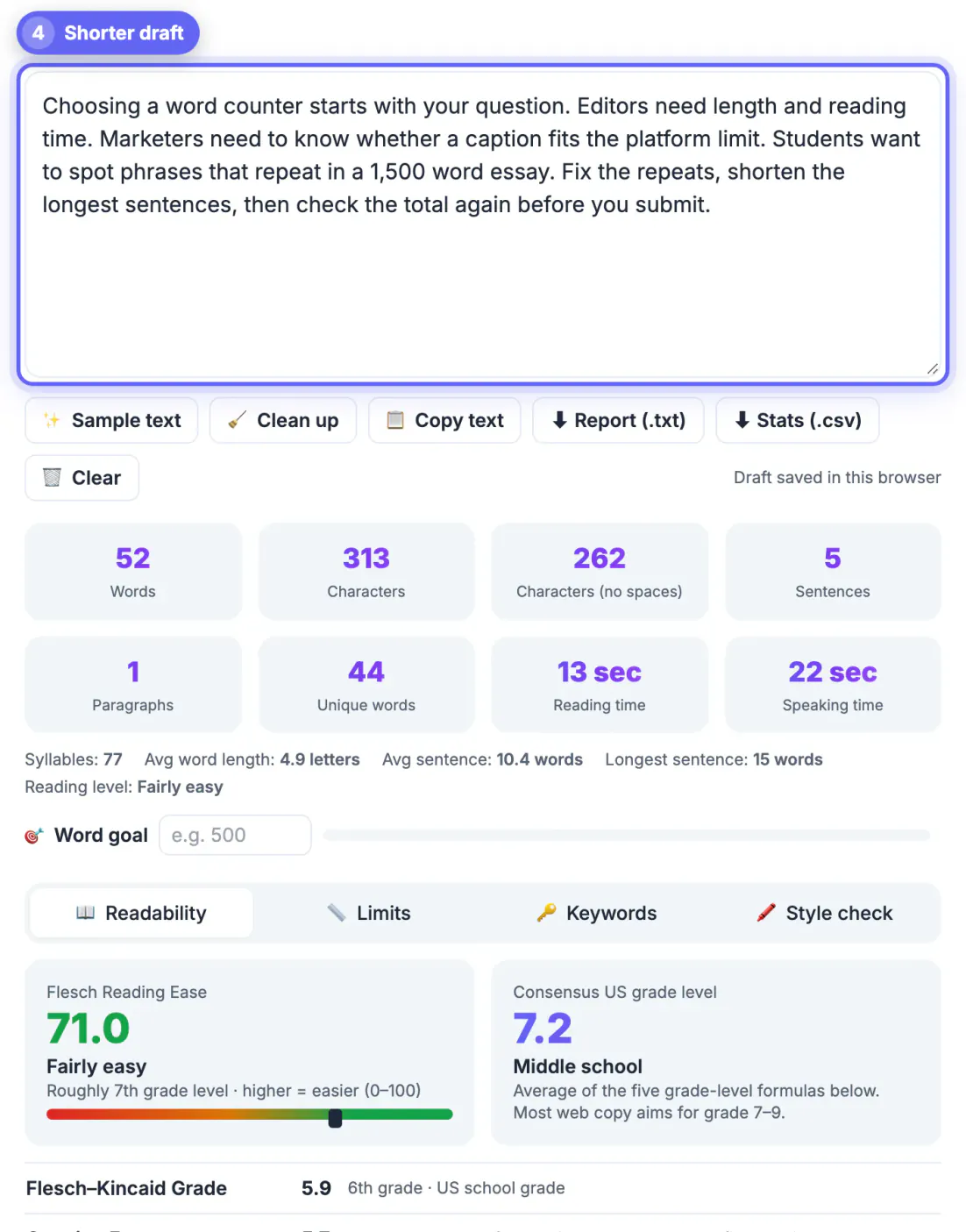
Counting, readability and correctness are different problems with different costs. A counter is simple arithmetic that can run instantly on your own device with nothing to install. Readability scoring adds sentence analysis but still needs no network. Grammar and style checking, especially the AI-assisted kind, usually sends your text to a server, often needs an account, and reserves its best suggestions for paid plans. Bundling all three into one subscription is convenient, but it means pasting a confidential report into a cloud service just to learn it is 1,480 words long. It also means accepting rewrites you did not ask for when you only wanted a total. Picking a tool per task keeps quick checks fast and private, saves money on features you use once a month, and lets you choose the strictest checker only for the documents that deserve it, such as applications, published articles and client deliverables.
Fast totals: word counters in GrabCast, Word and Google Docs
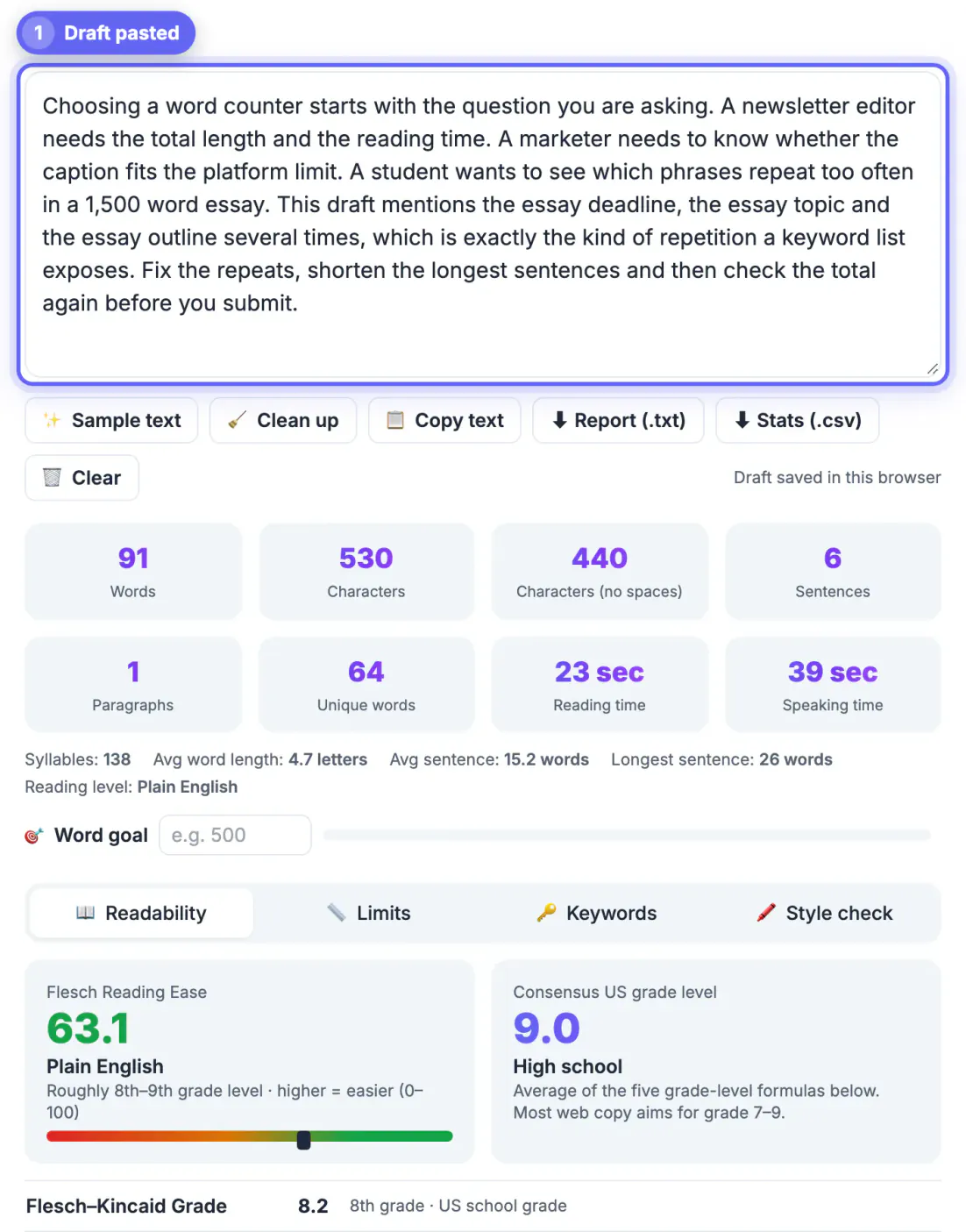
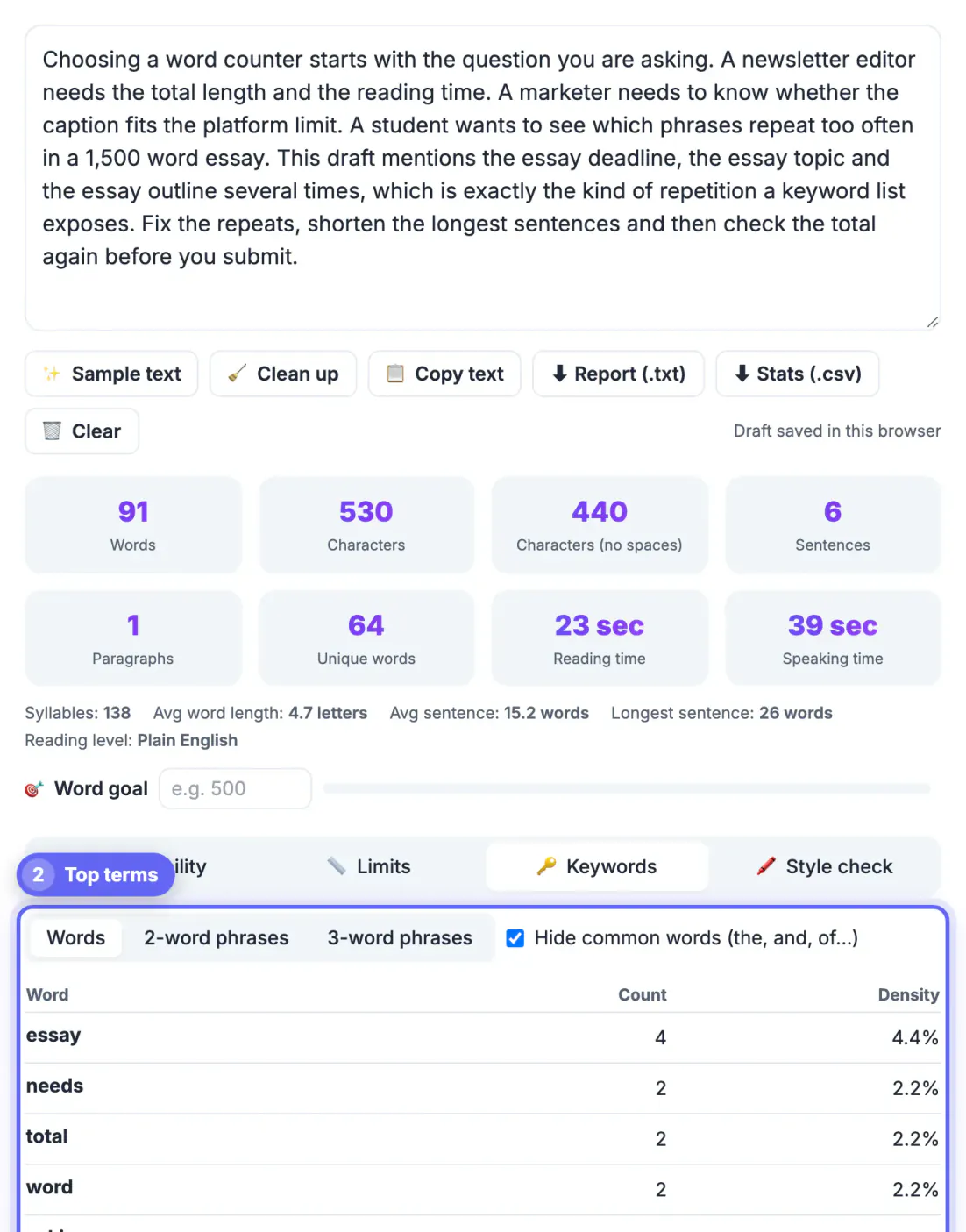
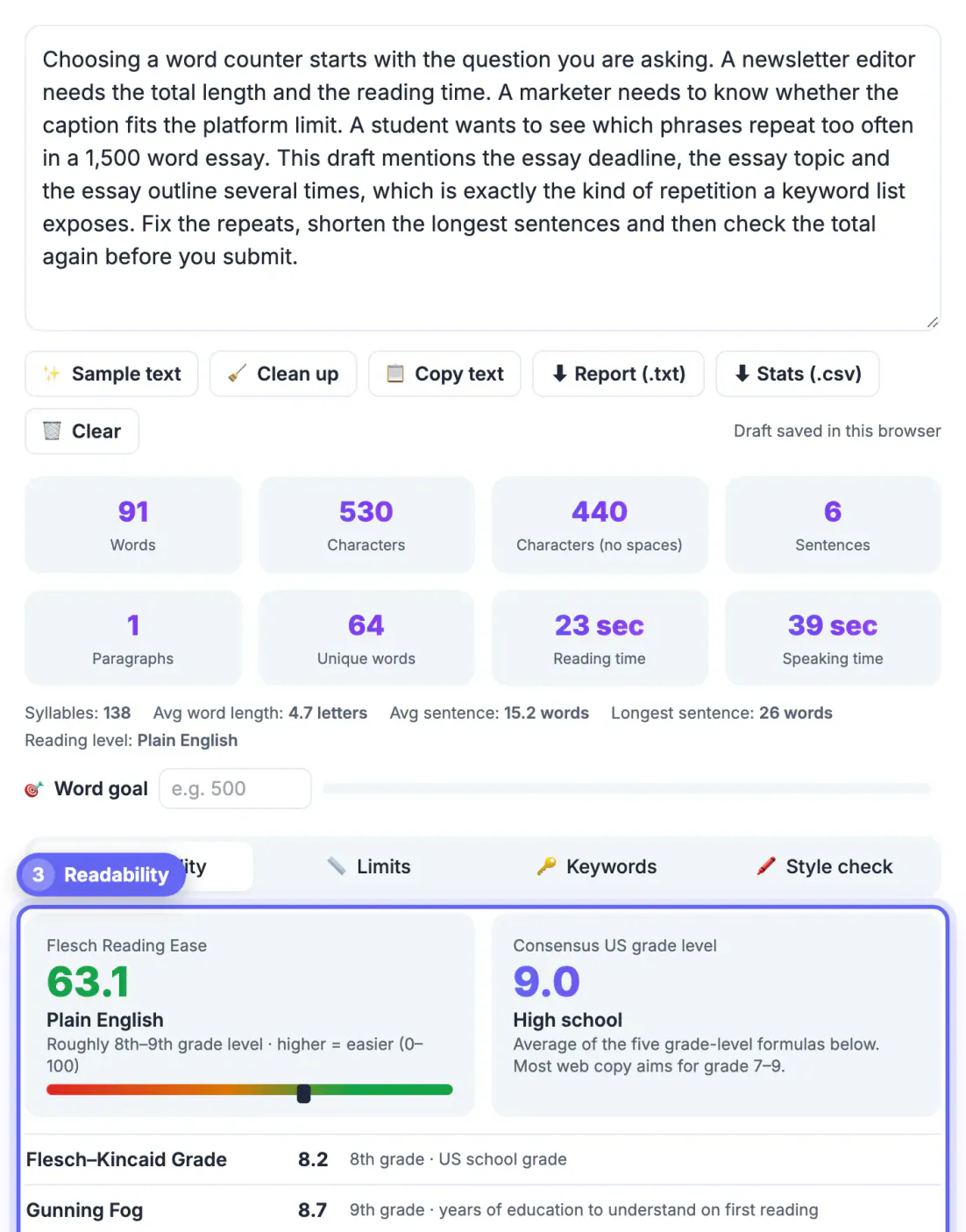
GrabCast's counter updates as you type or paste: words, characters with and without spaces, sentences, paragraphs, unique words, syllables, reading time at 238 words per minute and speaking time at 140. Tabs add Flesch Reading Ease and five grade-level formulas, platform limits for X, Instagram, TikTok, SMS and more, keyword and 2- or 3-word phrase density, and a style check for long sentences and possible passive voice. Everything is calculated in the page, with no account.
Know how it counts. Only groups that contain a letter or number count, so state-of-the-art counts once and a lone dash does not count. Sentences end at periods, question marks and exclamation marks, but abbreviations like e.g. or U.S. do not end one, and a heading line without punctuation counts as its own sentence. Each non-empty line is a paragraph. The draft is saved only in this browser's local storage, so keep important work in a document too.
- Microsoft Word: the status bar shows a running total, and Review then Word Count adds pages, characters and an option to include footnotes.
- Google Docs: Tools then Word count, or Ctrl+Shift+C, with an option to display the tally while typing.
- Small differences between tools usually come from dashes, URLs and hyphenated terms.
Readability: Hemingway Editor
Hemingway Editor highlights long and very hard sentences, adverbs, passive voice and phrases with simpler alternatives, and reports a US grade level. The web version is free to use in a browser; paid versions add desktop apps and AI-powered suggestions. It is excellent for blog posts, instructions and anything a tired reader skims on a phone.
Treat the grade level as a signal, not a rule. Technical and academic writing legitimately scores higher, and chopping every sentence short can make prose choppy. Use it to find the three or four sentences that genuinely need splitting.
Grammar and style: Grammarly, ProWritingAid and LanguageTool
Grammarly checks grammar, spelling, punctuation, clarity and tone across browsers, desktop apps and office suites. The free version covers core corrections; paid plans add full-sentence rewrites and deeper style suggestions. ProWritingAid is known for in-depth reports on overused phrases, sentence variety and pacing, which makes it popular with novelists. LanguageTool supports many languages and has an open-source core that organizations can host themselves.
All three analyze text on their servers in their standard setups, so review each privacy policy before checking confidential documents. GrabCast's AI Writer also has a fix-grammar mode, which likewise runs on cloud AI.
- Grammarly: the broadest everyday coverage across apps.
- ProWritingAid: the deepest style reports for long manuscripts.
- LanguageTool: the best fit for multilingual writers and self-hosting.
When you revise a draft, the Text Diff Checker highlights exactly which words you changed between versions.
Platform limits: when characters matter more than length
Many limits are measured in characters, not units of meaning, which is why GrabCast shows both. A few common ones to keep beside your counter:
- X: 280 characters for a standard post, and every link counts as 23 characters regardless of its real length.
- LinkedIn posts: 3,000 characters; Instagram captions: 2,200 characters.
- YouTube: titles up to 100 characters and descriptions up to 5,000.
- Search results: meta descriptions are cut by pixel width, usually around 150 to 160 characters.
- SMS: 160 characters per segment, or 70 when a message contains emoji or non-Latin letters.
For essays, confirm whether your instructor counts titles, headings, citations and the reference list; rules vary, and that single question explains most disputes about a total.
Step-by-step
Common mistakes to avoid
Pro tips
Frequently asked questions
What is the best free word counter in 2026?
For quick, private totals GrabCast, Microsoft Word and Google Docs are all accurate. GrabCast adds reading and speaking time, readability scores, platform limits and keyword density without an account.
Why do two word counters give different totals?
They treat dashes, hyphenated terms, URLs and numbers slightly differently. GrabCast counts only groups that contain a letter or number, so a spaced dash adds nothing while a hyphenated term counts once.
Does GrabCast save or upload my text?
No. The counts are calculated in your browser and the text is not uploaded. The draft is kept only in this browser's local storage so a refresh does not lose it; press Clear to delete it.
Is Grammarly better than a word counter?
They do different jobs. Grammarly checks correctness and style and usually processes text on its servers; a counter just measures length locally. Many writers use both.
How is reading time calculated?
GrabCast divides the total by 238 words per minute for reading and 140 for speaking, common averages for adult silent reading and presentation pace.
Build a small stack instead of buying one bundle. Use GrabCast's free counter, Word or Google Docs for totals, characters and reading time; Hemingway for readability; and Grammarly, ProWritingAid or LanguageTool for grammar on the documents that deserve it. Keep platform character limits handy, and remember that cloud checkers see your text while a local counter does not.
Related guides
Browse more: all text and developer guides · the Word Counter tool