Write With AI: A Simple Workflow for Any First Draft
The hardest part of writing is almost never the writing itself. It is the blank page, the paragraph you rewrite six times, the fear that the first line has to be perfect. A repeatable workflow removes that friction. Instead of waiting for inspiration, you give an AI writer a clear brief, react to the draft it returns, and shape it into something that sounds like you. This guide walks through a simple loop you can reuse for emails, essays, posts, or reports. The free GrabCast AI Writer works in any browser with no signup and nothing to install, though your text is processed by a cloud AI service, so you move from idea to finished text in one sitting.
✍️ Try the AI Writer tool now — freeOpen →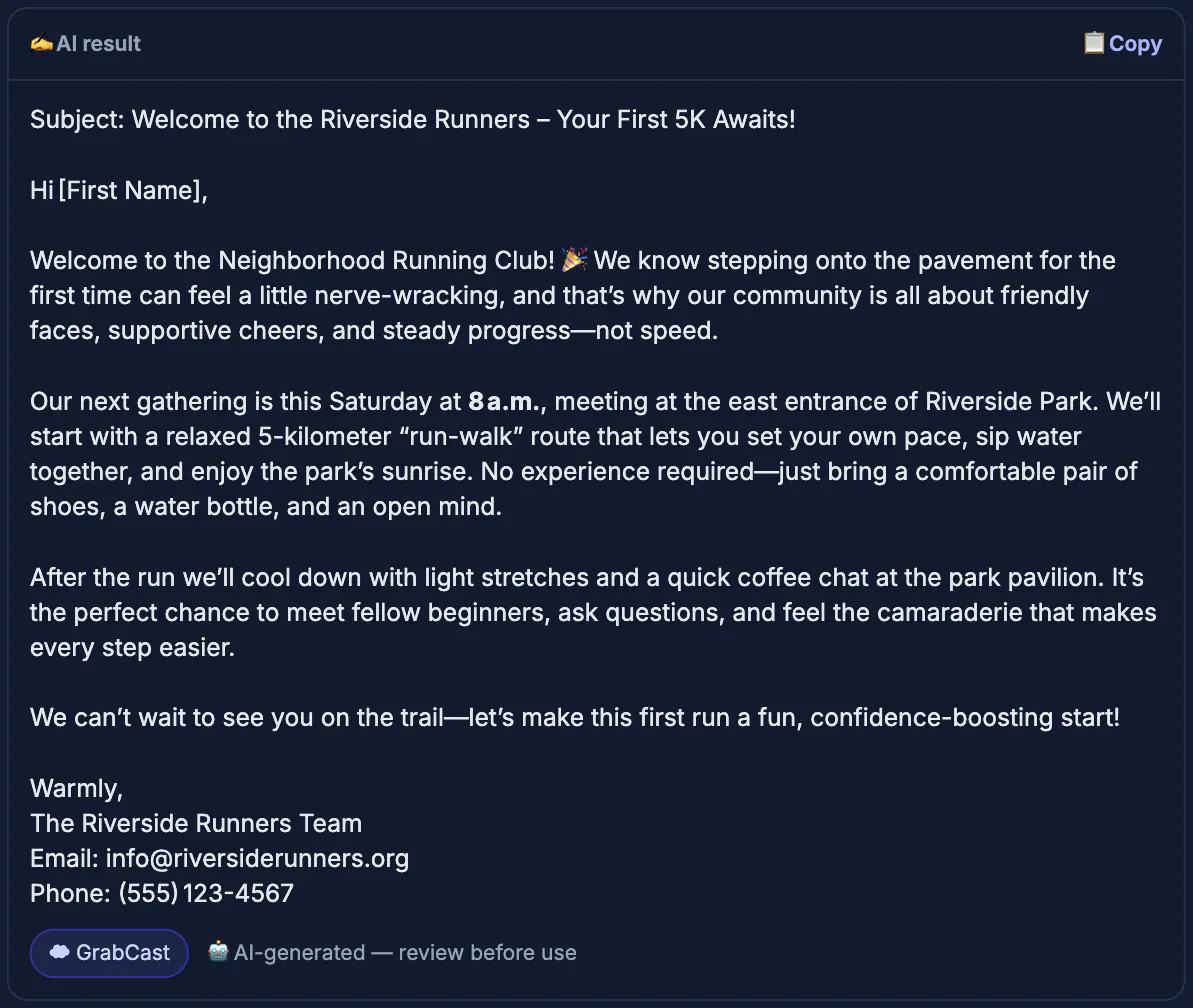
People who get good results from AI are rarely better writers than everyone else. They just follow a process. A workflow matters for three reasons. First, it forces you to define the audience and goal before you draft, which is where most weak writing goes wrong. Second, it turns writing into small, low-pressure steps: brief, draft, edit, polish. Third, it makes AI a collaborator rather than a crutch, because you decide the structure and the model fills the gaps. Once the loop is second nature, a task that used to eat an hour becomes fifteen focused minutes, and the output is clearer because you never started from nothing.
Start with a one-line brief
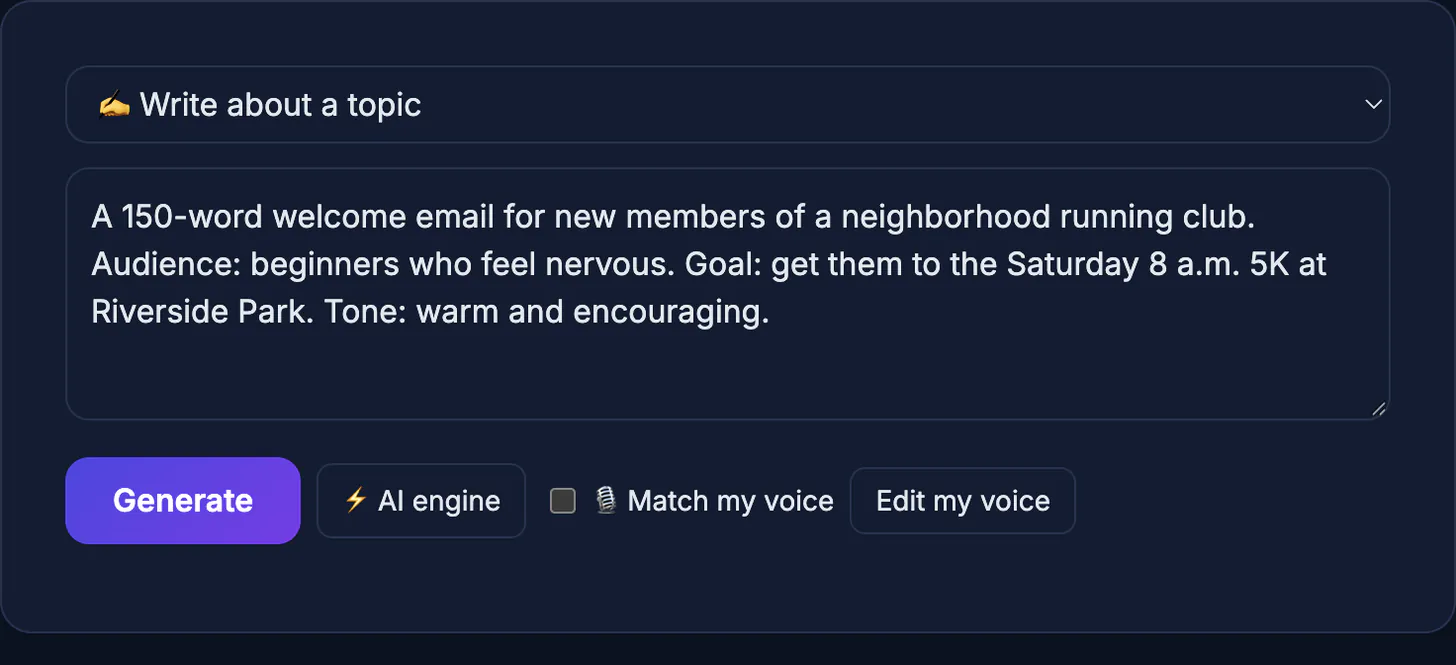
Before you type a single sentence of the actual piece, write one line describing what you want. This brief is the single biggest lever on quality, because a vague request produces vague text.
- Name the audience, such as a busy manager or a first-time customer.
- State the goal in plain words: inform, persuade, or reassure.
- Set a rough length and tone so the draft lands close on the first try.
Draft fast, judge later
Generate a full draft and resist the urge to fix things mid-stream. Your job at this stage is to get a complete shape on the page so you have something concrete to react to instead of a cursor blinking at you.
- Ask for the whole piece, not one paragraph, so structure appears at once.
- Read it as a reviewer, marking what works and what feels off.
- Regenerate only the sections that miss, rather than starting over.
Edit it into your voice
A first draft is scaffolding, not the finished building. The edit pass is where generic text becomes yours. Cut anything you would not say out loud, add a real detail only you know, and tighten every sentence.
- Replace filler phrases with concrete nouns and active verbs.
- Add one specific example or number the model could not have known.
- Read the result aloud to catch stiff rhythm and robotic phrasing.
How to write with AI without losing your voice
The risk of an assistant is sounding like everyone else. Keep control by deciding the point of the piece yourself and letting the tool handle the scaffolding.
- Provide facts, numbers and examples from your own work, since the model cannot know them.
- Ask for structure first, such as an outline, then expand only the sections you need.
- Rewrite the opening and closing lines yourself; they carry most of your personality.
- Read the result aloud and remove any phrase you would never say.
For specific formats, see writing a professional email with AI and the free AI blog post generator workflow.
Check facts and tone before you publish
AI text can sound confident and still be wrong. Verify every name, date, statistic and quotation against a reliable source, and remove anything you cannot confirm. Check the tone against your audience: a message to a client needs a different register from a casual post. Finally, run the finished text through a free proofreading routine so typos and repetition do not slip through.
- Mark every claim that needs a source.
- Cut generic filler such as in today's fast-paced world.
- Save your best prompts so the next draft starts faster.
Examples of briefs that work
A good brief is one line. For example: write a 150-word welcome email for new gym members, friendly and direct, mention the free first class. Compare that with write something about gyms, which gives the tool nothing to aim at. Add the audience, the goal, the tone and the length, and the first draft will usually be close enough to edit instead of rewrite.
Common first-draft problems and fixes
If the draft is too generic, add a concrete example to the brief. If it is too long, set a word limit and ask for the shortest version that keeps the main point. If the tone is off, paste two sentences you wrote and ask the tool to match them. If the structure is weak, ask for an outline first and approve it before requesting the full text. Small corrections to the brief save far more time than rewriting the output line by line.
Step-by-step
Common mistakes to avoid
Pro tips
Frequently asked questions
Do I need to be a good writer to use this?
No. The workflow does the heavy lifting. You supply the brief and the judgment, and the tool handles the blank-page problem so you can focus on shaping the draft.
What kinds of writing does this work for?
Almost anything short to medium length: emails, posts, essays, summaries, and reports. For each, the loop is the same: brief, draft, edit, polish.
Is the GrabCast AI Writer really free?
Yes. It is free with no signup and no downloads, within a fair-use cap of about 300 requests a day. Your text is sent to a cloud AI service to write the draft, so leave out confidential material.
Will the writing sound like a machine?
Only if you skip the edit pass. Add a real detail, cut filler, and read it aloud, and the final text reads naturally in your own voice.
How long does the whole process take?
For a short piece, usually ten to fifteen minutes once the loop is familiar. Most of that time is your edit pass, not the drafting.
Writing with AI is less about clever prompts and more about a simple loop you repeat. Brief the tool, draft fast, edit into your voice, and proofread once. Do that with the free AI Writer and the blank page stops being scary, because you always have a draft to improve rather than nothing to start from.
Related guides
Browse more: all AI guides · the AI Writer tool