Bulk Generate UUID v4 Keys for Database Seeds
To bulk generate UUID v4 values for a database, enter a number up to 100 in the Count box of GrabCast's UUID Generator, click Generate and then Copy: you get that many random version 4 keys, one per line, ready to turn into a seed script, a fixture file or a CSV column. For 100 to a few hundred rows, repeat the click; for thousands, let the database create them itself, which this guide also shows. It is written for backend developers, QA engineers and data people who seed tables, prepare migrations or build test data with stable foreign keys. You will learn how to reshape a plain list into SQL with one find-and-replace, which column type stores the keys efficiently in PostgreSQL, MySQL, SQL Server and SQLite, and how to keep fixtures reproducible across test runs.
🆔 Try the UUID Generator tool now — freeOpen →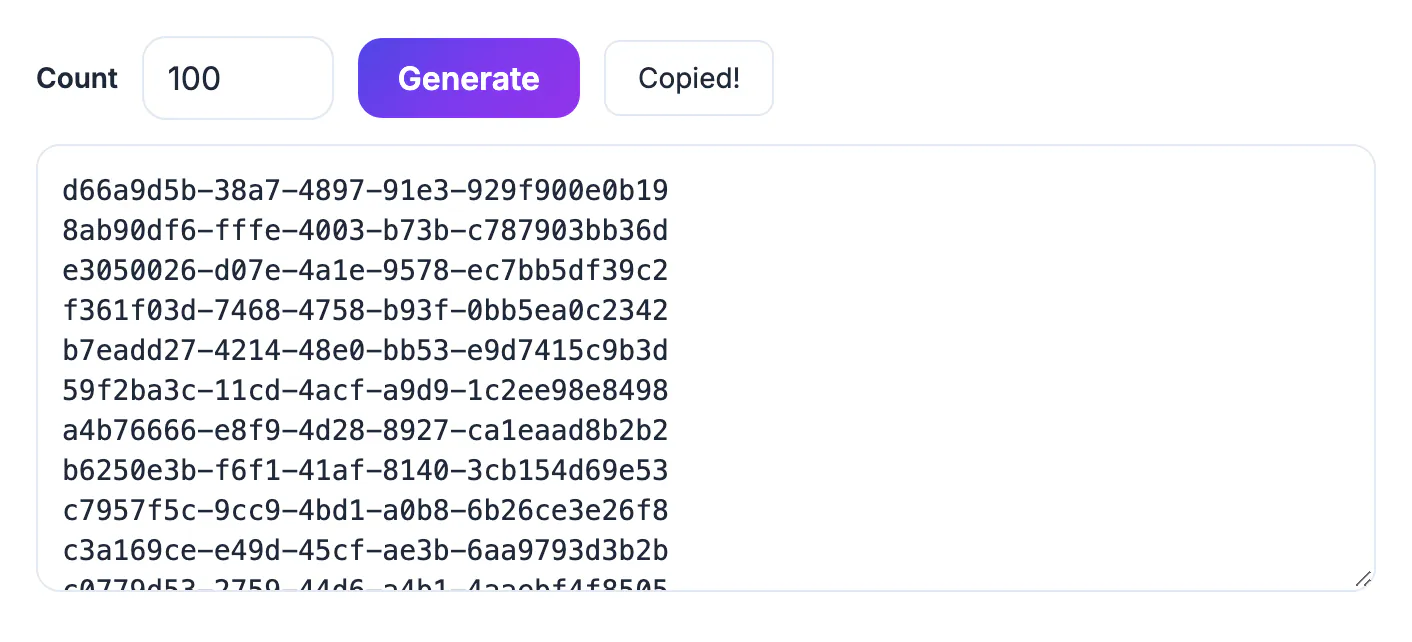
When a database assigns auto-increment IDs, you cannot know a parent row's key until after it is inserted, so seed scripts for related tables turn into fragile chains of lookups. Pre-generated UUIDs flip that around. You decide every key before any insert runs, write the parent and child rows in any order, and reference the same values in API tests, mock responses and documentation. Because version 4 keys are random across 122 bits, a list copied today will not collide with rows created in production next year, so seed data can even be merged into a live system during a migration without renumbering.
Bulk generate UUID v4 values in batches of 100
The browser tool is built for the sizes that seed files usually need.
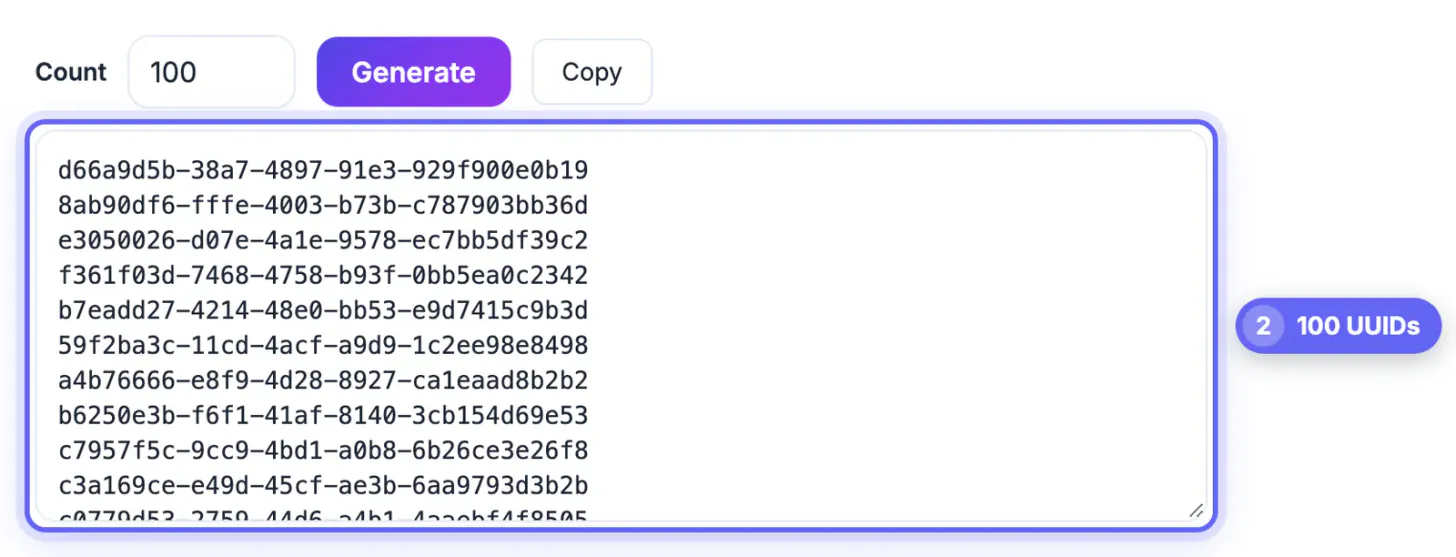
- Count accepts 1 to 100. Each click on Generate replaces the list with brand-new values, so earlier batches are never repeated.
- Output is lowercase, 36 characters with hyphens, one key per line, created with the browser's crypto.randomUUID function.
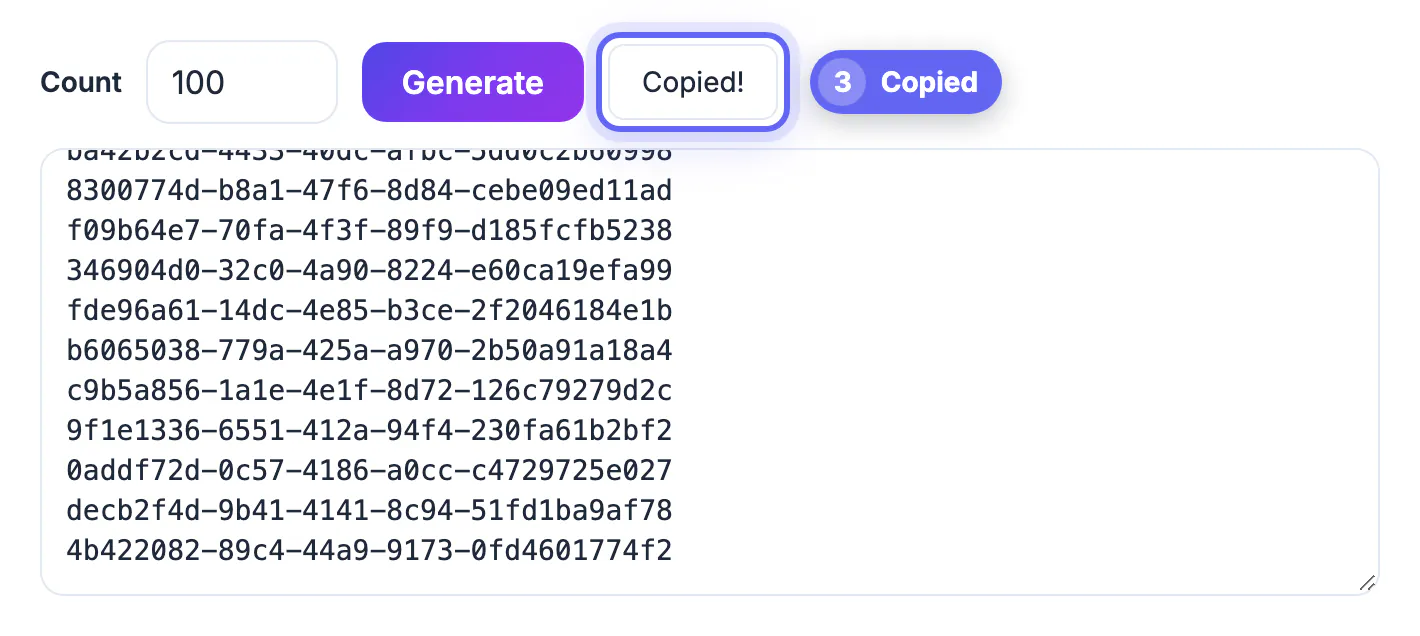
- Copy puts the whole list on the clipboard. Nothing is sent to a server, so keys for internal systems stay private.
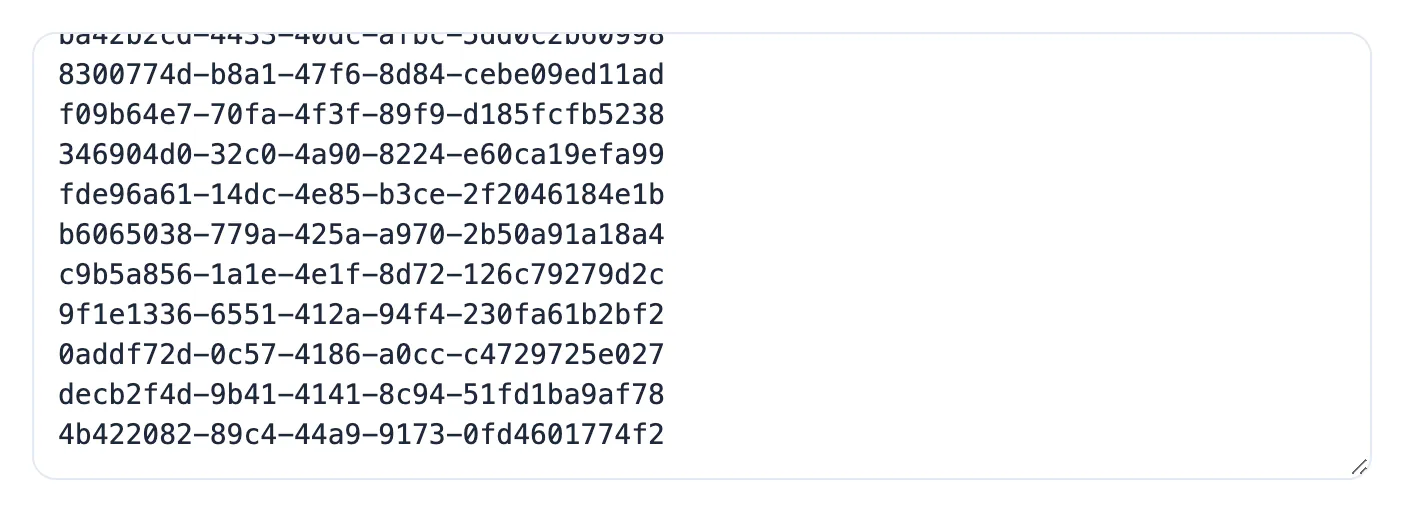
- For 300 keys, generate and copy three times, pasting each batch below the last in your editor.
Beyond a few hundred, generating in the database is faster and avoids a huge clipboard. In PostgreSQL 13 and later, SELECT gen_random_uuid() FROM generate_series(1, 5000); returns 5,000 random keys in one query. In SQL Server, NEWID() does the same job inside an INSERT ... SELECT.
Turn the list into SQL without retyping
The tool outputs plain lines on purpose, because every destination wants a different wrapper. A regular expression find-and-replace in VS Code, Sublime Text or Notepad++ reshapes 100 lines in one step.
- For a VALUES list, search for ^(.+)$ with regex enabled and replace with ('$1'), then delete the final comma and add INSERT INTO users (id) VALUES above the block.
- For extra columns, extend the replacement, for example ('$1', 'test-user', now()), and edit the placeholder values afterwards.
- For a JSON fixture array, replace with '$1', and wrap the result in square brackets; switch the quotes to double quotes if your parser is strict.
- For a CSV import, paste the list straight into the first column of a spreadsheet and fill the other columns beside it.
VS Code users can also select all lines and press Shift+Alt+I, or Shift+Option+I on a Mac, to put a cursor at the end of every line and type the wrapper once.
When you export the data, the SQL Formatter keeps long insert statements readable, and the JSON Formatter does the same for fixtures.
Pick the right column type for 16-byte keys
A UUID is 16 bytes of data, but stored as text it takes 36 characters plus overhead, and indexes on it grow accordingly. Use the native type where one exists.
- PostgreSQL: the uuid type stores 16 bytes and accepts the tool's text form directly in INSERT statements.
- MySQL 8.0: store in BINARY(16) and convert on the way in with UUID_TO_BIN('...') and out with BIN_TO_UUID(id); CHAR(36) works but is more than twice the size.
- SQL Server: uniqueidentifier stores 16 bytes and accepts lowercase hyphenated strings.
- SQLite: there is no native type, so choose TEXT for readability or a 16-byte BLOB for size, and stay consistent.
On very large tables with heavy write traffic, random keys spread inserts across the whole index. For seed and test data that rarely matters, but it is worth a benchmark before choosing random keys for a table expected to reach tens of millions of rows.
Keep fixtures reproducible and relationships intact
The value of pre-generated keys comes from reusing them, so treat each batch as part of your source code.
- Commit the seed file with its keys, and do not regenerate on every run; tests that assert on a specific ID stay stable.
- Give each table its own batch and keep a short comment naming it, so an orders fixture never borrows a key meant for users.
- Reference parent keys in child rows by copying them from the committed file, which keeps foreign keys valid in any insert order.
- Add a unique constraint and let the first seed run prove it; a duplicate almost always means a copy-paste slip, not a real collision.
Step-by-step

Common mistakes to avoid
Pro tips
Frequently asked questions
How many keys can the tool generate at once?
Up to 100 per click, one per line. Click Generate again for another batch; each batch is new.
Are keys from separate batches unique?
Yes, in practice. Every value is drawn from 122 random bits by a cryptographically secure generator, so duplicates across batches are astronomically unlikely.
Can I get the output as a SQL list directly?
The tool outputs one key per line. A single regex find-and-replace in your editor turns the list into VALUES rows, a JSON array or anything else.
What column type should I use in PostgreSQL?
The native uuid type. It stores 16 bytes and accepts the lowercase, hyphenated text the tool produces.
Should I use random keys for a huge primary key?
It works, but random inserts spread across a B-tree index. For tables expected to be very large and write-heavy, benchmark against a time-ordered version first.
Generate random keys in batches of up to 100 in the browser, reshape them with one regex into SQL or JSON, and store them in a native 16-byte column. For thousands of rows, let the database generate them, and commit every seed batch so fixtures and foreign keys stay stable across test runs.
Related guides
Browse more: all text and developer guides · the UUID Generator tool