Placeholder Text by Exact Length: Characters, Words, Items
To generate placeholder text of an exact length, set the Lorem Ipsum Generator's unit to characters or words, type the limit you are designing for, and paste the result into the field, card or screen you are testing. A 30-character app subtitle, a 160-character SMS or a 50-word product teaser each takes one setting, and the live counter confirms the length. This guide is for product managers, UX writers, marketers and QA testers who care less about how filler looks and more about whether a layout survives the real limits of each channel. It lists the character budgets that matter most, shows how the generator hits them exactly, and explains when readable English filler beats Latin for reviews with people outside the design team.
📝 Try the Lorem Ipsum Generator now — freeOpen →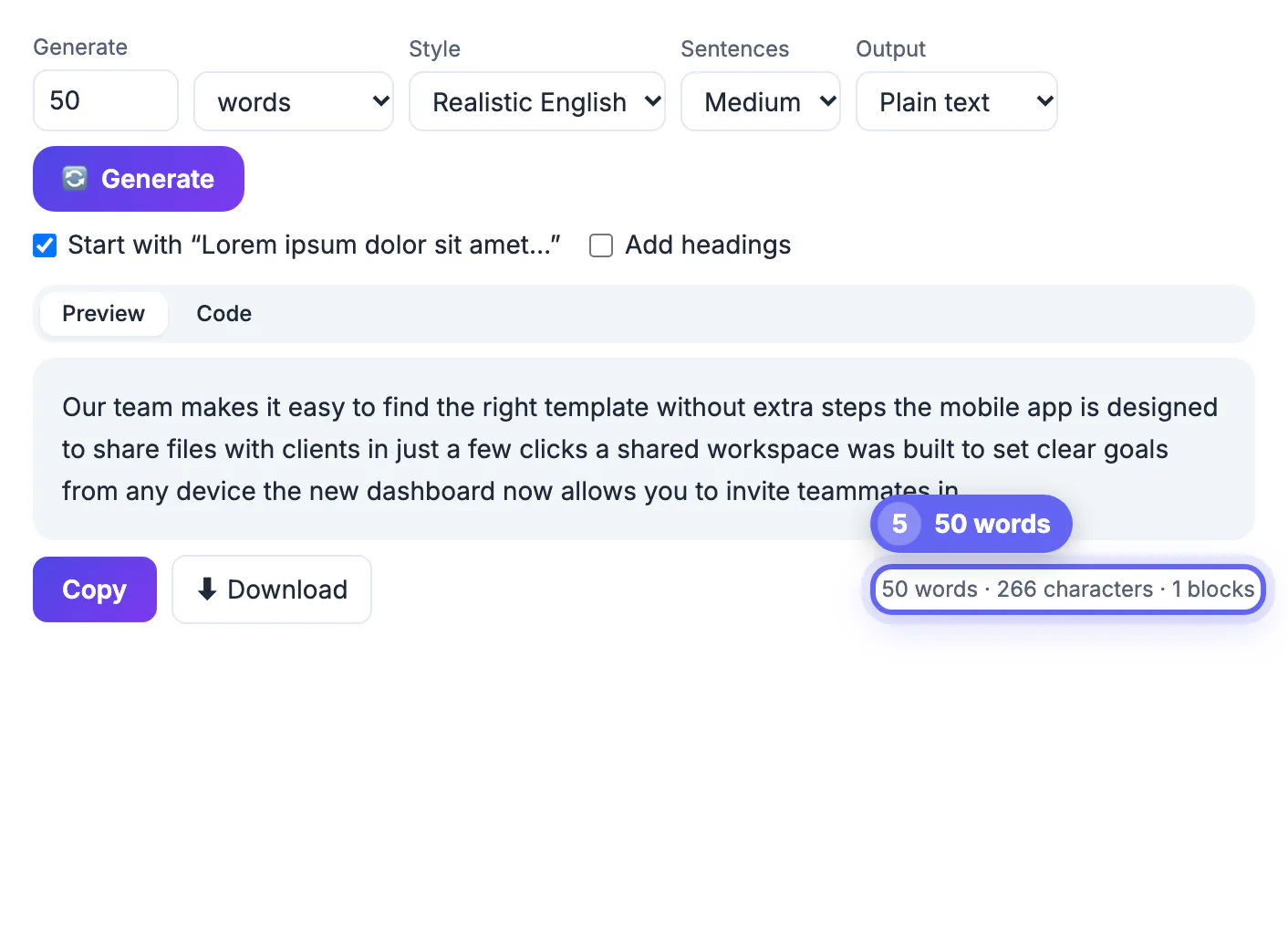
Most layout bugs are length bugs. A button label that fits in English wraps in the German translation, a notification preview cuts off before the verb, and a product title that is fine at 38 characters pushes the price onto a new line at 70. Testing with random paragraphs of filler hides all of this, because nobody measures it. Generating text at the exact maximum a field allows, and again at a typical length, turns a vague worry into a screenshot you can act on. It also gives engineers a concrete test case: if the spec says 80 characters, the mockup should prove that 80 characters fit, not assume it.
Character budgets worth testing with placeholder text
These are the limits that most often break a design. Some are hard platform caps; others are the typical point where a preview gets truncated.
- App Store subtitle: 30 characters. Google Play short description: 80 characters. Both are hard limits in the store consoles.
- Standard SMS: 160 characters in the basic character set. Longer messages split into parts, and emoji shrink the limit to 70.
- Search snippets: titles are usually cut near 60 characters and meta descriptions around 155 to 160 on desktop.
- Posts on X: 280 characters for standard accounts. Email subject lines: often trimmed at about 40 characters on phones.
- Image alt text: many accessibility guides suggest keeping it under about 125 characters so screen readers do not ramble.
Getting an exact character or word count from the generator
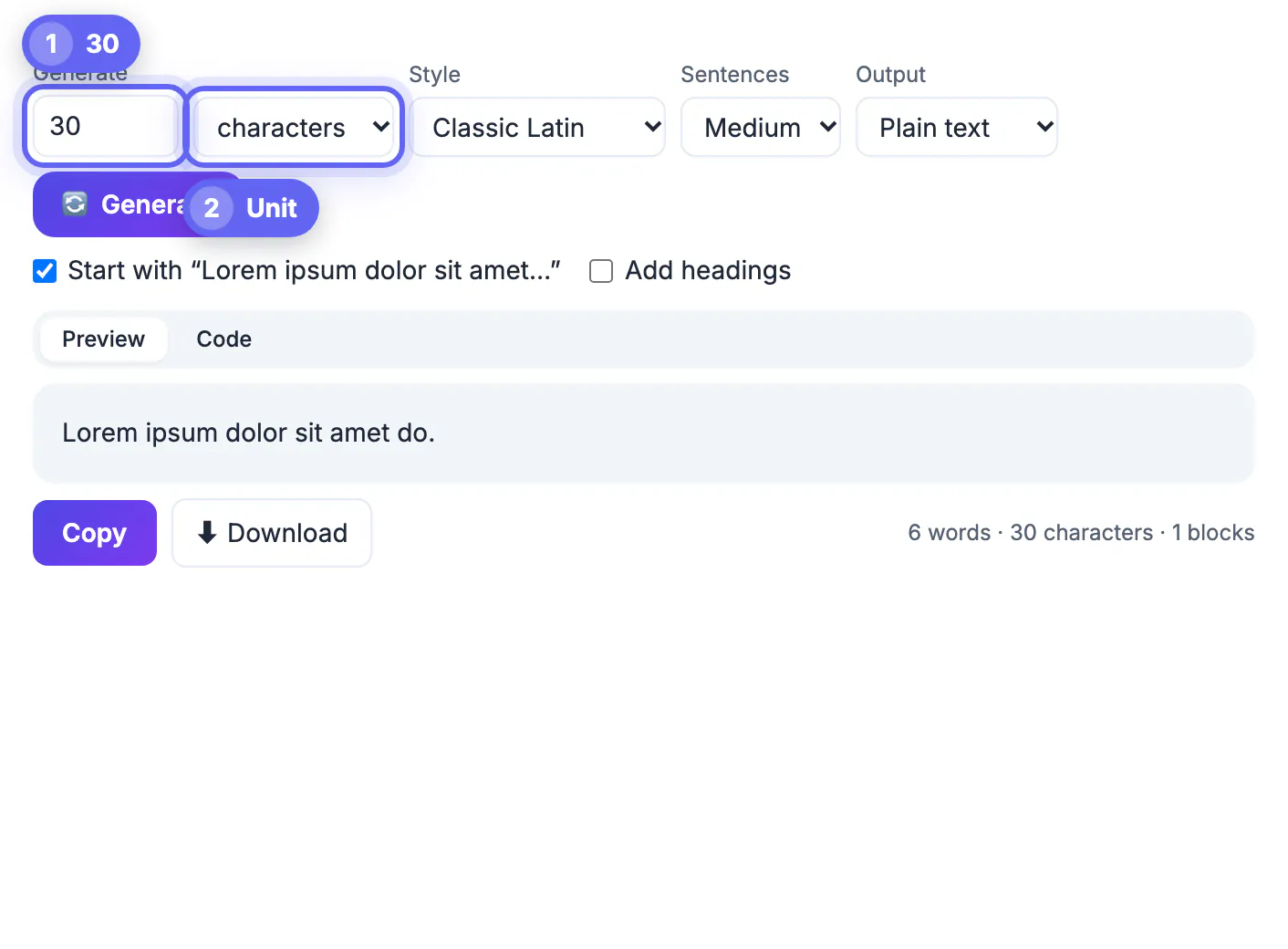
The characters unit is built for these limits. It assembles real words, then tops up or trims the last word so the output lands on the length you typed, ending with a period.
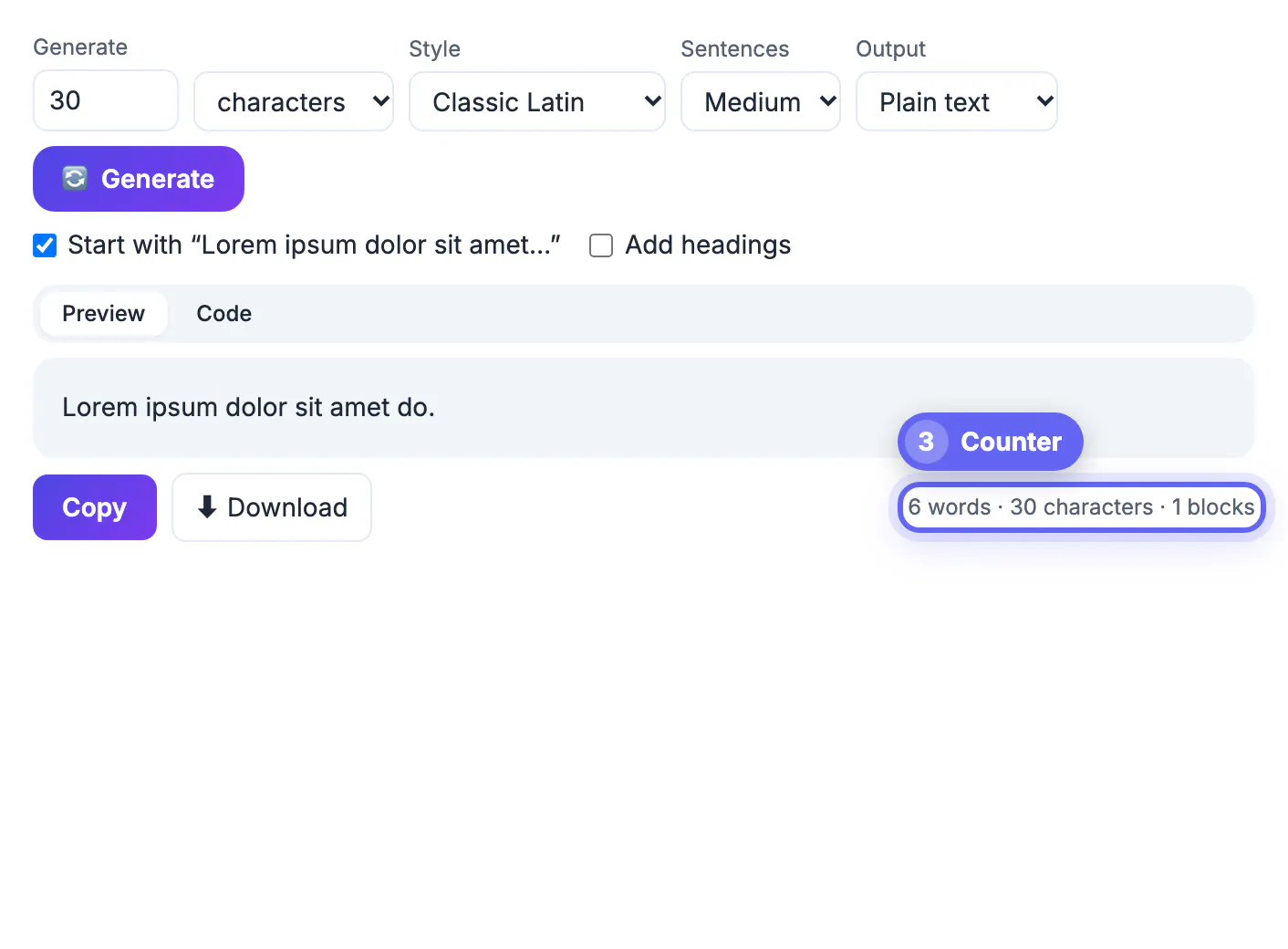
- Type 160 with the unit set to characters, and the counter under the text reads 160 characters. Spaces and the final period count, just as they do in a form field.
- With Classic Latin and the opener checkbox on, character output begins with Lorem ipsum dolor sit amet. Turn it off if every test string should differ.
- The words unit returns exactly the number of words you ask for, up to 1,000, which suits a 50-word teaser or a 300-word article summary box.
- The generator accepts up to 1,000 characters per run; for a 5,000-character field, generate paragraphs and check the counter instead.
Testing forms, cards and notifications at the limit
For each field, test three lengths: very short, typical and the maximum. The maximum is where layouts fail.
- Product card: generate a title at the 70-character maximum your catalog allows and confirm the price and button stay aligned.
- Push notification mockup: fill the body with 100, then 250 characters, and see where the lock-screen preview truncates on your target devices.
- Settings screen: use the list items unit to create 8 to 12 rows with Short sentences, then switch to Long to see how rows wrap on a 375-pixel-wide phone.
- Form validation: paste text one character over the limit to check that the counter, error message and submit button all behave.
- Copy the generated string into a word counter or your browser's dev tools if you need to confirm byte length for a database column.
Latin or realistic English for placeholder text in reviews
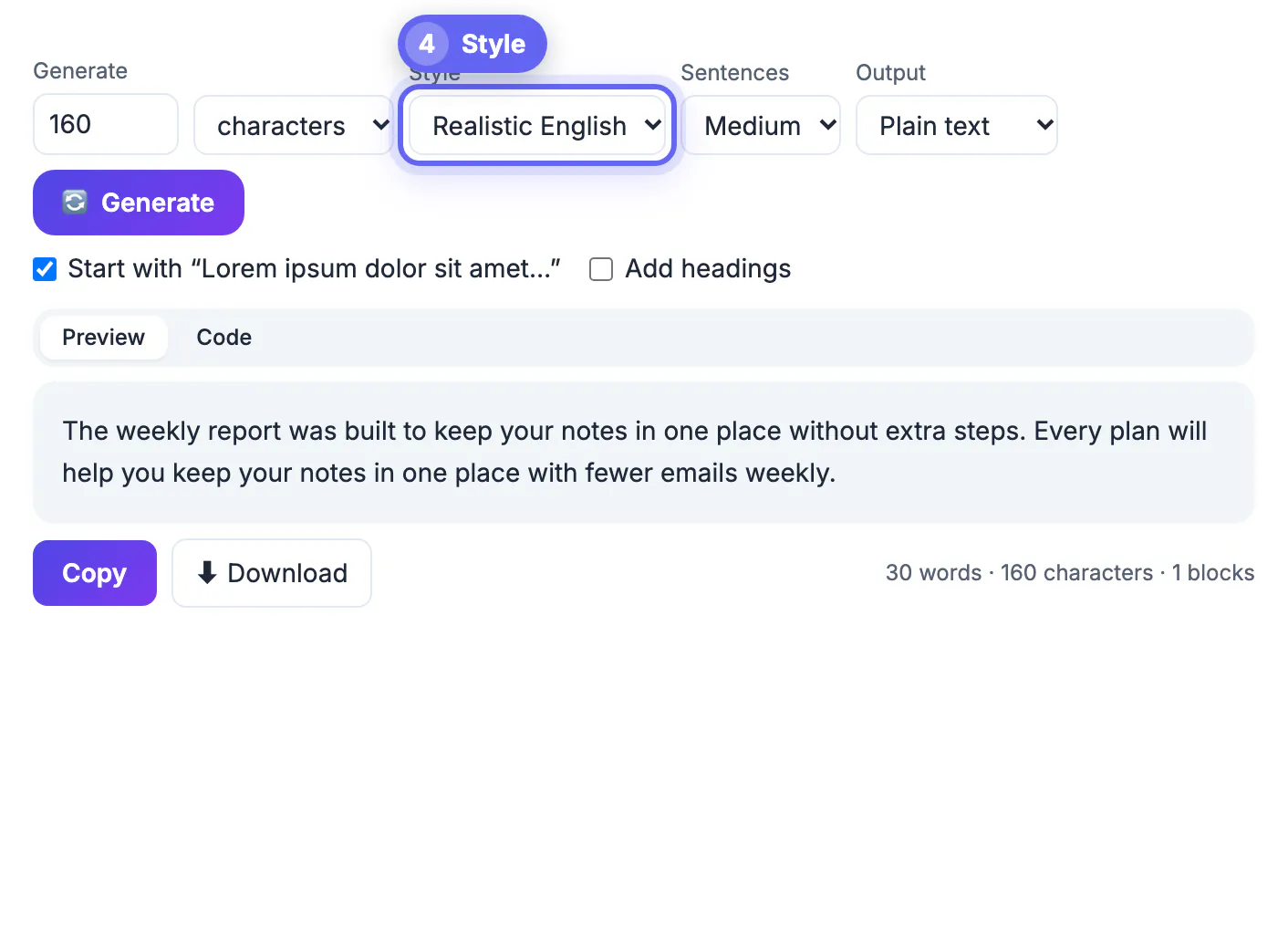
The Style menu offers Classic Latin and Realistic English. The choice depends on who looks at the mockup.
- Classic Latin is instantly recognizable as temporary, which keeps teammates from copyediting it. It suits design-team critiques and component libraries.
- Realistic English produces sentences such as our support desk makes it easy to share files with clients. Stakeholders read it as plausible product copy without mistaking it for final text.
- English filler has a more natural mix of short and long words, so line breaks and ragged edges look closer to what a real launch page will show.
- Whichever you choose, mark placeholder areas clearly in the design file so nobody approves filler as final copy.
If you want realistic copy rather than Latin, a short sample written through AI product descriptions can make a card layout look closer to the real thing.
Step-by-step
Common mistakes to avoid
Pro tips
Frequently asked questions
How do I generate exactly 160 characters of placeholder text?
Set the unit to characters, type 160 and generate. The counter below the output confirms 160 characters, including spaces and the final period.
What is the maximum length I can generate?
Up to 1,000 words or characters per run, 500 sentences, 200 paragraphs or 200 list items. For longer test content, run the generator several times or use paragraphs and watch the running word and character count.
Can I generate placeholder text in English instead of Latin?
Yes. Choose Realistic English in the Style menu for readable, generic app and marketing sentences.
Does the character count include spaces?
Yes. It counts every character, including spaces and punctuation, the same way most form fields do.
Can I use the text in a design tool like Figma?
Yes. Copy the output and paste it into any text layer, or download it as a .txt file to reuse. For a set of labeled test strings, JSON output keeps each block as a separate entry that plugins and scripts can read.
Treat placeholder text as a measuring tool: generate it at the exact limit of each field, test short, typical and maximum lengths, and choose Latin or English based on who reviews the screen. The layout that survives those three lengths will survive real content.
Related guides
Browse more: all text and developer guides · the Lorem Ipsum Generator