Lorem Ipsum Alternatives for Real Layout Testing
The best lorem ipsum alternatives for real layout testing are structured fixtures plus a short list of hostile strings: realistic English filler exported as HTML, Markdown or JSON to populate components, and hand-written edge cases such as a 60-character unbroken URL, an Arabic name and a price like $12,499.00. Classic Latin still has a job, but it never produces long words, digits, accents or right-to-left text, so it cannot find the bugs those cause. This guide is for front-end developers, QA engineers and CMS builders. It shows how to turn GrabCast's Lorem Ipsum Generator output into seed data and test fixtures, which edge cases you must add yourself, and when plain Latin remains the right choice.
📜 Try the Lorem Ipsum Generator now — freeOpen →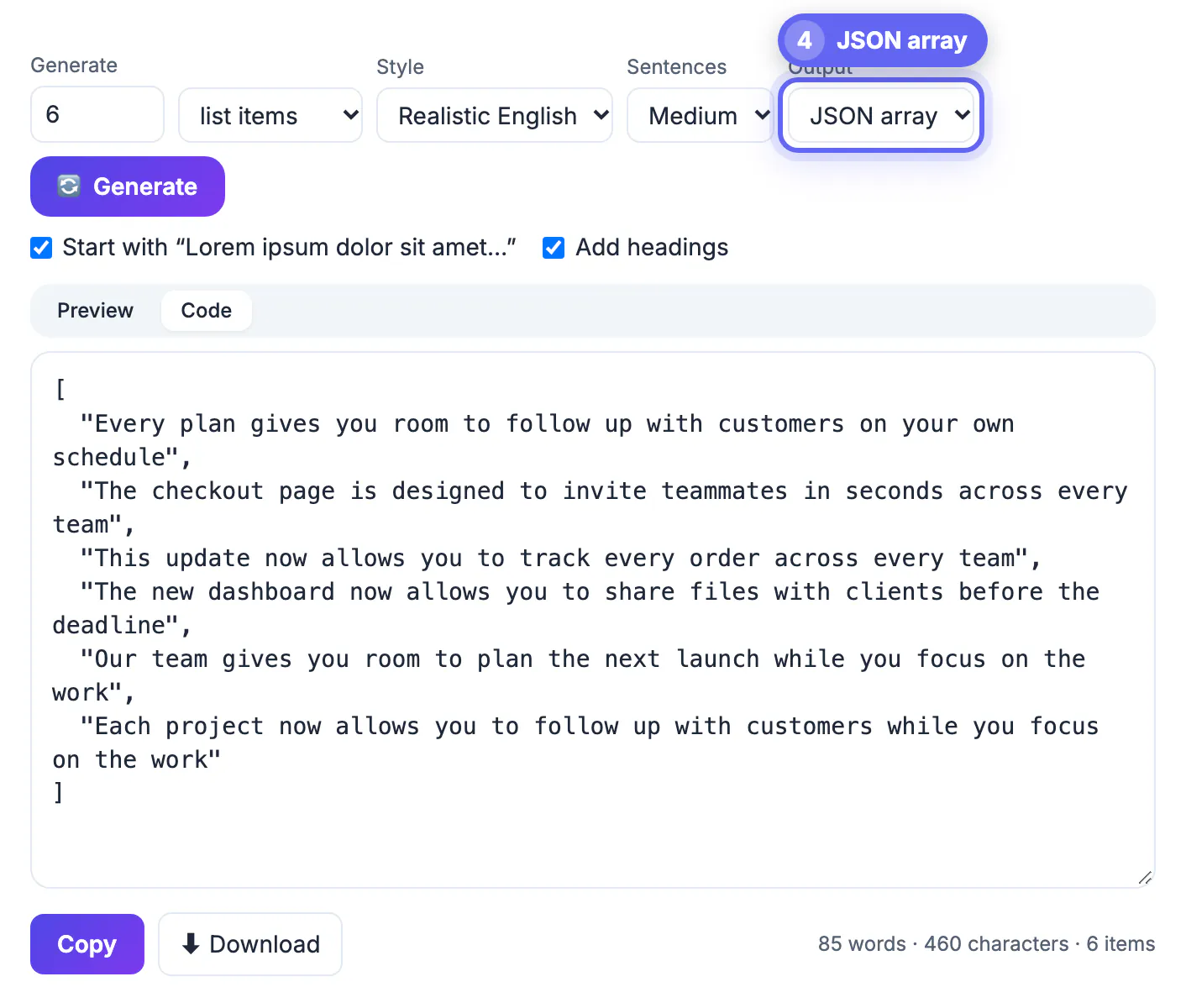
Components are usually built against the content a developer has on hand, and that content is often a copy of the same Latin paragraph. It is always well-formed, medium length and free of special characters, so text never overflows, fonts never fall back and nothing needs escaping. Production data is the opposite: people paste URLs into name fields, CMS editors add emoji to headings, translators return strings that are longer, and product catalogs hold twelve-digit SKUs. Tests that only ever see polite filler pass in development and fail in front of customers. Mixing generated structure with deliberate edge cases gives the same speed with far better coverage.
Structured output formats that make filler useful for developers
The generator can emit the same filler in four formats, so you can drop it straight into code instead of reformatting by hand.
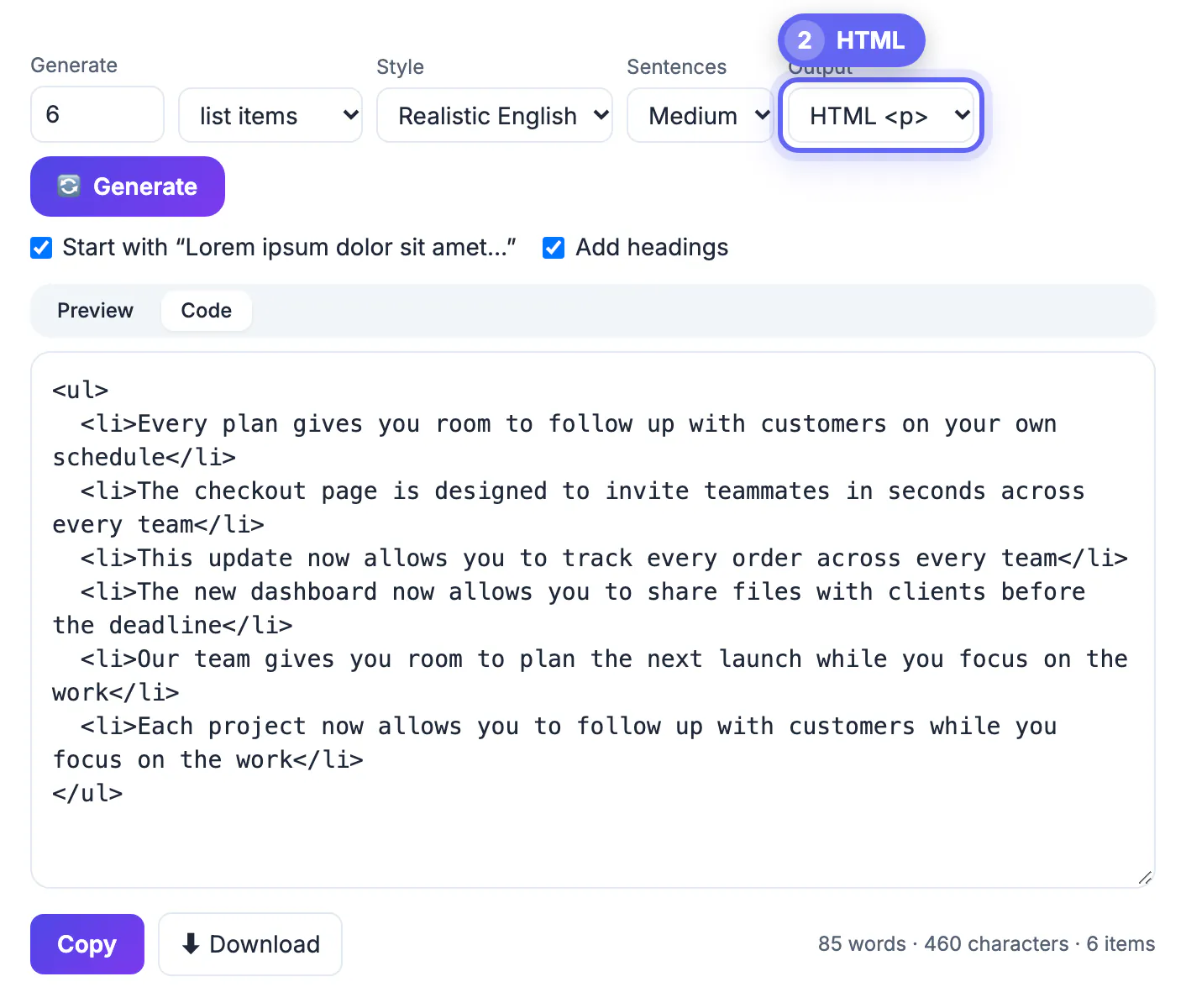
- HTML output wraps paragraphs in p tags, list items in a ul with li tags and headings in h2 tags, with angle brackets and ampersands escaped. It is ready for a template or a CMS rich-text field.
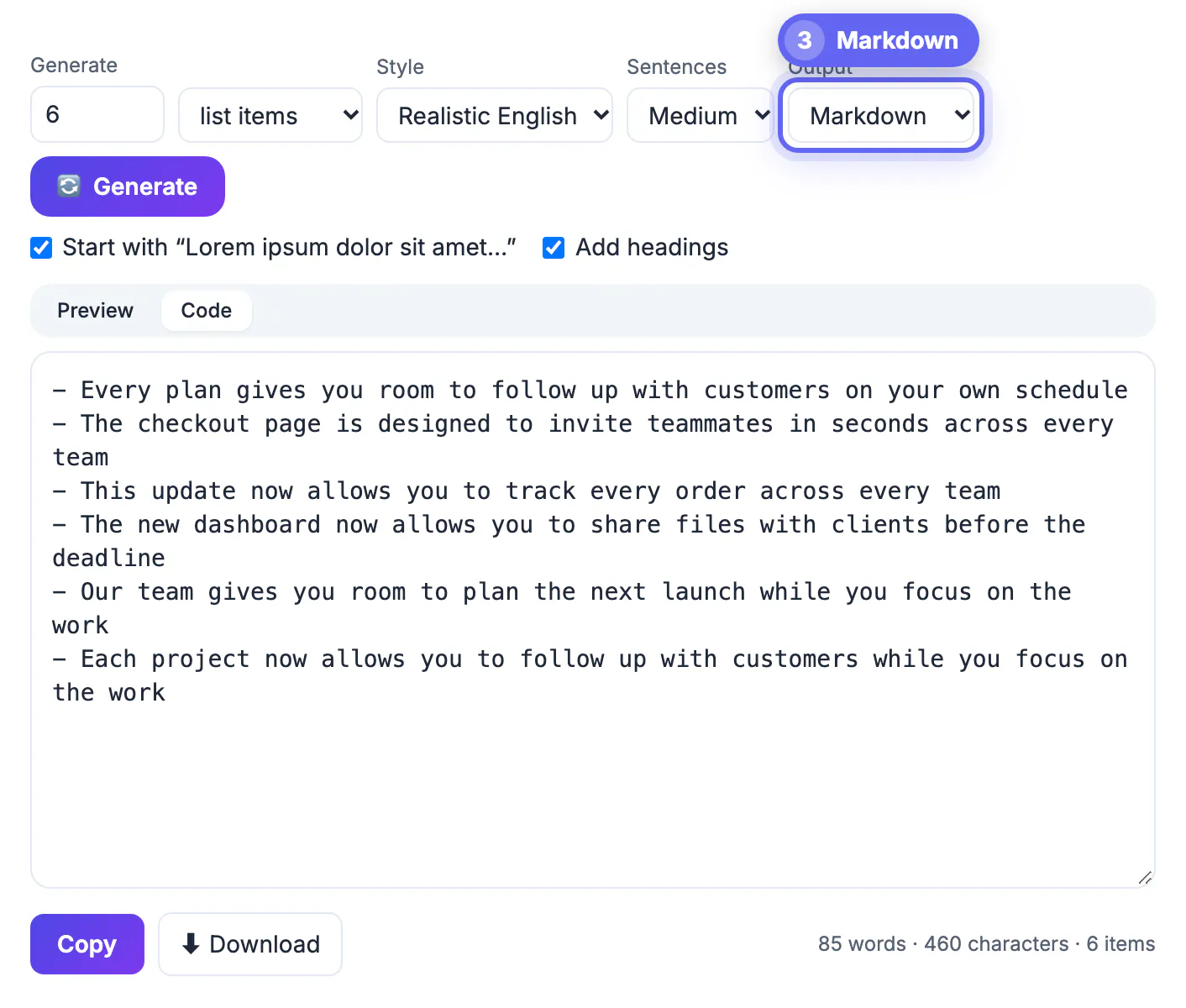
- Markdown output uses ## for headings and a dash per list item, which suits static-site generators, README demos and docs sites.
- JSON output is an array of strings, one per paragraph, heading or list item (sentence and word runs come back as a single string), ideal for seeding a mock API, a Storybook story or a unit test.
- The Code tab shows the raw output and Download saves it as placeholder-text.html, .md or .json for your fixtures folder.
Edge-case strings that dummy text never produces
No generator of plausible prose will produce hostile input, so keep a small library of strings written by hand and run every component through it.
- Unbroken strings: a 60-character URL or an email address with no spaces, which tests overflow-wrap and truncation.
- Long words and translations: German compounds such as Rechtsschutzversicherungsgesellschaften, and labels roughly a third longer than the English original.
- Scripts and direction: Arabic or Hebrew text for right-to-left layout, Chinese or Japanese for line breaking without spaces, and accented Latin names like Zoë Ångström.
- Numbers and symbols: prices, negative values, dates in several formats, phone numbers, and emoji that switch fonts or change line height.
- Nothing at all: empty strings, a single character and whitespace-only input, which reveal collapsed cards and missing empty states.
Seeding a CMS or component library with generated content
Generated filler is still the fastest way to fill volume: dozens of cards, long articles and nested lists.
- For a blog index, generate 12 to 20 teaser blocks in JSON and map them onto titles of different lengths, so the grid sees realistic variety.
- For article templates, export HTML with Add headings on; a heading before every second paragraph exercises spacing rules for h2 and p.
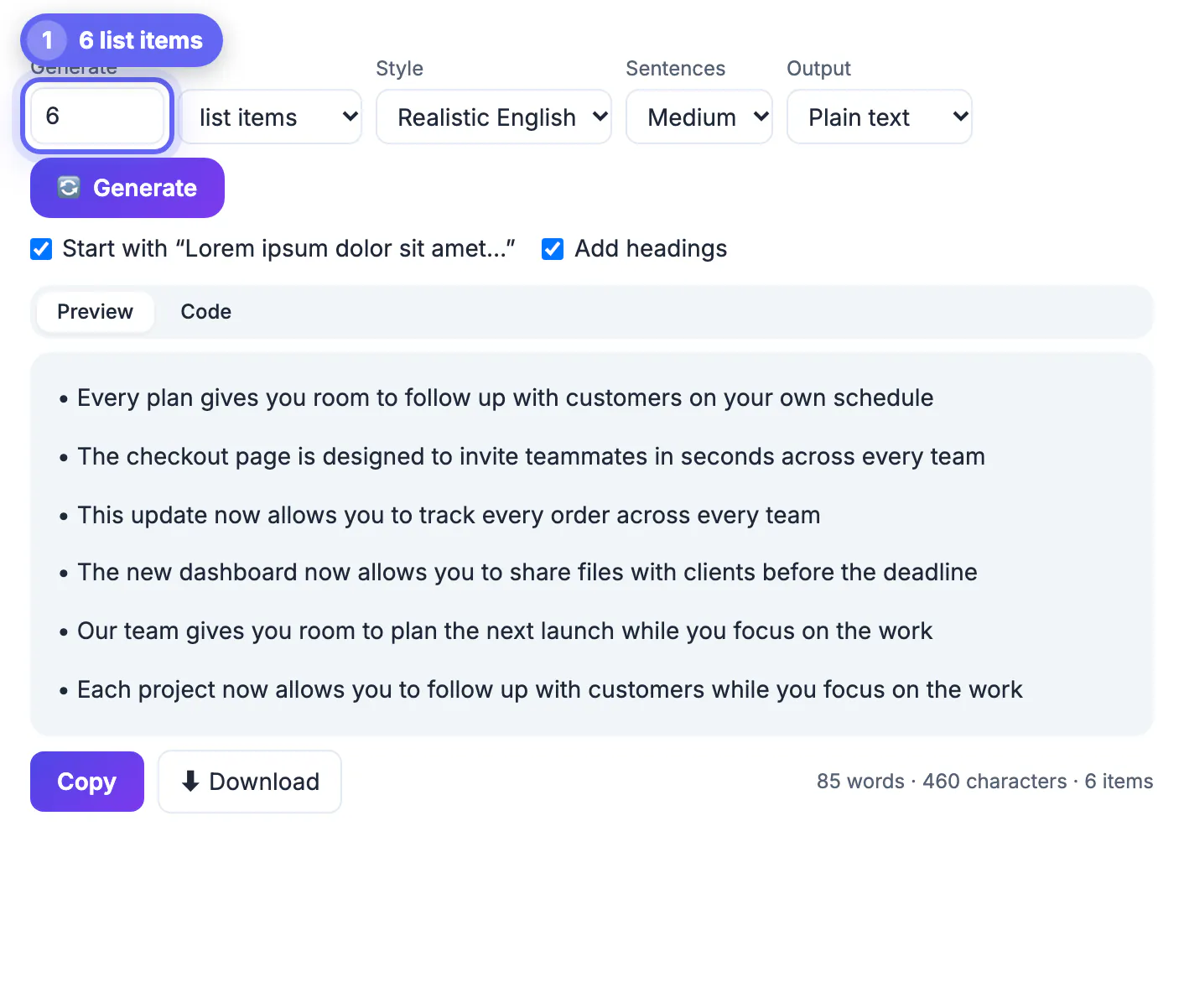
- For navigation and settings screens, use the list items unit with Short sentences, then switch to Long to see how rows wrap.
- Switch Style to Realistic English when screenshots will appear in docs or demos, since readable sentences look far more convincing than Latin.
- Mix in two or three strings from your edge-case library in each dataset, so every screenshot also covers a failure mode.
For seed data, the UUID Generator makes IDs and the Random Number Generator makes numeric values.
When classic lorem ipsum layout filler is still the right tool
Latin is not obsolete. It wins whenever the goal is visual, not behavioral.
- Typography and spacing reviews, where meaning would distract reviewers from line height, measure and rhythm.
- Design systems and component documentation, where a recognizable placeholder signals clearly that content is illustrative.
- Screenshots for internal tickets, where readable fake product claims could be mistaken for approved marketing copy.
- Quick visual checks, where a paragraph with the classic Lorem ipsum dolor sit amet opener is the fastest thing to paste.
Step-by-step
Common mistakes to avoid
Pro tips
Frequently asked questions
What is a good alternative to lorem ipsum for testing?
Realistic English filler for volume, exported as HTML, Markdown or JSON, combined with hand-written edge cases such as long URLs, right-to-left text, prices and empty strings.
Can the generator output JSON for test fixtures?
Yes. JSON output returns an array of strings, one per paragraph, heading or list item, which you can save as a fixture file.
Does the generator produce emoji, accents or right-to-left text?
No. It produces Latin or plain English sentences, so add those edge cases yourself from a small library of test strings kept in your repository.
Can I get HTML with headings and lists?
Yes. HTML output uses h2 for headings, p for paragraphs and ul with li for list items, with special characters escaped.
When is classic lorem ipsum still better?
For typography and spacing reviews, design-system docs and internal screenshots, where a recognizable placeholder keeps attention on the visuals.
Use generated filler for volume and structure, export it in the format your code needs, and add a deliberate set of hostile strings that no prose generator will ever produce. Keep classic Latin for purely visual reviews, and fail the build if it ever reaches production.
Related guides
Browse more: all text and developer guides · the Lorem Ipsum Generator