A Free jwt.io Alternative for Decoding Tokens
If you want a free jwt.io alternative, the feature you should compare first is privacy: where the token gets decoded. Plenty of tools decode a JWT into its header and payload, but the safe ones do it entirely in your browser so a live credential never leaves your machine. This comparison covers the axes that actually matter when choosing one. The right pick is the one you trust with a real token, not just the one you have heard of.
🔐 Try JWT Decoder now — freeOpen →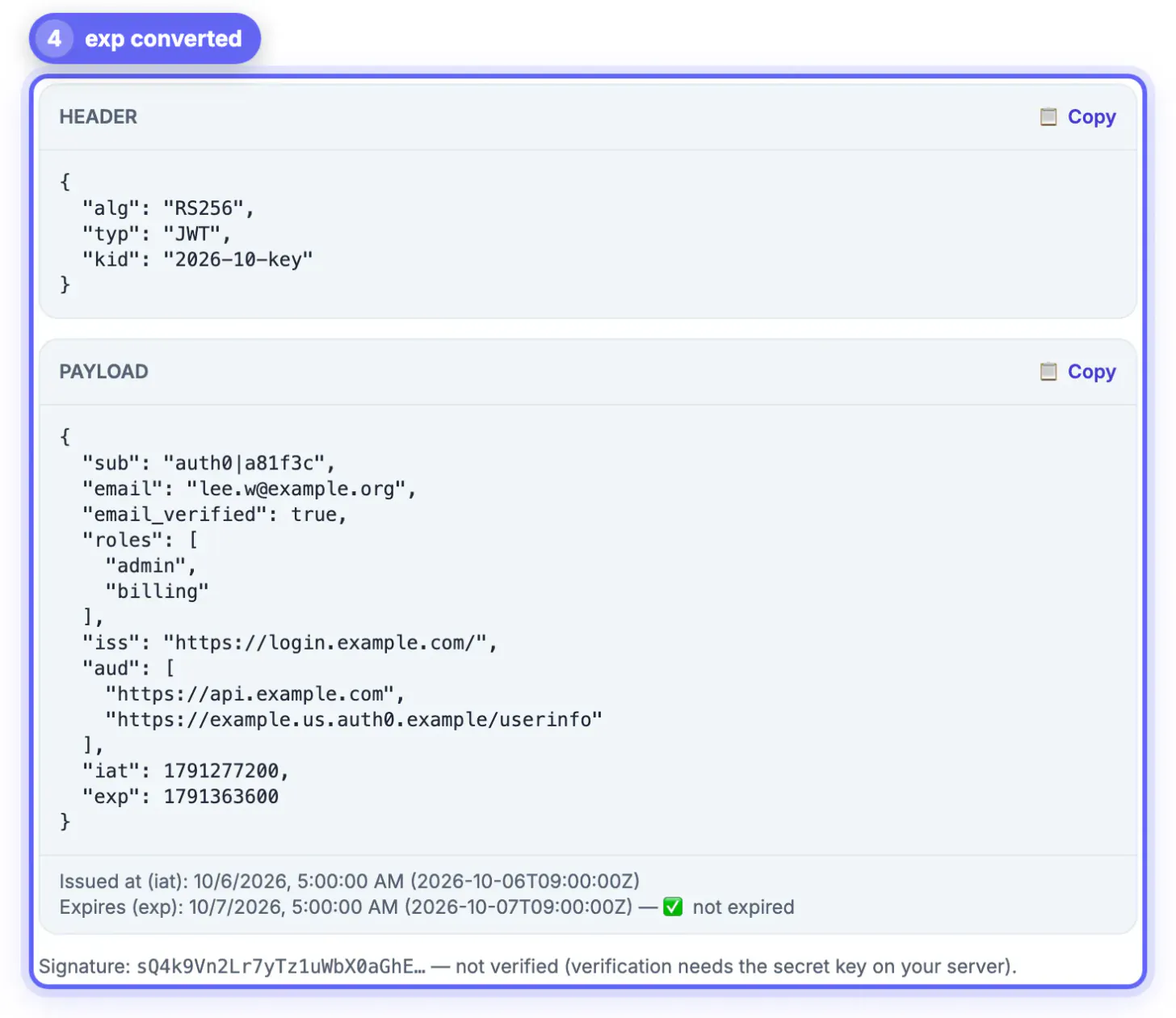
jwt.io popularized quick token inspection, but it is one tool among many, and the right pick depends on your priorities, above all how sensitive your tokens are. A JWT is often a live credential, so a decoder that processes tokens on a remote server is a real consideration for production tokens. Others care about working offline, avoiding a sign-up, or a cleaner interface. Comparing on privacy, offline capability and features leads to a better choice than defaulting to the first familiar name. For teams, a browser-only decoder is also easier to standardize on, because there is no server to vet and no data-handling policy to worry about.
What to compare in a JWT decoder
Decoders look similar but differ where it counts. Weigh these before you paste a real token in.
- Privacy: does decoding happen in the browser or on a server
- Offline: does it work with no network connection
- Features: does it show converted timestamps and standard claims
- Friction: is there a sign-up or an ad wall in the way
Privacy is the top consideration
Because a JWT can be an active credential, the decoding location matters more than any other feature. A browser-only tool never transmits the token.
If a tool decodes on a server, your token travels there, and you are trusting that it is not logged. For test tokens that is fine, but for production credentials a local, in-browser alternative removes the risk entirely.
Offline and speed
A decoder that runs fully in the browser also works offline and responds instantly, with no round trip to a server.
- Decode tokens on a plane or a locked-down network
- No latency waiting on a remote server to respond
- No sign-up between you and the decoded output
- Everything happens the moment you paste the token
When jwt.io is still fine
An honest comparison notes that jwt.io remains a capable tool, especially for learning and for non-sensitive tokens.
But if you regularly inspect production tokens, or you simply prefer that credentials never leave your device, a free browser-only alternative covers the same decoding while keeping every token local.
Decoding versus verifying: what each tool actually checks
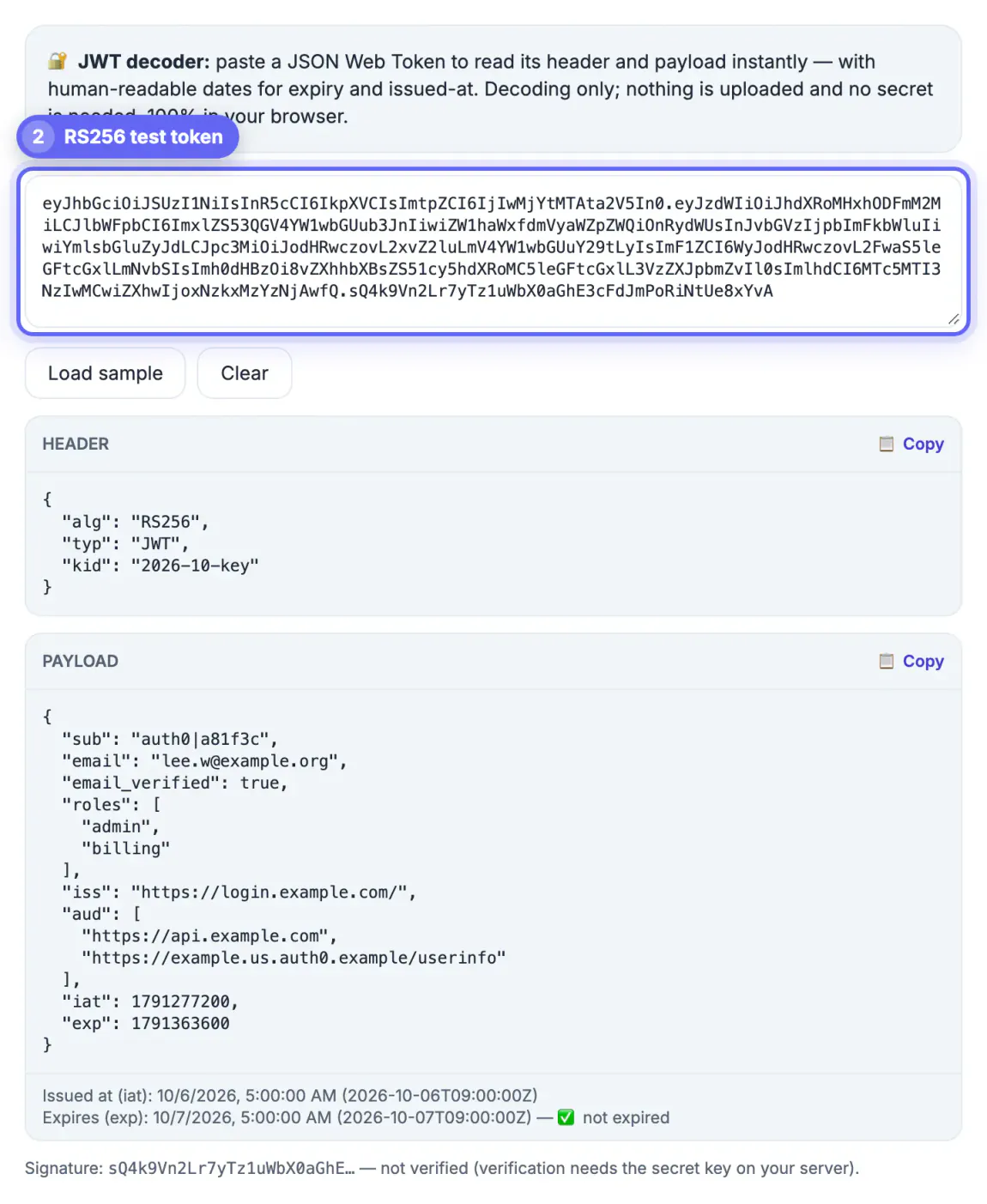
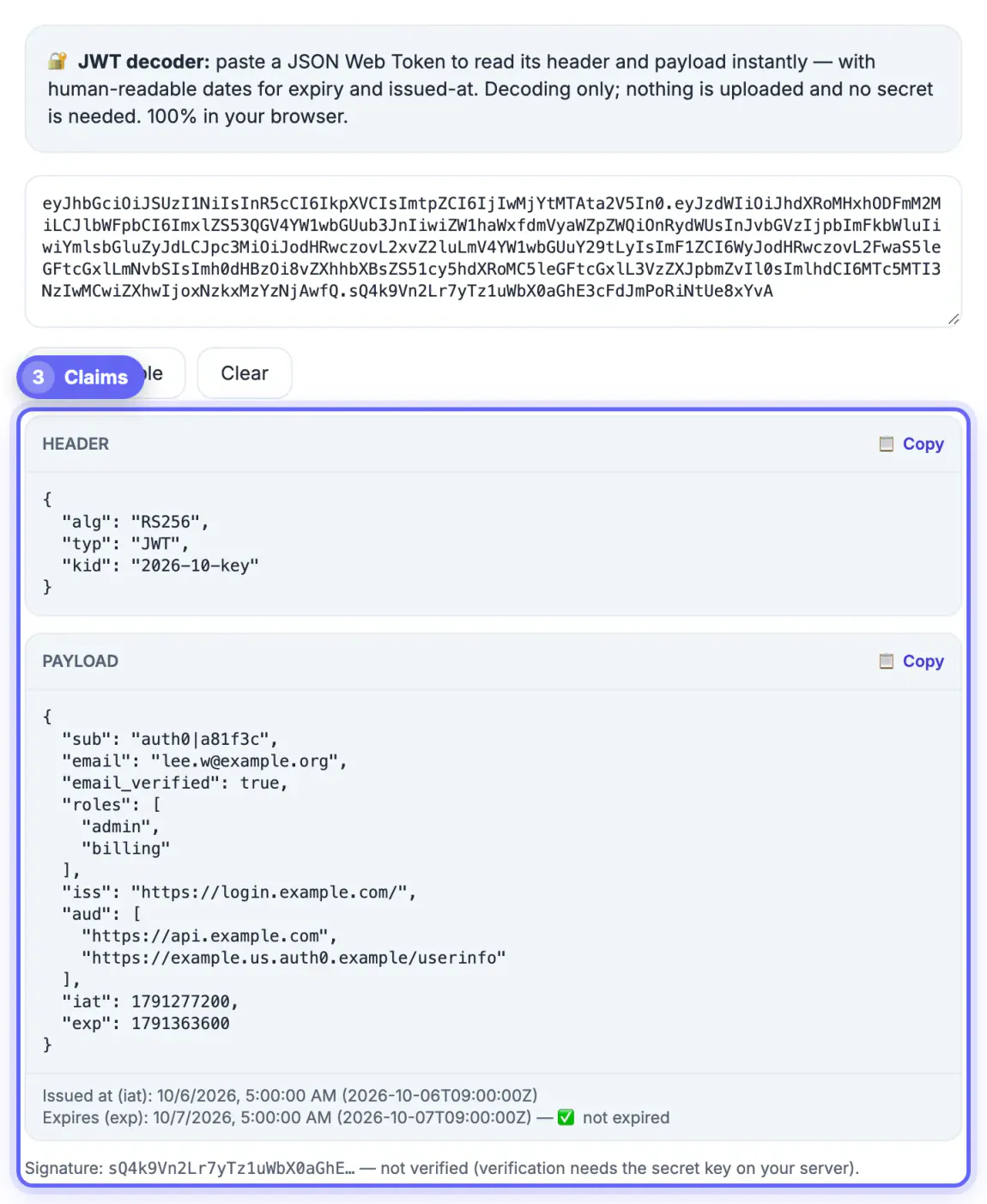
Before switching, be clear about one real difference. jwt.io has long offered a signature check: you supply the HMAC secret or the issuer's public key and it reports whether the signature matches, and you can edit claims to build a new token. GrabCast's JWT Decoder deliberately does neither. It reads the header and payload, prints the first 24 characters of the signature and labels it not verified.
- Decoding answers what the token says: algorithm,
kid, subject, scopes and timestamps. - Verifying answers whether you should believe it, and that belongs in your backend's JWT library, where the key already lives.
- Typing an HS256 signing secret into any web page puts a production key in your clipboard history and browser memory, a bigger exposure than the token itself.
- For a public-key algorithm such as RS256, verification in code against the issuer's JWKS endpoint is the check that matters in production.
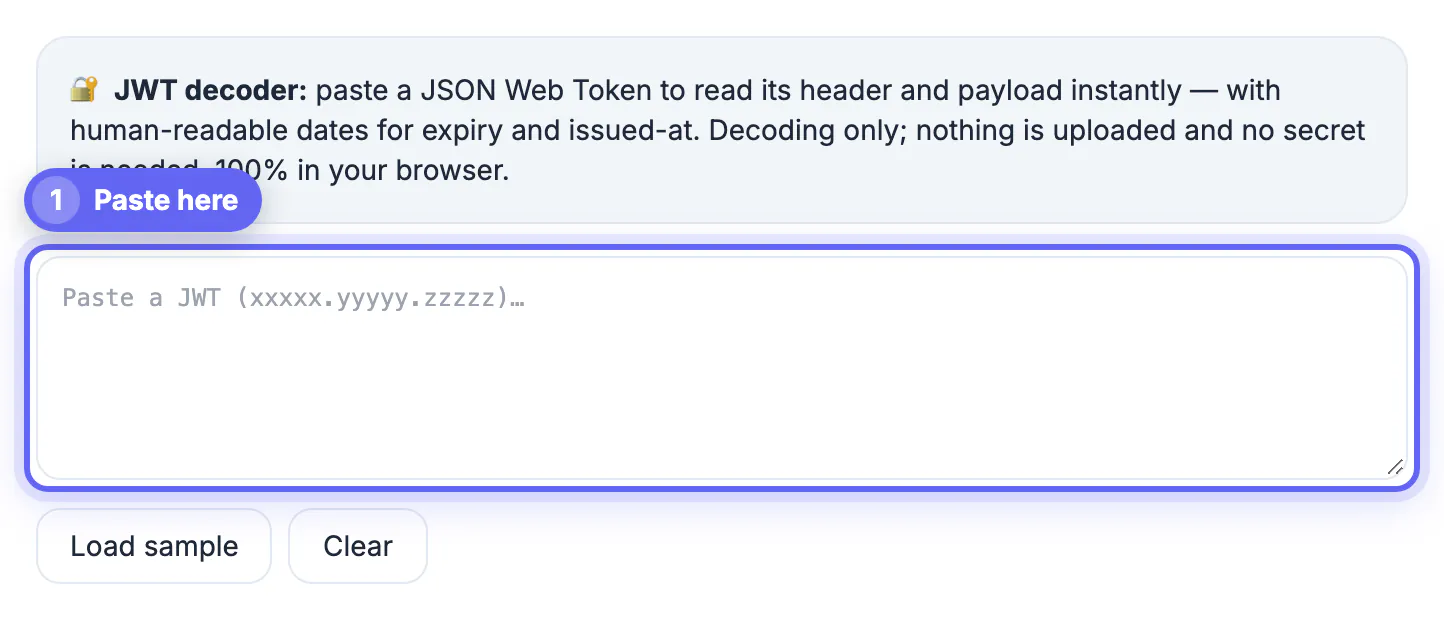
What you get in exchange is a narrow, fast view: a Load sample button to see the layout, separate HEADER and PAYLOAD cards each with its own Copy button, iat, nbf and exp shown in your local time with an expired or valid label, and a Clear button that wipes the token from the page when you finish.
Red flags to avoid in a JWT decoder
Not every free decoder deserves your tokens. A few warning signs mark tools you should not paste production credentials into.
- Decoding that happens on a server instead of in the browser
- Vague or missing statements about how tokens are handled
- A sign-up wall in front of a task that should be instant
- Heavy ads or trackers loaded alongside the tool
Make a local decoder part of your toolkit
The most useful decoder is the one that is always a click away and never a risk. A trusted local tool becomes part of how you work.
Bookmark a browser-only decoder, use test tokens when teaching or demonstrating, and reserve it for the moments you actually need to inspect a real token. That habit gives you jwt.io's convenience without ever sending a credential off your machine.
A five-minute test before you trust a decoder
You can check any decoder yourself without reading its source code. Run this test once with a harmless sample token, then reuse the result whenever you evaluate another tool.
- Open your browser developer tools, switch to the network tab and clear it.
- Paste a sample token and press decode; watch whether any request is sent. A local tool sends nothing.
- Disconnect from the network and decode again. If it still works, processing happens on your device.
- Read the privacy statement for words about logging, analytics or storing inputs.
If you work with tokens regularly, the guide to decoding a JWT token explains each claim, and reading the exp claim helps with the most common failure.
Features worth having in a decoder
Beyond privacy, a few conveniences save time: automatic conversion of exp, iat and nbf into readable dates, colour-coded header, payload and signature, clear error messages that name the failing step, and copy buttons for each part. Features that look helpful but add risk include saved history of pasted tokens and shareable links that embed the token in the address.
Step-by-step
Common mistakes to avoid
Pro tips
Frequently asked questions
Is there a free alternative to jwt.io?
Yes. Browser-based JWT decoders offer the same header and payload view for free, and many decode entirely in your browser.
Is a browser-only decoder more private?
Yes. It decodes the token on your device without uploading it, which matters when the token is a live credential.
Can these tools work offline?
A fully in-browser decoder works offline and responds instantly, since it never contacts a server.
Does an alternative show token expiry?
Good ones convert the exp timestamp to a readable date and label the standard claims for you.
What should I avoid in a free JWT decoder?
Avoid tools that decode on a server, are vague about token handling, force a sign-up, or load heavy ads and trackers alongside the decoder.
A free, browser-only jwt.io alternative decodes tokens just as well while keeping every credential on your device, which is the difference that matters most.
Related guides
Browse more: all text and developer guides · JWT Decoder