Free Carbon Alternative: Code Images With Honest Limits
If you want a free Carbon alternative for turning a snippet into a shareable picture, GrabCast's Code to Image covers the core job: paste code, pick a gradient or transparent background, toggle line numbers and window dots, and download a double-resolution PNG with no watermark or account. It is deliberately simpler than Carbon, with one syntax theme instead of dozens and PNG only, so it is the better choice when you want speed and a short list of decisions, and the worse one when you want to fine-tune fonts and themes. This comparison is for developers, educators and developer-relations writers who post code on X, LinkedIn, slides or blogs. It lays out what each tool does, a few other free options, and the settings that make any code picture readable on a phone.
💻 Try Code to Image now — freeOpen →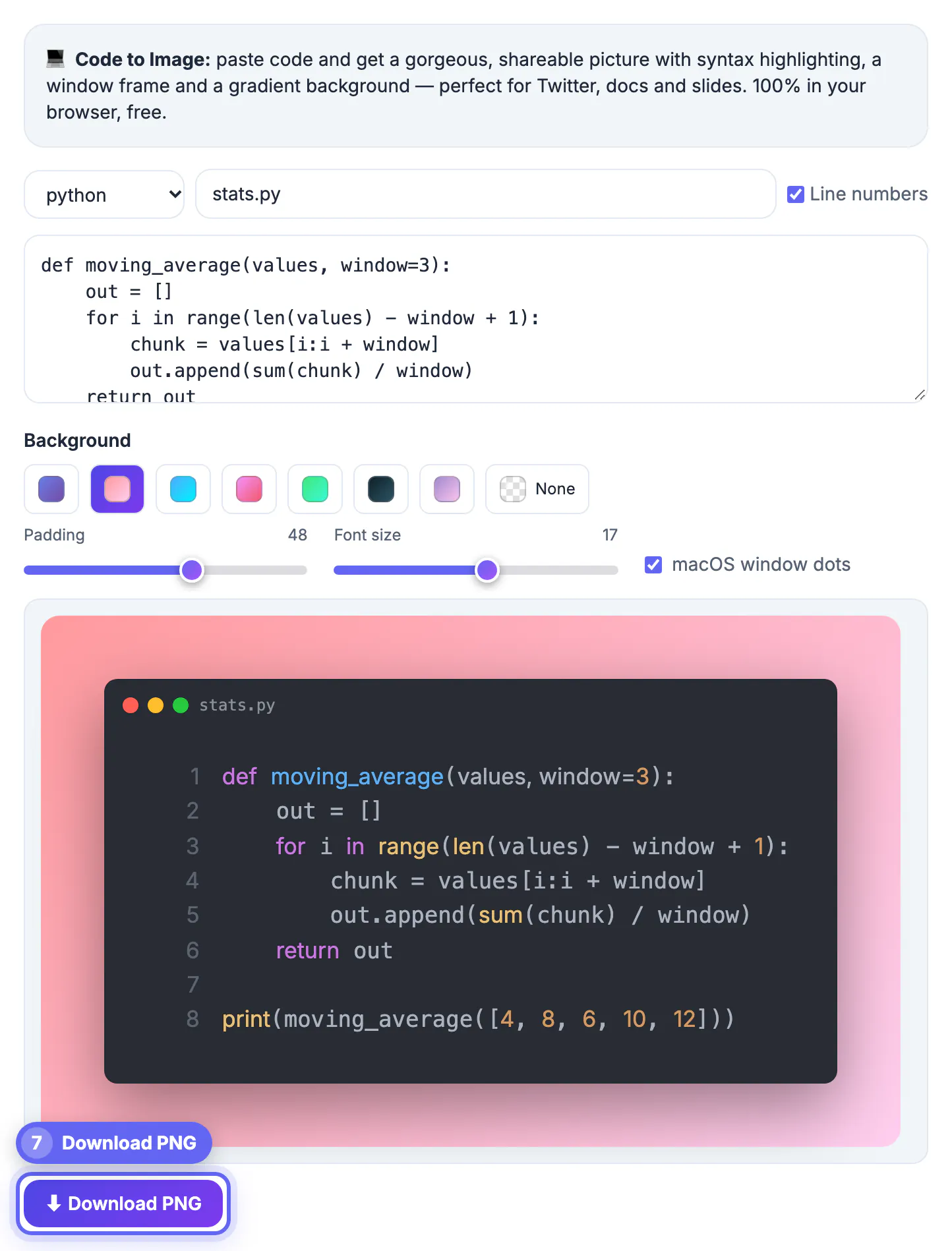
Carbon, the open-source code-picture app at carbon.now.sh, has been the default for years, and it costs nothing. People still search for alternatives for practical reasons: they want fewer settings between paste and download, they need a transparent PNG for a slide in seconds, a work network blocks the site, or they are wary of share links, because Carbon can place the snippet itself in a link's address. Some simply want a tool that sits beside the other utilities they already use. None of that makes Carbon worse; it means the right tool depends on how often you post code and how much styling you care about.
Carbon vs GrabCast Code to Image, feature by feature
Here is how the two compare on the things that affect the finished picture. Carbon details are as described on its site at the time of writing, so check its current feature list before deciding.
- Themes: Carbon offers dozens of syntax themes and several font families. GrabCast uses one theme, Atom One Dark, with a fixed monospace font and a size slider from 11 to 22.
- Languages: both auto-detect. GrabCast lists 21 languages, including JavaScript, TypeScript, Python, Go, Rust, SQL, Bash, YAML and Markdown.
- Backgrounds: Carbon lets you set any color or an image. GrabCast offers seven gradients plus None, which makes the area around the window transparent.
- Frame: both add macOS-style window dots and optional line numbers; GrabCast also shows a filename such as app.js in the title bar.
- Export: Carbon exports PNG and SVG. GrabCast exports PNG only, rendered at twice the on-screen size so text stays sharp after platform compression.
- Account and watermark: neither needs an account; GrabCast adds no watermark.
In short, pick Carbon when you want a specific theme, font or vector output, and GrabCast when you want a clean, consistent picture in four steps.
Privacy: what happens to your snippet
Code shared as a picture is often unreleased: a fix for a bug that is not public yet, an internal API call, a config file with hostnames in it. Where the rendering happens matters.
- GrabCast renders the highlighting and the PNG in your browser, and your code is not sent to its server.
- The page loads two open-source libraries, highlight.js and html2canvas, from a public CDN, which is how it works without a backend.
- Your last snippet and settings are saved in the browser's local storage so they reappear next time; clear site data on a shared computer.
- Whatever tool you use, a share link that carries the code in its address ends up in browser history and server logs, so prefer downloading the image.
The bigger risk is usually the content, not the tool. Before exporting, replace API keys, tokens, internal URLs and customer names with placeholders, because a picture cannot be edited after someone reposts it, and text inside an image can still be read by OCR.
Other free Carbon alternatives worth knowing
A browser tool is not the only route. Depending on where you already work, one of these may fit better. Features change, so treat the notes below as a starting point and check each project's page.
- ray.so, from the makers of Raycast, is a web app with a curated set of themes and backgrounds, popular for social posts.
- Editor extensions such as CodeSnap for VS Code capture a selection with your own editor theme and font, handy if you want the picture to match what you see while coding.
- Command-line tools such as Silicon generate code pictures from a file, which suits automated documentation builds.
- A plain screenshot of your editor, cropped with a screenshot beautifier, works when you need a real-looking IDE rather than a stylized card.
If you post code once a month, any of these will do. If you post several times a week, choose the one with the fewest steps between copying code and downloading the picture.
Settings that keep a code picture readable
The tool matters less than a few choices that decide whether people can read the result on a phone.
- Keep snippets to about 10 to 40 lines. There is no fixed limit, but a long file becomes a very tall picture that platforms crop or shrink.
- Set the font between 15 and 18 for social posts; the default 15 works for slides viewed on a large screen.
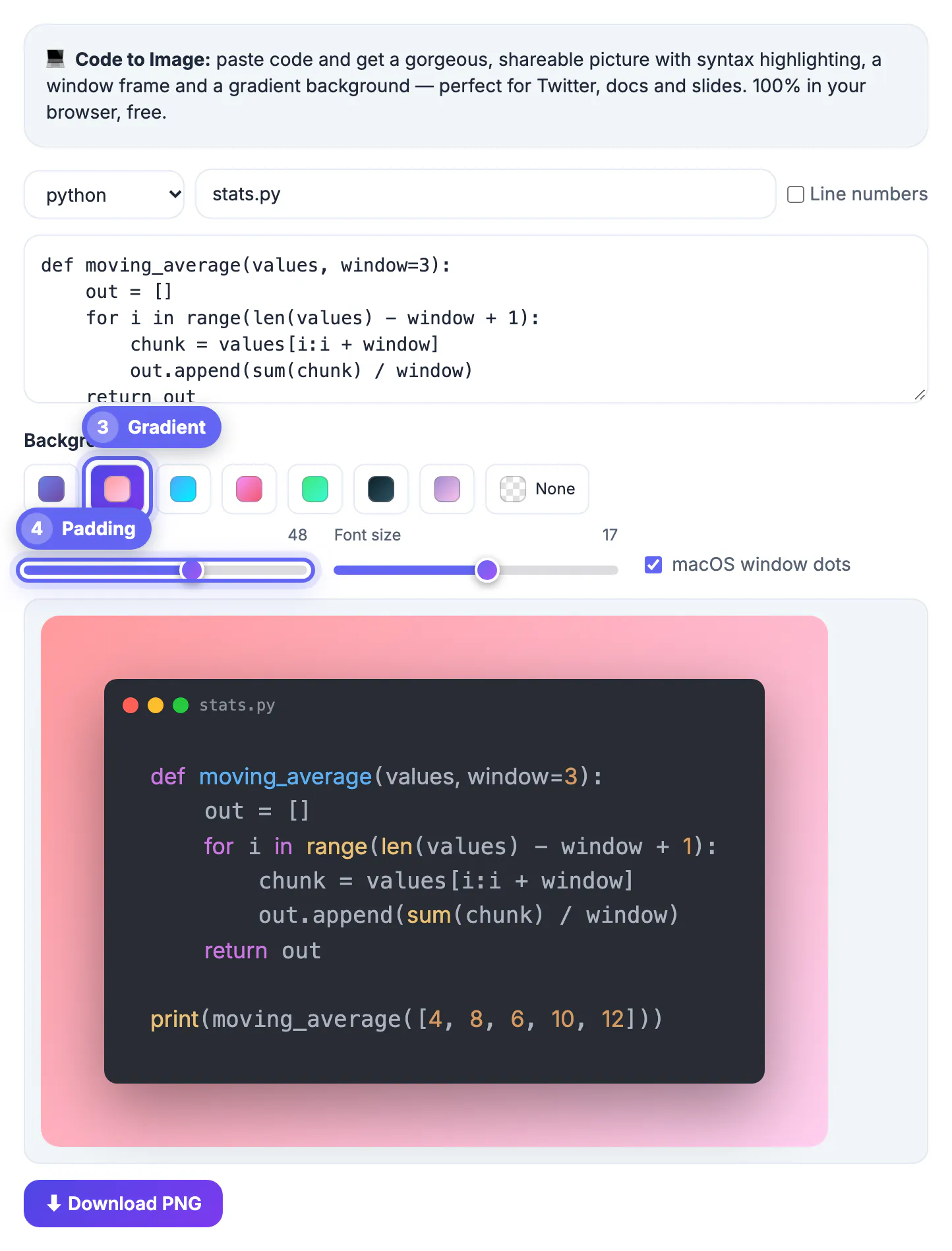
- Leave padding near the default 32 pixels for social cards, and use None with low padding when the picture sits on a slide background.
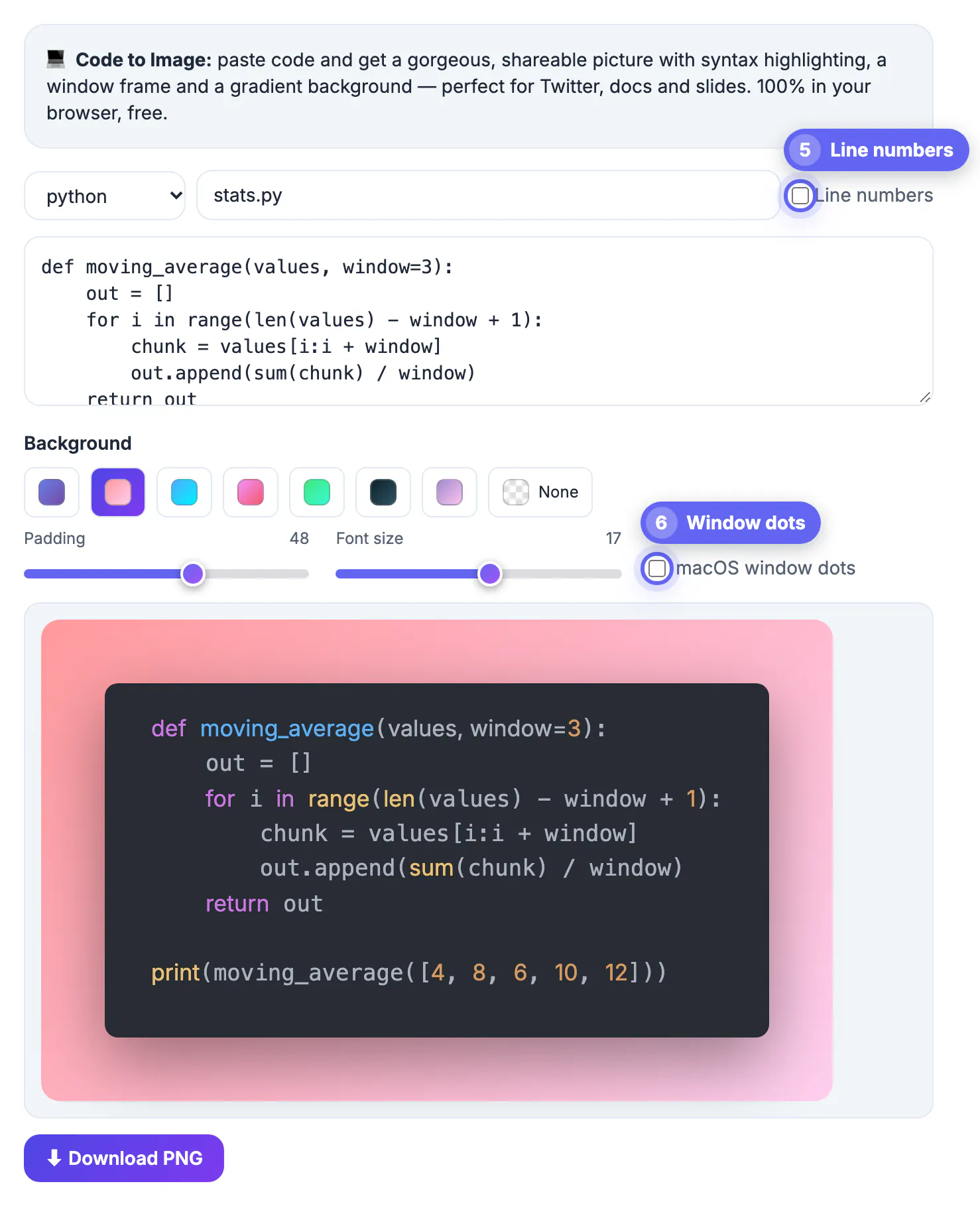
- Turn line numbers on for tutorials where you refer to specific lines, and off for short snippets where they add clutter.
Always pair the picture with the code as text, in the post, a reply, alt text or a linked gist. Screen readers cannot read a PNG, and nobody can copy code out of one without retyping it.
Tidy the snippet first with the SQL Formatter if it is SQL, so the picture matches what you would paste into a review.
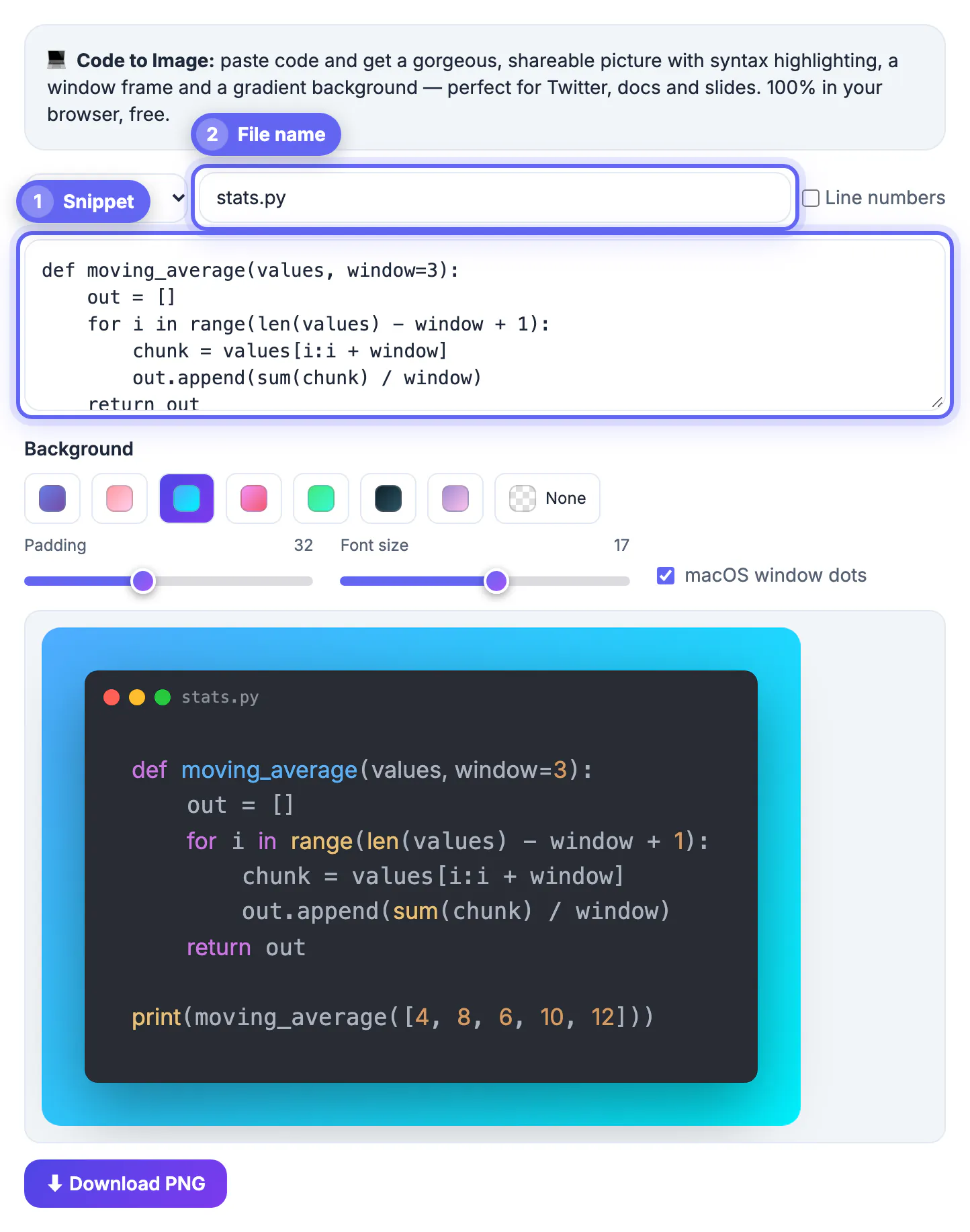
Step-by-step
Common mistakes to avoid
Pro tips
Frequently asked questions
Is Carbon free?
Yes. Carbon is a free, open-source web app. People look for alternatives because they want fewer settings, a transparent PNG quickly, or a tool their network does not block, not because of price.
Does GrabCast Code to Image add a watermark?
No. The PNG has no watermark, and there is no account or sign-up. It is free to use for personal and work posts.
Can I change the syntax theme or font?
Not at the moment. The tool uses the Atom One Dark theme with a fixed monospace font, and lets you change font size from 11 to 22, padding, background, line numbers and window dots. Use Carbon or an editor extension if you need a specific theme.
Can I export SVG instead of PNG?
No, only PNG. It is rendered at twice the on-screen size, which stays crisp on high-density screens and after social platforms compress it.
Is my code uploaded?
No. Highlighting and rendering run in your browser. The highlight.js and html2canvas libraries load from a public CDN, and your last snippet is kept in local storage on your device.
Carbon is free and still the pick for deep theme and font control or SVG output. For a quick, consistent code picture with a gradient or transparent background, GrabCast's Code to Image does the job in four steps, in your browser, with no watermark. Whichever you choose, keep snippets short, strip secrets and post the code as text too.
Related guides
Browse more: all text and developer guides · Code to Image