Share Code on Twitter as an Image (Free)
To share code on Twitter as an image is the only reliable way to keep your snippet readable, because pasting raw code strips the formatting and mangles the indentation. A syntax-highlighted screenshot posts cleanly, keeps its spacing and gets far more engagement than a wall of plain characters. Here is how to do it well. Done well, a single framed snippet can carry a whole idea further than a thread of plain-text attempts ever could.
💻 Try Code to Image now — freeOpen →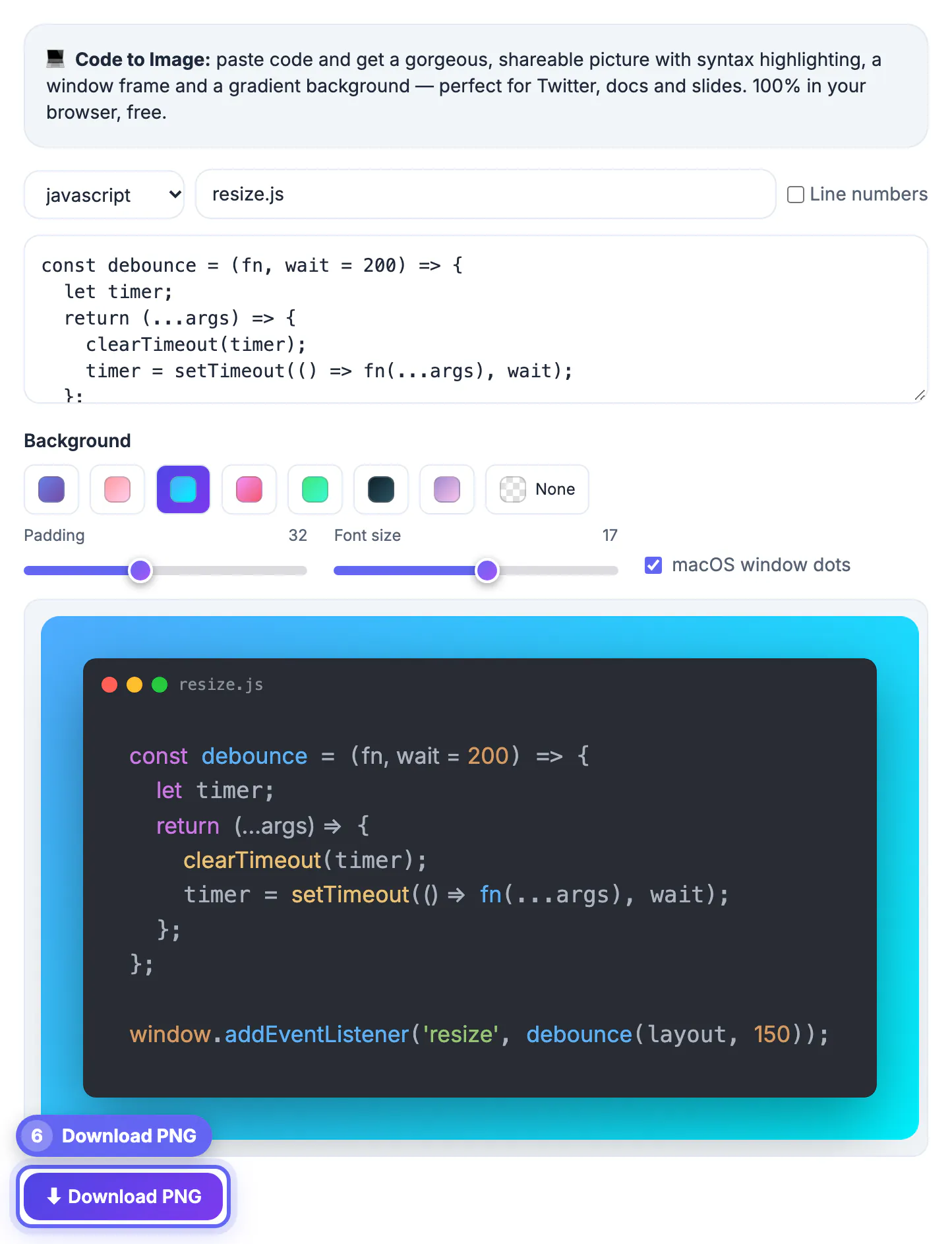
Twitter was built for prose, not for code. Paste a function directly and the platform collapses your indentation, converts quotes and wraps lines at awkward points, leaving something no one can actually read. An image sidesteps all of that: the formatting is baked in, the syntax colors survive, and the snippet displays at a comfortable size in the timeline. Images also stop the scroll, so a clean code screenshot earns more replies and reshares than the same code dumped as text. There is also a discovery angle: visually distinctive code images get saved and reshared, which puts your snippet in front of people who never followed you in the first place.
Turn your snippet into a shareable image
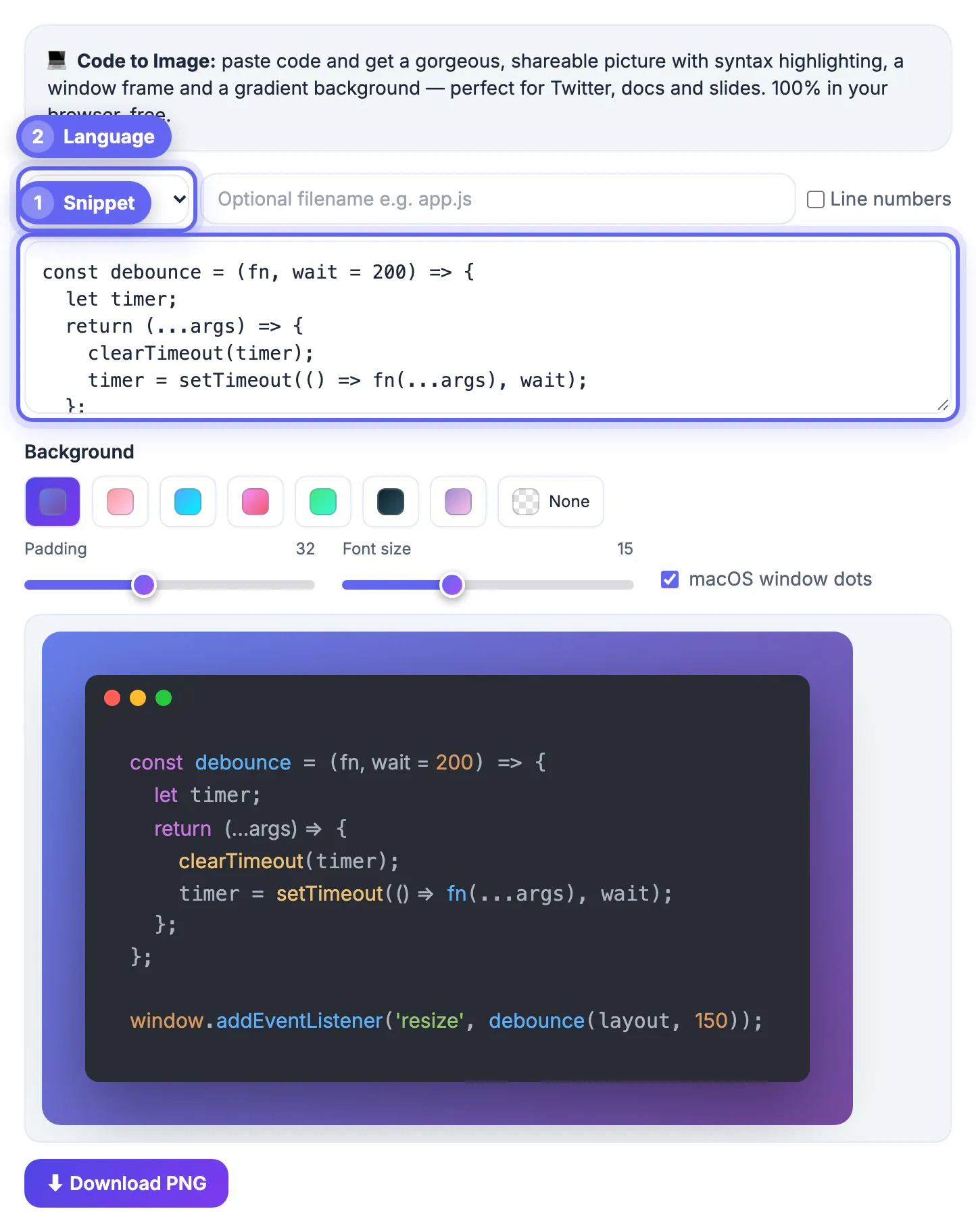
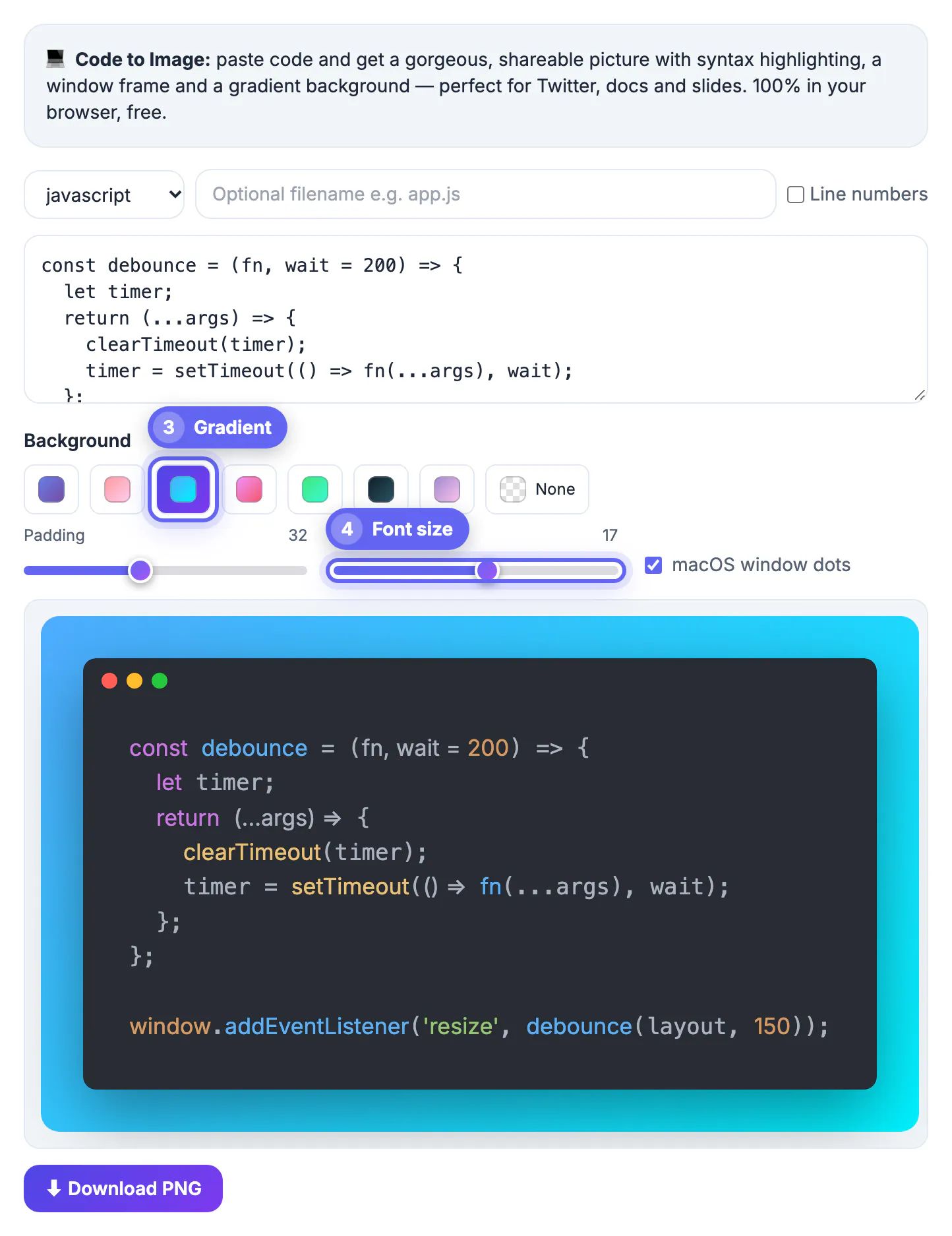
Paste the code, pick the language and let the tool add syntax colors. A few small adjustments make the screenshot read well at timeline size.
- Rely on the high-contrast dark theme, Atom One Dark, so colors read at a glance
- Keep the snippet short, ideally under twenty lines
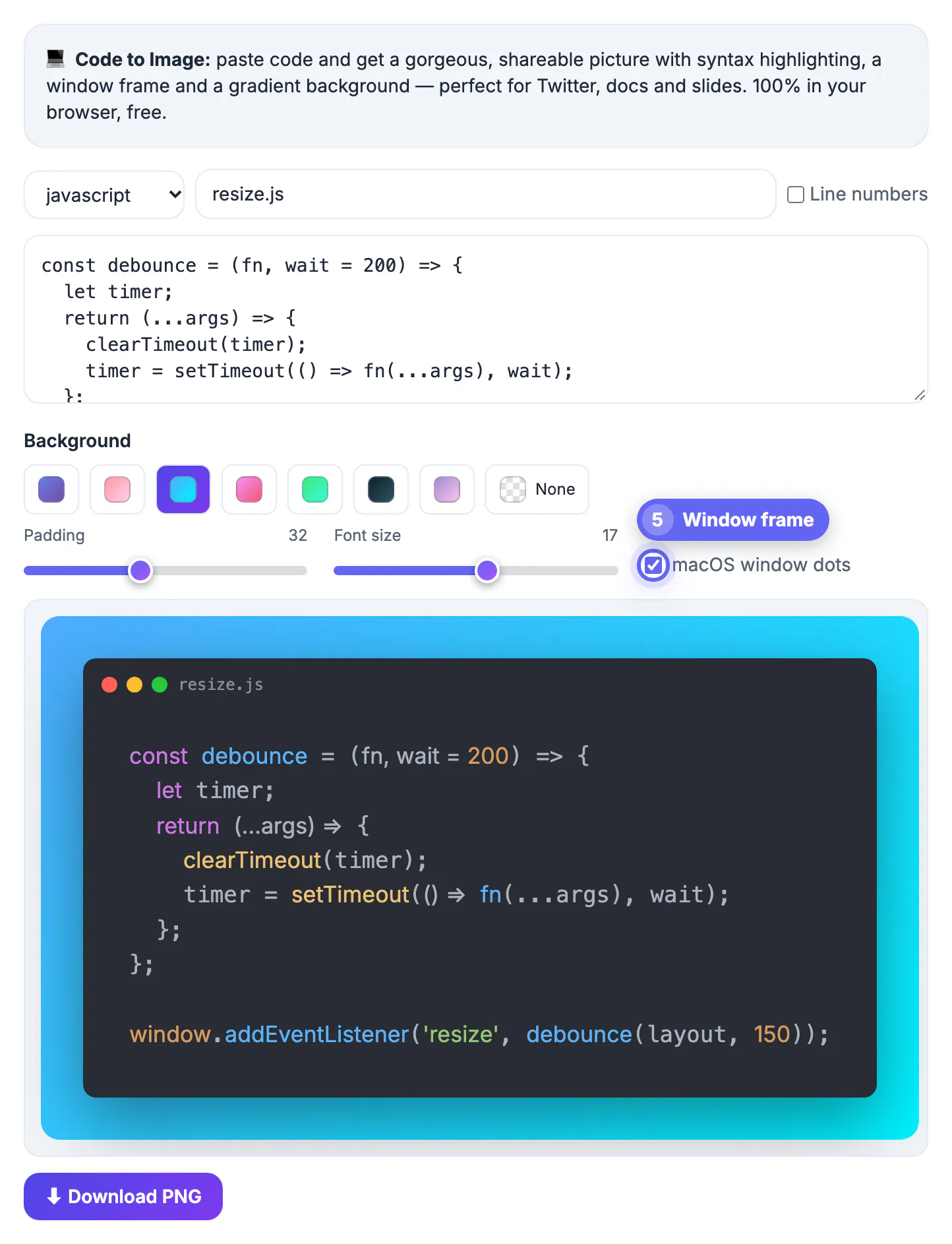
- Add a window frame so it looks like a real editor
- Export a high-resolution PNG for a crisp result
Size the image for the timeline
A code image is small in someone's feed, so oversized snippets become unreadable. Trim the code to the essential lines and increase the font size before you export.
Aim for a nearly square or landscape shape rather than a tall, narrow column, since Twitter crops tall images in the preview. A compact, well-cropped image invites people to tap and read the full thing.
Keep it accessible
An image is invisible to screen readers, so add context in the post itself. A short caption and alt text make your snippet reachable by everyone.
- Describe the code in the tweet's alt-text field
- Summarize what the snippet does in the post copy
- Link to a gist or repo for anyone who wants to copy it
Build a recognizable style
If you post code regularly, a consistent look becomes part of your brand. Pick one theme, one frame style and one background, and reuse them.
Readers start to recognize your snippets in a crowded feed, and a coherent series looks far more professional than a grab-bag of different styles.
Write a caption that carries the code
Because the code lives in an image, the words around it do the heavy lifting for reach and context. Treat the caption as the entry point, not an afterthought.
Open with the problem the snippet solves, name the language, and end with a reason to engage, a question or an invitation to critique. That framing turns a static image into a conversation starter.
Avoid the traps that kill readability
Most failed code tweets share the same handful of mistakes. Sidestep them and your snippet reads cleanly on the first tap.
- Never screenshot a full file; isolate the lines that matter
- Bump the font size so the code survives feed compression
- Skip rare themes with weak contrast on small screens
- Preview the crop before posting so nothing important is cut
Pick a theme that survives compression
Social platforms recompress images, so thin strokes and pale colors can blur once uploaded. Choose a theme with strong contrast between code and background, and keep line numbers off unless you refer to them in the post.
- Dark themes with bright keywords stay legible at small sizes.
- Avoid light gray comments on white, which almost vanish after compression.
- Use a monospaced font at a size that remains readable on a phone.
If you want a different look, a free alternative for code images lists the honest limits of each approach, and a screenshot beautifier can frame non-code captures in the same style for a consistent feed.
Check the image before you post
Take a minute to preview the final image on a phone screen rather than your monitor, because that is where most people will see it. Zoom out until the image is about the width of a feed card and ask whether you can still read every line. If not, cut lines or enlarge the type.
- Confirm there are no secrets, tokens or personal paths in the snippet.
- Check that the crop does not slice a line in half at the edge.
- Proof the caption for the language name and any command needed to run the code.
- Reply to your own post with the link to the full gist so readers can copy and run the code.
Following this routine keeps your posts useful instead of merely decorative, and it builds trust with developers who value runnable examples.
When an image is the wrong choice
Images suit short illustrative snippets. For long listings, configuration files or anything people must copy exactly, link to a repository or paste into a gist instead, because nobody can copy text from a picture and long files become unreadable at feed size.
Step-by-step
Common mistakes to avoid
Pro tips
Frequently asked questions
Why not just paste code into a tweet?
Twitter strips indentation and formatting from pasted code, so an image is the only way to keep it readable.
What image size works best?
A landscape or roughly square PNG works best, since tall images get cropped in the timeline preview.
How do I make the code accessible?
Add alt text describing the snippet and summarize it in the post, since screen readers cannot read the image itself.
Can people copy code from the image?
No, so link to a gist or repository whenever you want readers to reuse the actual code.
How long should a code snippet for Twitter be?
Keep it under about twenty lines and isolate only the part that matters, since anything longer becomes unreadable at timeline size.
Sharing code on Twitter as a clean, framed image keeps your formatting intact and earns more engagement than plain pasted text.
Related guides
Browse more: all text and developer guides · Code to Image