How to Make Code Images for Documentation
Good code images for documentation do something a plain code block cannot: they highlight a key line, present a clean visual and stay consistent across a whole guide. Knowing when to reach for an image and how to keep a set uniform is what separates polished docs from a jumble of mismatched screenshots. This explainer walks through both. The goal is documentation that looks deliberate and stays trustworthy as the code beneath it evolves.
💻 Try Code to Image now — freeOpen →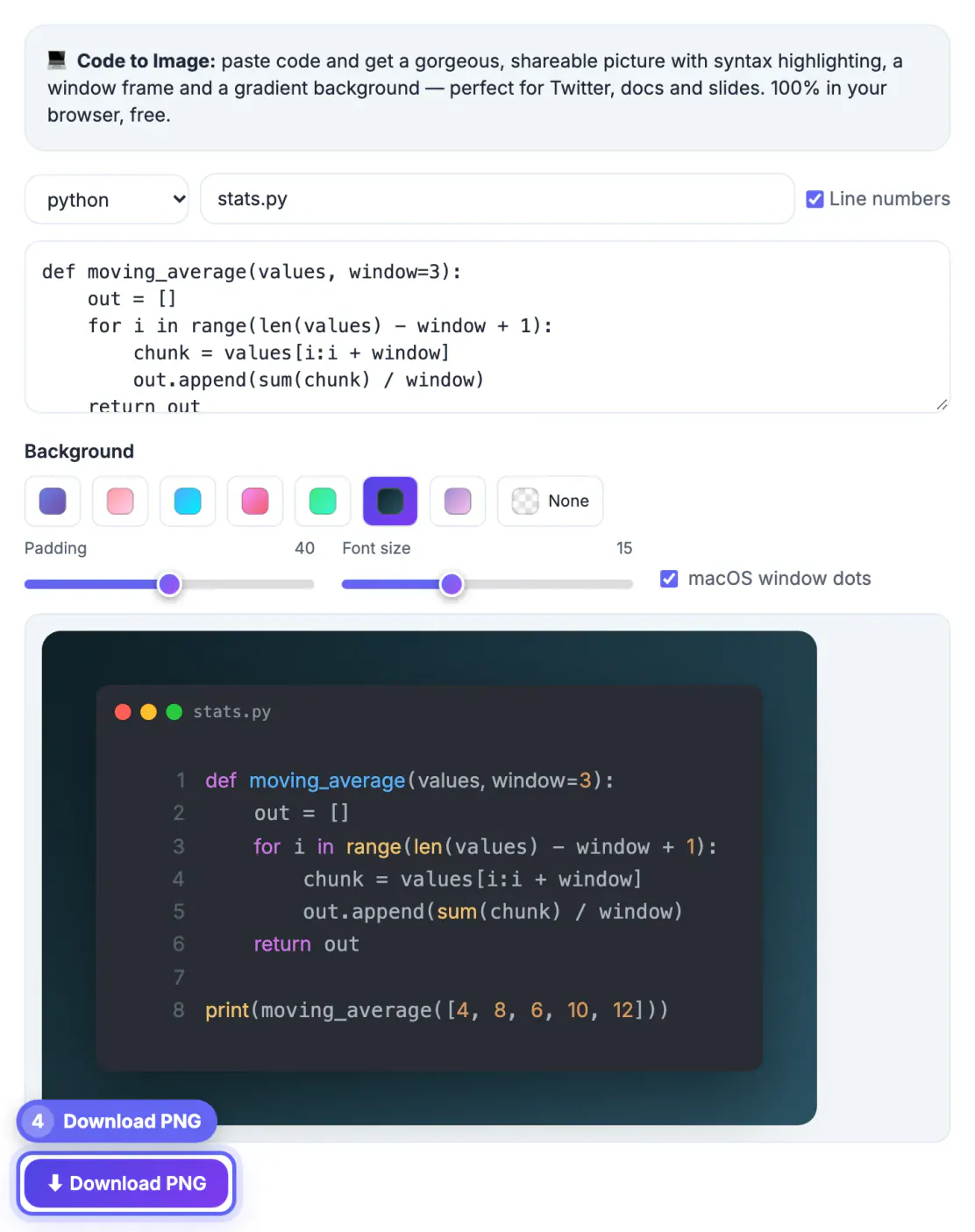
Most documentation should keep code as selectable, copyable text, and that is the right default. But there are moments where an image wins. A hero image at the top of a tutorial sets the tone. A framed snippet in a slide deck or a social announcement travels better than raw text. A carefully cropped screenshot can spotlight one changed line in a diff. The skill is knowing where an image adds clarity versus where it just removes the reader's ability to copy, and then producing those images so they all look like they belong together. Consistency also lowers the cost of contribution: when the style is written down, anyone adding a page can produce images that match without a design review.
When to use an image instead of a code block
Reach for an image when presentation matters more than copying. Keep plain text when readers need to grab the code.
- Hero images and thumbnails that set the tone of a page
- Slides and social posts where formatting must be locked in
- Highlighting a single line or a small diff for emphasis
- Avoid images for long, copyable examples readers will reuse
Keep a whole set consistent
Documentation lives or dies by consistency. A dozen code images in ten different themes looks careless, while one shared style looks deliberate.
Lock in a single theme, frame and background, then reuse them for every image in the project. Save those settings so contributors can match them without guesswork, and your docs read as one coherent voice.
Make images readable and accessible
A code image is only useful if people can read it, and only inclusive if everyone can reach its meaning.
- Use a large font so the code survives being scaled down
- Pick a high-contrast theme for small screens
- Always add descriptive alt text next to the image
- Provide the code as text nearby for copy and screen readers
Keep images maintainable
Code changes, and stale screenshots quietly become wrong. Treat images as assets you can regenerate rather than one-off files.
Keep the original snippets in your repo so any image can be rebuilt from source when the code updates. That way a syntax change never leaves an outdated picture behind in your docs.
Annotate images to guide the reader
A plain snippet shows code; an annotated one teaches it. Where documentation needs to draw the eye, a subtle callout does more than a paragraph of description.
Highlight the single line that changed, add a small arrow or label to the part under discussion, and keep annotations sparse so they clarify rather than clutter. Reserve heavy annotation for tutorials, not reference pages.
Build a shared style guide for code images
Documentation is usually a team effort, so the rules that keep images consistent belong somewhere everyone can find them.
- Record the theme, frame and background in the contributing guide
- Store source snippets alongside the docs they illustrate
- Note the export resolution and aspect ratio to use
- Review new images against the guide before they ship
Workflow for a consistent set of code images
Treat the images like a mini design system. A short routine makes each new image match the old ones without guesswork.
- Pick one theme, font size, frame style and padding, and write them down.
- Create images from the same canvas width so they align in the page layout.
- Name files after the concept, for example auth-login-request.png, not screenshot-4.png.
- Keep each snippet under about 15 lines, splitting long examples across several images.
Tools such as Code to Image make this repeatable, and a comparison of free code image tools explains the trade-offs between options. For non-code screens, a screenshot beautifier can apply a matching frame.
Performance and file size
Images that are too large slow pages down. Export at two times the display width for sharp text on high-density screens, then compress the file. PNG works for flat colour code images, but a modern format such as WebP can shrink the file by about a third. Add width and height attributes so the layout does not jump while the image loads, and use lazy loading for images below the first screen.
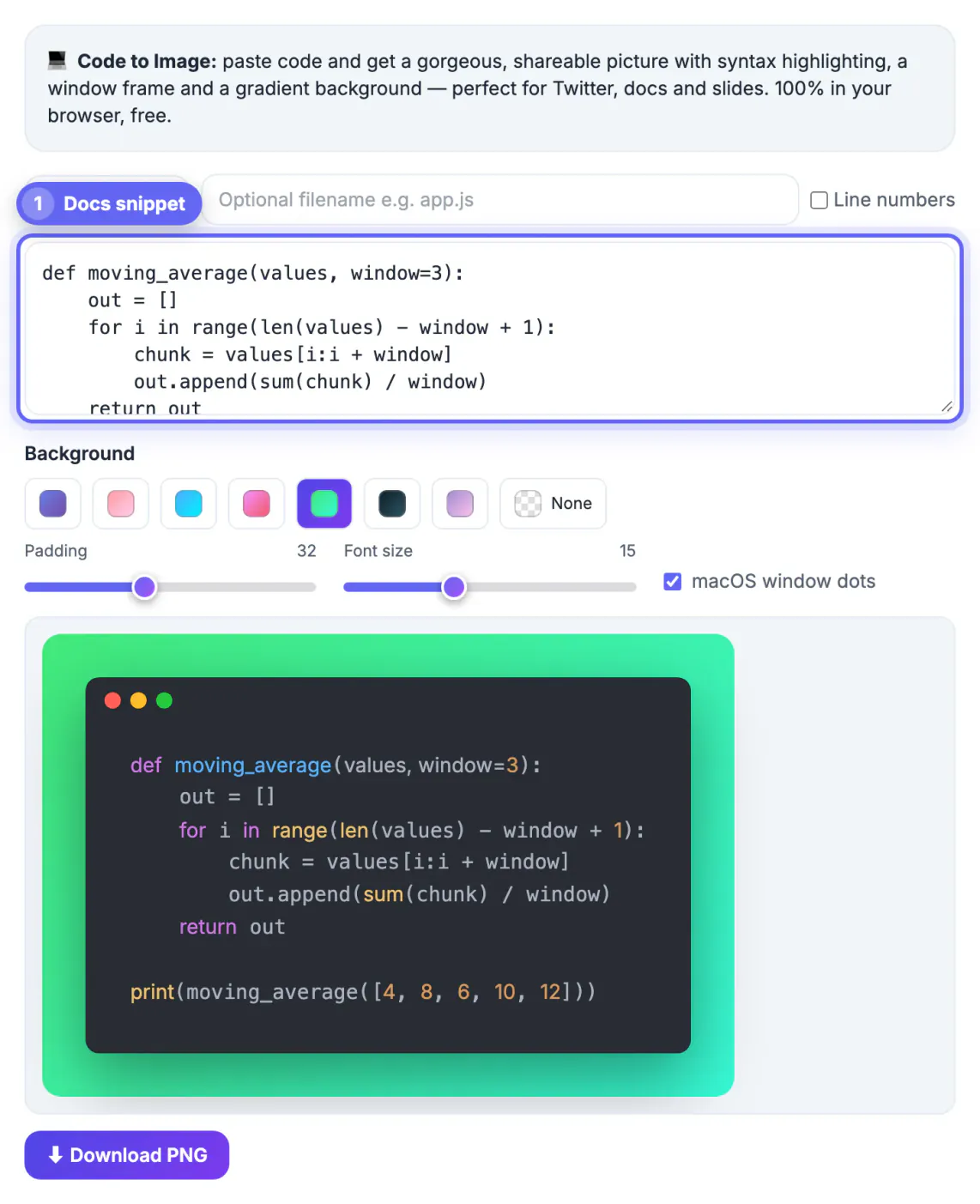
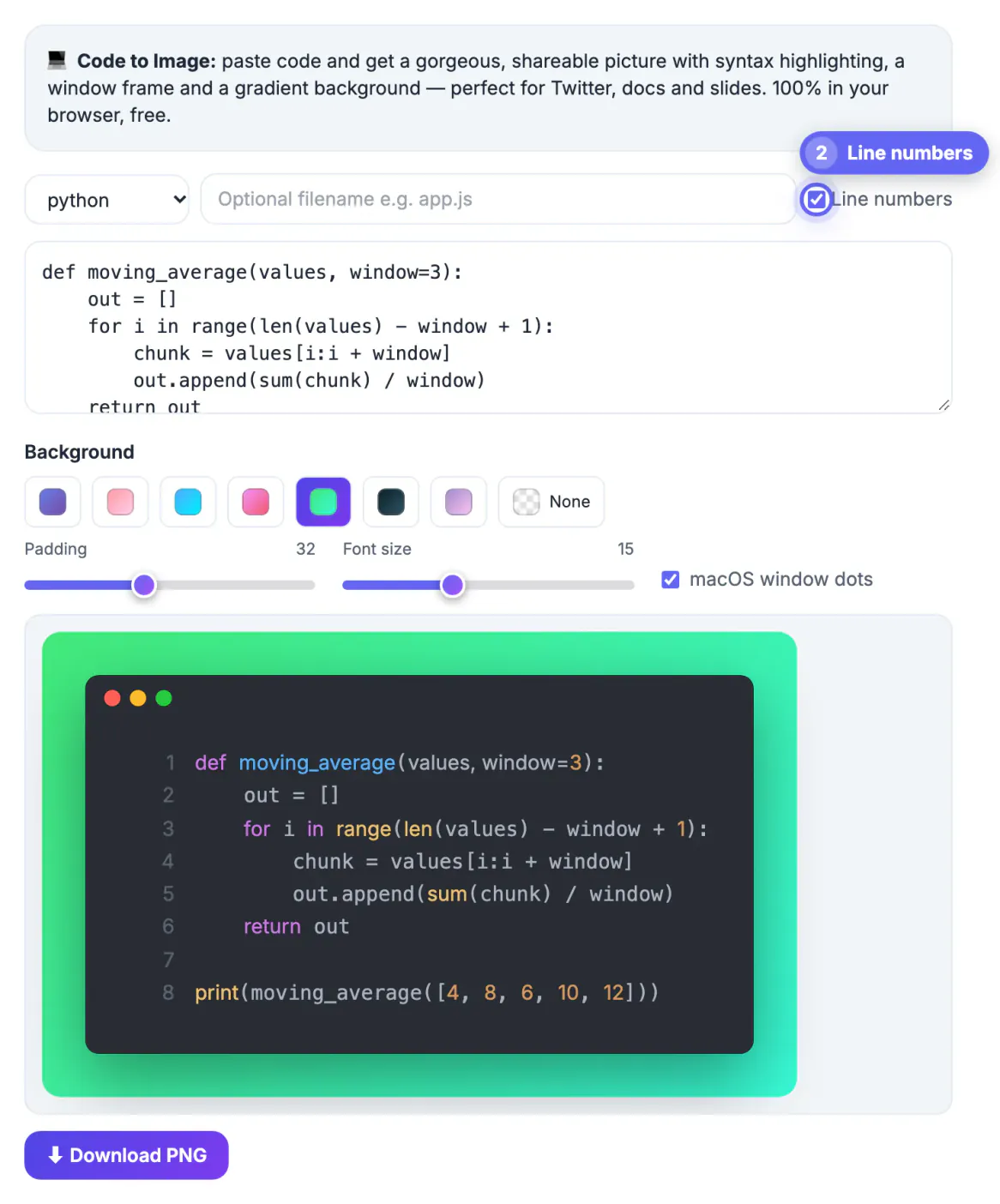
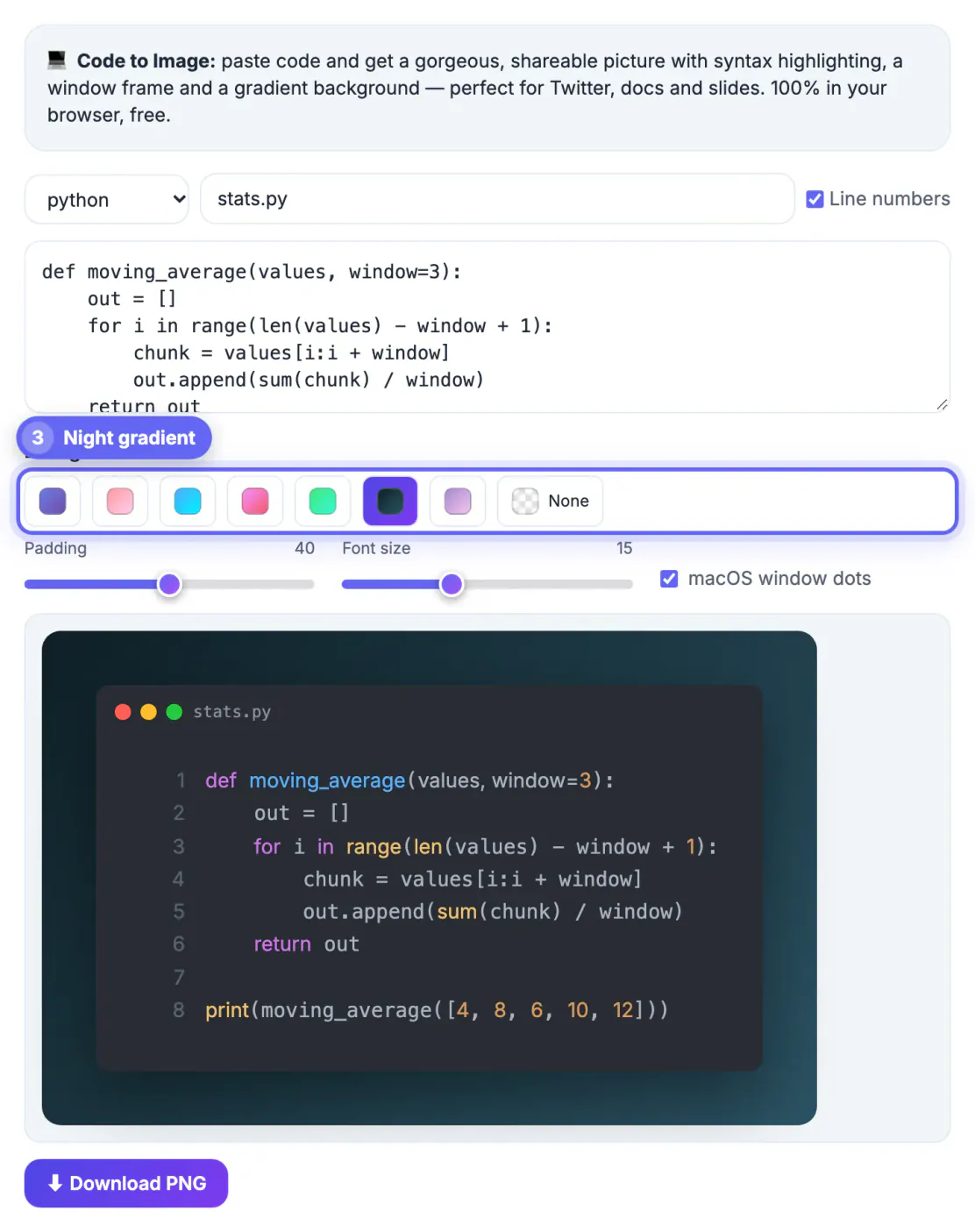
Step-by-step
Common mistakes to avoid
Pro tips
Frequently asked questions
Should documentation use code images or text blocks?
Use text blocks for anything readers copy, and images for heroes, highlights, slides and social posts where presentation matters.
How do I keep code images consistent?
Lock in one theme, frame and background, save them as a preset, and reuse the same settings for every image in the project.
Are code images accessible?
Only if you add descriptive alt text and provide the code as nearby text, since screen readers cannot parse the image.
How do I stop images from going stale?
Keep the source snippets in your repo so you can regenerate any image whenever the underlying code changes.
Should I annotate code images in documentation?
Yes for tutorials, where a small highlight or arrow guides the reader, but keep reference pages clean and let the code speak for itself.
Code images sharpen documentation when you reserve them for presentation, keep the whole set consistent and back every image with copyable source.
Related guides
Browse more: all text and developer guides · Code to Image