Regex Tester Online Free: Explain, Replace, Export Code
Paste a pattern and some sample text into the GrabCast regex tester and every match lights up while you type, with capture groups listed in a table underneath. If a pattern misbehaves, the Explain tab reads it back token by token, and the Code tab hands you a ready snippet for JavaScript, Python or PHP. It runs the JavaScript engine inside your browser, so log lines and customer records you test against stay on your machine.
🔤 Try Regex Tester now — freeOpen →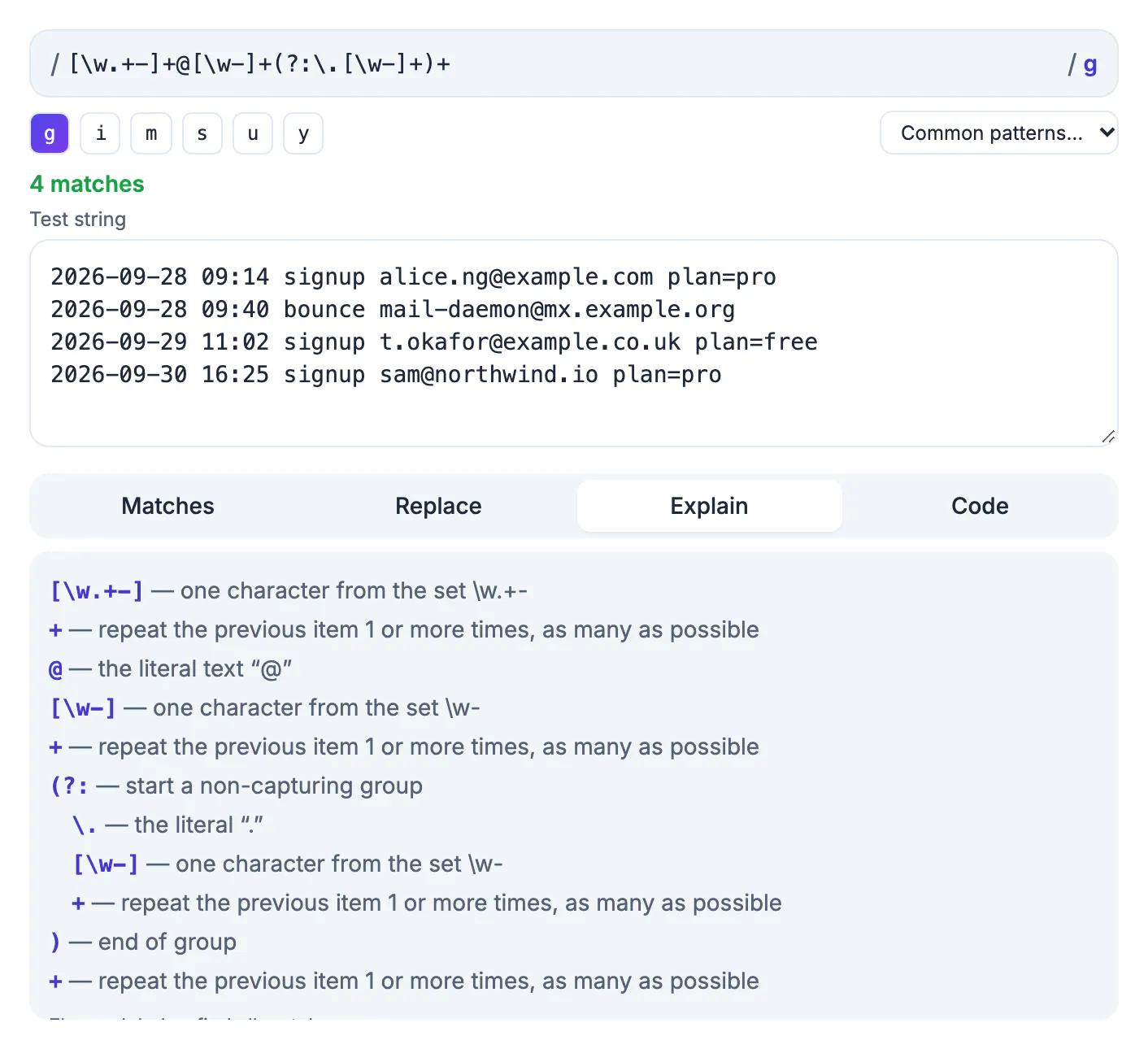
A regular expression is a tiny program written in punctuation, and most bugs hide in a single character: a missing escape before a dot, a greedy star that eats half the line, or an anchor that only works with the multiline flag. Running the pattern against realistic text while you edit shows those bugs in seconds instead of after a deploy. The GrabCast tester goes further than a plain highlighter. It runs each attempt in a separate Web Worker and stops it after two seconds, so a runaway pattern shows a warning instead of freezing your tab, and it translates the syntax into sentences you can sanity-check before a code review.
What the regex tester shows on each tab
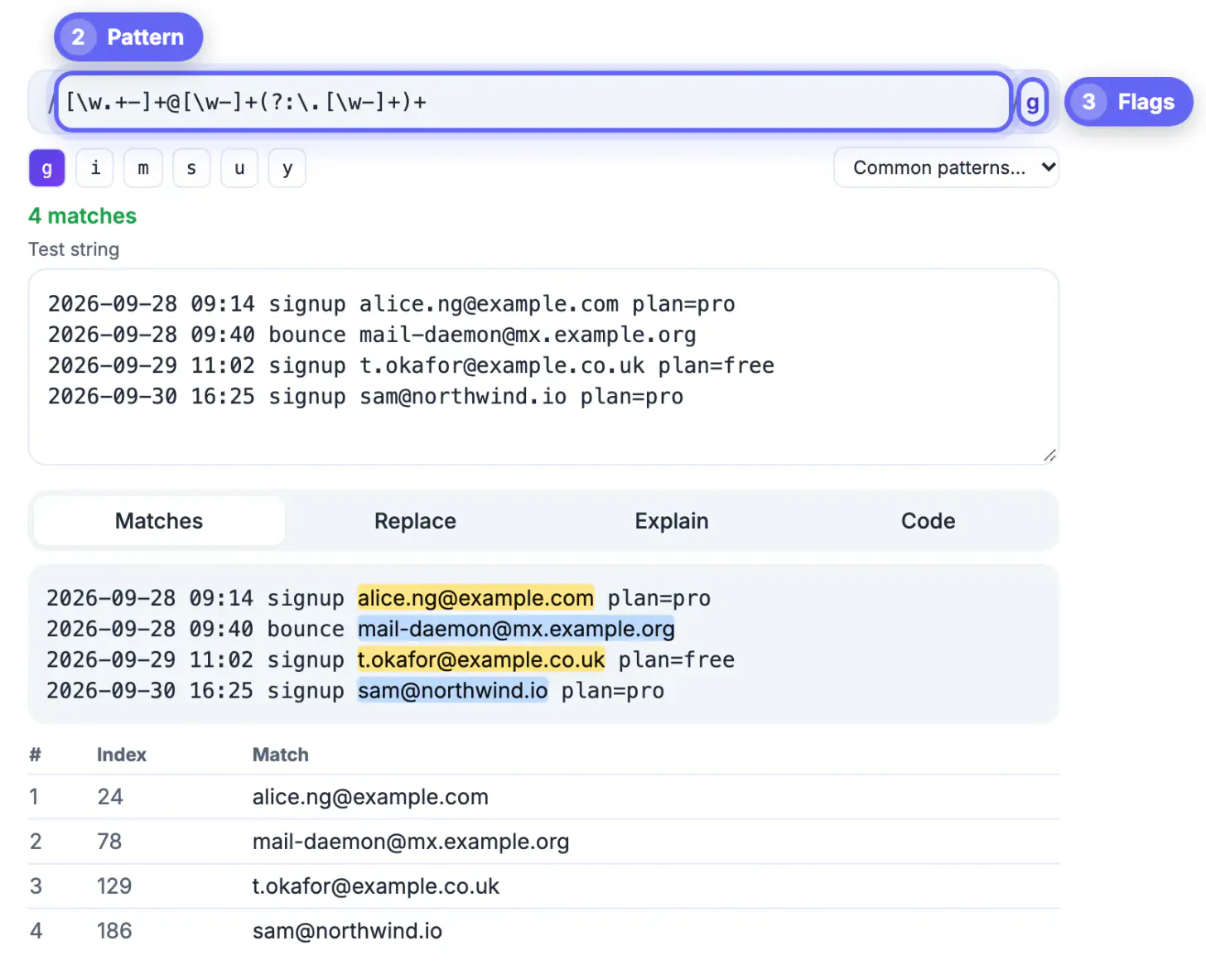
The top row mirrors how a pattern looks in source code: a slash, your expression, another slash and the active flags. Below it sit four tabs that cover the usual workflow from first draft to pasted code.
- Matches alternates two highlight colors so neighboring hits are easy to tell apart. Hover a highlight to see its position and the value of every group. A table lists the index, full match and each numbered or named group for up to 500 rows.
- Replace previews a substitution live. Use $1 and $2 for numbered groups, $<name> for named groups and $& for the whole match, then copy the result.
- Explain breaks the pattern into tokens such as a digit class, a lazy quantifier or a negative lookbehind, indented by group depth.
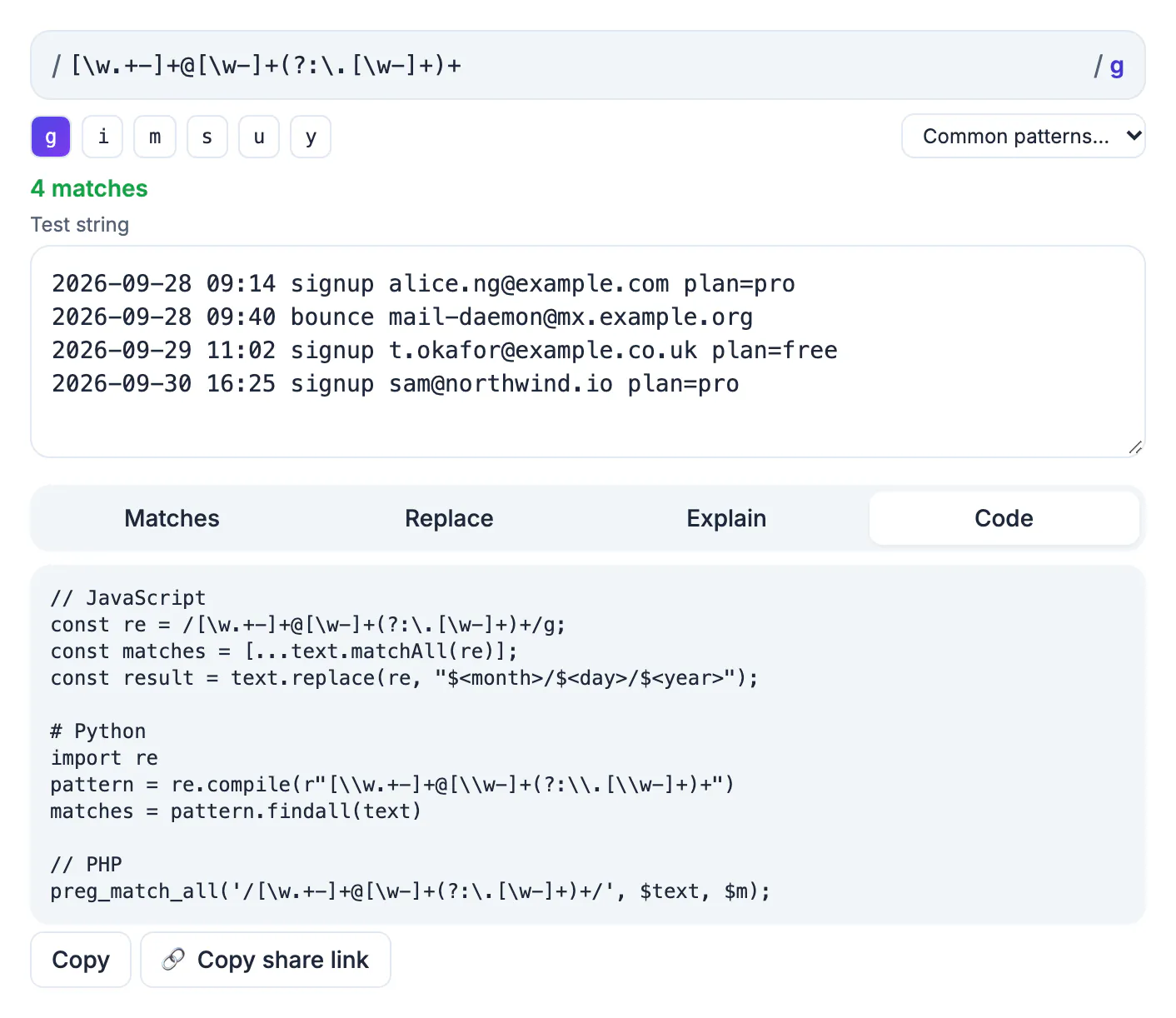
- Code writes the same pattern as a JavaScript literal with matchAll and replace, a Python re.compile call and a PHP preg_match_all call.
A status line above the tabs counts matches and warns when you forgot the g flag and only the first hit is being shown.
Six flags and when each one matters
Flags change how the engine scans text, and a pattern that works in the tester can fail in production simply because the flags differ. The tester exposes all six JavaScript flags as toggle buttons.
- g (global) finds every match; without it you get only the first one.
- i ignores case, so [a-z] also matches capitals.
- m (multiline) makes ^ and $ match at every line break instead of only at the ends of the whole text.
- s (dotAll) lets the dot match newline characters.
- u turns on full Unicode mode, needed for property escapes like \p{L} and for emoji counted as one character.
- y (sticky) only matches at the exact position where the previous match ended.
The Explain tab also changes its wording with the flags. With m on, a caret reads as start of a line; with s on, a dot reads as any character including newlines. That makes it obvious when a pattern depends on a flag you might not copy into your code.
Catastrophic backtracking and the two second stop
Some patterns are correct but slow enough to hang a program. The classic case is a nested quantifier such as (a+)+ run against a long string that almost matches: the engine tries an exponential number of ways to split the input before giving up. On a 30 character input that can mean billions of steps.
Most simple testers run the pattern on the page itself, so a bad attempt freezes the browser tab. GrabCast runs every attempt in a throwaway worker and terminates it after two seconds, then tells you the pattern likely backtracks catastrophically. The fix is usually to make quantifiers more specific, for example replacing .* with [^,]* when you know the field ends at a comma, or removing a quantifier that repeats another quantifier.
Treat that warning seriously. The same pattern inside a web server that validates user input can be abused for a denial of service attack, a problem security teams call ReDoS.
Built-in patterns, share links and honest limits
The Common patterns menu loads twelve starting points with sensible flags: email, URL, US phone, US ZIP code, an ISO date with named year, month and day groups, IPv4, hex color, UUID, US dollar price, repeated word, HTML tag and trailing spaces. Pick one, then adapt it to your data rather than trusting it blindly. The bundled email pattern, for instance, is deliberately loose and will accept some addresses a mail server would reject.
The Copy share link button encodes the pattern, flags and replacement in the part of the URL after the hash sign, which browsers never send to a server. Your test string is not included, so sharing a link with a teammate does not leak the sample data.
- The engine is JavaScript, so features like possessive quantifiers or atomic groups from PCRE are not available.
- Python snippets convert named groups to the (?P<name>) form, but other dialect differences still need a test in your runtime.
- Highlighting is skipped for test text over about 300,000 characters and the match list stops at 5,000 hits, although the count stays accurate up to that point.
Test your pattern on cleaned-up data with the Text Diff Checker for before-and-after output, and use the URL Encoder when the match ends up in a query string.
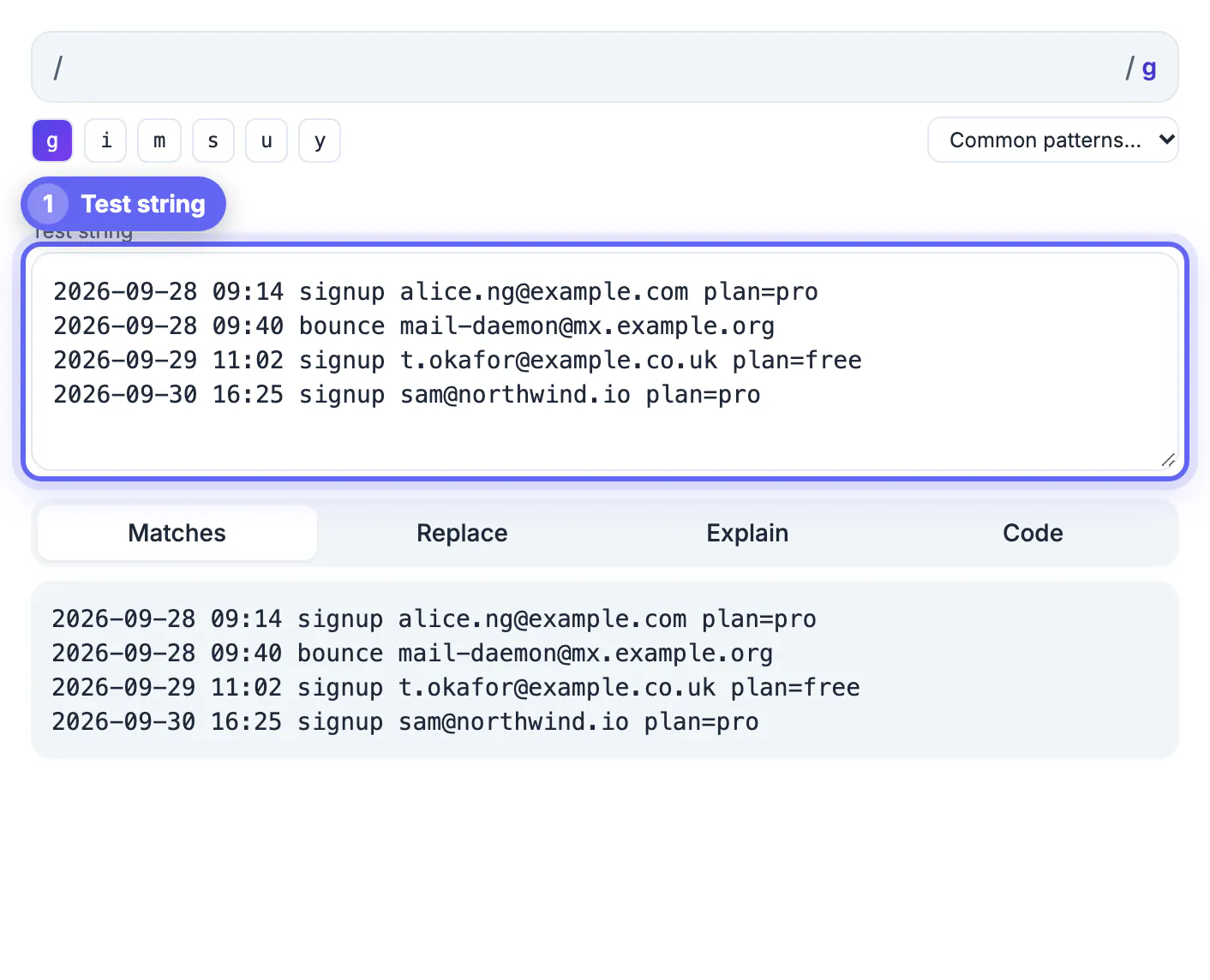
Step-by-step
Common mistakes to avoid
Pro tips
Frequently asked questions
Which regex flavor does this tester use?
It uses the JavaScript engine built into your browser, the same one Node.js and front-end code use. The Code tab also produces Python and PHP versions, but test edge cases in those runtimes because dialects differ slightly.
Is my test data uploaded anywhere?
No. Matching runs in a Web Worker inside your browser tab. The share link carries only the pattern, flags and replacement, and never the test string.
Why did the tester stop with a two second warning?
Your pattern took too long, usually because of nested or overlapping quantifiers. Make the repeated parts more specific or remove the outer quantifier, then run it again.
Can I use capture groups in the replacement?
Yes. Use $1, $2 and so on for numbered groups, $ followed by the group name in angle brackets for named groups, and $& for the whole match. The result updates as you type.
Does it work for multiline log files?
Yes. Paste the log, enable the m flag so ^ and $ work per line, and add s only if a dot must cross line breaks. Very large pastes skip highlighting but still list matches.
Use the GrabCast Regex Tester to draft a pattern against real text, read it back in plain English, check replacements and copy code for three languages. The two second worker limit catches runaway patterns before they reach a server, and nothing you paste leaves your browser.
Related guides
Browse more: all text and developer guides · Regex Tester