Format JSON Online and Fix Syntax Errors Automatically
When JSON will not parse, paste it into the GrabCast formatter: it validates as you type, prints the line and column of the first problem with a caret under the exact character, and a Repair button rewrites common breakage into valid JSON while listing every change it made. Once the data passes, you can beautify it with 2 spaces, 4 spaces or tabs, compact it, sort keys, browse it as a tree or pull values out with JSONPath. This page is the troubleshooting reference: the strict rules a validator enforces, what Repair can and cannot rescue, how to read the error position, and how to confirm a large repaired file is complete.
🧩 Try JSON Formatter now — freeOpen →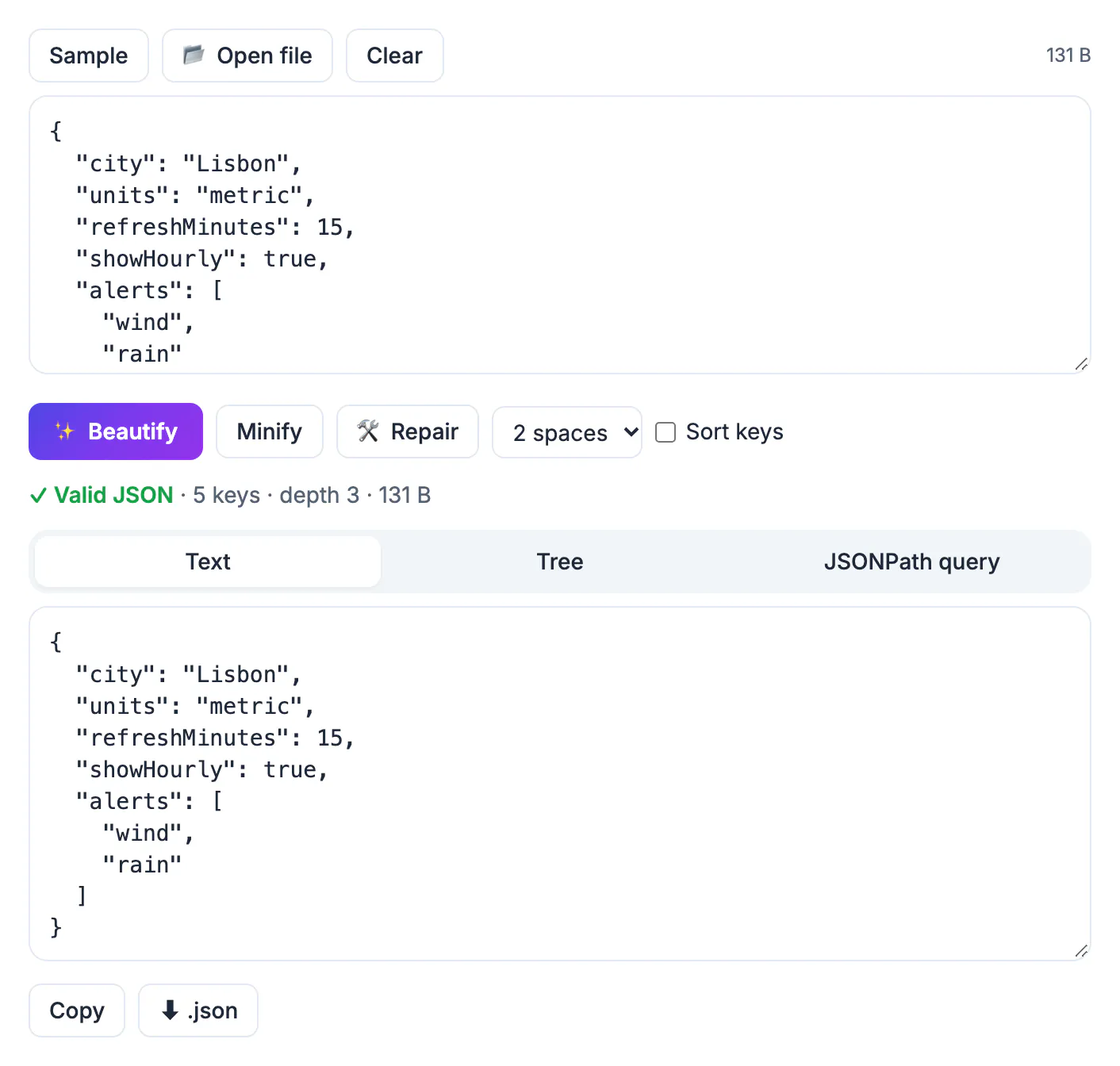
Strict JSON forbids things people type every day: comments, single quotes, unquoted keys, a comma after the last item, and Python values like True or None. Config files for editors and build tools often allow comments, browser consoles print JavaScript objects rather than JSON, and chat apps silently swap straight quotes for curly ones. The parser in your code rejects all of it with a terse message like unexpected token at position 812. Finding position 812 by eye in a minified blob is miserable, which is why a tool that points at the character and can fix the routine cases saves real time.
What the Repair button fixes in broken JSON
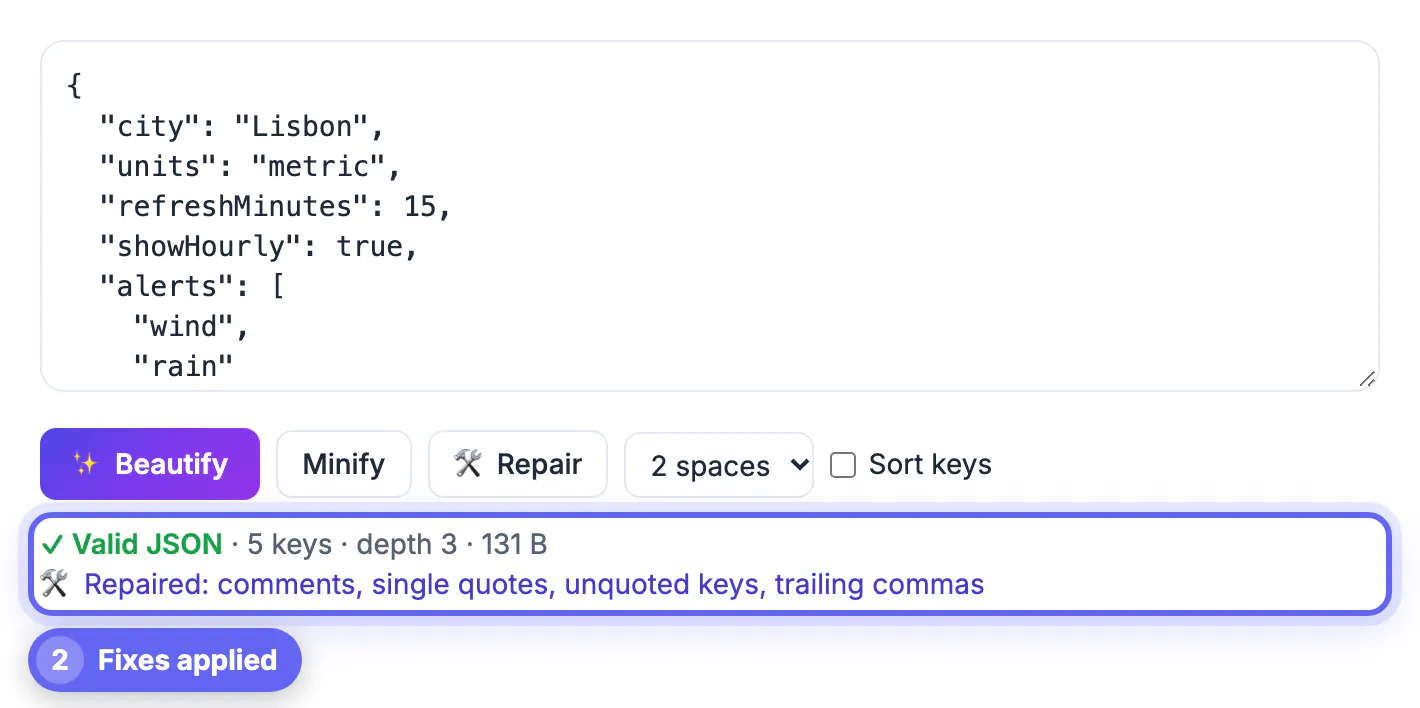
Repair runs a lenient parser that understands JSON5, JavaScript object literals and Python dictionaries, then writes the result back as standard JSON. The status line names each category it touched, so nothing changes silently.
- Line and block comments, including hash comments from YAML-style habits.
- Single quotes, backticks and curly quotes pasted from Slack, Word or Google Docs.
- Unquoted keys, trailing commas, extra commas and commas missing between items.
- Python and JavaScript literals: True, False, None and undefined become true, false and null.
- Hex numbers become decimals, and NaN or Infinity become null because JSON has no way to express them.
- Wrappers such as const config =, module.exports =, export default and JSONP callbacks.
- Several objects on separate lines, as in NDJSON logs, get wrapped into one array.
- Missing closing brackets at the end of truncated input.
Treat the last item with care. Closing a truncated array makes it valid, but whatever was cut off is still missing, so compare record counts with the source.
Reading the error caret and status line
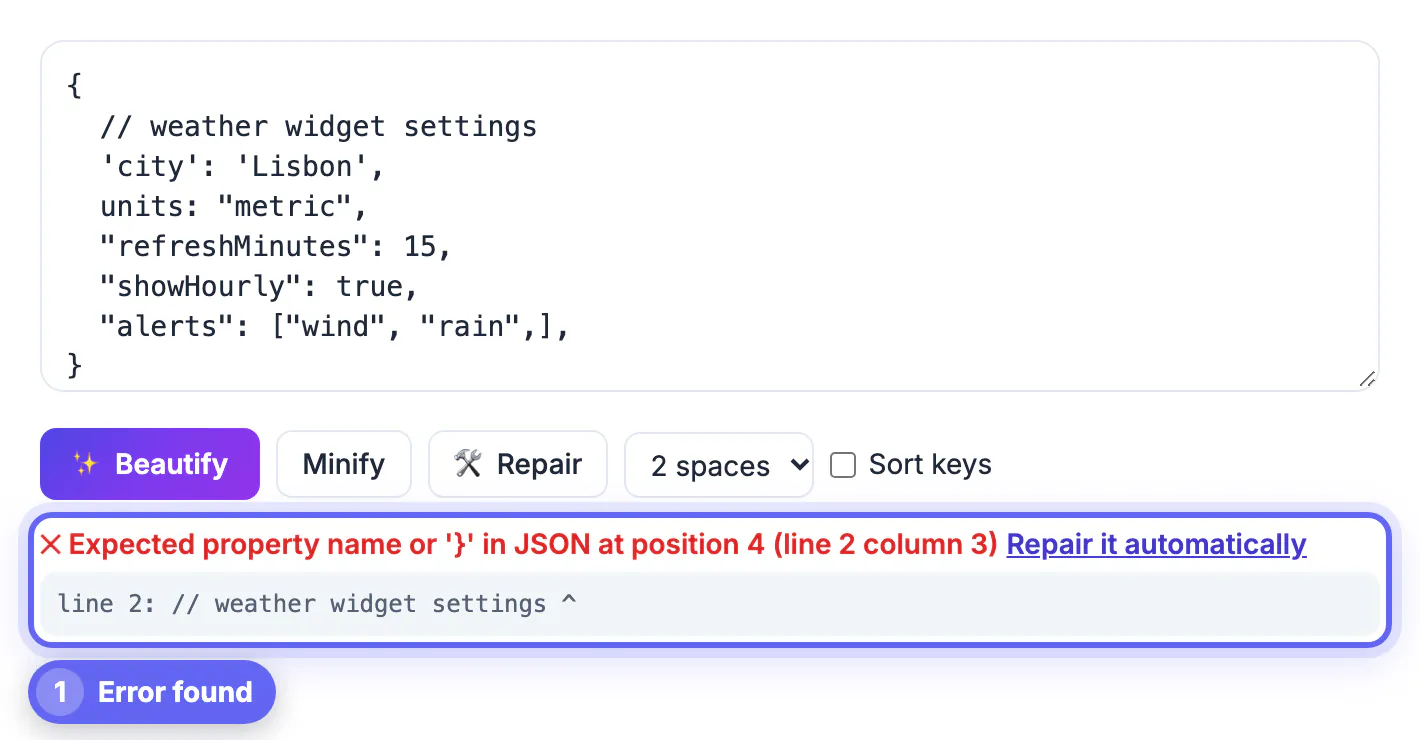
If the text is not valid and Repair cannot help, the error box quotes the browser parser message and shows the offending line with a caret under the column. A missing comma between two objects on line 48, for example, is flagged at the first character of the second object, which is where the parser gave up rather than where the comma belongs. Look one token to the left.
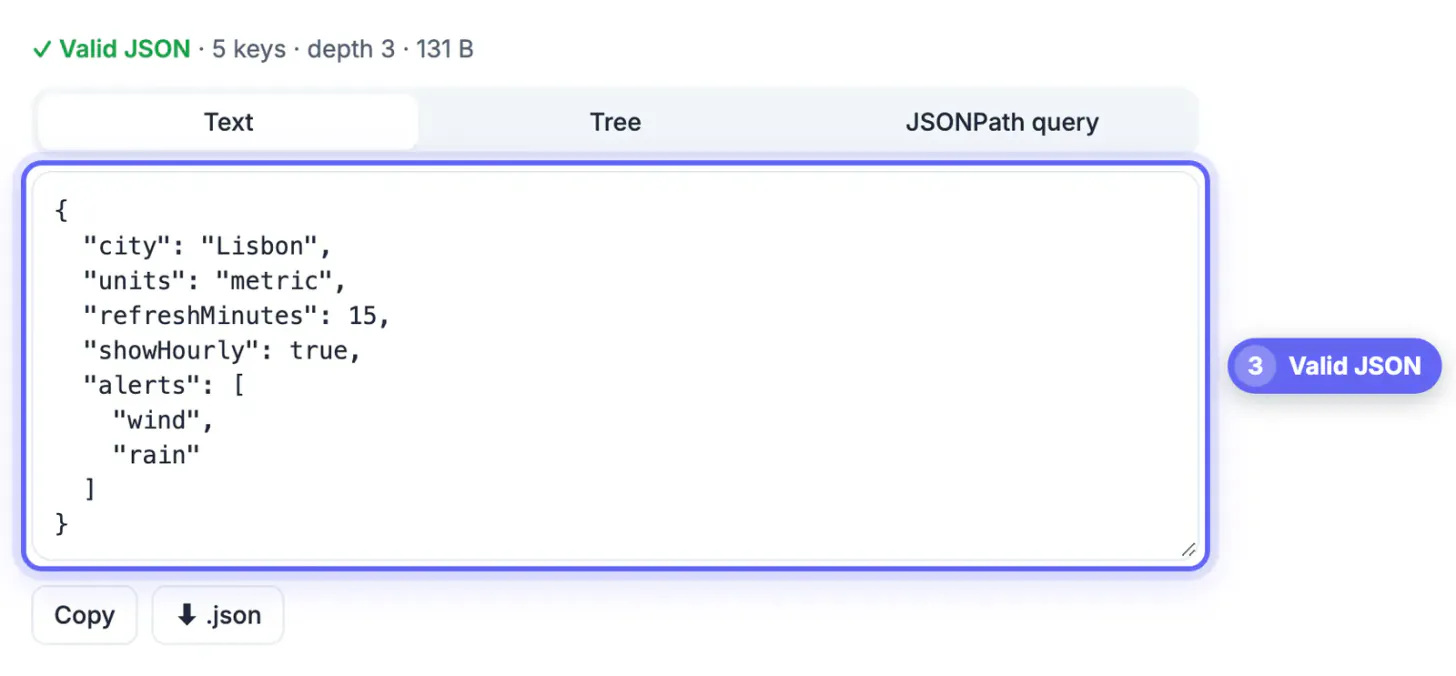
When the data is valid, the status line reports the number of items for a top-level array, the total count of keys, the nesting depth and the size in bytes. Those numbers are a quick sanity check: an export that should contain 1,200 orders but reports 1,199 items deserves a closer look before you import it anywhere.
The rules a JSON validator checks, and what it skips
Validation is a yes-or-no test against the strict grammar in RFC 8259. Almost every failure comes from breaking one of a short list of rules, so it pays to know them by heart.
- Keys and string values use double quotes. Single quotes, backticks and typographic quotes are all rejected.
- No comma after the last item in an object or array, and exactly one comma between items.
- Every opening brace or bracket needs a matching closing one, in the right order.
- A double quote or backslash inside a string must be escaped with a backslash, and raw line breaks inside strings are not allowed; write them as \n.
- No comments of any kind, and the only bare literals are true, false and null, in lowercase.
What a validator does not check is meaning. A payload can be perfectly well formed and still miss a required field, carry a price as a string or put a date in the wrong format. Catching that needs a JSON Schema check in your code or pipeline. Treat a passing result as the first gate, not the last one.
Tree view and JSONPath for large repaired payloads
After a repair, the Tree tab is the fastest way to confirm the structure is what you expected. It renders objects as collapsible nodes that load their children only when opened, which keeps multi-megabyte files responsive. Nodes with more than 1,000 children show the first 1,000 plus a note pointing you to a query. Click any key and its path, such as $.orders[3].shipping.zip, is copied and dropped into the query box.
- $ for the root, .. for recursive descent and * for every child.
- [0], [0,2] and slices like [-1:] or [0:10:2] for arrays; [-1:] is a quick way to check the last record survived a truncated copy.
- Filters such as [?(@.price < 10)], combined with && and ||, plus =~ for a regular expression match.
- Existence tests such as [?(@.tags)] to find records that have a field at all.
Files up to 50 MB open locally, and nothing is uploaded, so tokens and internal configs stay on your device. The cost is memory: a 50 MB file needs several times that in RAM while it is parsed, so keep files smaller on a phone. Duplicate keys parse without warning and only the last value survives, so if two copies of a key might exist, search the raw text for it before trusting the output.
If your source is YAML or XML, use the YAML to JSON converter or the XML Formatter & Validator to get it into shape first.
Step-by-step
Common mistakes to avoid
Pro tips
Frequently asked questions
Is my JSON uploaded to a server?
No. Parsing, repair, formatting and queries all run in your browser, so you can safely paste tokens or customer data.
What are the most common reasons JSON is invalid?
Single quotes, a trailing comma after the last item, a missing or mismatched bracket, an unescaped quote inside a string, and comments, which standard JSON does not allow.
Can it read JSON5 or JSON with comments?
Yes. Press Repair and it converts JSON5, JavaScript object literals and Python dictionaries into standard JSON, listing each fix.
Why does the error position look wrong?
The parser reports where it stopped, which is usually just after the real mistake. Check the previous line for a missing comma or quote.
If my JSON validates, will my app accept it?
It will parse, but the app may still reject it if a required field is missing or a value has the wrong type. That needs a schema check, not just a syntax check.
Paste, validate, repair and format in one tab: the GrabCast JSON Formatter points at the exact character that broke, fixes comments, quotes, commas and Python literals while telling you what changed, and lets you inspect big files with a lazy tree and JSONPath. Remember that passing validation proves syntax, not content, and check repaired truncated data for missing records.
Related guides
Browse more: all text and developer guides · JSON Formatter