Generate MD5 and SHA-256 Hashes to Verify Files and HMAC
To generate an MD5 or SHA-256 hash, type or paste text into the GrabCast Hash Generator and six digests appear instantly: MD5, SHA-1, SHA-256, SHA-384, SHA-512 and CRC32. Switch to the Files tab to fingerprint downloads up to 2 GB each, paste a published checksum to see a green match, or turn on HMAC to reproduce a webhook signature. Files are read on your own device and never uploaded.
🔒 Try Hash Generator now — freeOpen →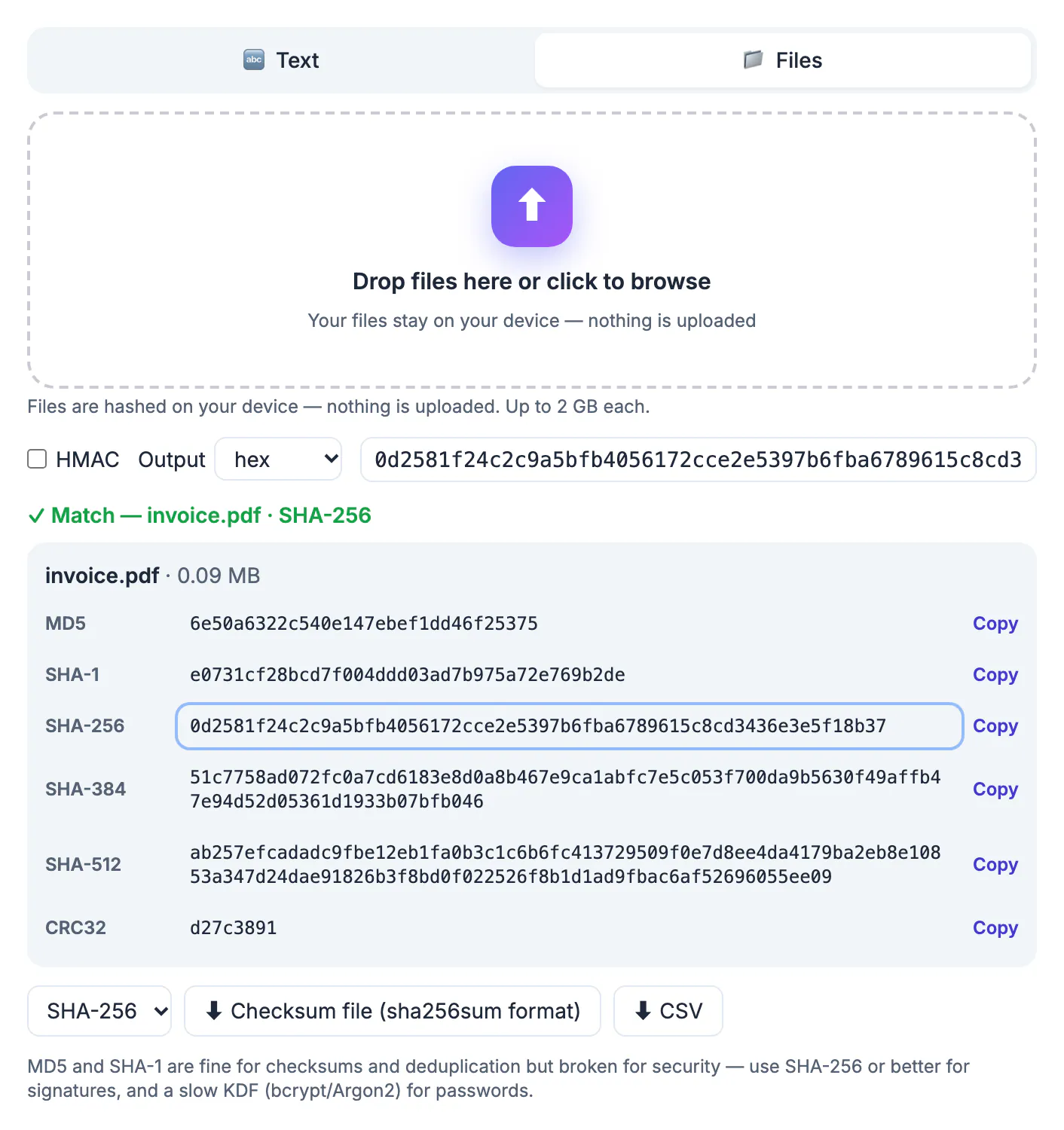
A checksum is a short fingerprint of data. Change one byte of a 4 GB installer and its SHA-256 value changes completely, which is why software vendors, Linux distributions and backup tools publish them. Comparing the value you compute against the published one proves the file you downloaded is the file they built, and not a truncated transfer or a tampered copy from a mirror. The same math powers webhook signatures from services like GitHub, where a shared secret turns a plain digest into an HMAC that proves who sent a request.
Six hash algorithms at once, and which one to trust
Every keystroke in the Text tab recomputes all six values, encoded as UTF-8 so accented letters and emoji match what other tools produce. You can switch the output between lowercase hex, uppercase HEX and Base64.
- SHA-256 is the default choice for integrity checks, signatures and anything security related. SHA-384 and SHA-512 are longer members of the same family.
- MD5 and SHA-1 are fast and still fine for spotting accidental corruption or duplicate files, but researchers can craft collisions, so never rely on them against an attacker.
- CRC32 is an 8 character checksum used in ZIP archives and network frames. It catches random bit flips, not deliberate changes.
The tool itself shows a reminder under the results: for passwords, none of these are appropriate. Store passwords with a slow key derivation function such as bcrypt or Argon2.
Verify a download against a published checksum
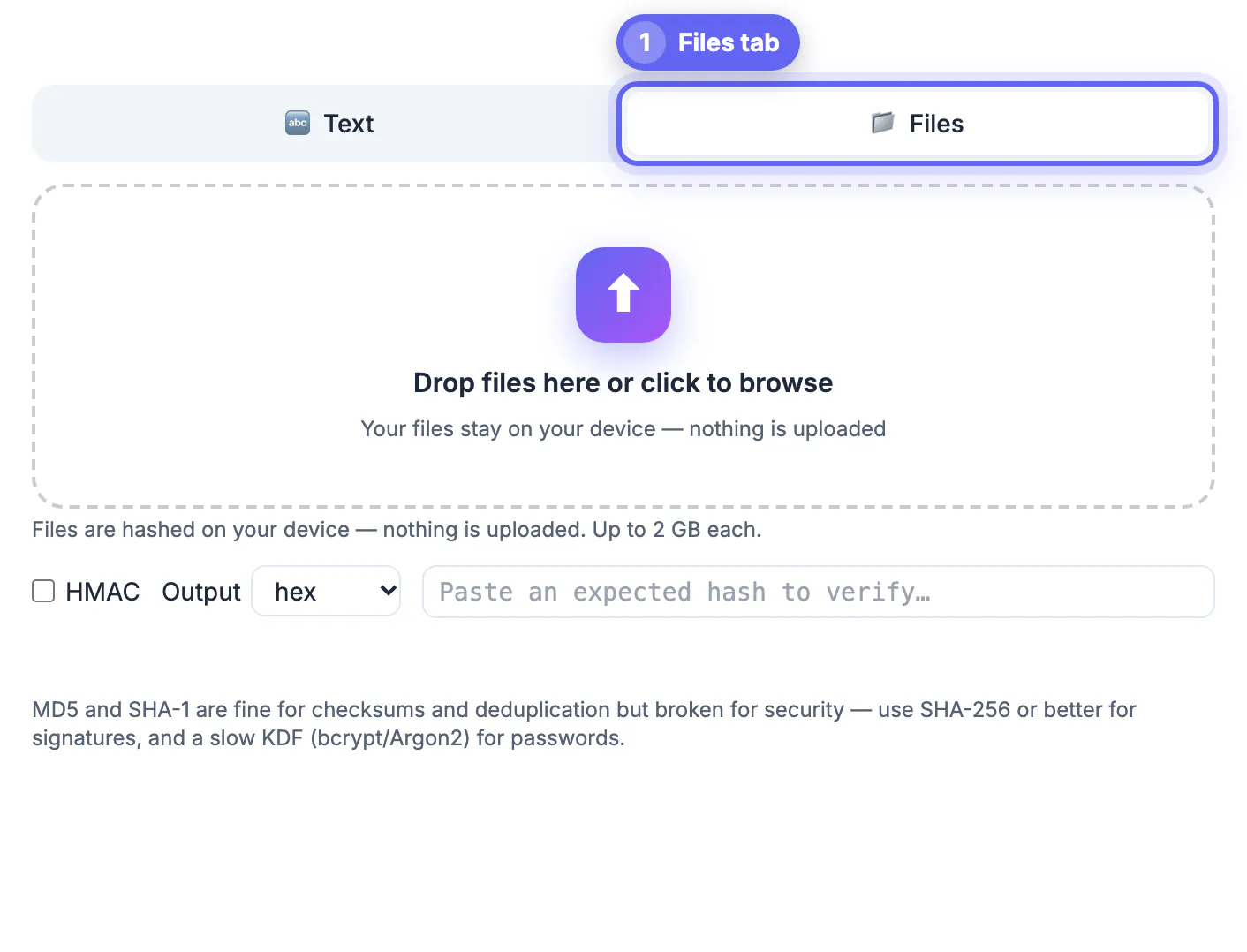
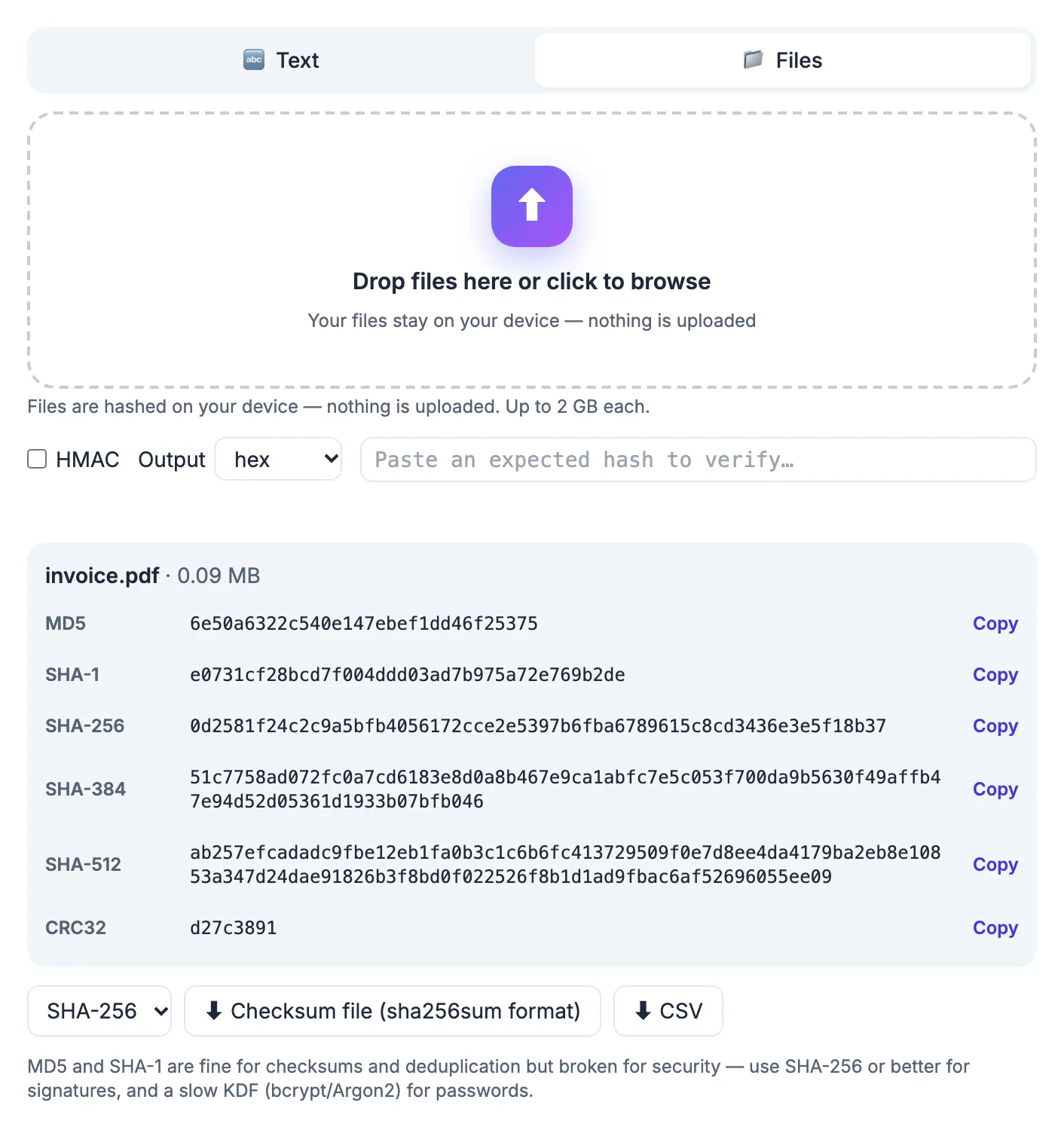
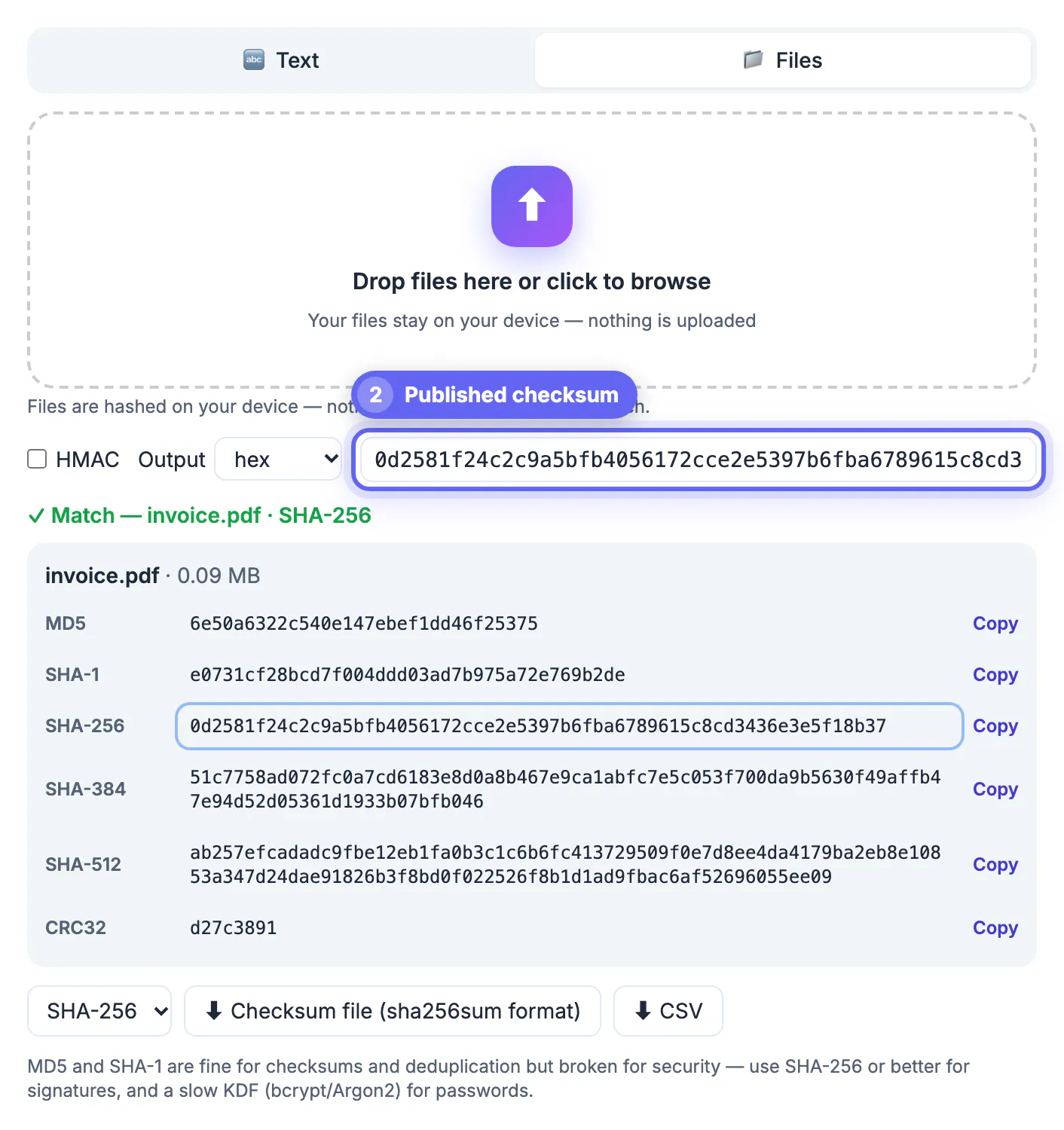
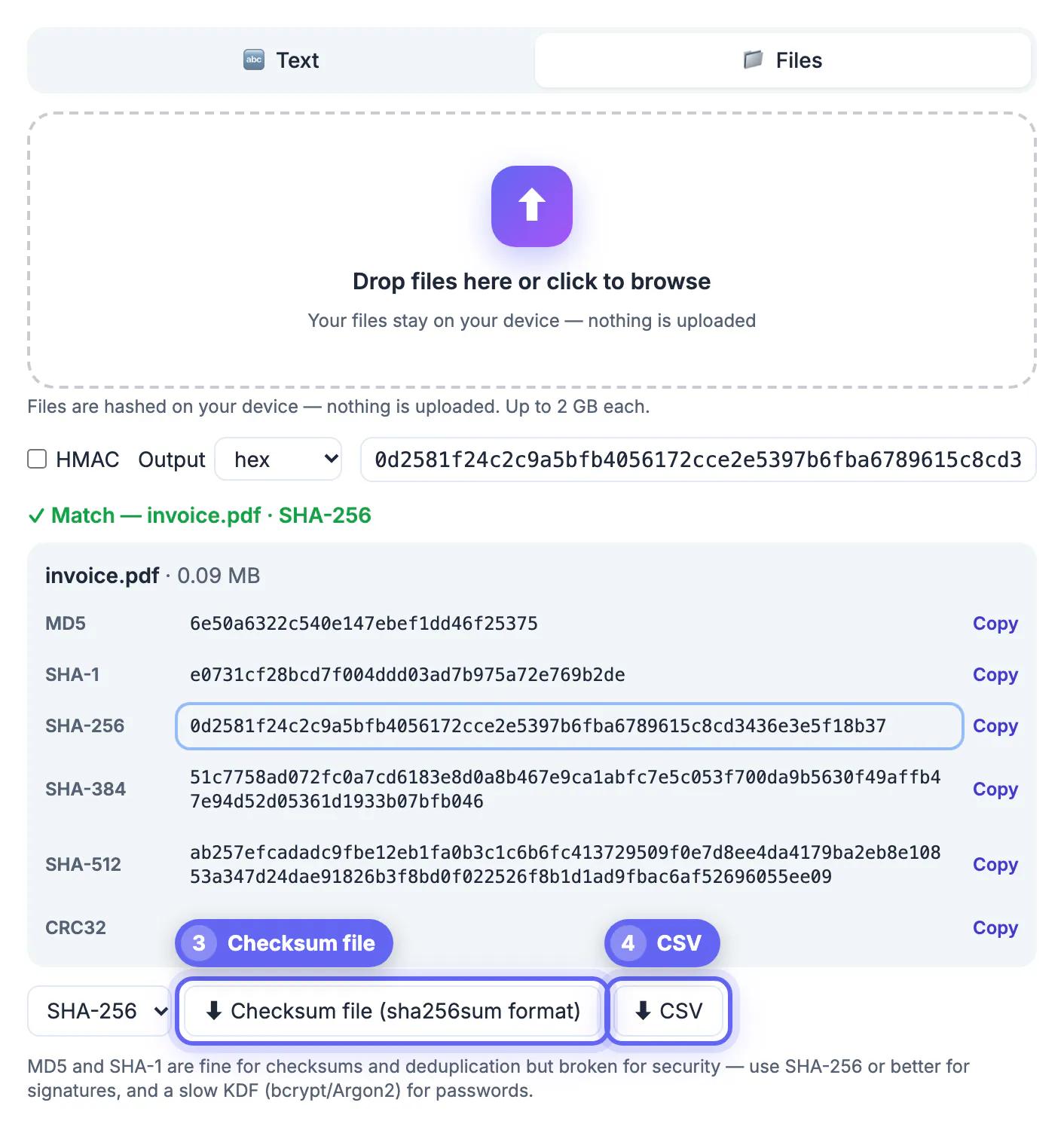
Open the Files tab and drop one file or a whole batch. Each file shows its size and a Reading, then Hashing progress line, followed by all six digests. Now paste the vendor checksum into the expected field. The matching row turns green and the status line names the file and algorithm. If nothing matches, the tool reports the length of what you pasted and guesses the algorithm, for example 64 characters looks like SHA-256, so you know whether you compared the right kind of value.
The expected field is forgiving. It ignores case, strips a leading label such as the algorithm name followed by a colon or equals sign, and takes only the first word of the line, so you can paste a whole line from a SHA256SUMS file including the filename. With Base64 output selected and a hex value pasted, it asks you to switch the output back to hex.
Honest limit: the file is read into browser memory before hashing, so a 2 GB file needs that much free RAM. On an older phone, very large files may fail with a clear message rather than a wrong result.
Checksum files and CSV exports for batches
After hashing several files, choose an algorithm and download a checksum file in the same two-space format that sha256sum and md5sum write, named after the algorithm you picked. Anyone can then check the whole batch on Linux with the -c option of sha256sum. A CSV export lists every file, algorithm and value, which is handy for audit trails or a spreadsheet of archived deliverables.
- macOS terminal: shasum -a 256 filename
- Linux: sha256sum filename, adding -c to check a saved list
- Windows PowerShell: Get-FileHash filename, which uses SHA-256 by default
- Windows Command Prompt: certutil -hashfile filename SHA256
These commands and the browser tool should produce identical hex strings for the same bytes. If they disagree, the files differ, often because of line ending conversion on text files.
HMAC signatures for webhooks and APIs
Tick HMAC, enter the secret key and every SHA row becomes HMAC-SHA-1, HMAC-SHA-256 and so on, with HMAC-MD5 available for legacy systems. CRC32 shows not available, because it has no keyed version. This is the fastest way to debug a webhook that keeps failing signature checks.
GitHub, for example, sends an X-Hub-Signature-256 header containing the prefix sha256= followed by the HMAC of the raw request body using your webhook secret. Paste the exact raw body into the Text tab, enter the secret, and paste the header value into the expected field; the prefix is stripped for you. A green row means your secret is right and the bug is in how your code reads the body, commonly because a framework parsed and re-serialized the JSON before hashing it.
Only use test secrets or rotate a production secret after debugging with it, as a matter of habit, even though the key never leaves your browser. Treat any secret pasted into a shared screen or recorded call as exposed.
For webhook signatures, you can then inspect the token side with the JWT Decoder, which is another common place HMAC appears.
Step-by-step
Common mistakes to avoid
Pro tips
Frequently asked questions
Are my files uploaded to generate the hash?
No. Files are read and hashed by JavaScript on your device, which is why a 2 GB file can be checked without waiting for an upload.
Is MD5 safe to use?
For detecting accidental corruption or duplicates, yes. For security, no: MD5 and SHA-1 collisions can be forged, so use SHA-256 or stronger.
Why does my hash not match the one from another tool?
Almost always the input differs, such as a trailing newline, different line endings or a different text encoding. This tool hashes text as UTF-8.
Can I verify a GitHub or Shopify webhook signature?
Yes. Enable HMAC, enter the secret, paste the raw request body and compare with the header. Shopify documents its signature in Base64, so switch the output to Base64 first.
What is the largest file it can handle?
Up to 2 GB per file, limited in practice by free memory on your device. You can drop many files at once and export the results.
The GrabCast Hash Generator computes six digests at once, verifies downloads with a green match, exports sha256sum-style files and reproduces HMAC webhook signatures, all on your own device. Use SHA-256 for anything that matters, keep MD5 and CRC32 for quick duplicate checks, and never use either for passwords.
Related guides
Browse more: all text and developer guides · Hash Generator