Secure Password Math: Entropy, Crack Time and Length
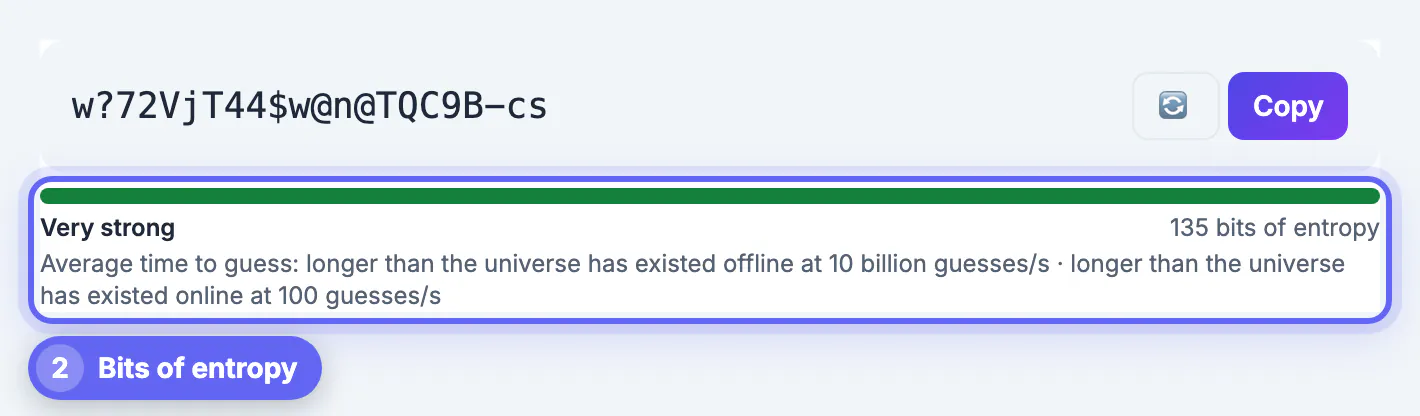
A secure password is one an attacker cannot guess in the time the account matters, and you can measure that in bits of entropy instead of trusting a vague strength label. Twenty random characters drawn from letters, digits and symbols carry about 122 bits; eight lowercase letters carry about 37, which a fast offline attack exhausts in seconds. GrabCast's Password Generator shows that number live, with an average guessing time at two attack speeds, and builds random strings, word-based passphrases and PINs on your device with the browser's cryptographic random source. This guide explains the math behind the meter, the difference between online and offline attacks, and how to pick a length for email, banking, Wi-Fi and phone unlock codes without memorizing a single character.
🔑 Try the Password Generator tool now — freeOpen →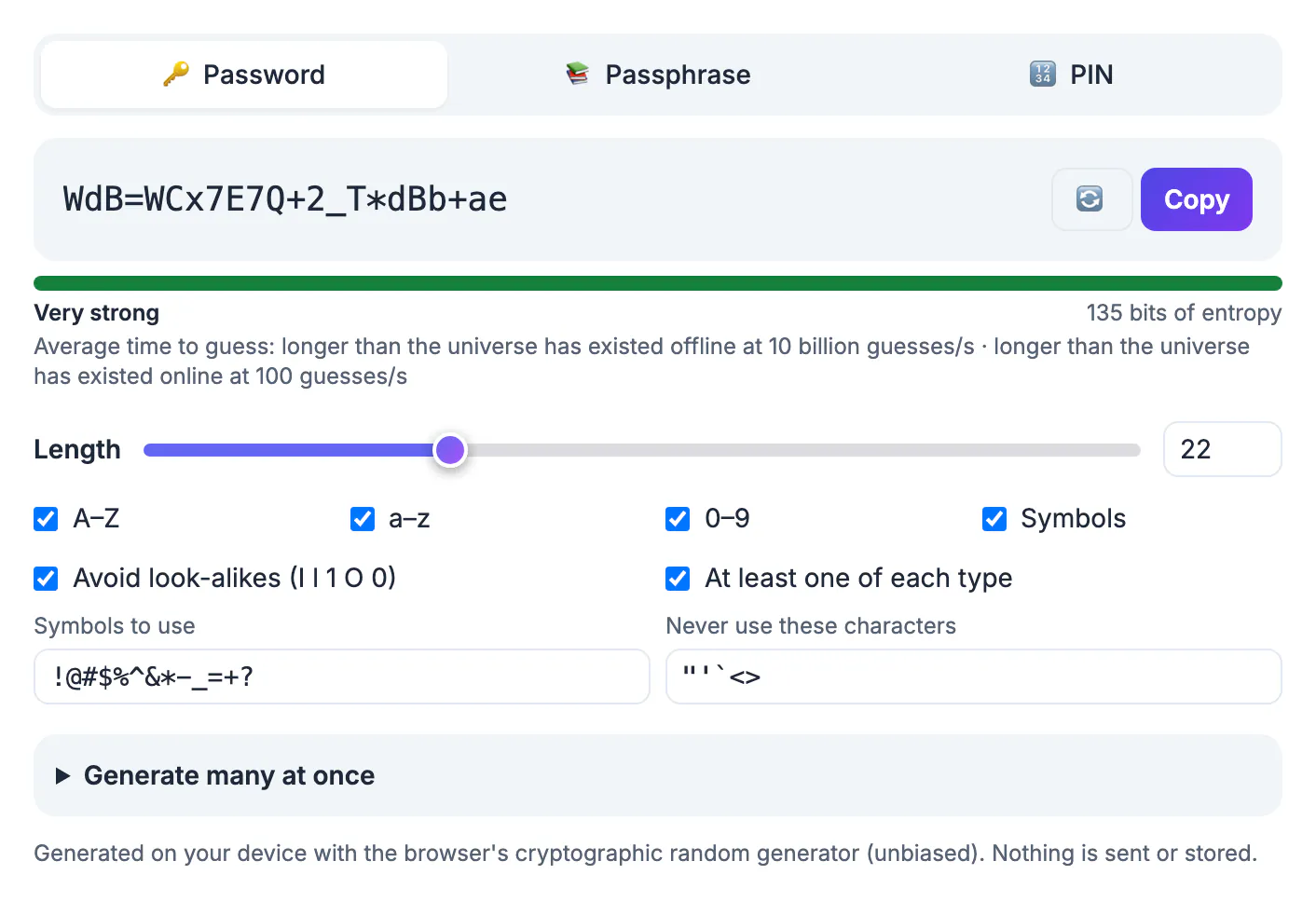
Humans are bad at randomness. We capitalize the first letter, put the digit at the end, swap an a for an at sign and add an exclamation mark, and cracking software knows every one of those habits. It does not try strings in alphabetical order; it starts with leaked lists, dictionary words and common substitutions, then works outward. Entropy measures how many equally likely possibilities a generator could have produced, so it only applies when a machine picks the characters uniformly at random. Each extra bit doubles the attacker's work, which is why adding four random characters helps far more than swapping letters for symbols. The second half of the problem is reuse. A breach at one site hands attackers your email and that credential, and they will immediately try the pair everywhere else. A long random string that exists only in one account and in your password manager defeats both attacks at once.
How a secure password is scored: bits of entropy
For a random string, entropy is length multiplied by log2 of the character-set size. GrabCast's default set uses A to Z, a to z, 0 to 9 and 13 symbols, minus the look-alikes I, l, 1, O and 0, which leaves 70 characters, or about 6.1 bits each. That gives these rough figures, straight from the tool's meter:
- 8 characters: about 49 bits, labeled Fair, roughly 8 hours on average for a fast offline attack.
- 12 characters: about 74 bits, labeled Strong, in the tens of thousands of years offline.
- 16 characters: about 98 bits, labeled Very strong, hundreds of billions of years offline.
- 20 characters, the default: about 122 bits, beyond the age of the universe at the same speed.
The meter's tiers are below 28 bits Very weak, 28 to 35 Weak, 36 to 59 Fair, 60 to 79 Strong and 80 or more Very strong. Note that eight lowercase letters score 37 bits and still land in Fair, yet the offline estimate is under 10 seconds, so read the time estimate, not only the label.
Online guessing vs offline cracking
The tool prints two times for every result because attacks come in two shapes. An online attack types guesses into a real login page; lockouts and rate limits keep it to something like 100 guesses per second at best, often far fewer. An offline attack happens after a database of password hashes leaks, and the attacker tests candidates on their own hardware. The meter assumes 10 billion guesses per second there, a reasonable figure for a fast, unsalted hash on a graphics-card rig.
Real sites vary. A service that stores credentials with a deliberately slow algorithm such as bcrypt or Argon2 cuts the offline rate by orders of magnitude, while one using plain MD5 is even faster to attack. You cannot see which a site uses, so plan for the offline case on any account that matters.
- Online-only threat, such as a device with lockout: short codes are acceptable.
- Offline threat, meaning any website that could be breached: aim for 80 bits or more.
- Master credential for a password manager: aim for 90 bits or more, usually a long passphrase.
Passphrases and PINs: when words or digits make more sense
The Passphrase tab draws words from the EFF large wordlist of 7,776 entries, so each word adds 12.9 bits. Six words, the default, give about 77.5 bits; turning on the optional number adds about 6 more and crosses the 80-bit line. Seven words reach about 90 bits. You can separate words with a hyphen, space, dot, underscore or nothing, and choose lowercase, First Letter capitals or one word in all caps. Passphrases are the right format for anything you must type from memory: a manager's master key, a laptop login or a Wi-Fi network guests will enter by hand.
The PIN tab makes 4 to 12 random digits. Six digits hold only about 20 bits, which is why the tool warns that PINs are safe only where the device locks after a few wrong tries, such as a phone, a bank card or a safe. Never use a PIN as a website credential.
Settings that change the number, and what the tool keeps private
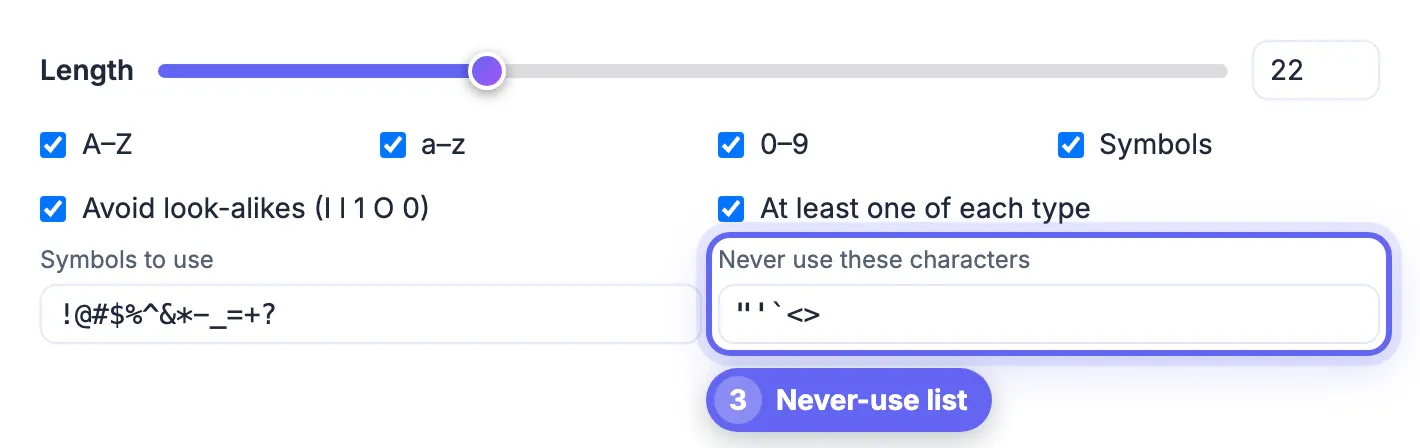
On the random tab, the slider runs from 4 to 64 characters and the number box accepts up to 128. You can edit the symbol set when a site rejects certain characters, list characters to never use, require at least one of each selected type, and generate 1 to 500 results at once with Copy all or a .txt download for provisioning test accounts or new devices.
Every value is created with crypto.getRandomValues and unbiased rejection sampling, so no character is more likely than another. Nothing is sent or stored by the page. One honest caveat: the passphrase word list is fetched from GrabCast's own server the first time you open that tab, while random strings and PINs need nothing beyond the loaded page.
- Removing symbols from a 20-character string drops it to about 117 bits, still Very strong.
- Excluding look-alikes costs only a few bits and prevents typos when reading a value aloud.
- Bulk .txt files contain live credentials, so delete them once they are imported.
If a password has already leaked, no amount of length helps, so check it with the Password Breach Checker and read what to do after an email data breach.
Step-by-step
Common mistakes to avoid
Pro tips
Frequently asked questions
How many bits does a secure password need?
For accounts on websites that could be breached, aim for at least 80 bits, which a 14-character random string or a 6-word passphrase with a number provides. For a password manager's master credential, 90 bits or more is a sensible target.
Is the crack time on the meter exact?
No, it is an average under stated assumptions: 10 billion guesses per second offline and 100 per second online. Sites using slow hashing are much harder to attack, and ones using weak hashing are easier.
Does GrabCast see or store the values it creates?
No. Values are generated in your browser with crypto.getRandomValues and are not sent or saved by the page. The only network request is the one-time word list download when you open the Passphrase tab.
Are passphrases weaker than random characters?
Per character, yes, but per word they carry 12.9 bits each, so six or seven random words are strong and far easier to type. Use them where you must type from memory and random strings everywhere else.
Should I change strong credentials regularly?
Current guidance from NIST says no forced periodic changes. Rotate immediately when a service reports a breach or you suspect exposure, and otherwise keep a long unique value in place.
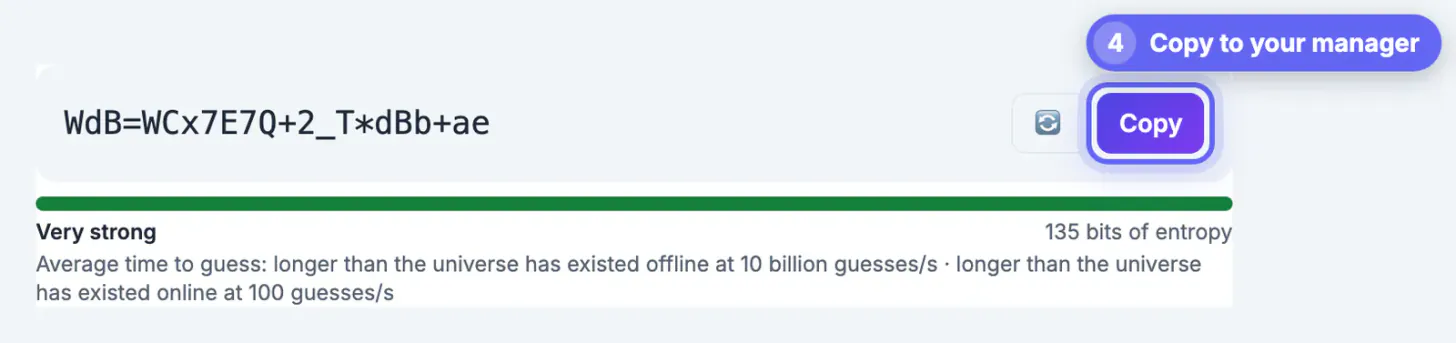
Treat strength as a number. Aim for 80 bits or more on every website, 90 or more for your password manager, and reserve PINs for devices that lock out guessers. GrabCast's free Password Generator shows the bits and the average guessing time as you adjust length, words or digits, creates every value on your device, and hands it straight to your password manager.
Related guides
Browse more: all all guides · the Password Generator tool