How to Check If Your Password Was Leaked in a Breach
To check if your password was leaked, start with the free tools you already have: the security or password checkup in Chrome, Safari, Edge or Firefox compares your saved logins against known breaches without revealing them. Then search your email address on Have I Been Pwned to see which services lost your data. If anything turns up, replace that password everywhere you used it with a new, unique one, and turn on two-step verification. Here is how each check works, how to read the results and what to fix first. Disclosure: this guide includes affiliate links to NordPass. If you buy through them, GrabCast may earn a commission at no extra cost to you. Every step here also works with free tools. How we handle affiliate links.
🔑 Try Password Generator now — freeOpen →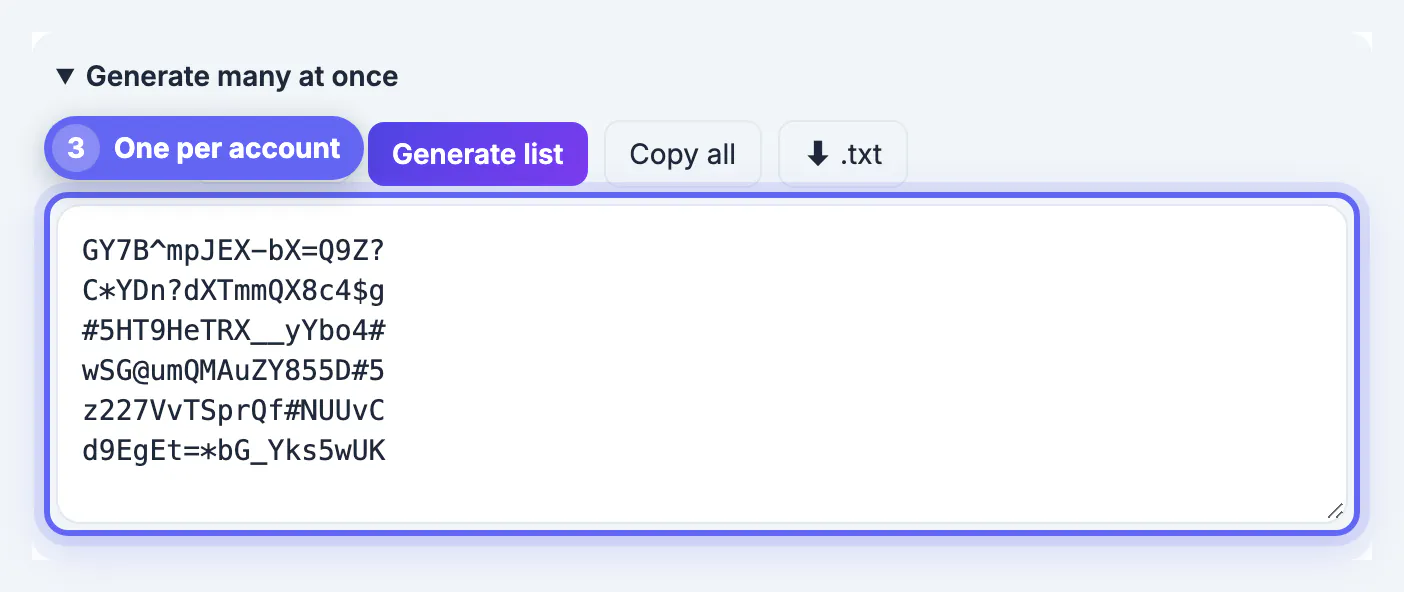
Large services are breached every year, and the stolen email and credential lists are traded and combined into huge collections. On its own, one leaked login for one site is a contained problem. The damage comes from reuse: attackers feed those lists into automated tools that try each pair on email, shopping, banking and social sites. Checking for leaks is really about finding which of your logins are known to attackers so you can make sure none of them opens anything else.
Check the logins your browser already saves
If your browser remembers your logins, it can also check them. These checks use privacy-preserving lookups, so the full secret is not sent to the checker.
- Chrome: Google Password Manager, then Checkup, lists compromised, reused and weak entries.
- Safari and iPhone: the Passwords app, or Settings on older versions, shows Security Recommendations for leaked and reused entries.
- Edge: Password Monitor in the Passwords settings flags entries found in leaks.
- Firefox: the Passwords page warns about sites with known breaches, and Mozilla Monitor tracks your email address.
Dedicated password managers include similar health reports. This is the most useful check because it looks at the exact logins you use, not just your email address.
The Password Breach Checker is another quick way to test a password.
Search your email on Have I Been Pwned
Have I Been Pwned, run by security researcher Troy Hunt, is the best-known free breach lookup. Enter an email address and it lists the breaches that included it and what kind of data leaked, such as emails, hashed credentials, phone numbers or addresses. You can also sign up for free alerts about future breaches.
Its Pwned Passwords check lets you test a specific secret. It uses a technique called k-anonymity: your browser hashes the password and sends only the first five characters of the hash, then compares the matches locally. Even so, the safest habit is to check with your browser or manager instead of typing live passwords into any website.
Reading the results: email address only means more spam and phishing, not an open account. Passwords in the list, even hashed, means you should treat that login as known. Old breaches still matter if you ever reused that password.
Continuous monitoring: free and paid options
A one-time check tells you about the past. Monitoring warns you about the next breach. Free options include Have I Been Pwned notifications, Mozilla Monitor, and the breach alerts built into browsers. NordPass also offers a free online one-time scan of an email address, with no account required.
NordPass. NordPass Premium includes a Data Breach Scanner that monitors your email addresses and credit card numbers around the clock and alerts you when they appear in a leak, plus Password Health, which flags weak, reused and exposed entries in your vault.
See NordPass Premium →Whichever you choose, the alert is only useful if you act on it quickly, which is why having a replacement routine ready matters.
Found in a leak? Fix it in this order
- Email first. If your email password leaked or was reused, change it now and turn on two-step verification, because email resets everything else.
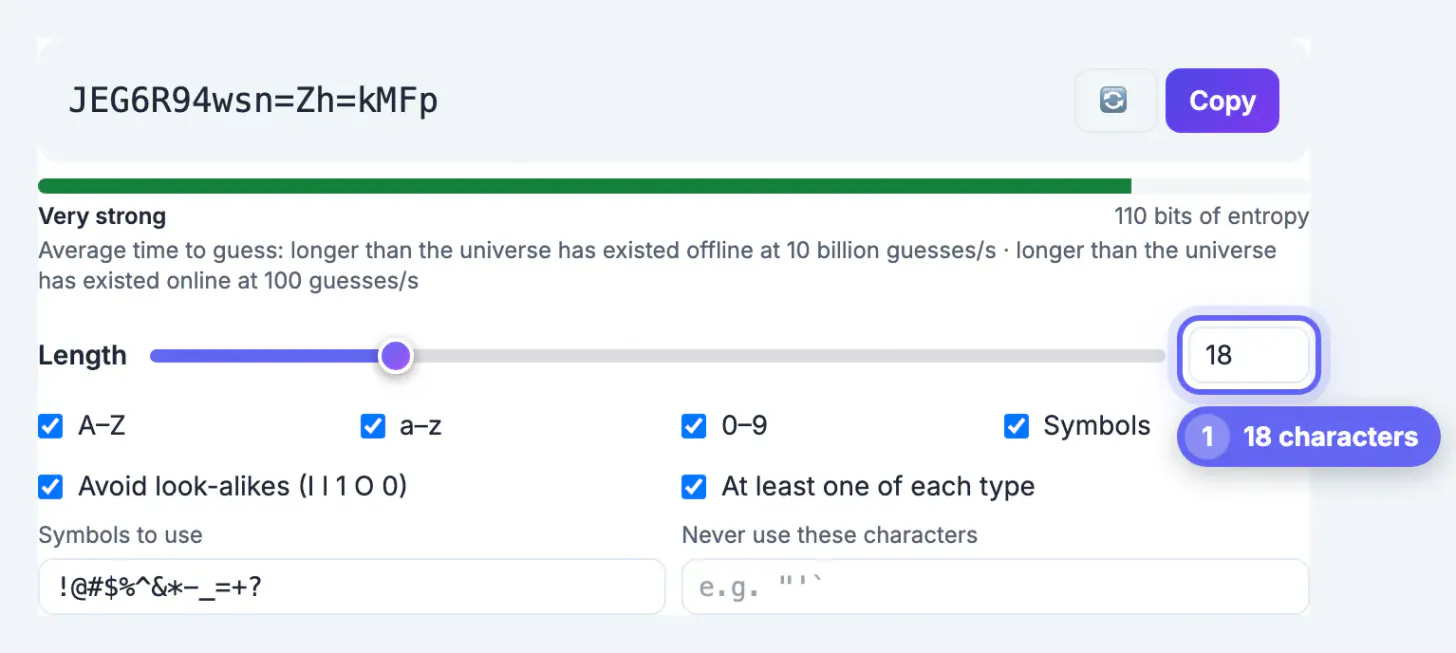
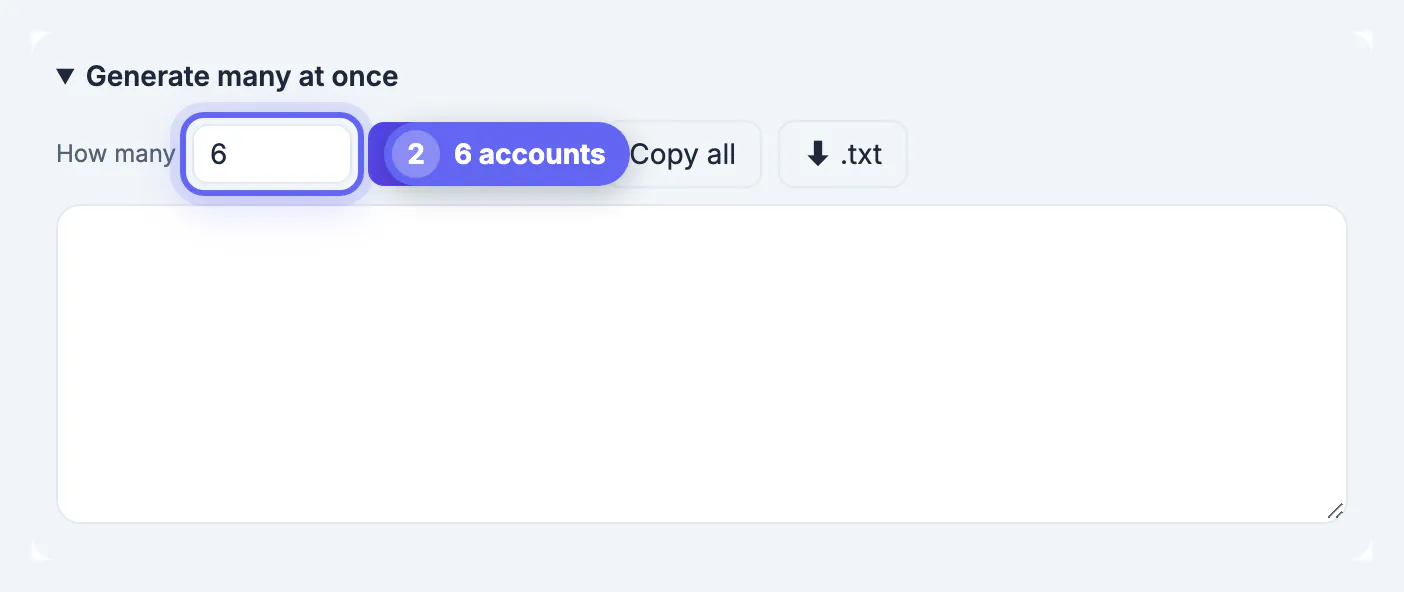
- Every site that shared it. List each account that used the leaked password and give each a new, unique random one. A generator can produce the whole batch in one click.
- Money and identity accounts. Banking, shopping sites with saved cards and government portals come next.
- Sign out other sessions where the service offers it, and review recovery email and phone numbers for changes you did not make.
- Watch for phishing. Leaked emails attract convincing fake messages that mention the breach. Go to sites directly, not through links.
For a longer recovery plan after an email breach, including credit freezes and scam patterns, see our 24-hour and 30-day checklist.
Step-by-step
Common mistakes to avoid
Pro tips
Frequently asked questions
How do I know if my password was leaked?
Run the password checkup in your browser or password manager, which compares your saved logins against known breaches privately. Also search your email on Have I Been Pwned to see which services leaked your data.
Is Have I Been Pwned safe to use?
Yes. It is a long-running free service by security researcher Troy Hunt. Email searches reveal which breaches included the address, and its password check uses k-anonymity so the full password or hash is never sent.
My email was in a breach but not my password. What should I do?
Expect more spam and phishing, and be suspicious of messages that reference the breach. If the breached site had your password too, or you reused it anywhere, change it and turn on two-step verification.
Do I need a paid breach monitoring service?
Not necessarily. Free options like Have I Been Pwned alerts, Mozilla Monitor and browser breach warnings cover most people. Paid services such as NordPass Premium bundle monitoring with a password manager and can also watch card numbers.
How often should I check for leaks?
Turn on alerts so you do not have to remember, and run your browser or manager's password checkup every month or two, or right after a major breach is in the news.
Use your browser or manager's password checkup for your actual logins, search your email on Have I Been Pwned, and turn on alerts. If anything shows up, replace every reused copy with a unique generated password and secure your email first.
Related guides
Browse more: all all guides · Password Generator