Convert HEX to RGB and HSL: Math, CSS and Alpha
To convert HEX to RGB, split the six digits after the # into three pairs and read each pair as a base-16 number from 0 to 255: #FF5733 is red FF = 255, green 57 = 87 and blue 33 = 51, so rgb(255, 87, 51). GrabCast's Color Converter does that instantly and adds the HSL version, hsl(11, 100%, 60%), plus HSV and CMYK, with a picker and a copy button beside each value. This guide is for web designers, front-end developers and anyone handed a brand code in one format who needs it in another. It explains what each notation describes, walks through the arithmetic in both directions, covers transparency and the other formats the tool reads, and shows why HSL is the easiest way to build hover states and lighter tints from one brand shade.
🎨 Try Color Converter now — freeOpen →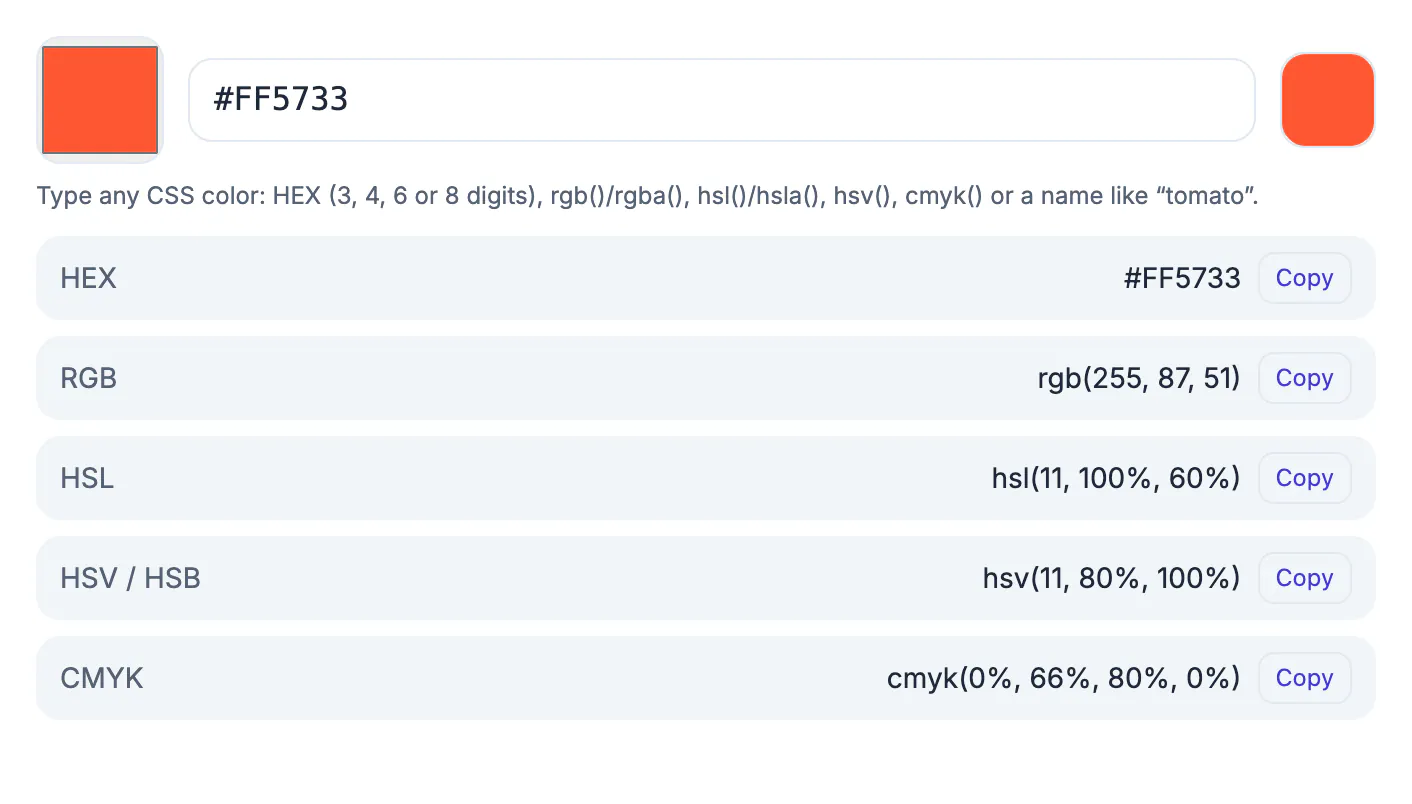
A style guide might list a brand blue as #2563EB, a charting library might want red, green and blue numbers, and a designer building a hover state thinks in lighter and darker. All three describe one point in the sRGB space that screens use, just written differently. Retyping values by hand invites transposed digits, and a single wrong pair, 25 instead of 52, produces a visibly different blue that slips into production. Knowing how the notations map onto each other also lets you sanity-check a value at a glance: if the first pair is the largest, the shade leans red, whatever the code looks like.
What HEX, RGB and HSL each describe
All three notations describe the same thing: how much red, green and blue light a pixel emits. They differ only in how the numbers are written and how easy they are to adjust.
- HEX writes the three channels as base-16 pairs, #RRGGBB, each from 00 to FF. It is compact, easy to copy between Figma, CSS and brand guides, and the most common handoff format.
- RGB writes the same channels as decimal numbers from 0 to 255, so rgb(99, 102, 241) is identical to #6366F1. It suits code that calculates or animates channel values.
- HSL describes hue as an angle on the color wheel from 0 to 360 degrees, then saturation and lightness as percentages. #6366F1 becomes hsl(239, 84%, 67%).
- Each channel has 256 levels, which gives 256 x 256 x 256, or about 16.7 million, possible values in any of the three notations.
Modern browsers accept all three in CSS, so choose by task: HEX for handoff and design tokens, RGB when code does arithmetic on channels, HSL when a person needs to nudge a shade lighter, darker or duller.
Convert HEX to RGB by hand, and back again
Base 16 uses the digits 0 to 9 and then the letters A to F for 10 to 15. Each pair is the first digit times 16 plus the second digit.
- FF is 15 x 16 + 15 = 255, the maximum for a channel.
- 57 is 5 x 16 + 7 = 87, and 33 is 3 x 16 + 3 = 51, so #FF5733 becomes rgb(255, 87, 51).
- Going the other way, divide by 16: 87 / 16 = 5 remainder 7, which gives the pair 57. A value under 16 needs a leading zero, so 9 becomes 09.
- Three-digit shorthand doubles each digit: #3BF means #33BBFF, which is rgb(51, 187, 255).
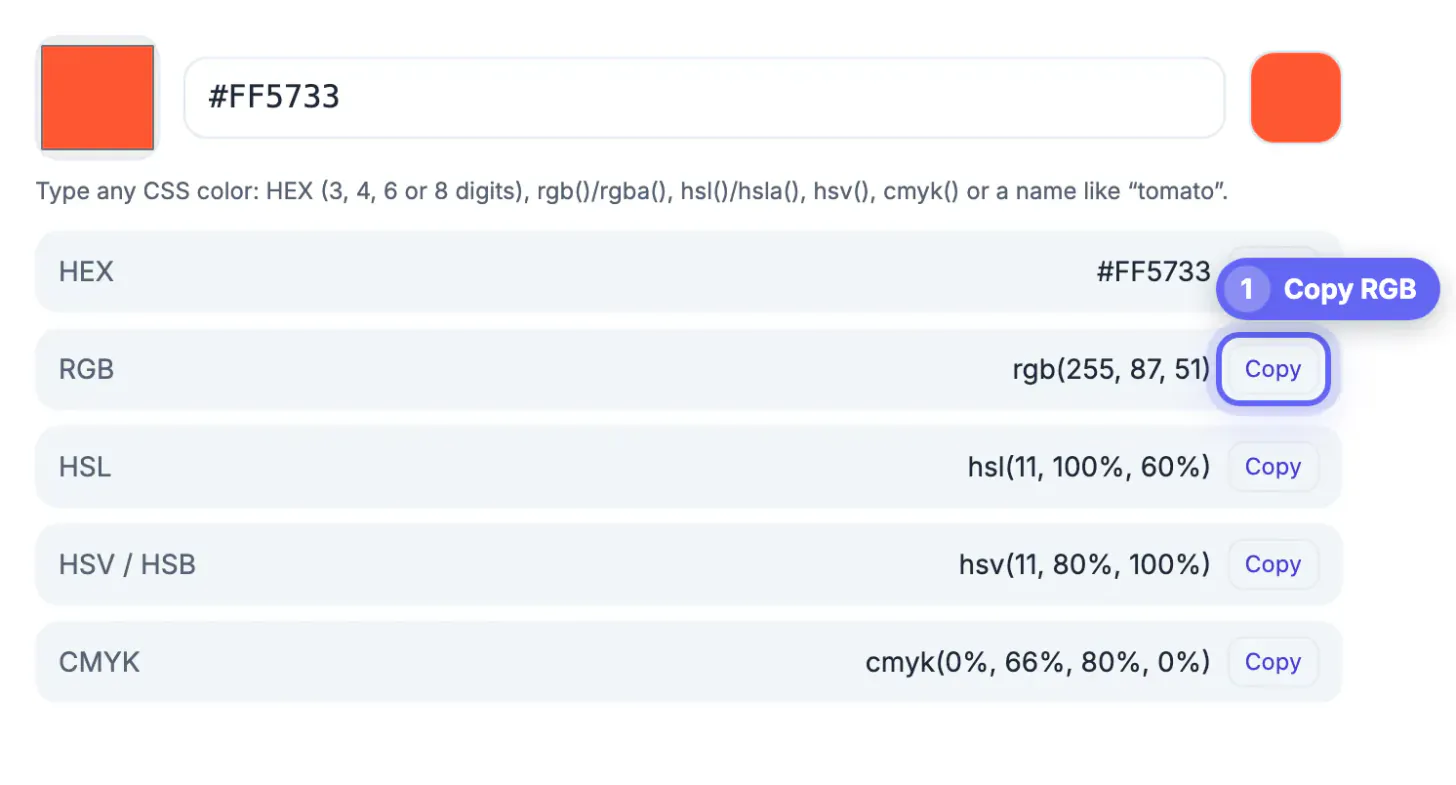
To go from RGB to HEX with the GrabCast tool, type rgb(255, 87, 51), or just 255, 87, 51, into the text box and read the HEX line. The HSL arithmetic is longer, involving the largest and smallest channel, so let the tool handle that conversion.
Transparency, shorthand and the formats the tool reads
Plain six-digit HEX has no transparency. For a semi-transparent overlay or shadow, add an alpha value in whichever notation you prefer.
- Modern CSS accepts rgb(255 87 51 / 50%) and hsl(11 100% 60% / 0.5); the older rgba(255, 87, 51, 0.5) form still works everywhere.
- Eight-digit HEX adds an alpha pair at the end: #FF573380 is about 50% opaque, because 80 in base 16 is 128 of 255.
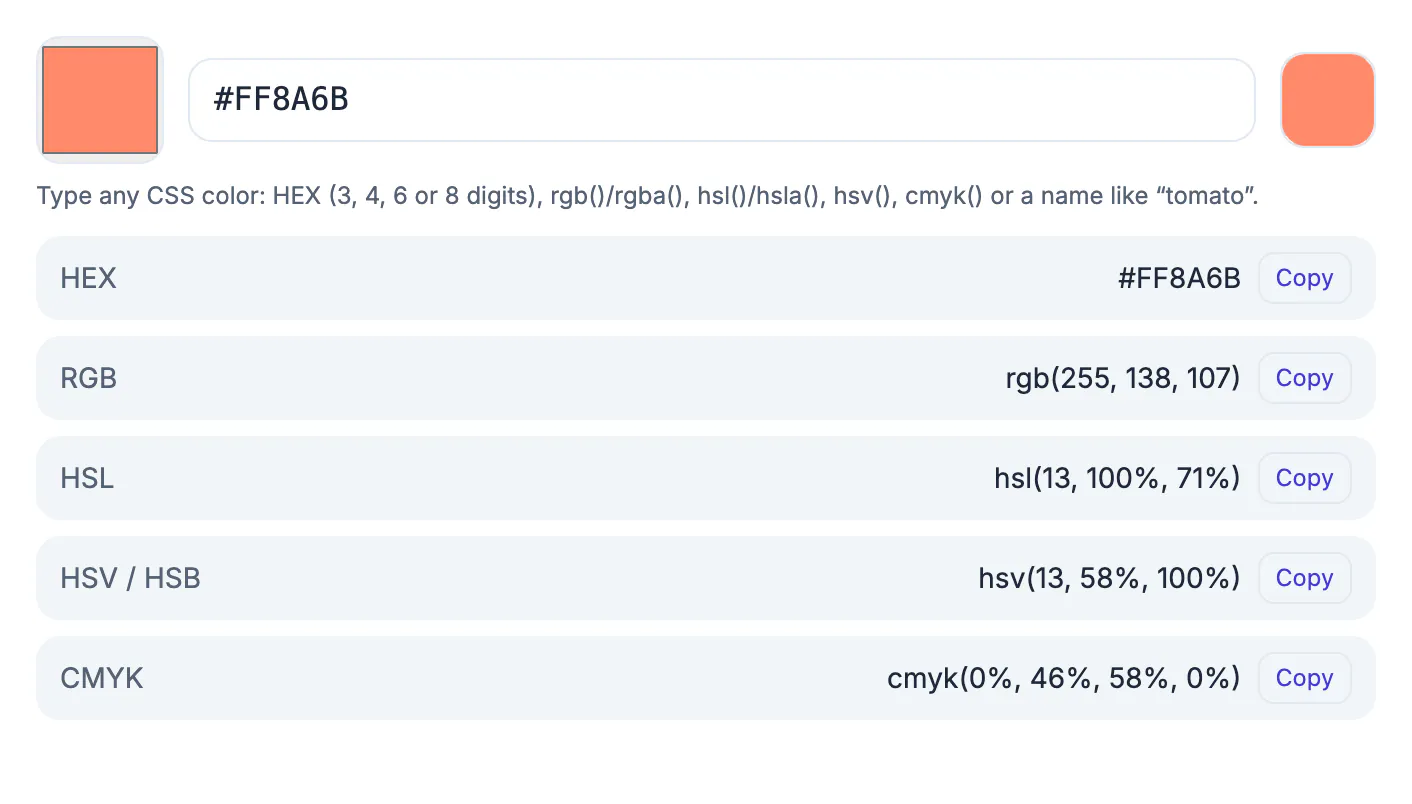
- The GrabCast converter reads HEX with 3, 4, 6 or 8 digits, the # optional, plus rgb(), rgba(), hsl(), hsla(), hsv(), cmyk() and CSS names such as tomato; for a transparent color it adds a HEX8 row.
- HSL output is rounded to whole numbers, so converting hsl(239, 84%, 67%) back gives #6467F2, one step off #6366F1. Keep the HEX code as the master value.
The tool's CMYK row is a simple screen conversion. For print, ask your printer or brand guide for official CMYK or Pantone values. Screen light and ink behave differently, and no formula turns #FF5733 into an ink mix that matches on every press.
Use HSL to build hover states, tints and dark shades
HSL shines when you need a family of related shades. Keep the hue and saturation, move only the lightness, and every variant still reads as the same brand.
- Tailwind's blue-600, #2563EB, is hsl(221, 83%, 53%). Dropping lightness to 45% gives #1450D2, a natural pressed or hover state.
- Raising lightness to 95% gives #E8EEFD, a pale tint for alert backgrounds and table stripes.
- Lowering saturation while keeping lightness produces a muted, grayer version for disabled buttons.
- Store the base values in CSS custom properties so a single edit updates every shade built from them.
After building a palette, test text and background pairs in a contrast checker. WCAG AA asks for at least 4.5:1 for body text, and lighter tints of a strong brand shade often fail that as a text background.
Pull a full palette from a photo with the Color Palette Extractor, and check how your colours look to different viewers with the Color Blindness Simulator.
Step-by-step

Common mistakes to avoid
Pro tips
Frequently asked questions
How do I convert HEX to RGB?
Split the six digits into three pairs and convert each from base 16: first digit times 16 plus the second. #FF5733 becomes 255, 87 and 51, or rgb(255, 87, 51). The Color Converter shows the result as soon as you type the code.
How do I convert RGB back to HEX?
Divide each channel by 16; the whole number and the remainder become the two hex digits, so 87 becomes 57 and 255 becomes FF. In the tool, type rgb(255, 87, 51) or just the three numbers and read the HEX row.
What is the difference between HEX and RGB?
Nothing but notation. Both give red, green and blue amounts, HEX in base 16 from 00 to FF and RGB in decimal from 0 to 255. RGB is easier to read at a glance and to calculate with.
Can a HEX code include transparency?
Yes, as an eight-digit code where the last pair is alpha, such as #FF573380 for about 50%. The GrabCast converter reads 4- and 8-digit alpha codes and shows the matching rgba() and hsla() values, plus a HEX8 row for any transparent color.
Is anything sent to a server when I convert?
No. The conversions are simple arithmetic done in your browser, so nothing you type or pick leaves your device, and the page keeps working offline once it has loaded.
HEX, RGB and HSL are three spellings of the same screen shade. Split HEX into pairs for RGB, use HSL lightness to build hover states and tints, and add an alpha value when you need transparency. The Color Converter handles HEX, rgb(), hsl(), HSV, CMYK and CSS names instantly in your browser; keep HEX as your master value and check contrast for every tint.
Related guides
Browse more: all text and developer guides · Color Converter