Convert JPG to PNG Free: Lossless Copies for Editing
To convert JPG to PNG, drop your photos into GrabCast JPG to PNG, keep the output set to PNG, and click Download, or grab every file at once as a ZIP. The conversion happens in your browser, takes about a second per picture, adds no watermark and needs no account. Before you do it, though, it helps to know what a PNG copy really gives you: a lossless file that will not degrade further as you edit and re-save it, but not automatic transparency and not the detail that JPG compression already threw away. This guide covers both, plus the built-in ways to do it on Windows and Mac.
🖼️ Try JPG to PNG now — freeOpen →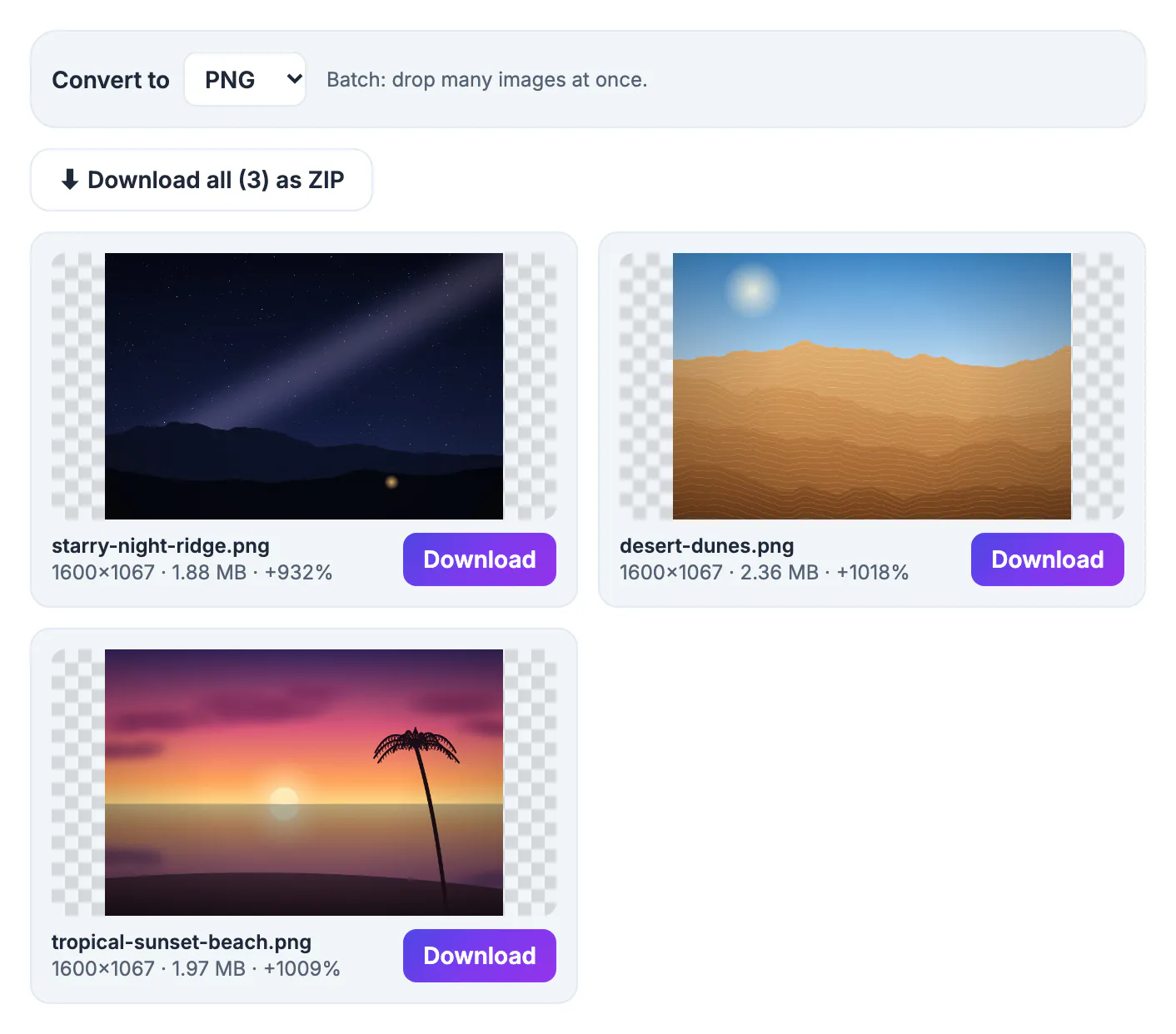
JPEG is a lossy format: each time an app re-saves it, it re-compresses and a little more detail turns into blocky noise, most visible around text and sharp edges. PNG stores pixels exactly, so a PNG copy becomes a stable master for editing sessions, annotations, slide decks and design mockups. Some destinations insist on PNG, such as certain print-on-demand uploaders, sticker makers, design templates and developers who want lossless assets for an app. And if you plan to cut out a background later, starting from PNG means the transparency you add can actually be saved, because JPEG has no alpha channel at all. Teachers building worksheets, bloggers annotating tutorials and online sellers preparing listing graphics run into this constantly: the camera produced a JPEG, but the next few hours of editing deserve a format that will not decay each time the file is saved.
What a PNG copy gives you, and what it cannot
Converting preserves the photo exactly as it looks right now. That is the main benefit, and also the main limit.
- It stops generation loss: crop, annotate and re-save as often as you like without new artifacts appearing
- It keeps text overlays, arrows and UI screenshots crisp once you add them
- It does not remove existing JPEG blockiness or restore detail from a heavily compressed original
- It does not make the white background see-through; that needs a background removal step
In short, PNG freezes the current quality in place. If the source looks soft, the PNG will look equally soft, only larger. When a designer, developer or upload form asks specifically for a PNG, converting is the right move; when you simply want a sharper picture, it is not.
Why the PNG file is several times bigger than the JPG
Expect a 2 MB phone photo to become a 6 to 15 MB PNG. PNG compression is lossless and works best on flat colors, while a photograph is full of fine, random variation. The result card in the tool shows the new size and a percentage change, so a large plus figure is normal, not an error. Screenshots and flat graphics grow much less, and sometimes even shrink.
- Keep the lossless format for editing masters, screenshots, diagrams and graphics with text
- Deliver photos to the web as JPEG or WebP; they are far lighter for visitors
- Email attachments and forms with size caps usually reject multi-megabyte PNGs
- If you only need a smaller file, Compress Image is the right tool, not a format change
A useful rule of thumb: pick the format for the destination, not for the editing session. Work in a lossless master, then export a lightweight copy for wherever the picture will finally be viewed or uploaded.
How to convert JPG to PNG in the free converter, or without one
The JPG to PNG page is a preset of GrabCast's image converter, so it opens with PNG selected but can also write JPG, WebP, and AVIF where your browser supports it. Each picture is decoded and redrawn on a canvas locally; nothing is uploaded.
- Inputs: JPEG files, plus WebP, GIF, BMP, AVIF, ICO, SVG, TIFF scans, first page or all pages, and iPhone HEIC photos, all decoded in the tab
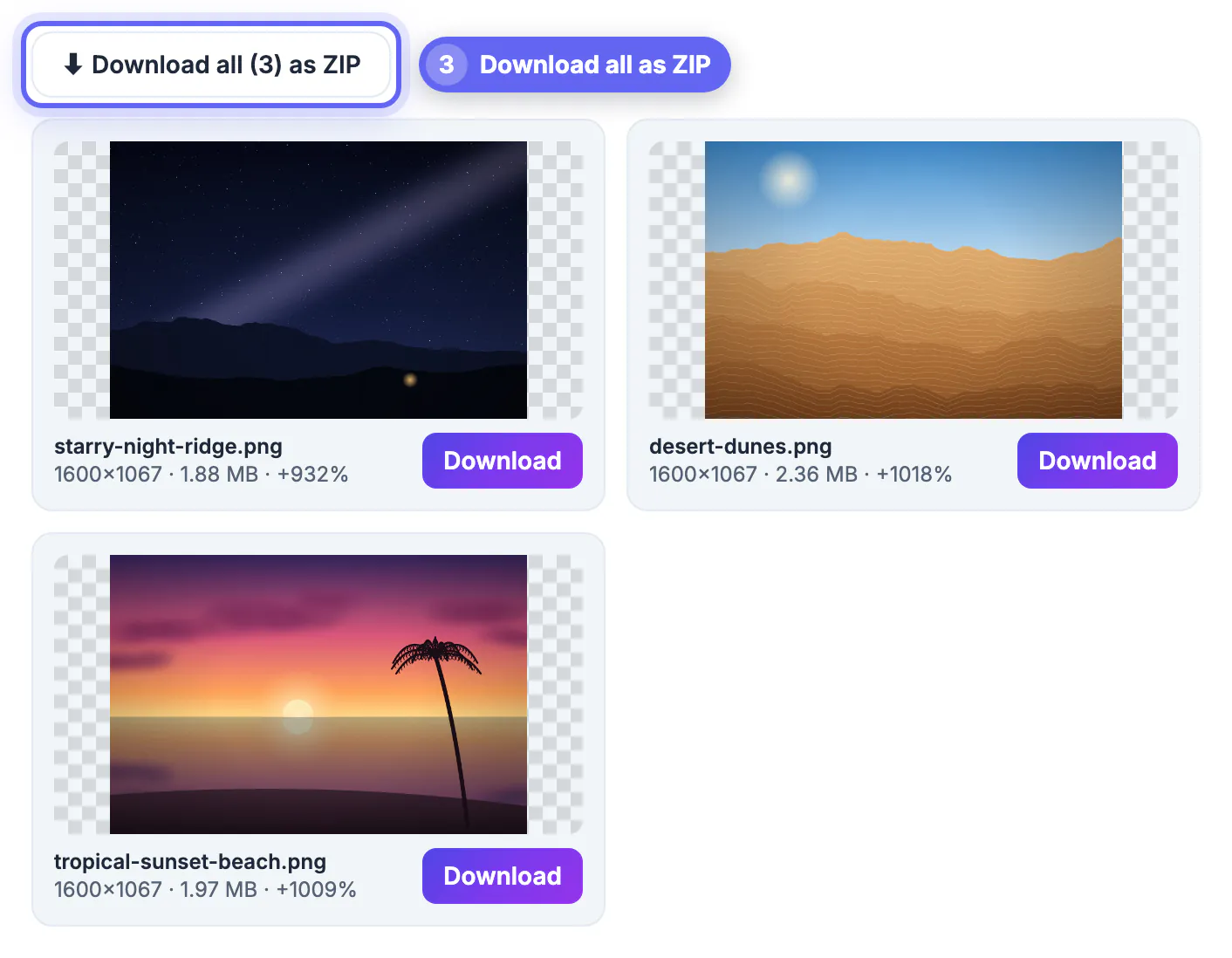
- Batch: drop dozens of files, then use Download all as ZIP when more than one is finished
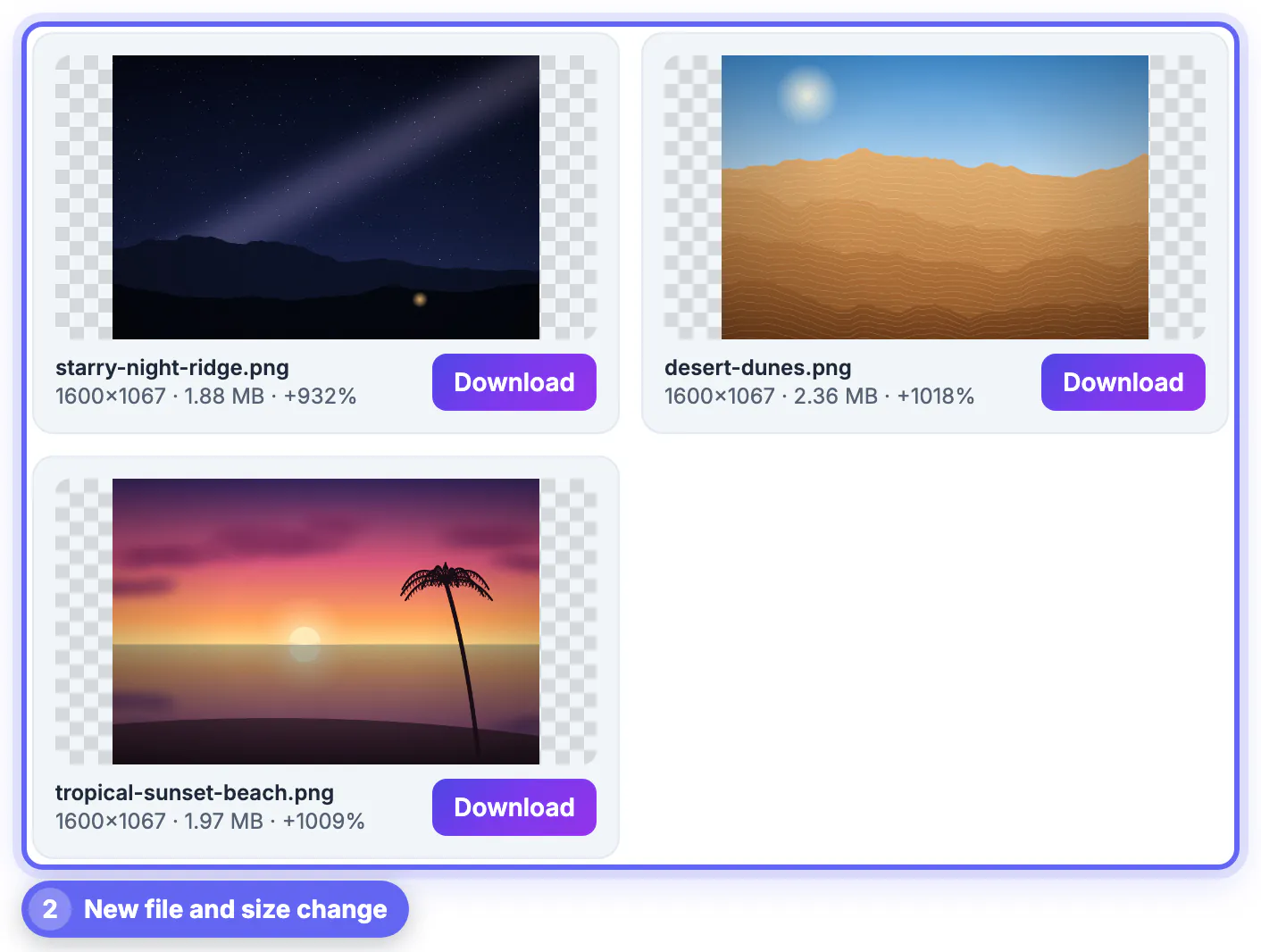
- Each card shows a preview on a checkerboard, the pixel dimensions, the file size and the change versus the original
- The quality slider disappears for PNG output because lossless files have nothing to tune
Animated GIFs are converted from their first frame only, and HEIC decoding loads an extra library the first time you drop one, so give it a moment. The PNG keeps the same pixel dimensions as the source.
For a single file you can also use software you already have. On Windows, open the photo in Paint and choose File, Save as, PNG picture. On a Mac, open it in Preview, choose File, Export, and set Format to PNG. Both work fine one picture at a time; the browser converter is quicker for a folder of files and for HEIC photos from an iPhone.
Adding transparency after you convert
Most people searching for this want a logo or product shot on a see-through background. The honest path is two steps: convert to keep the pixels intact, then erase the background with a tool built for it.
- Run Remove Background on the original or the new copy to cut out a person, product or logo
- For a flat white backdrop, a white-to-transparent approach often gives cleaner edges
- Check edges on the checkerboard preview; faint white halos mean the cutout needs refining
- Save the cutout as PNG or WebP, never JPEG, or the transparency disappears again
Product sellers on marketplaces like Etsy or Amazon usually want a pure white background rather than a transparent one, so check the listing rules before investing time in a cutout.
Step-by-step

Common mistakes to avoid
Pro tips
Frequently asked questions
Does converting JPG to PNG improve quality?
No. It preserves the current quality exactly and prevents further loss during later edits, but it cannot bring back detail the JPEG compression already discarded. If you need a sharper result from a soft source, an AI upscaler is the better tool to try.
Why is my PNG so much larger than the JPG?
PNG is lossless, and photos contain lots of fine variation that lossless compression cannot shrink much. A threefold to sevenfold increase is typical for camera photos, while screenshots and flat graphics grow much less.
Will the PNG have a transparent background?
Not automatically. JPEG has no transparency, so the background stays solid. Use Remove Background on the picture, then save the cutout as PNG.
Are my JPG files uploaded when I convert them?
No. Each image is decoded and re-saved as PNG by your browser on your own device. Only helper libraries, such as the HEIC or TIFF decoder or the ZIP builder, are downloaded when needed, and your photos never reach a server.
How many images can I convert at once?
There is no fixed limit beyond your device memory. Drop a batch and download everything as one ZIP when the cards finish. On older phones, very large batches of 20 megapixel photos can run slowly, so split them into groups of twenty or thirty.
Convert JPG to PNG when you want a stable, lossless master for editing or a destination that demands PNG, and keep publishing photos as JPG or WebP to stay light. Think of the lossless copy as a safe workbench, not a quality upgrade, and add transparency with a real cutout step.
Related guides
Browse more: all image guides · JPG to PNG