Remove an Image Background Free Online in Under a Minute
To remove an image background free online, drop the picture into GrabCast's Background Remover: an AI model running in your browser separates the subject from the scene in a few seconds, and you download a transparent PNG or a version on a new backdrop. There are no credits, no account and no upload. The model is tuned for people, so portraits and headshots come out best, while products, logos and busy scenes need a closer look before you use them. Below you will find how the cut-out is actually computed, what to shoot or pick for clean edges, which backdrop and format suits each job, and what to do when an edge comes out wrong.
🪄 Try AI Background Remover now — freeOpen →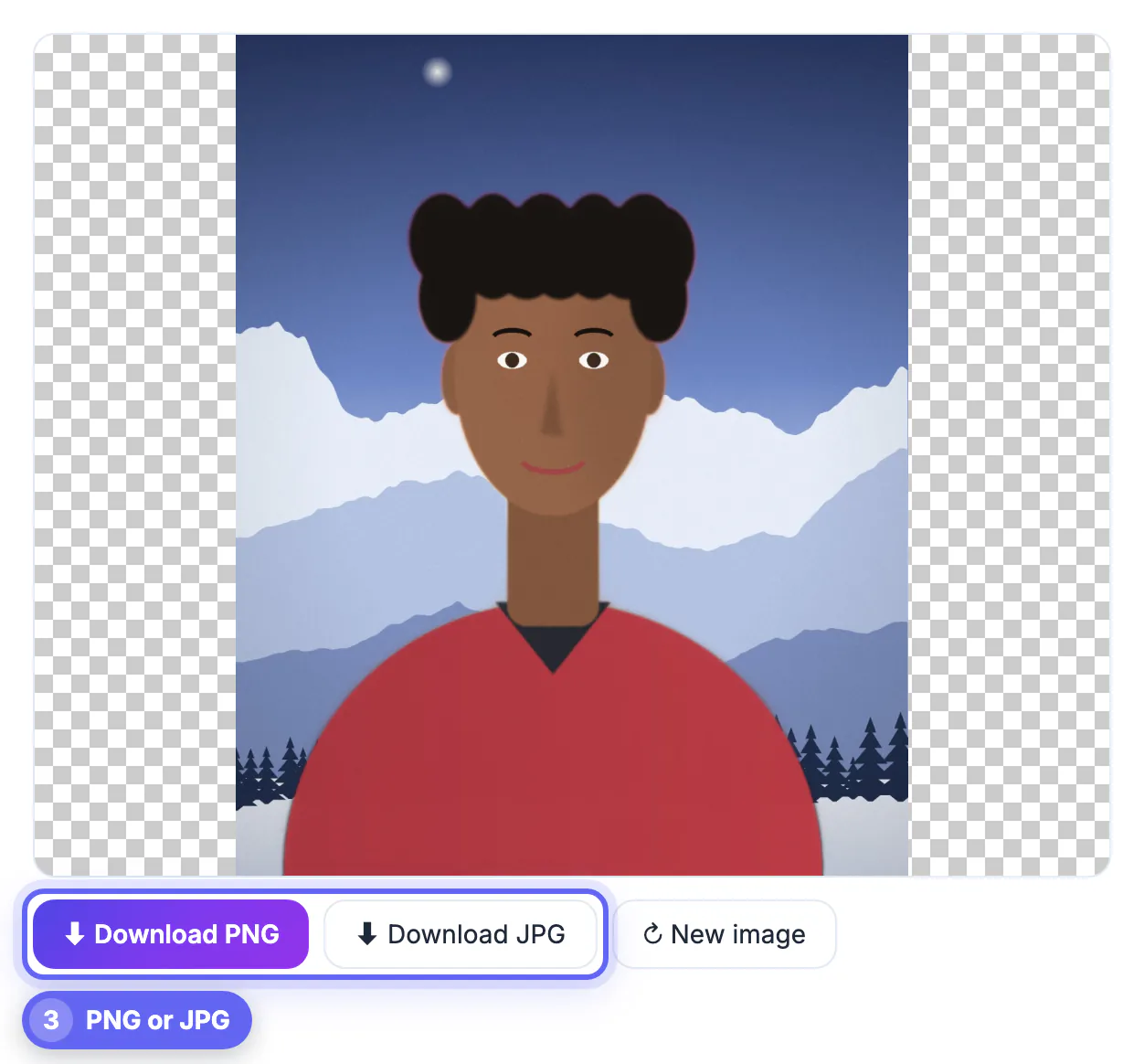
A subject on a transparent or plain backdrop can go anywhere: a LinkedIn headshot, a team page, a slide, a sticker, a flyer or a video thumbnail. Tracing the outline by hand with a lasso or pen tool takes 15 to 30 minutes per picture if you want tidy hair, and it is miserable on a laptop trackpad. Matting models now do the same job in seconds for most portraits, which turns a design chore into something you can finish between meetings. What is left for you is judgment: choosing a photo the model can read, picking the backdrop that fits the destination, and zooming in to check the edge before the file goes out.
How free AI background removal works on your device
The page runs MODNet, an open network built for portrait matting. Instead of drawing one hard outline, it predicts an alpha matte: a value from fully kept to fully removed for every pixel, which is why wisps of hair can fade out softly rather than end in a jagged line.
- The first run downloads the model from a public model host and your browser caches it, so later photos start almost instantly
- It uses WebGPU when your browser has it and falls back to WebAssembly on the processor, which is slower but still works
- The matte is applied to your original photo at up to 4096 pixels on the long side; larger pictures are scaled to that size
- Your last cut-out is kept only in this browser's storage so a reload can restore it; nothing is sent to a GrabCast server
- It handles one picture at a time, and the practical ceiling is your device's memory rather than any daily quota
Because all the math happens locally, the same page works for an ID photo, a child's school picture or an unreleased product without any privacy trade-off.
Which photos remove cleanly, and which fight back
Most bad cut-outs start with the source, not the software. The model looks for a clear subject with an outline that differs from what is behind it.
- Great: headshots, selfies, and half- or full-body shots of one or two people, including someone holding a mug, guitar or laptop
- Usually fine: a pet with a clear outline, or a product sitting alone on a plain table or sweep
- Hit or miss: plants, bicycles, chairs and anything with gaps you can see through, where bits of floor may survive
- Poor: glass, smoke, fine mesh, and a subject wearing the same color as the wall behind them
If you can retake the picture, stand a meter or more in front of a plain wall that contrasts with your hair and clothes, face a window rather than a lamp, and keep the whole head in frame. If you are stuck with an old photo, crop close around the subject first with Crop Image, because less scenery means fewer chances for the model to guess wrong.
Transparent PNG or a new backdrop
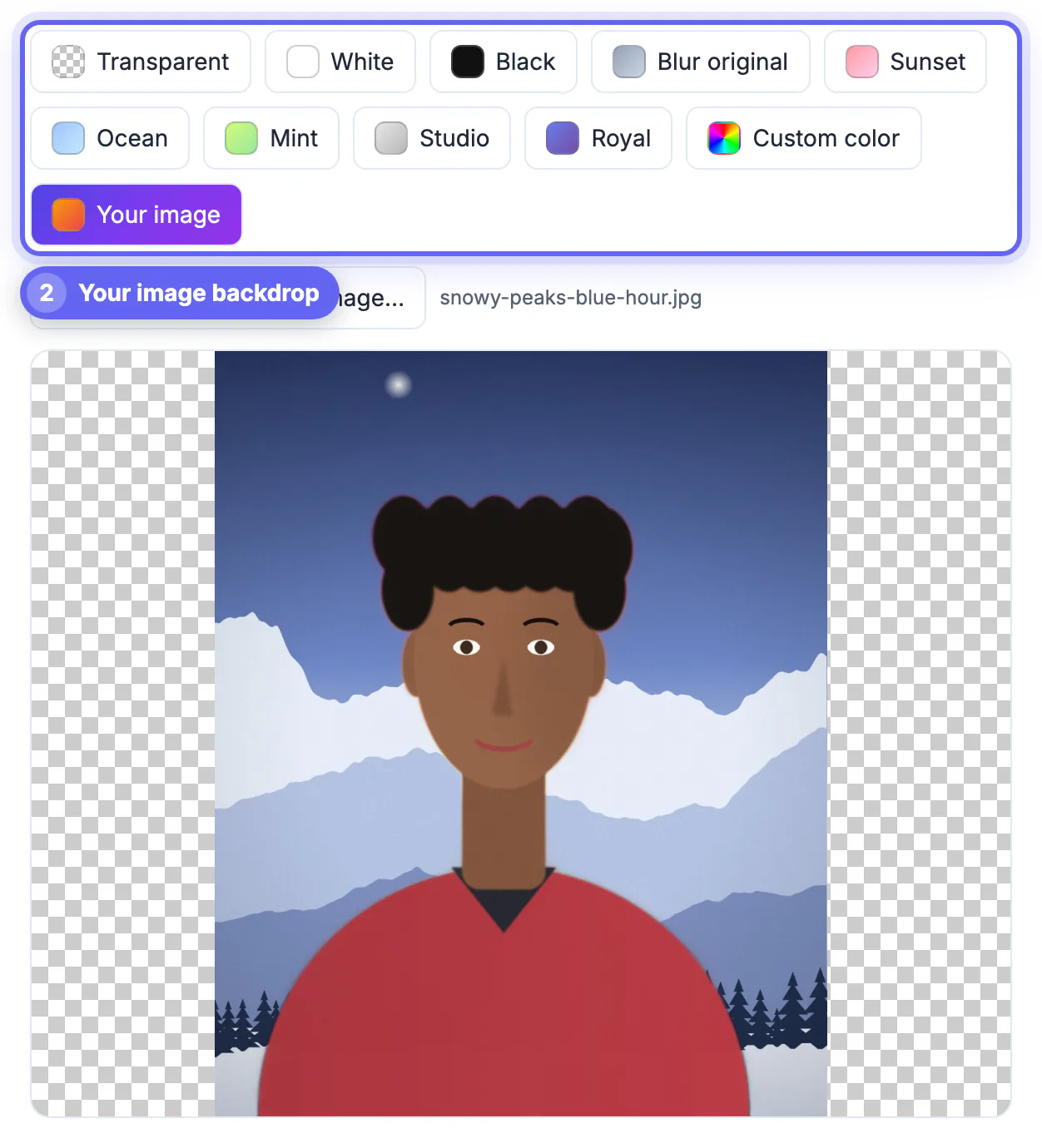
Once the subject is isolated, you can switch backdrops instantly: Transparent, White, Black, Blur original, five gradients named Sunset, Ocean, Mint, Studio and Royal, any Custom color, or Your image, which scales a picture of your choice to cover the frame.
- Transparent PNG: logos, stickers, slides, and layering in Canva, PowerPoint or Google Slides
- White JPG: marketplace listings, ID-style headshots and forms that expect a solid color
- Studio or a soft gradient: LinkedIn, speaker bios and team pages
- Blur original: a portrait-mode look that keeps the real place but softens it
- Custom color with your brand hex code: every staff photo on a website sits on the identical shade
Only PNG keeps see-through areas; a JPG always fills them with the backdrop you picked, or white if you left it transparent. On the other hand, a JPG on white is often several times lighter than the PNG, which helps with listing-site upload caps.
Selling online? See how to resize product photos for Etsy once the backdrop is clean.
Fixing an edge that is not quite right
Zoom to full size and check hair, ears, fingers and the gap between an arm and the torso. A patch of wall trapped inside that gap or a clipped strand of hair is the most common flaw.
- Leftover wall or floor: crop tighter and run it again, or retake against a plainer background
- Soft halo around hair: pick a backdrop close to the original wall color, or use Blur original, so the fringe blends in
- Missing parts of an object: the model decided they were background; a portrait matting model will not relearn that on a second pass
- Page stalls or fails: try a smaller copy of the photo and the latest Chrome or Edge
The page has no manual erase or restore brush, so stubborn leftovers need a separate editor. For product catalogs and fluffy pets, a tool trained on objects may do better, and our comparison with remove.bg lays out that trade-off honestly.
▶ Watch: How to remove a background (0:32)
Video transcript
- Pick the subject. Choose People for portraits so fine hair edges are kept. Auto also works.
- Add your photo. Drop a JPG or PNG. The AI model runs right here in your browser.
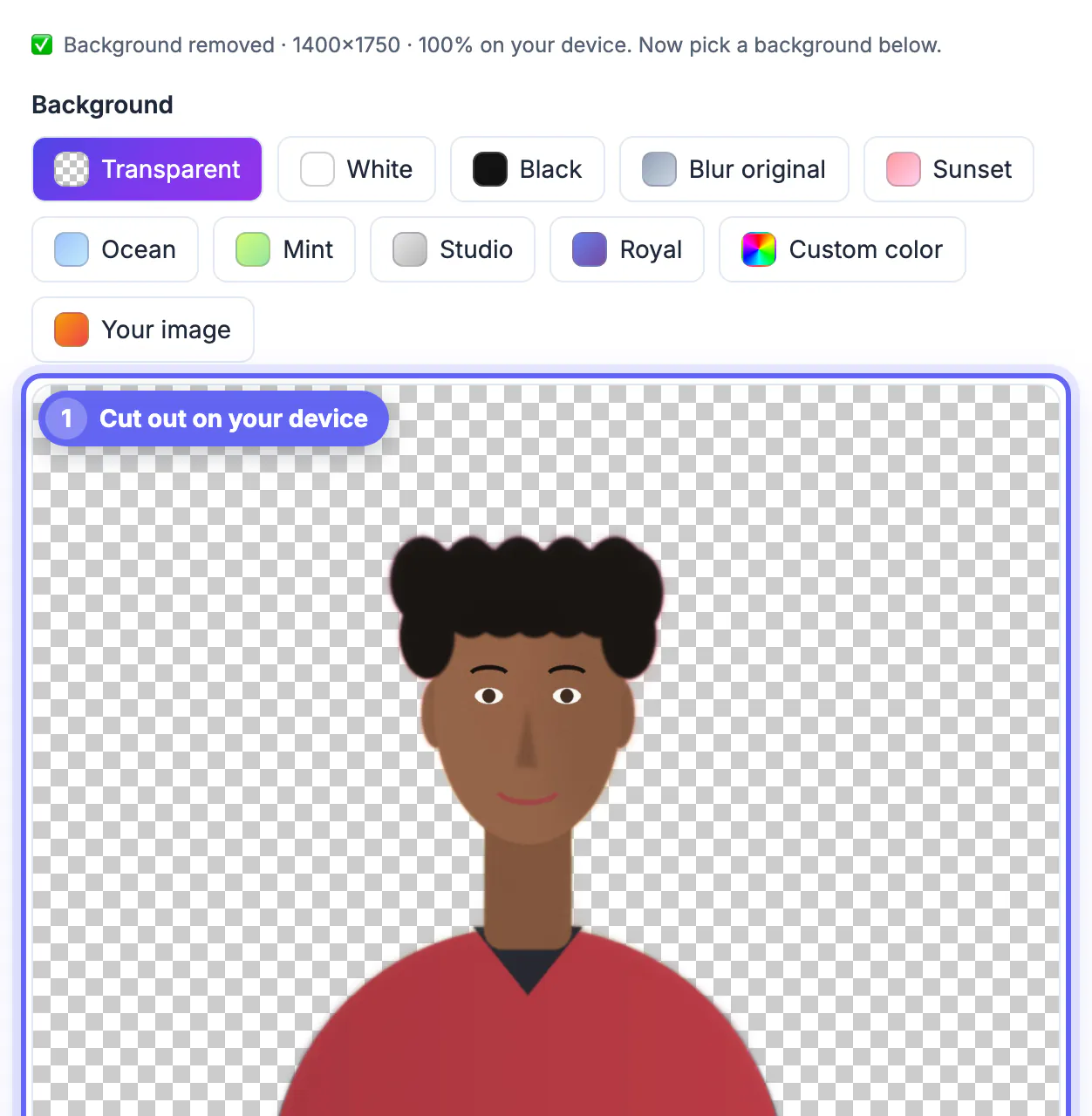
- Check the cut-out. The checkerboard shows the parts that are now transparent.
- Download the PNG. PNG keeps the transparent background, ready for slides, stickers or a new backdrop.
Step-by-step
Common mistakes to avoid
Pro tips
Frequently asked questions
Is it really free and unlimited?
Yes. There are no credits, no watermark, no account and no daily cap, because the AI runs on your own device rather than on a paid server. Very large photos are limited only by your browser's memory.
Does the photo get uploaded?
No. The model downloads to your browser once and the cut-out is computed locally. Your last result is kept in this browser's storage so a reload can restore it, and nothing is sent to a GrabCast server.
How does the AI know what the background is?
It was trained on thousands of portraits with hand-made masks, so it predicts, for every pixel, how likely it is to belong to the person. That is why people work best and unusual objects are less predictable.
Can I remove the background from a product photo or a logo?
Often, if the item sits alone on a plain surface. Check the edges at full zoom; for flat logos, tracing the mark into vectors with Image to SVG can give a cleaner result.
What resolution is the result?
The cut-out is applied to your original at up to 4096 pixels on the long side, which is enough for a printed flyer or a full-width web banner. Larger photos are scaled to that size.
For portraits, an in-browser AI cut-out is free, private and fast. Give it a subject that stands out from a plain background, choose the backdrop that fits the destination, zoom in before you share, and export PNG for transparency or JPG for a light file on a solid color. For glass, mesh and complex products, expect to reach for another tool.
Related guides
Browse more: all image guides · AI Background Remover