Product Photo Background Removal for Etsy, eBay, Amazon
To remove the background from product photos for free, shoot the item on a plain surface that contrasts with it, run the image through the GrabCast AI Background Remover, and export either a transparent PNG or a JPG on pure white. The cutout happens on your own computer, so unreleased products never leave it. This guide covers marketplace image rules, a tabletop setup that gives the AI clean edges, and the kinds of items it still struggles with.
🪄 Try AI Background Remover now — freeOpen →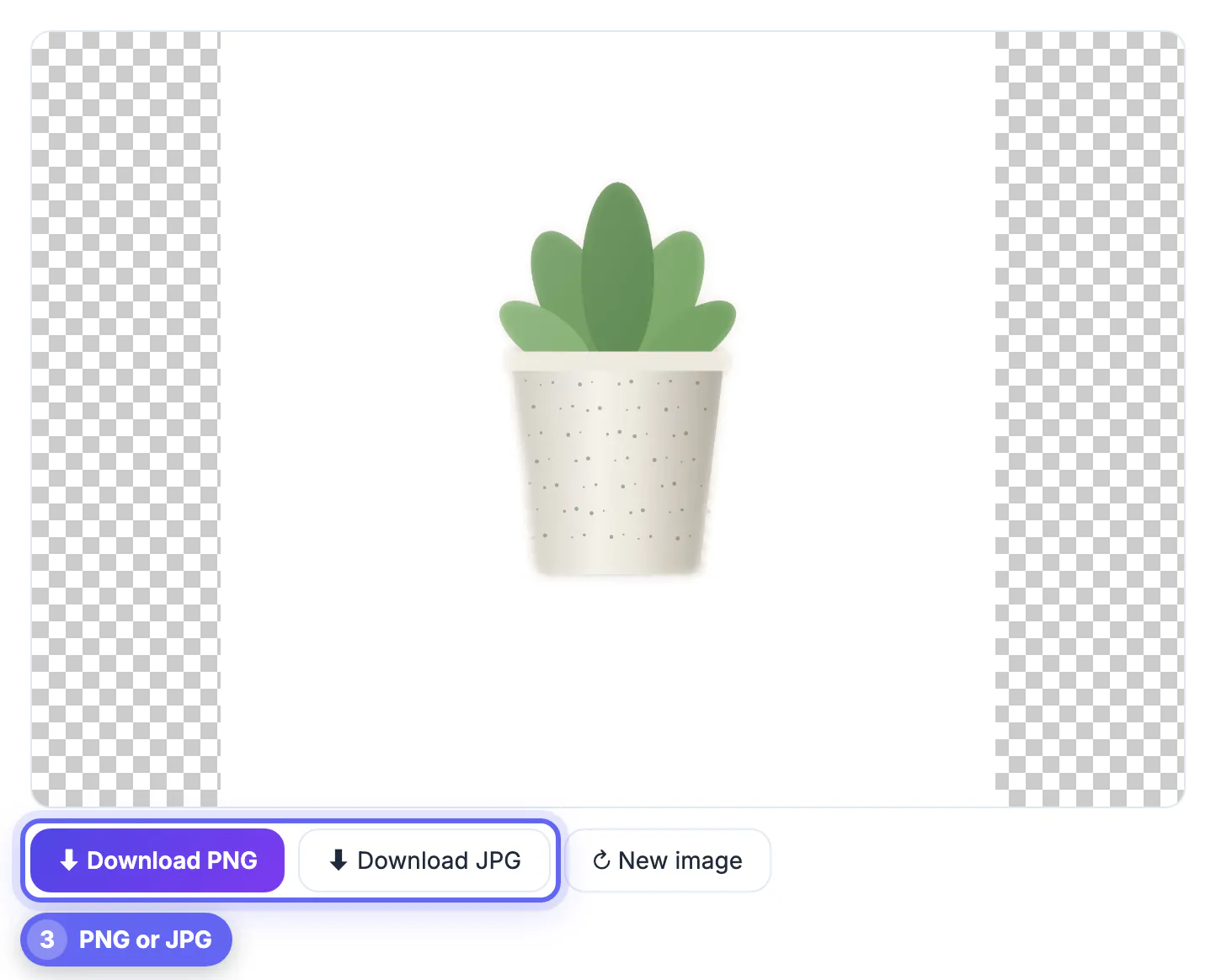
Search results show dozens of thumbnails at once, and a cluttered kitchen counter behind a mug makes the listing look amateur next to competitors on seamless white. Amazon goes further and requires the main image to sit on pure white with the item filling most of the frame. A consistent background also lets a small shop look like a catalog, and it makes the same shot reusable for ads, social posts and a website. The goal is not perfection in every pixel but a clean, honest silhouette buyers can read at a glance.
Marketplace image rules sellers should know
Requirements change, so confirm them in each seller help center, but these have been stable for a long time.
- Amazon main images need a pure white background, RGB 255, 255, 255, with the item filling about 85 percent of the frame and no added text or logos
- Amazon zoom works only when the longest side is at least 1,000 pixels
- Etsy recommends images about 2,000 pixels on the shortest side
- eBay requires at least 500 pixels on the longest side and suggests 1,600
- Secondary images on most marketplaces can show lifestyle scenes and scale
A white cutout covers the main-image slot everywhere, while a transparent PNG gives you the freedom to drop the same item onto colored banners or seasonal promos later.
Your own website sets no universal rule, but a square canvas with the item centered keeps collection grids tidy, and an equal margin around every item keeps every listing at a similar visual size.
A product photo setup that gives the AI clean edges
The remover uses MODNet, a matting model built mainly for people, so it depends heavily on contrast between the item and what is behind it. Help it with the shot rather than fixing things afterward.
- Curve a sheet of poster board up a wall to make a seamless sweep: white for dark goods, gray or black for pale ones
- Light the item with a side window, with a white card opposite to soften shadows
- Step back and use the 2x lens on your phone to avoid the bulging look of close wide-angle shots
- Leave space around the item so edges are not clipped by the frame
- Shoot at full resolution; output keeps up to 4,096 pixels on the long edge while the AI studies a copy about 1,024 pixels wide
Ten minutes spent on the sweep saves an hour of retakes, and the same setup works for every future listing.
Keep the camera position fixed with a cheap tripod or a stack of books. Identical framing across a range of items means every cutout lands at the same scale, which saves cropping later.
Items the AI handles poorly and what to do
Being honest about limits saves frustration. Because the model was trained on portraits, some goods come out with holes, halos or missing parts.
- Clear glass, acrylic and bottles of water, where the background shows through the item
- Chrome, jewelry and glossy packaging that mirror their surroundings
- White ceramics on a white table, with no edge for the model to find
- Lace, fringe, feathers and fur with fine detail
- Apparel worn by a model, where the person and the clothing are kept together, which is usually what you want
For glass, skip removal altogether: shoot on white paper lit from behind. For shiny or pale goods, change the sweep color and try again. The tool has no manual brush, so a reshoot is the real fix.
Dark goods on dark sweeps and busy printed textiles sit in between: they usually work, but zoom in on seams, corners and handles before publishing.
Export a white JPG or transparent PNG
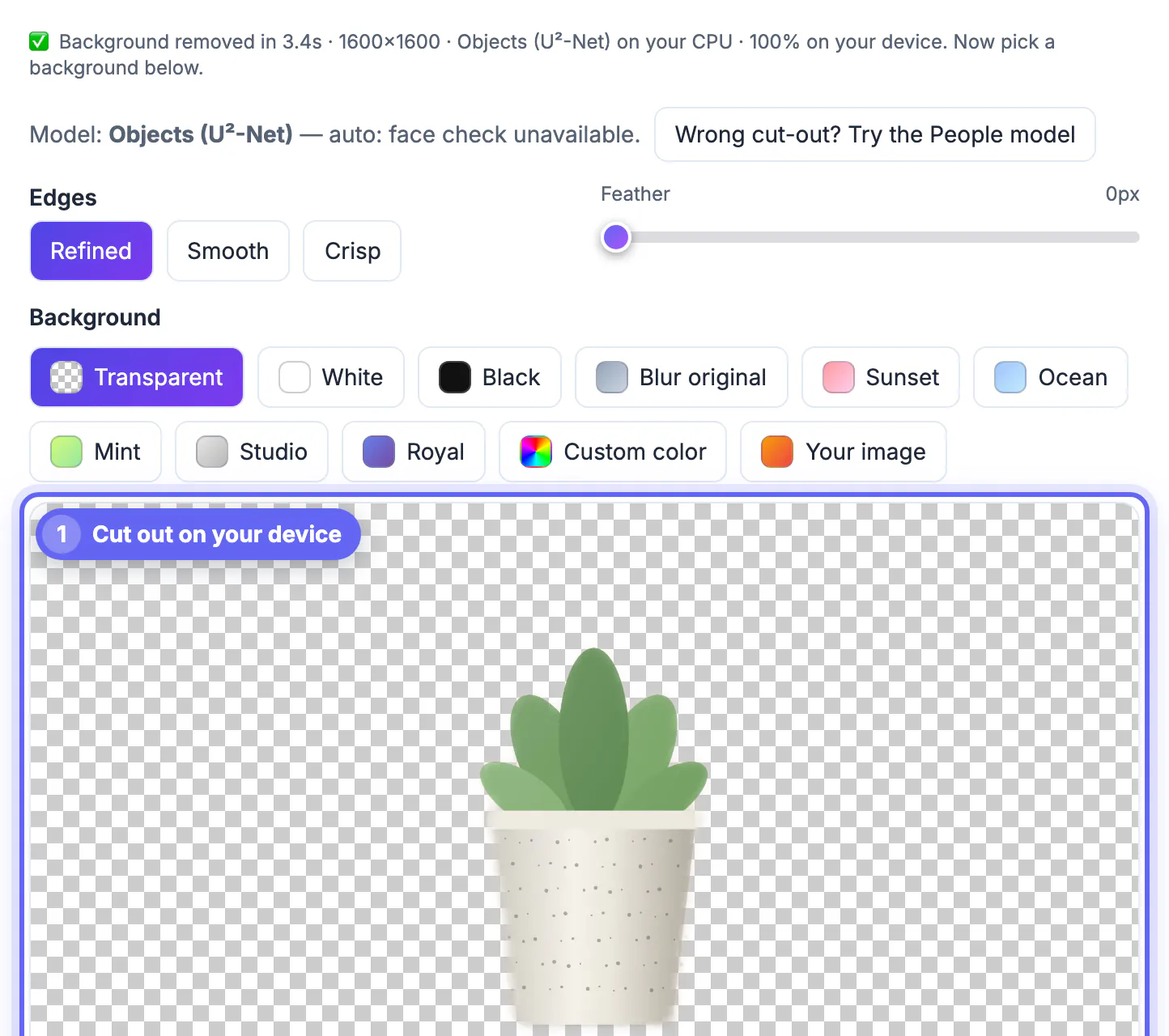
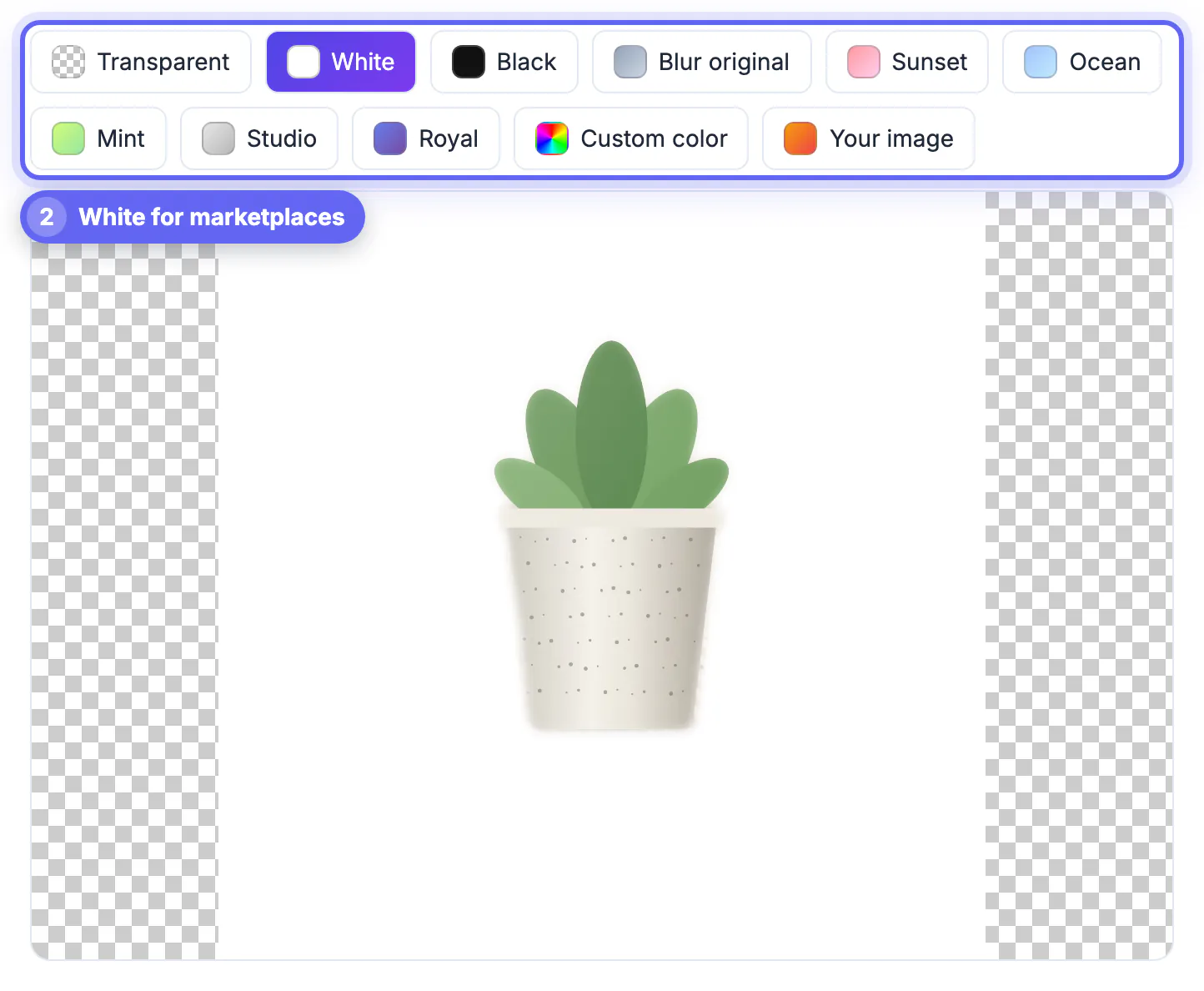
After the cutout, pick a background and download. The preview updates instantly as you switch.
- Download PNG with Transparent selected keeps the empty areas see-through and saves as no-background.png
- Download JPG saves at quality 92; choose White first, and transparent areas also turn white in a JPG
- Other options include black, a blurred copy of the original, five gradients such as Studio gray, any custom color, or your own backdrop image
- The first run downloads the model once, and later images process faster thanks to the cache
- Chrome or Edge with WebGPU is quickest; very large images can exhaust browser memory
Images are processed one at a time, and your last cutout is restored if you come back to the page, which helps when a listing session gets interrupted.
For a set of listings, finish every cutout first and then crop all of them to the same ratio in one pass, so margins match across the shop grid.
When you export, the Product Photo Studio can help with finishing touches, and the Compress Image tool keeps listing images light.
Step-by-step
Common mistakes to avoid
Pro tips
Frequently asked questions
Will the white JPG meet Amazon main-image rules?
The White option fills the background with pure RGB 255 white. You still need the item to fill about 85 percent of the frame and the file to reach at least 1,000 pixels on its longest side for zoom.
Are my product photos uploaded?
No. The AI model downloads to your browser once and the cutout runs on your device, so unreleased products stay private.
Why does my glass bottle come out patchy?
Transparent items let the background show through, and the model cannot tell glass from what is behind it. Shoot glass on white paper with backlight instead of cutting it out.
Can I process a whole folder at once?
Not currently. The remover handles one image at a time and keeps your last result when you return to the page. Working through a batch is still quick because the AI stays cached after the first image.
Can it add a drop shadow?
No. It replaces the background but does not add shadows. A soft real shadow from your tabletop setup can be kept by choosing a sweep in the final background color and skipping removal.
Clean product cutouts start with a contrasting sweep and soft light. The GrabCast remover then gives you a private white JPG or transparent PNG in seconds, with honest limits on glass, chrome and white-on-white items.
Related guides
Browse more: all image guides · AI Background Remover