Best Background Remover Tools: People to Products
The best background remover tools in 2026 differ mainly by subject: portrait-trained AI handles people well, product-focused apps like Photoroom and remove.bg shine on marketplace listings, and flat logos or signatures are often cleaner with a color-based or manual method in PowerPoint or Photoshop. GrabCast's free AI cutout tool runs entirely in your browser with no upload or account, and it is strongest on people. Rather than crown one winner, this roundup groups the well-known options by the job in front of you, notes where each is weak, and flags which ones send your photo to a server. We describe products by their documented features and reputation, not invented benchmark scores, and we skip prices because plans and credit bundles change often.
✂️ Try the Remove Background tool now — freeOpen →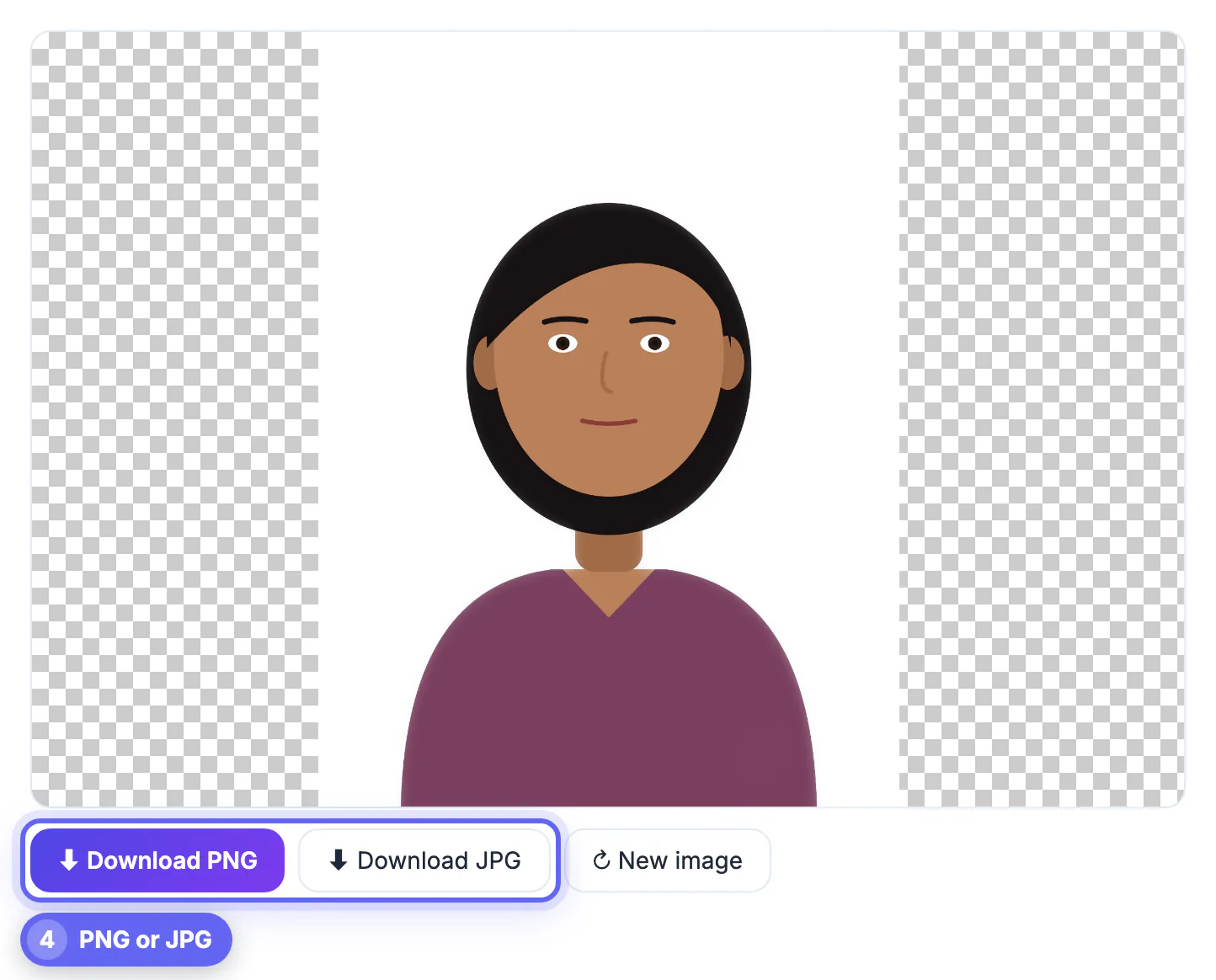
Automatic cutouts are produced by segmentation or matting models, and each model is trained on a particular mix of images. A model trained mostly on people learns hair, shoulders and skin tones superbly but may hesitate over a glass bottle on a white table. A model tuned for e-commerce nails shoes and mugs yet can clip flyaway hair. Graphics are a third category entirely: a black logo on white paper has no depth, lighting or edges for an AI to reason about, and a simple color key often beats it. Workflow matters as well. A shop owner with 300 SKUs needs batch processing and consistent framing, a designer needs manual masks to fix what the AI missed, and someone updating a profile photo once a year needs speed and privacy more than anything. Matching the tool to the subject and the volume gets better results than paying for the most famous name.
People and portraits: where a free background remover is enough
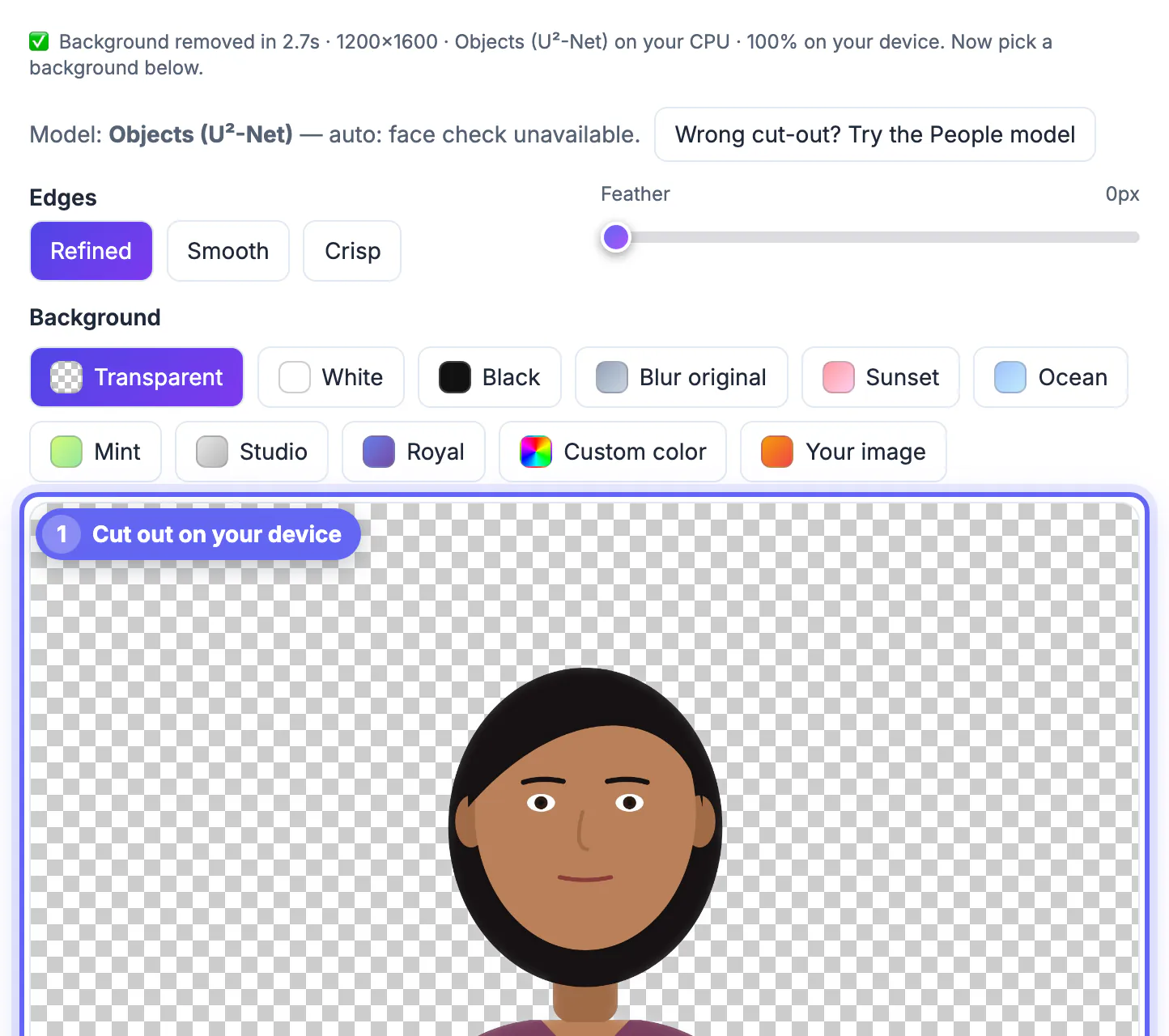
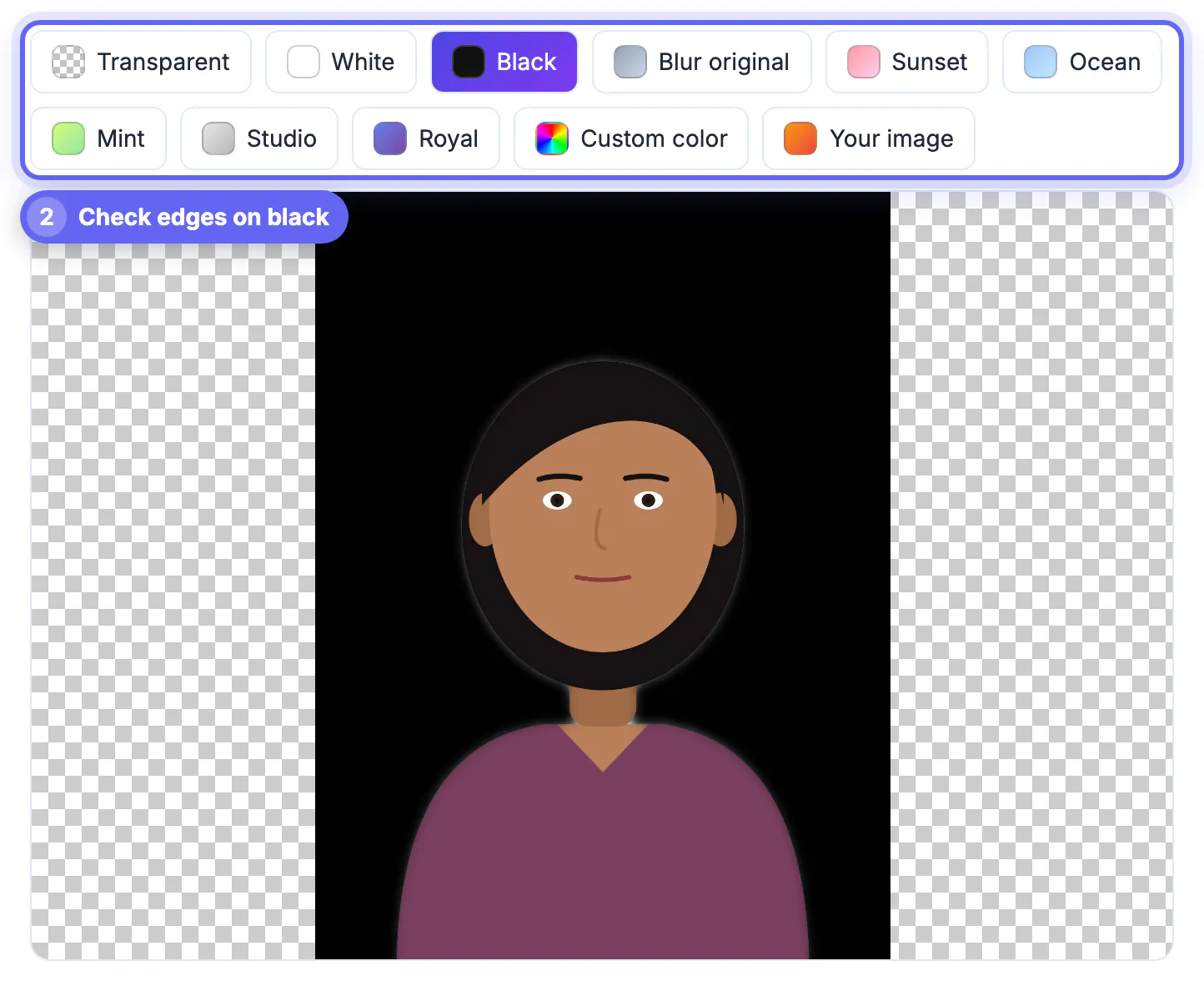
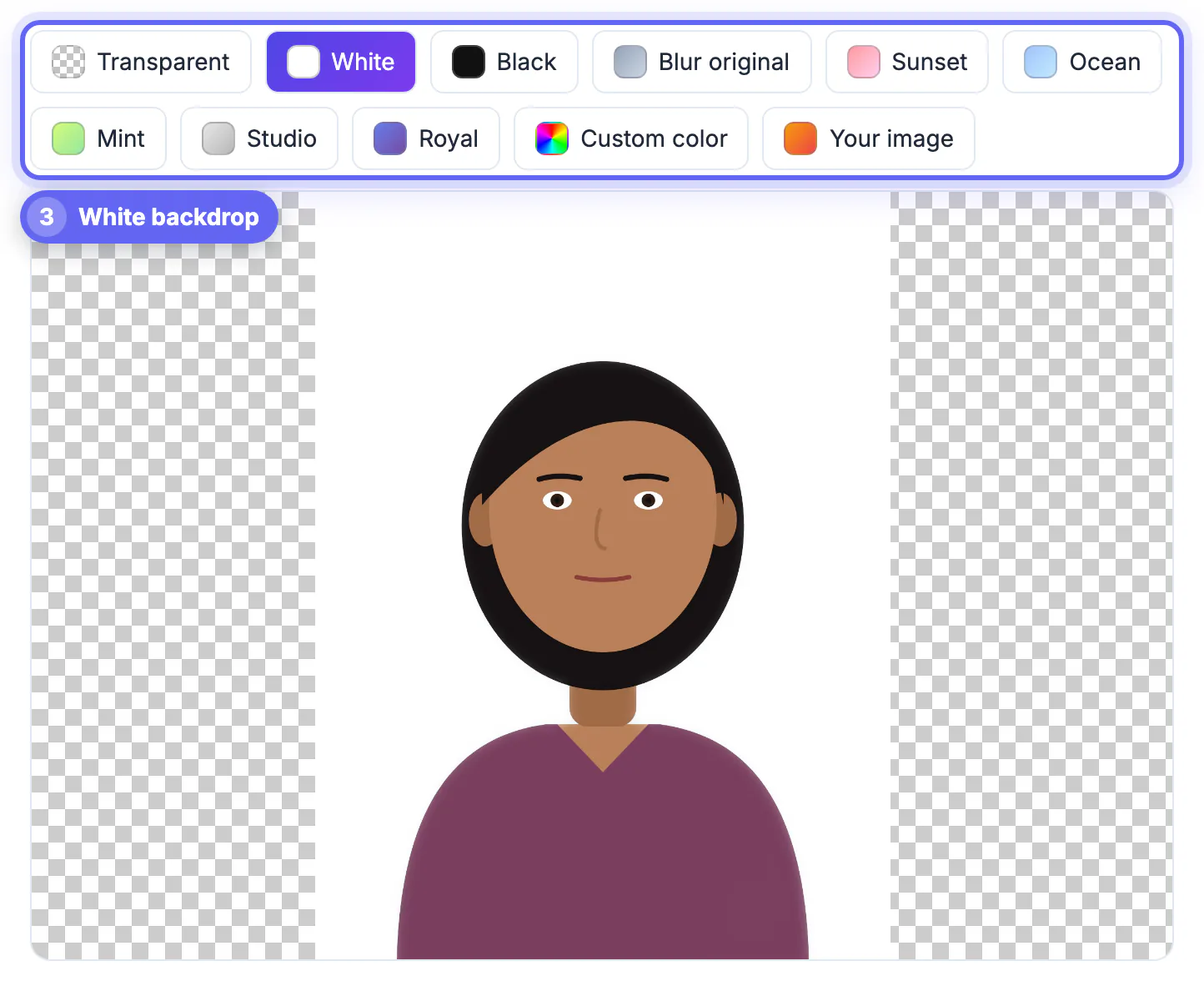
GrabCast's tool runs the MODNet portrait-matting model on your device, using WebGPU when your browser supports it and WebAssembly otherwise. The first run downloads the model once, then it is cached. Output keeps your photo's resolution up to 4,096 pixels on the long side, and you can drop in a transparent, white, black or blurred-original backdrop, one of five gradients, any custom color, or another image of your own, then download a PNG or a JPG. Your last cutout is restored if you refresh by accident.
Honest limits: the model analyzes a copy scaled to about 1,024 pixels, so individual hair strands on a very large photo can soften; there is no brush to repair a missed spot; and it processes one image at a time. For headshots, team pages, dating profiles and social avatars, it is usually all you need.
- Apple devices: long-press a subject in Photos on a recent iPhone to lift it out, a quick free option for casual use.
- remove.bg: excellent on people and hair, with reduced-resolution free downloads and paid credits for full size.
- Canva: Background Remover is a paid Pro feature, convenient if the photo is going straight into a Canva design.
Product photos for Etsy, eBay and Amazon
Marketplaces reward clean, consistent listings; Amazon, for example, requires a pure white backdrop on a main product image. Photoroom was built for exactly this: a mobile-first app with product templates, shadows and marketplace-ready framing, plus batch features on paid plans. remove.bg also handles products, cars and animals well and offers an API for stores that process inventory automatically.
GrabCast can export a white backdrop in one click, but because its model is tuned for people, products without a person in frame, especially shiny, transparent or low-contrast items, may come out with patchy edges. Try it on a few listings; if edges need cleanup, a product-trained app will save time.
- Shoot on a plain backdrop with even light; every remover produces cleaner edges from a clean source.
- Keep the same framing and margin across a catalog so thumbnails line up in search results.
- Check marketplace image rules for size and background color before exporting a whole batch.
Logos, signatures and flat graphics
Flat artwork is where AI cutouts struggle most. A scanned signature or a two-color logo has thin strokes and interior gaps, such as the holes in the letters o and e, that an AI may fill or drop. A color-based approach, which makes every near-white pixel transparent, is often cleaner. Microsoft PowerPoint and Word include a background-removal command under Picture Format with keep and remove markers, and Adobe Photoshop offers Select Subject, Magic Wand and full layer masks for exact control.
Adobe Express provides a quick free cutout with an Adobe account, and Windows 11 Paint and the Photos app have added one-click removal. For crisp brand assets, the best route is still the original vector file from the designer, which needs no removal at all.
Bulk jobs, APIs and design-suite workflows
If you process hundreds of images a week, look at tools built around volume. remove.bg offers an API and desktop batch processing. Photoshop can record an action that removes the backdrop and exports every file in a folder, and Photoroom's paid tiers include batch editing. Canva Pro fits teams that already design in Canva and want cutouts inside the same file.
GrabCast is not a bulk tool: it has no API, no batch mode and no manual masking. Its advantages are elsewhere: it is free, unlimited, needs no sign-up, and keeps photos on your device, which matters for ID photos, children and unreleased products.
- High volume plus automation: remove.bg API or a Photoshop action.
- Consistent marketplace catalogs on a phone: Photoroom.
- Occasional portraits with privacy: GrabCast in the browser.
After the cut-out, you can resize it for your marketplace listing and compress it so the page loads quickly.
Step-by-step
Common mistakes to avoid
Pro tips
Frequently asked questions
What is the best free background remover in 2026?
For people, GrabCast's in-browser tool and the lift-subject feature on recent Apple devices are strong free options with no watermark. For products, free tiers of remove.bg and Photoroom are worth trying, with resolution or feature limits.
Does GrabCast upload my photo?
No. The AI model downloads once and runs on your device, so the image never leaves your browser. There is no account and no usage cap.
Why do product photos come out patchy?
GrabCast uses a portrait-matting model trained mainly on people, so objects without a person, especially reflective or transparent ones, can lose edges. Product-focused tools such as Photoroom handle those better.
Can I remove backgrounds in bulk for free?
Not with GrabCast, which processes one image at a time. Bulk and API processing is typically part of paid plans from services such as remove.bg and Photoroom, or a Photoshop action if you already have it.
How large can the output be?
GrabCast keeps your original size up to 4,096 pixels on the longest side and exports PNG with transparency or JPG with the backdrop you chose.
Pick by subject. For portraits and profile photos, GrabCast's free AI Background Remover gives clean results privately in the browser, with color, gradient, blur and custom-image backdrops. For marketplace products, try Photoroom or remove.bg; for flat logos and signatures, use a color-based or manual tool; and for high volume, pay for an API or batch workflow.
Related guides
Browse more: all image guides · the Remove Background tool