Pet Photo Background Removal: Clean Cutouts of Dogs and Cats
To remove the background from a pet photo, drop the picture into a free AI cutout tool, let it separate the animal, then place it on transparency, a solid color or a new scene. GrabCast's Background Remover does that in your browser in a few seconds. Pets are harder than people, though: fur has no hard edge, black cats vanish into dark sofas, and tails and whiskers are thin. The AI model in this tool was designed mainly for human portraits, so it does best when an animal sits upright and faces the camera like a person would. This guide covers how to shoot for a clean cutout, which pictures it handles well, where it stumbles, and what to do when the result clips an ear.
🪄 Try AI Background Remover now — freeOpen →
Shelters and rescues know that adoption listings with a clear, well-lit animal on a plain backdrop get more clicks than murky kennel shots, because the eye goes straight to the face. Owners want cutouts for custom mugs, stickers, holiday cards and memorial prints, where a stray leash or a messy kitchen ruins the design. Sellers of pet products need consistent catalog images. In every case, the goal is the same: an animal that looks natural, with soft fur edges intact, sitting on a backdrop that suits the job. Knowing the tool's strengths and weak spots up front saves you a dozen retries and helps you decide when a manual touch-up is worth it.
How the AI handles fur, whiskers and tails
The model predicts a soft mask, a value between fully kept and fully cut for every pixel, rather than drawing a hard line. That is good news for fur, because wispy edges fade out gradually instead of looking pasted on. It computes that mask on a reduced copy up to 1,024 pixels on the long side and then scales it up to your full image, which can be as large as 4,096 pixels.
- Works well: a dog or cat sitting or standing, facing the camera, taking up a good share of the frame, with clear contrast against its surroundings.
- Often softened: individual whiskers and stray hairs. At the mask's working resolution they are thinner than a single pixel, so they usually fade out.
- Hit or miss: long tails curling away, a pet lying flat and sideways, or two animals overlapping. A model tuned for upright portraits sometimes trims a tail tip or merges the pair.
- Hard cases: a black cat on a black blanket, a white dog in snow, or a tabby on a patterned rug. Low contrast leaves the AI guessing where the animal ends.
Shoot for a clean cutout before you open any tool
Two minutes of setup beats twenty minutes of fixing. You do not need a studio, just contrast and focus.
- Pick a backdrop that contrasts with the coat: a light wall for a dark Labrador, a navy throw or dark door for a white Westie.
- Get down to eye level and hold a treat just above the lens. The pet looks at the camera, sits more upright and fills more of the frame.
- Use daylight near a window and a fast shutter. On a phone, burst mode catches one sharp frame out of ten; motion blur on fur edges is the biggest cause of mushy results.
- Keep leashes, hands and toys out of the frame. Anything touching the animal tends to stay attached to it in the cutout.
Pick a new pet backdrop that fits the job
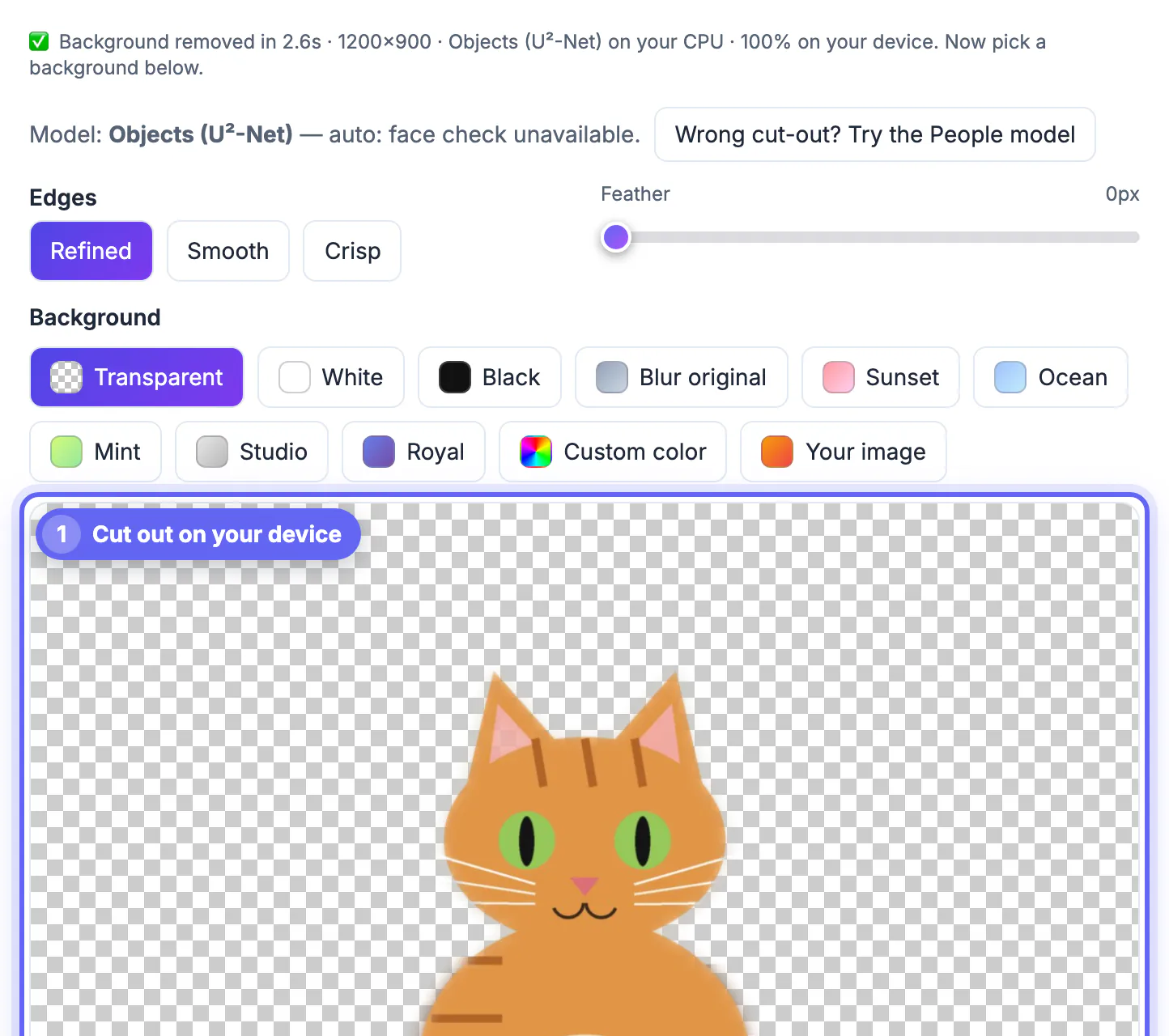
After the cut, the tool offers a set of backdrops you can switch between instantly, and it remembers your last cutout in the browser if you close the tab.
- Transparent PNG for mugs, stickers, T-shirt designs and anything going into Canva or a print shop's uploader.
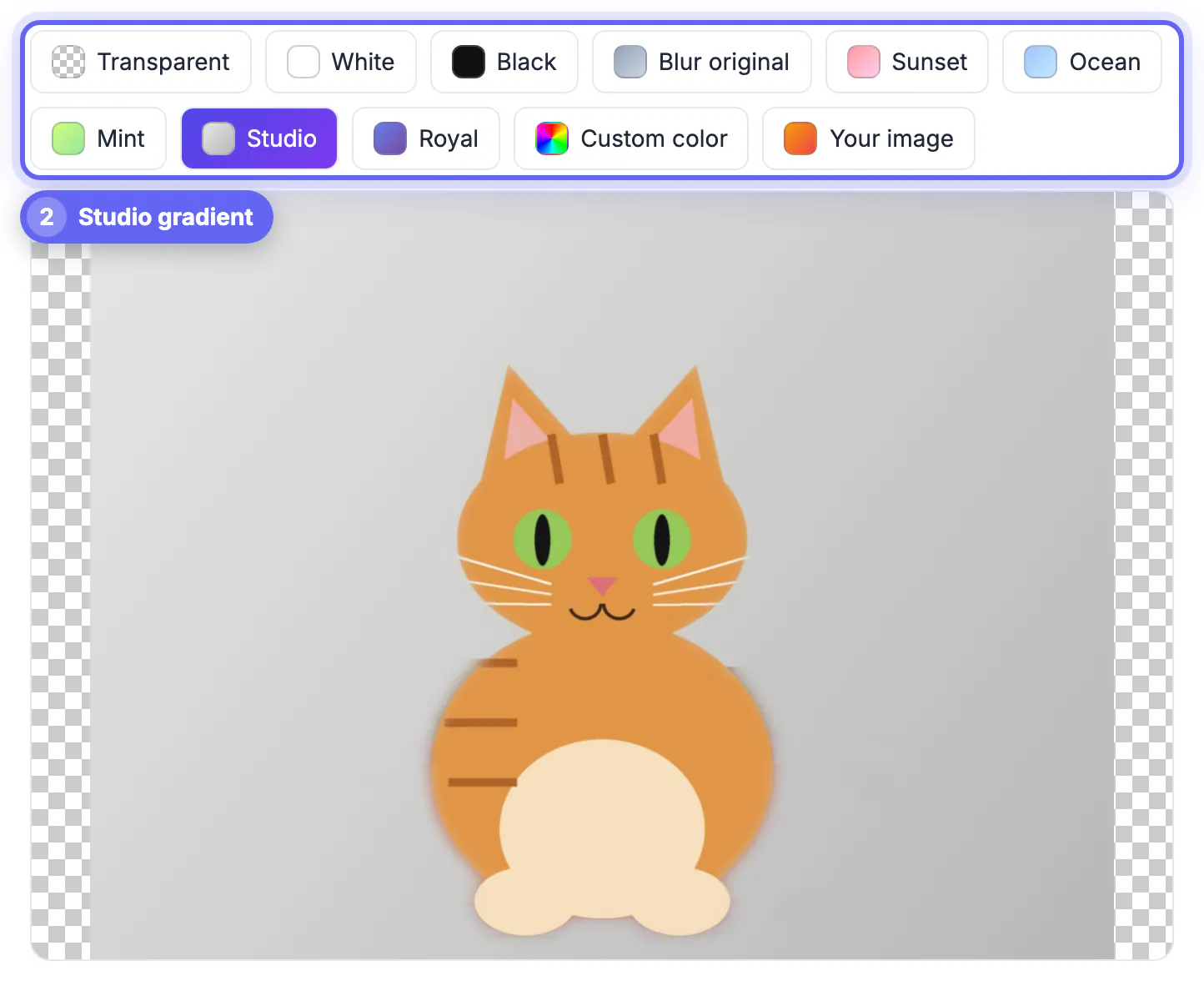
- White or the Studio gray gradient for adoption listings and product pages; they look clean and consistent across a whole set of animals.
- Blur original keeps the real scene but softens it, a quick portrait-mode look that hides a messy yard.
- Custom color, the preset gradients (Sunset, Ocean, Mint, Royal) or your own image, such as a beach or a snowy scene for a holiday card. Pick a scene lit the same way as the pet so the composite looks believable.
Download PNG to keep transparency, or JPG at 92 percent quality for a smaller file with a solid backdrop. Transparent areas turn white in a JPG.
For a funny pet post, see how to make a meme with your own photos, and use the Add Text to Image tool for the caption.
When the cutout misses an ear or tail
There is no manual brush in this tool, so fixes come down to retrying smarter or finishing elsewhere. Try these in order.
- Crop closer first. A tighter crop gives the animal more pixels inside the model's 1,024-pixel working size, which often rescues ears and paws.
- Try a different frame from the same burst. A small change in pose or light can flip a failed tail into a clean one.
- Choose a backdrop close to the original colors. On a matching tone, a slightly soft edge is almost invisible.
- For stubborn, high-stakes images, such as a large memorial print, a commercial cutout service or an editor with a mask brush, like Photoshop or Photopea, lets you paint back missing hairs by hand.
Step-by-step
Common mistakes to avoid
Pro tips
Frequently asked questions
Does it work on cats, dogs, rabbits and birds?
Often, yes, especially when the animal is upright, centered and contrasts with its surroundings. The model was built mainly for people, so unusual shapes such as a bird with spread wings or a pet lying flat are less reliable.
Is my picture uploaded to a server?
No. The AI runs on your own device in the browser, using WebGPU when available and a slower WebAssembly fallback otherwise. Only the model itself is downloaded, once, and then cached.
What resolution do I get back?
Your full image up to 4,096 pixels on the long side. Larger images are scaled down to that size. The mask itself is computed at up to 1,024 pixels and scaled up, which is why single whiskers tend to soften.
Can I brush back a clipped ear?
Not in this tool; it has no manual mask editing. Crop tighter or try another frame first. For precise touch-ups, finish in an editor with a mask brush, such as Photopea or Photoshop.
Is it free for adoption listings or selling pet products?
Yes, the tool is free with no watermark, and there is no usage limit. Use pictures you took or have permission to use, especially for commercial product pages.
Good pet cutouts are made at shooting time: contrast, eye level, sharp fur. The free in-browser AI handles upright, well-lit animals nicely, softens whiskers, and sometimes trims tails, so crop close, retry with another frame, and save PNG when you need transparency.
Related guides
Browse more: all image guides · AI Background Remover