Free Background Remover vs remove.bg: Cost, Privacy, Edges
For portraits and profile pictures, GrabCast's free background remover gives a clean cut-out at full resolution with nothing uploaded; for products, pets, cars and tricky hair, remove.bg is usually more accurate, but full-resolution downloads cost credits. That is the honest summary. Below we compare the two on price model, the subjects each handles best, output size, editing controls and privacy, and we point out plainly where GrabCast falls short, so you can pick by the picture in front of you rather than by brand.
🪄 Try Remove Background now — freeOpen →
Every automatic cut-out comes from a segmentation or matting model that was trained on a particular mix of pictures. A model trained mostly on people learns shoulders, faces and hair well, and may hesitate on a glass bottle or a sneaker on a white table. A model trained on a broad commercial mix copes with more subjects but usually needs server-grade hardware. Where the model runs also decides the business model: cloud processing costs money per picture, which is why most polished services sell credits, while on-device processing is paid for by your own computer.
How each background remover works
remove.bg, launched in 2018 by the Vienna startup Kaleido and owned by Canva since 2021, processes your upload on its servers. It is available on the web, as desktop apps for Windows, Mac and Linux, on mobile, through an API and via plugins for design apps such as Photoshop and Figma. It recognizes people, products, animals, cars and graphics, and its editor includes erase and restore brushes for manual touch-ups.
GrabCast runs an open portrait-matting model called MODNet inside your browser, using WebGPU when your graphics chip supports it and a slower fallback when it does not. The model file downloads once and is cached, the picture never leaves your device, and there is no limit on how many you process.
Price, credits and resolution
The biggest practical difference is what the free route gives you. On remove.bg, free downloads come at preview resolution, which is fine for a quick social post but soft for print or a large web banner. Full-resolution files use credits, bought through a subscription or pay-as-you-go packs; check its pricing page for current rates.
GrabCast has no credits or paid tier. The model analyzes a 1024-pixel copy of your picture to find the subject, then applies that mask to the original at up to 4096 pixels on the long side, so a phone portrait keeps its full detail. The trade-off is that very fine strands of hair are traced from that smaller analysis copy, so flyaway edges can look slightly softer than on a service using larger models on server hardware.
- Occasional social posts and profile pictures: GrabCast is free at full size
- Hundreds of product shots per month: remove.bg's API and bulk desktop app save hours
- Print-ready portraits on a budget: GrabCast, then check the hair edge at 100 percent zoom
Which subjects each one handles best
Because MODNet was designed for portrait matting, GrabCast does its best work on people: headshots, selfies, half-body and full-body shots against ordinary rooms or streets. It is less dependable on objects and animals, where it may miss a handle, a tail or a transparent edge, or keep a patch of floor.
remove.bg is the stronger all-rounder. It is trained for products, pets, vehicles and logos as well as people, and when it misses, the restore brush lets you paint the missing piece back. If your picture is a ceramic mug on a marble counter or a dog on a patterned rug, start there, or shoot against a plain wall to give any model an easier job.
After the cut: new backgrounds and privacy
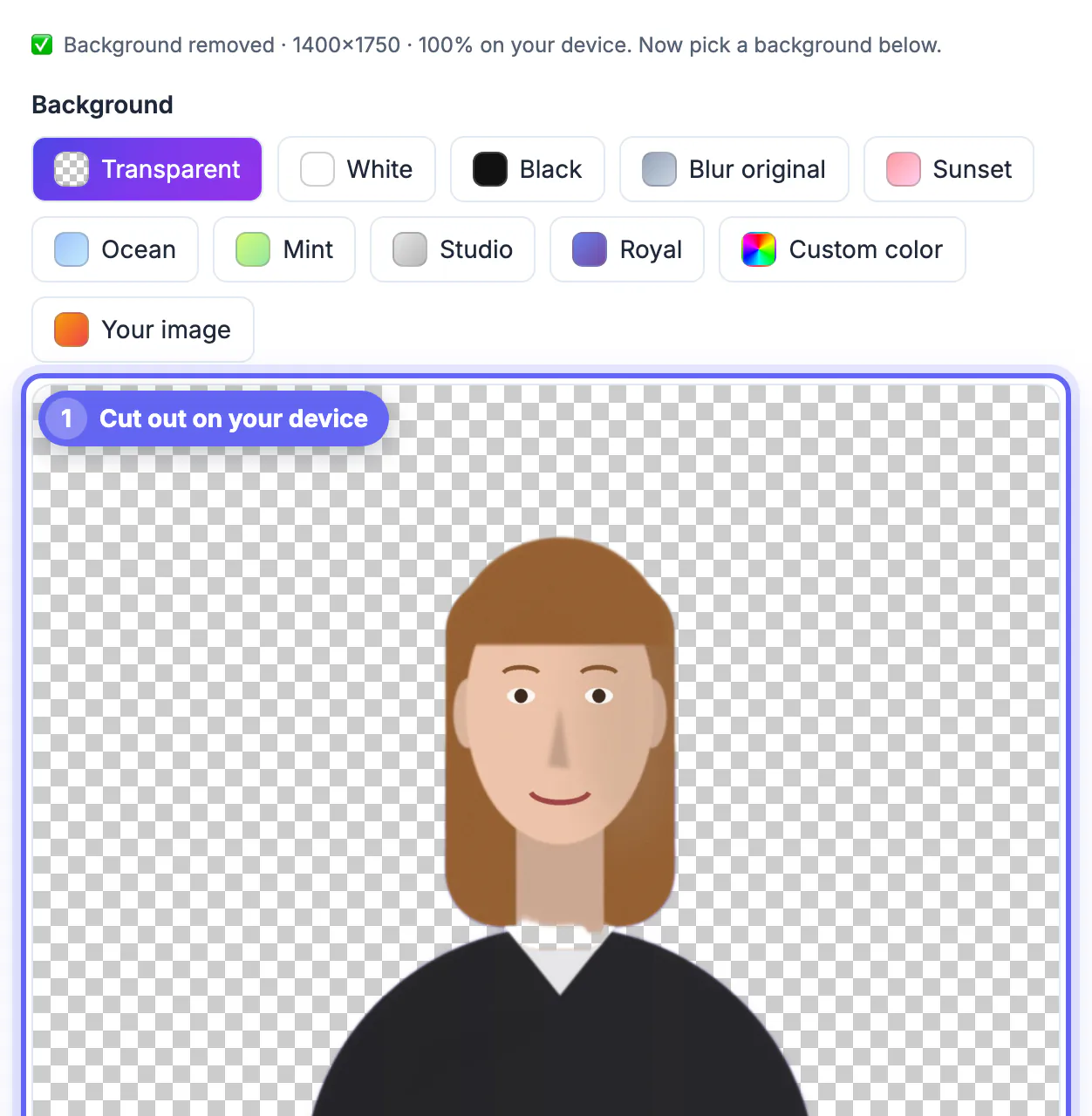
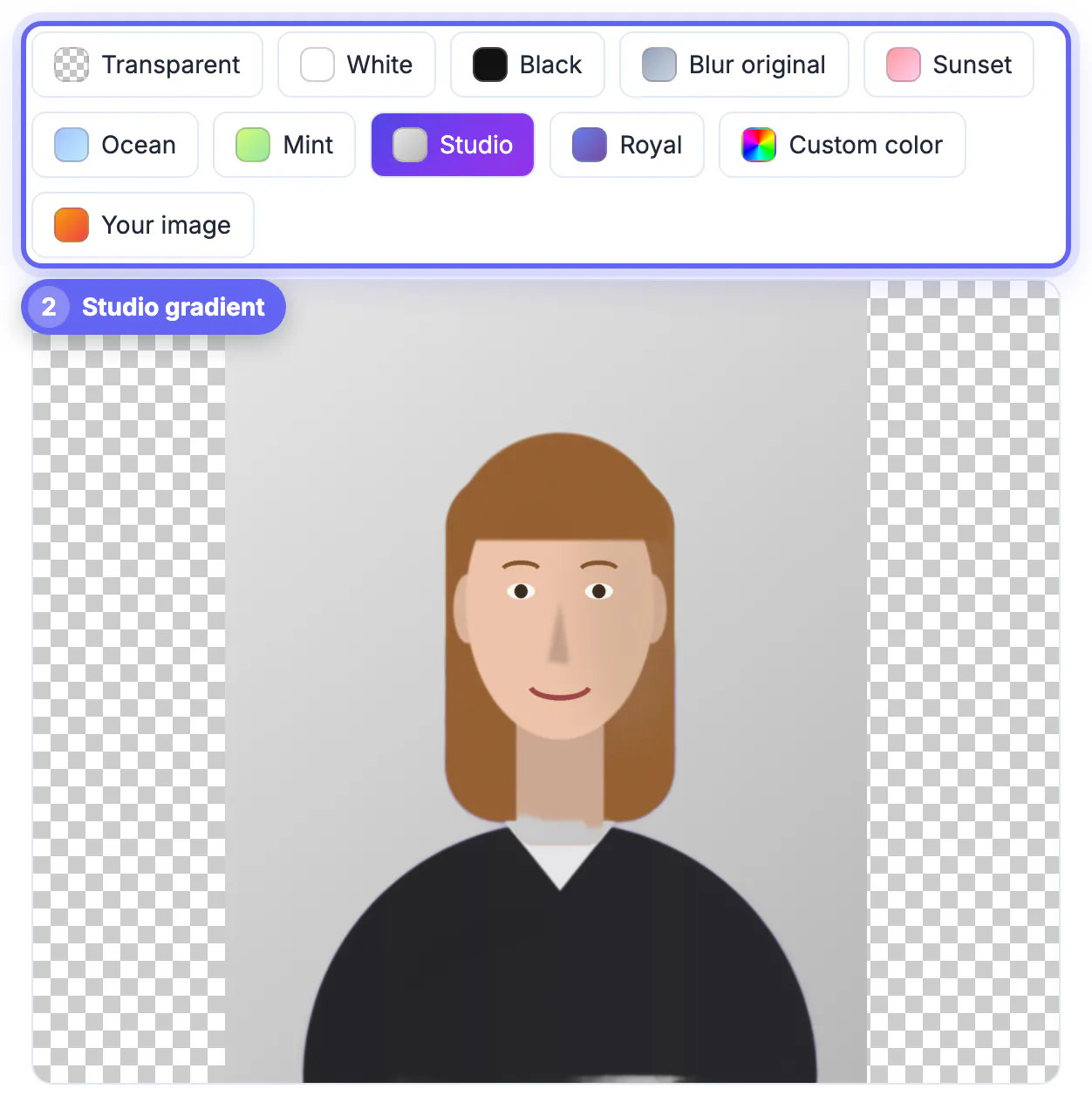
Once the subject is isolated, GrabCast offers transparent, white, black, a blurred version of the original scene, five gradients, any custom color or a picture of your own, and exports PNG with transparency or a JPG. It remembers your last cut-out if you reload the tab. remove.bg adds a broader design layer, including stock backdrops and templates, and hands off easily to Canva.
On privacy the difference is structural. GrabCast never uploads your picture, which matters for ID photos, children, medical or legal documents and unreleased products. remove.bg processes uploads on its servers under its privacy policy, which is acceptable for most commercial work but worth reading before you send anything sensitive. GrabCast also has weaknesses to weigh: one picture at a time, no manual brush, no API and slower results on older laptops.
After the cut-out, resize the image to the exact size you need and compress it so listings load quickly.
Step-by-step
Common mistakes to avoid
Pro tips
Frequently asked questions
Is remove.bg free?
It offers free downloads at preview resolution. Full-resolution results use credits, available through a subscription or pay-as-you-go packs, and prices change, so check its pricing page.
Is GrabCast's background remover really unlimited?
Yes. The model runs in your browser on your own device, so there are no credits, no account and no daily cap. The only limits are your device's speed and memory; a recent laptop with WebGPU finishes a typical portrait in seconds, while an older machine can take noticeably longer.
Which gives better edges on hair?
On clean portraits both do well. On very fine flyaway hair, busy backgrounds or non-human subjects, remove.bg is usually more accurate and offers brushes to fix misses, while GrabCast has no manual touch-up.
Does GrabCast upload my photo?
No. The cut-out is computed on your device with a model that downloads once and is cached. The photo is never sent to a server.
Can I process many images at once?
GrabCast handles one picture at a time, which is fine for a few portraits but slow for a catalog. For bulk work, remove.bg's API, desktop app and design-tool plugins are built for large volumes.
Pick GrabCast for free, private, full-size cut-outs of people; pick remove.bg for products, pets, tricky edges, manual touch-ups and bulk work where paying for credits is worth the time saved. Testing both on your hardest picture takes a minute and settles it.
Related guides
Browse more: all image guides · Remove Background