Translate English to Any Language Free: 12 Languages Checked
To translate English into another language for free, paste your text into an AI translator, choose the target language and a tone, press Translate and read the result before you use it. GrabCast's AI Translator covers 35 languages, including French, German, Italian, Portuguese, Russian, Chinese, Japanese, Korean, Arabic, Hindi, Thai and Vietnamese, and a Natural, Formal, Casual or Literal tone. This one guide replaces a separate page for each language, because the steps are the same everywhere. What differs is what to check in the result: formal or informal address, a different script, word order, and the details of each language that a machine can get wrong.
🌍 Try the AI Translator now — freeOpen →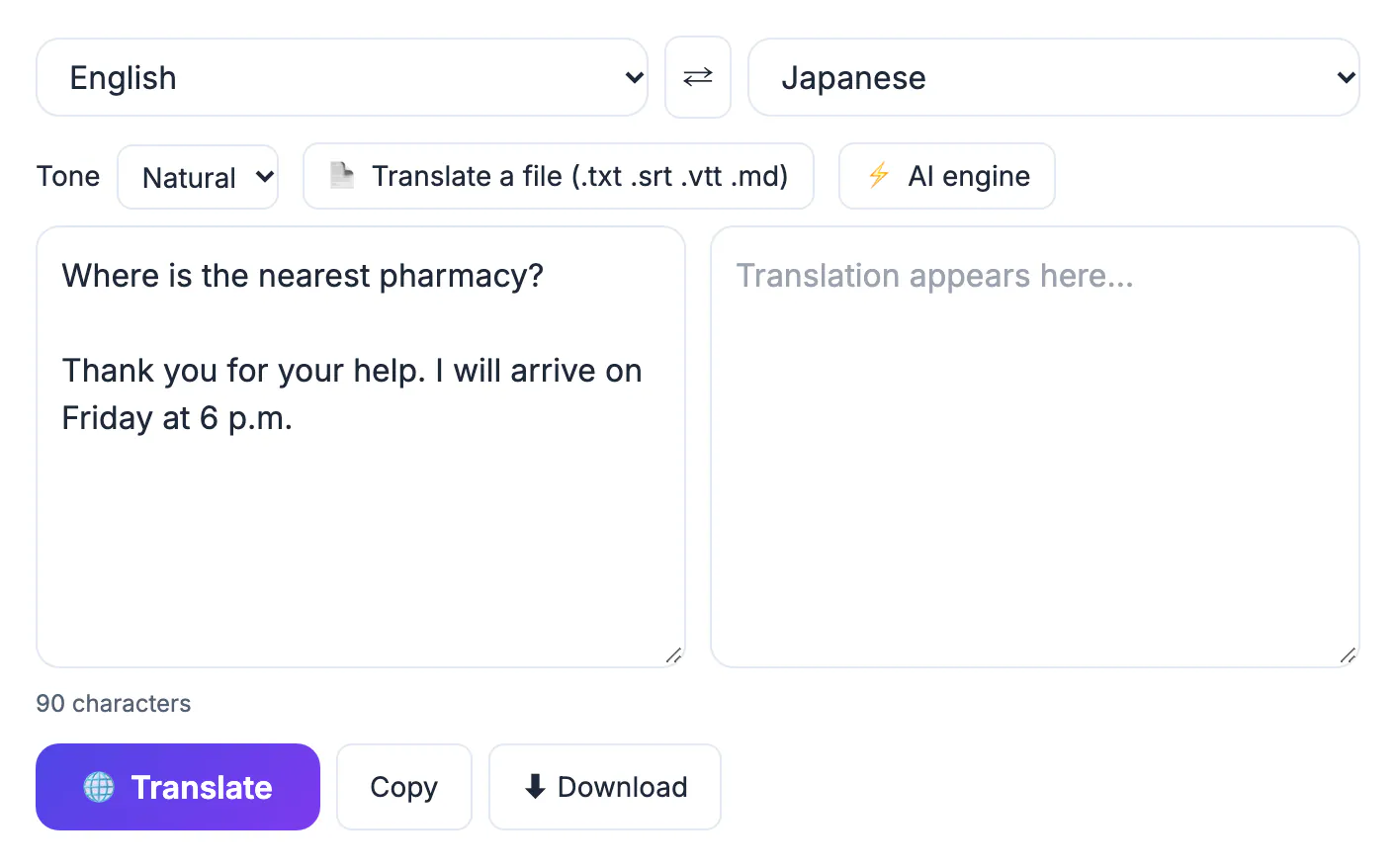
Machine translation is good at the meaning of plain sentences and weaker at register, idiom and names. A message to a customer in Japanese or a notice to neighbours in German needs the right level of politeness, and the translator cannot know your relationship with the reader unless you tell it with the tone setting. Reading the output once with the checks below catches most of the problems that cause misunderstandings.
The same four steps for every language
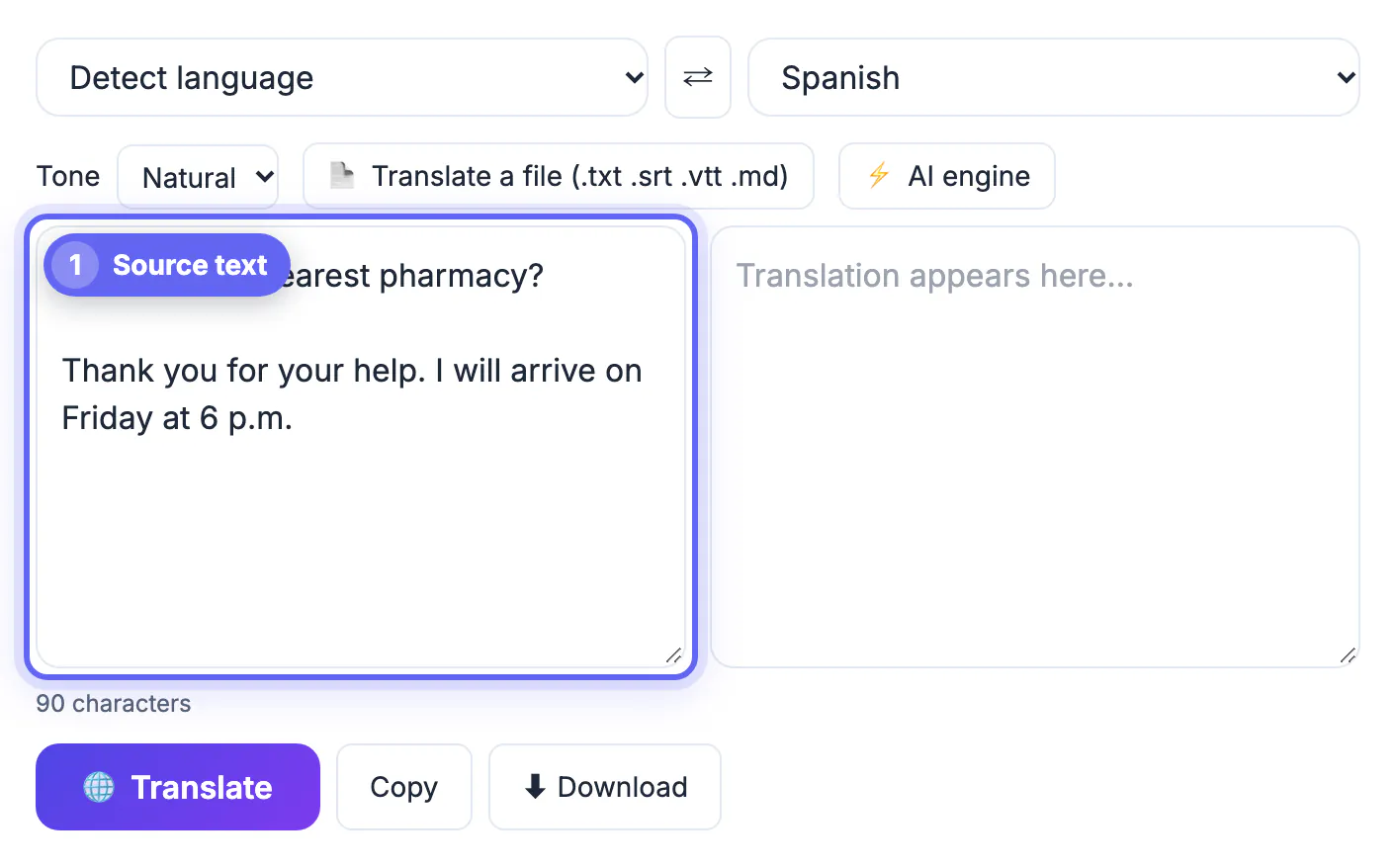
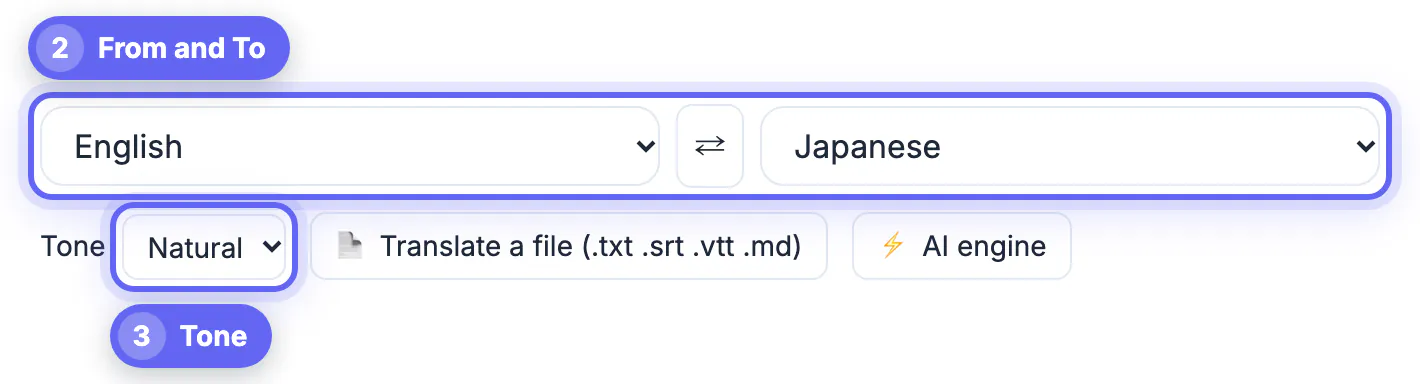
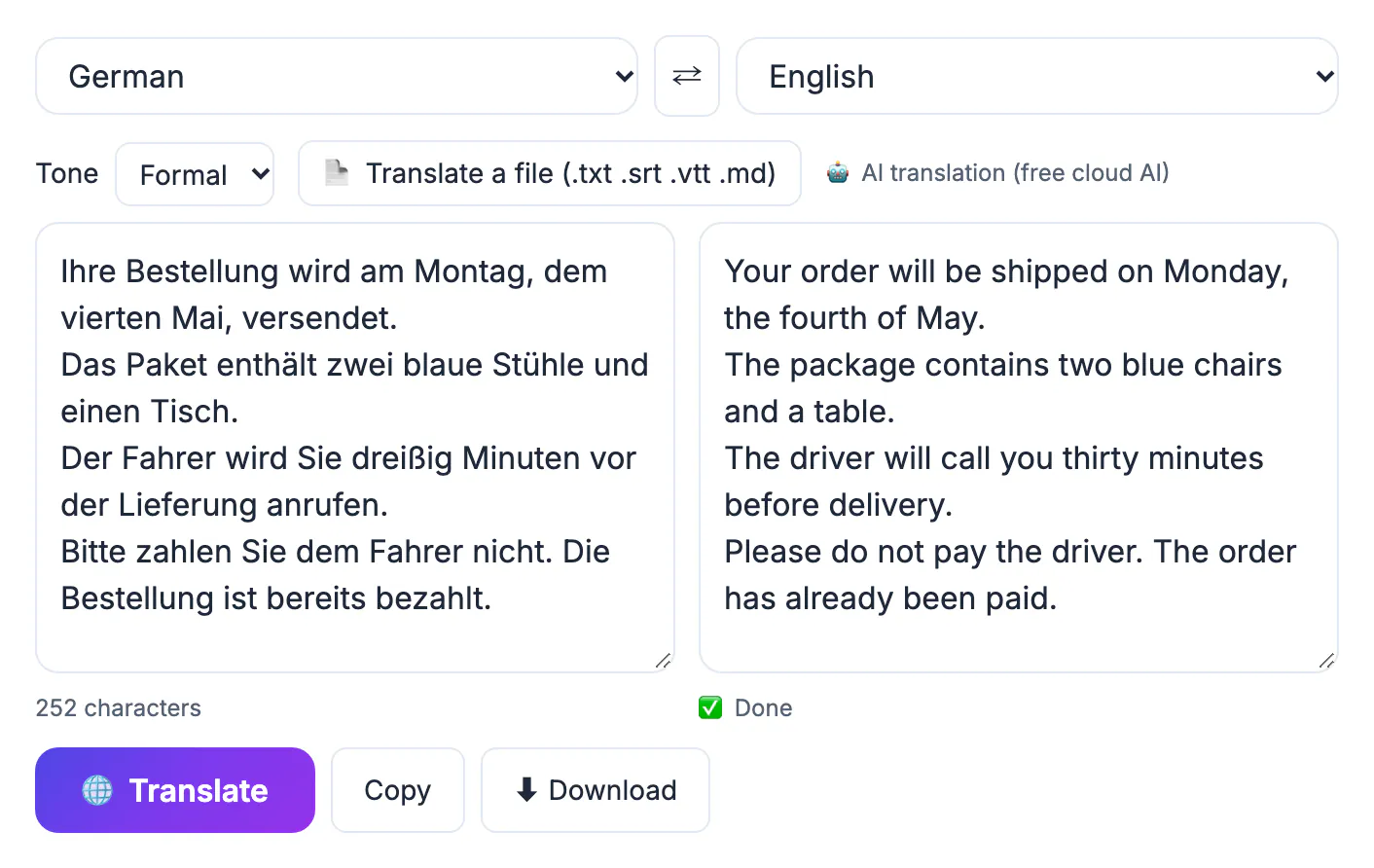
Open the AI Translator, leave the source on Detect language or choose English, and choose the target in the To list. Pick a tone: Natural for general text, Formal for customers, officials and strangers, Casual for friends, and Literal when you need a near word-for-word version, for example to compare two texts. Paste the text, press Translate, and the result appears beside it. The button next to the result copies it, and Download saves it as a .txt file. The ⇄ button swaps the languages and the two texts, which makes a back-translation check a single click.
The tool tells you which engine produced the result. It tries your browser's built-in translation first, where nothing leaves your computer; otherwise it uses a free AI service, or your own AI key if you added one, and it falls back to a backup translator when those are busy. Every result is labelled as machine translation, so treat it as a draft.
What to check for each language
- French: tu or vous. Use vous for customers and strangers. Check accents and the gender of nouns and adjectives.
- German: Sie or du. Business writing uses Sie. Nouns are capitalised and compound words are long, so check that product names stayed intact.
- Italian: Lei for formal letters, tu for friends. Check that the formal form is used throughout.
- Portuguese: the tool offers one Portuguese. Brazilian and European writing differ in vocabulary, spelling and forms of address, so have a reader from your target country look at customer-facing text.
- Russian: Cyrillic script and the formal вы versus informal ты. Check that names and brand names are kept as you want them.
- Chinese: choose Chinese (Simplified) or Chinese (Traditional), which are separate options. Mainland China and Singapore use Simplified, Taiwan and Hong Kong use Traditional.
- Japanese: politeness level matters. Formal tone gives the polite form used in business. There are no spaces between words, so check line breaks in short labels.
- Korean: speech levels change verb endings. Use Formal for customers and older readers.
- Arabic: text runs right to left. Paste it into a document or design with right-to-left support, and check that numbers, URLs and Latin names sit in the correct order.
- Hindi: Devanagari script. Formal address uses आप. Check that product names in English letters are kept or transliterated as you intended.
- Thai: no spaces between words, and polite particles that depend on the speaker. Check that the closing particle suits you.
- Vietnamese: tone marks and diacritics carry meaning, so paste the result as Unicode text and do not retype it. Pronouns depend on the relationship between speaker and reader.
For Spanish there is a dedicated guide, Translate English to Spanish, covering tú and usted and regional vocabulary.
Prepare the English first
The quality of the translation depends on the source. Write complete sentences with normal punctuation, keep one idea per sentence, and avoid idioms such as touch base or ballpark figure, which rarely carry over. Spell out dates in words, such as Friday, 4 May, so that day and month are not swapped. Put names and brand names that must not change in their own short lines. The guide How to Translate Text Accurately With AI goes deeper on preparing text and checking it.
Check the result without speaking the language
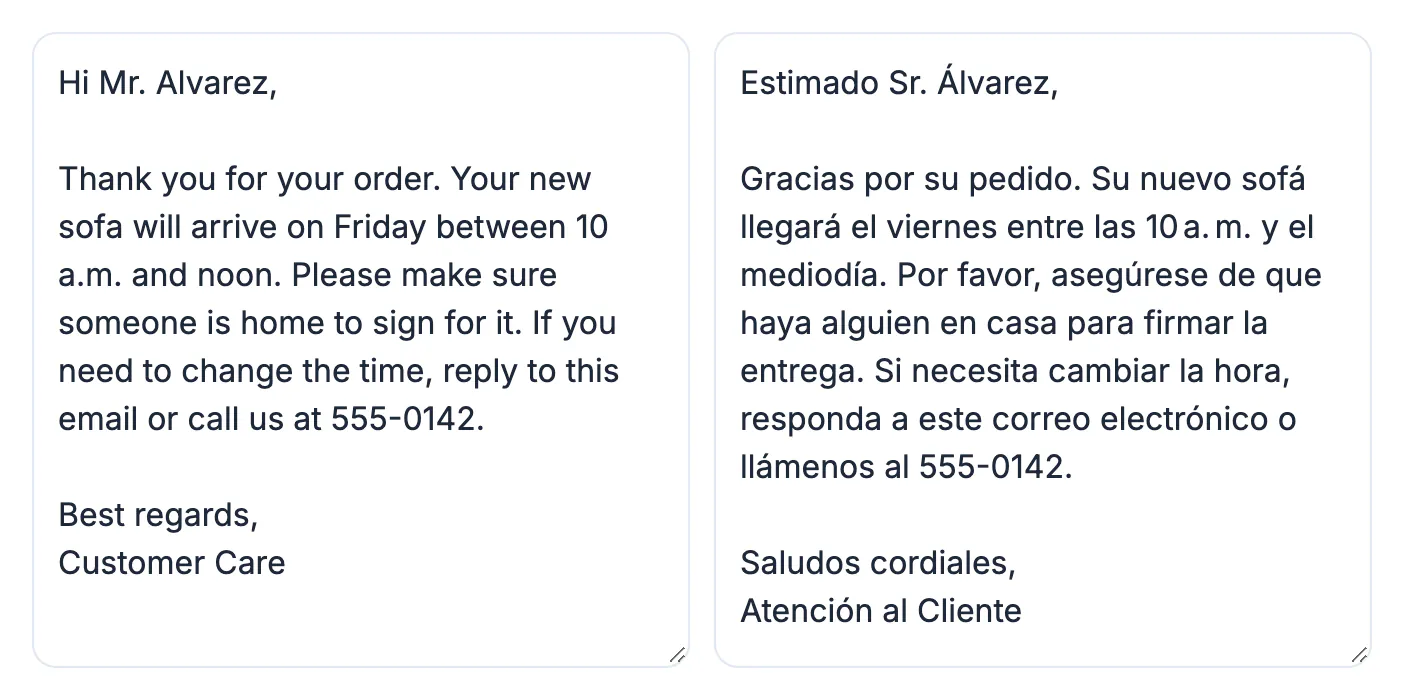
You can catch many problems without knowing the target language. Swap the languages and translate the result back to English: if the meaning shifts, rewrite the English more simply and try again. Check that every number, date, phone number and name survived exactly. Ask a native speaker to read anything that is public, legal or medical, since a machine draft is not a certified translation. Our sample result in the screenshots kept the phone number 555-0142 intact, which is the kind of detail to confirm every time.
Longer content
For a whole file, use the Translate a file button for .txt, .srt, .vtt and .md files; subtitle numbering and timestamps are kept. For a Word document or PDF, extract the text first, as described in How to Translate a Document, and for a web page see How to Translate a Website.
Step-by-step
Common mistakes to avoid
Pro tips
Frequently asked questions
Is it free to translate English to another language?
Yes. The AI Translator is free, needs no account and covers 35 languages. Each result is a machine translation, so review it before use.
Which languages can I translate English into?
35, including French, German, Italian, Portuguese, Russian, Chinese (Simplified and Traditional), Japanese, Korean, Arabic, Hindi, Thai and Vietnamese, as well as Spanish and many more.
How accurate is it?
Good for meaning and everyday text, less reliable for idioms, humour, names and register. Use the tone setting, simple source sentences and a back-translation check.
Is my text private?
Where your browser supports it, translation runs on your device. Otherwise the text goes to an AI service, and the tool shows which engine handled it. Do not translate secrets.
Can I translate a file or subtitles?
Yes. Use Translate a file for .txt, .srt, .vtt and .md files. Subtitle numbers and timestamps are kept.
Translating English into any language takes the same four steps: paste clear text, choose the language and tone, translate, and check the result. Spend your time on the checks for the language you are using, and get a native speaker to review anything that matters.
Related guides
Browse more: all AI guides · the AI Translator