Translate English to Spanish Free: Tú, Usted and Region
To translate English to Spanish online free, open GrabCast's AI Translator, set English as the source and Spanish as the target, choose Formal or Casual tone, paste your text and click Translate; the Spanish appears in seconds and the swap button turns a reply back into English. The translation itself is the easy part. What makes Spanish read as native is a handful of decisions a machine cannot make for you: whether to say tú or usted, whether your reader lives in Mexico City, Madrid or Miami, and whether a word that looks familiar actually means something else. This guide walks through the workflow, then each of those choices with real examples, so an email to a client, a note to a babysitter or a flyer for a Spanish-speaking neighborhood lands the way you meant it.
🌍 Try the AI Translator tool now — freeOpen →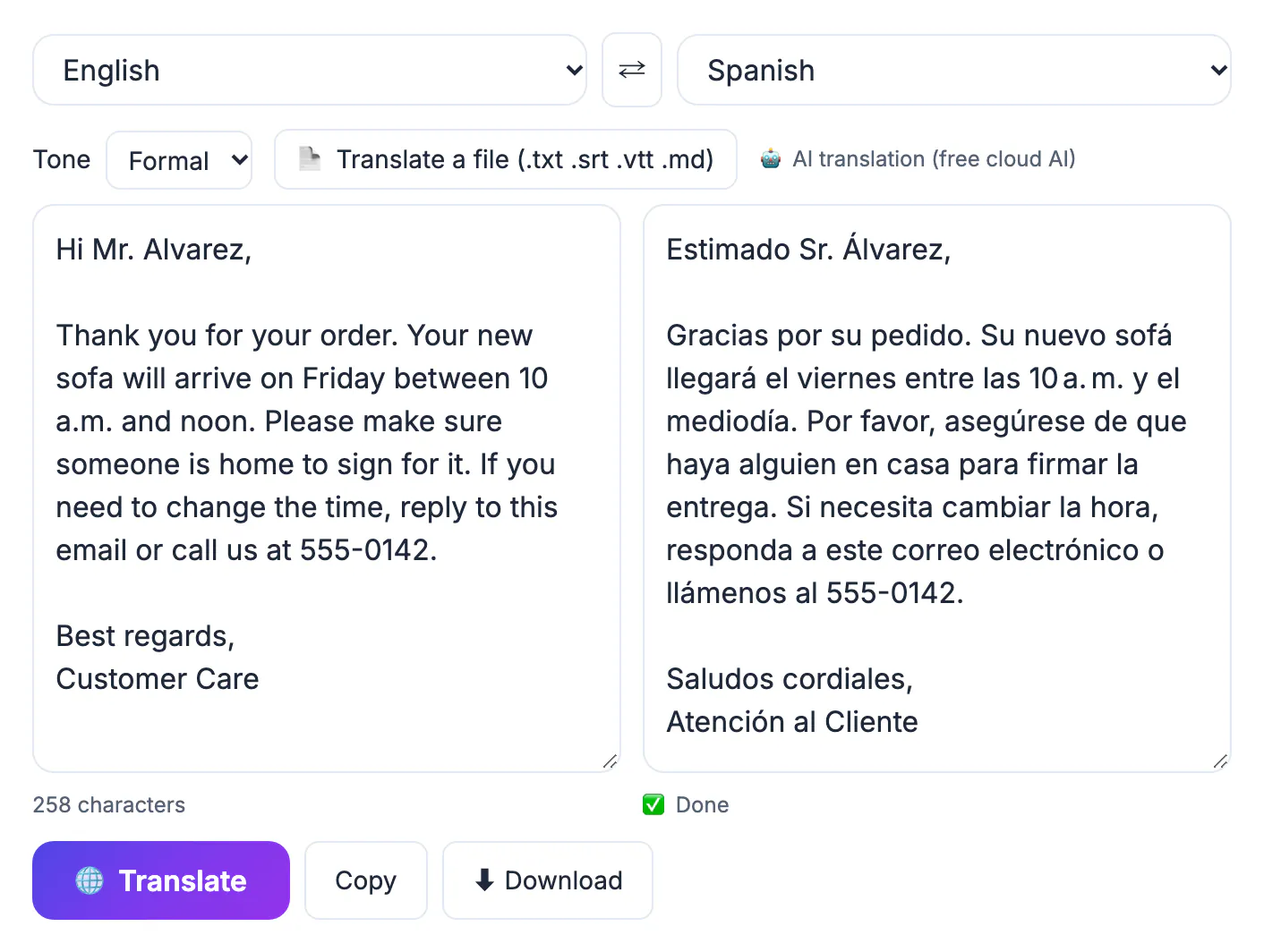
More than 40 million people in the United States speak Spanish at home, and hundreds of millions more across Latin America and Spain, so English to Spanish is one of the most requested language pairs anywhere. That popularity means your readers have seen plenty of clumsy machine output and spot it instantly. Spanish marks things English leaves vague: every noun has a gender that the adjectives must match, the verb changes depending on how respectful you are being, and the same object can have three different names depending on the country. A message that addresses a new landlord with the casual tú, calls a car a coche for a Mexican audience, or writes 3/4 for the fourth of March reads as careless even when the grammar is perfect. A minute of steering before and after the AI does its work prevents all of that.
Translate English to Spanish in the AI Translator
The workflow takes under a minute for an email-length message, and the tool keeps your paragraphs, lists and links where they were.
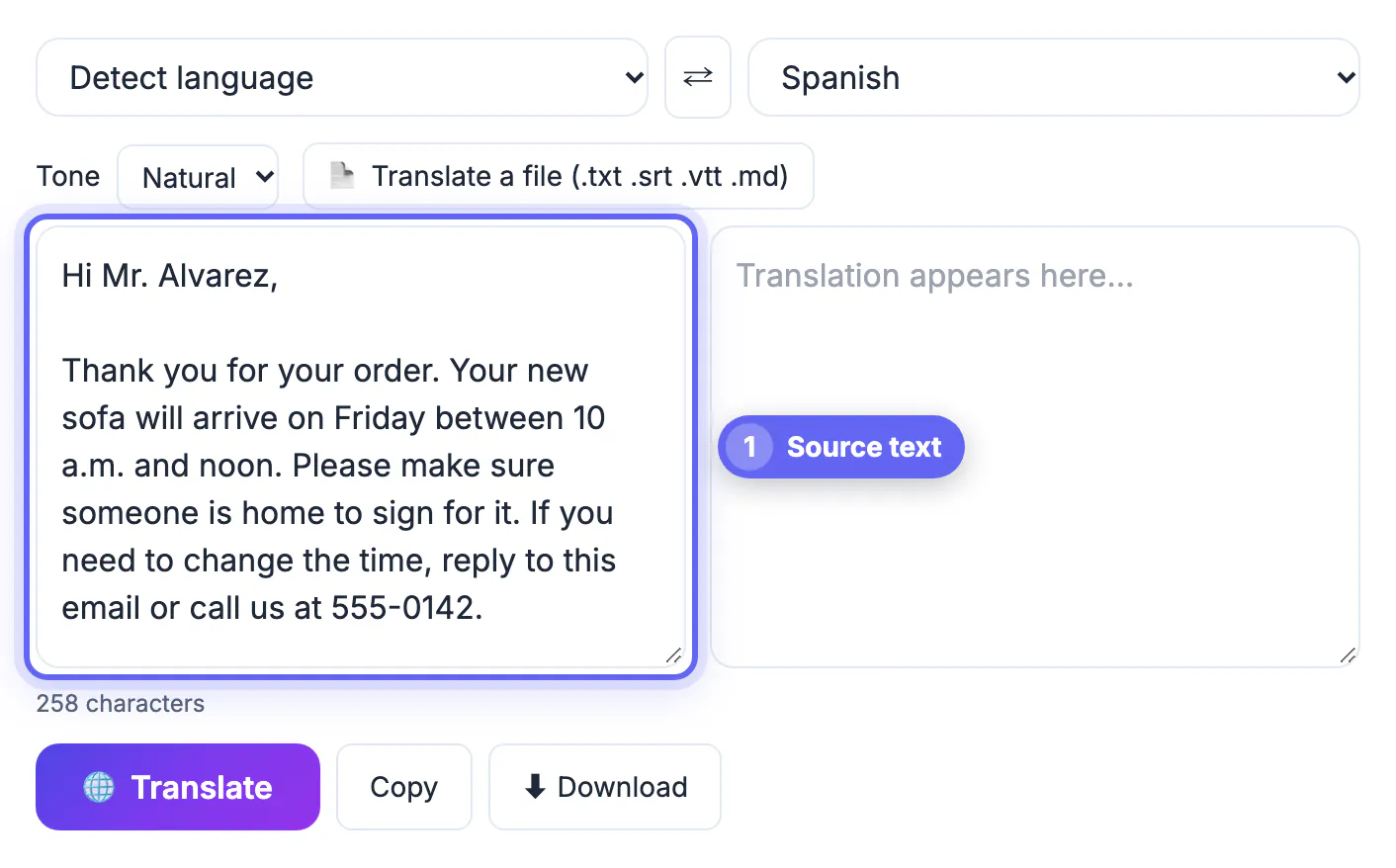
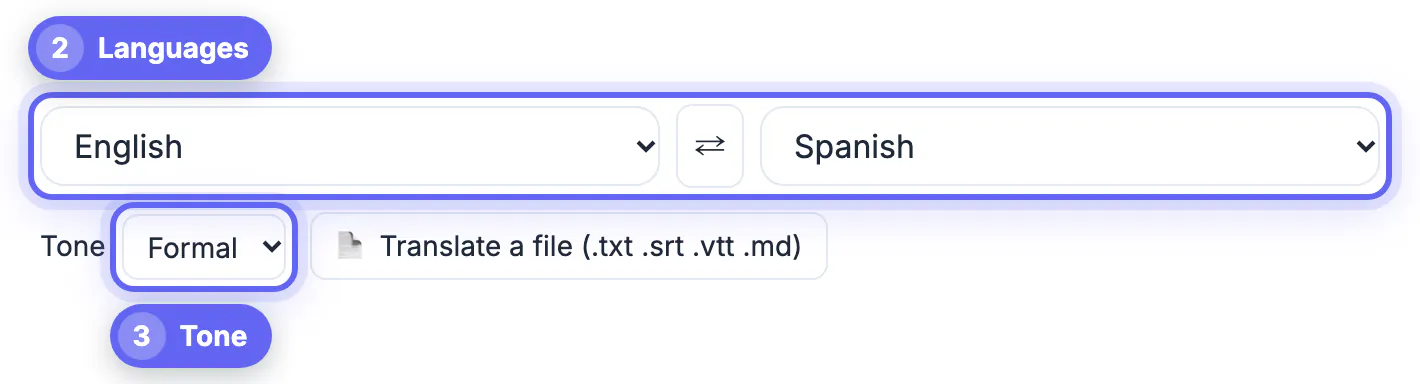
- Pick English in the first menu instead of leaving Detect language on; a set source is more reliable for short text and, in recent Chrome with Natural or Literal tone, lets the browser's built-in translator do the work on your device
- Pick Spanish as the target and choose a tone: Formal for clients, officials and first contact, Casual for friends and family, Natural for most web copy, Literal when you need wording close to the English
- Paste up to 60,000 characters, or click Translate a file for a .txt, .md, .srt or .vtt file up to 2 MB
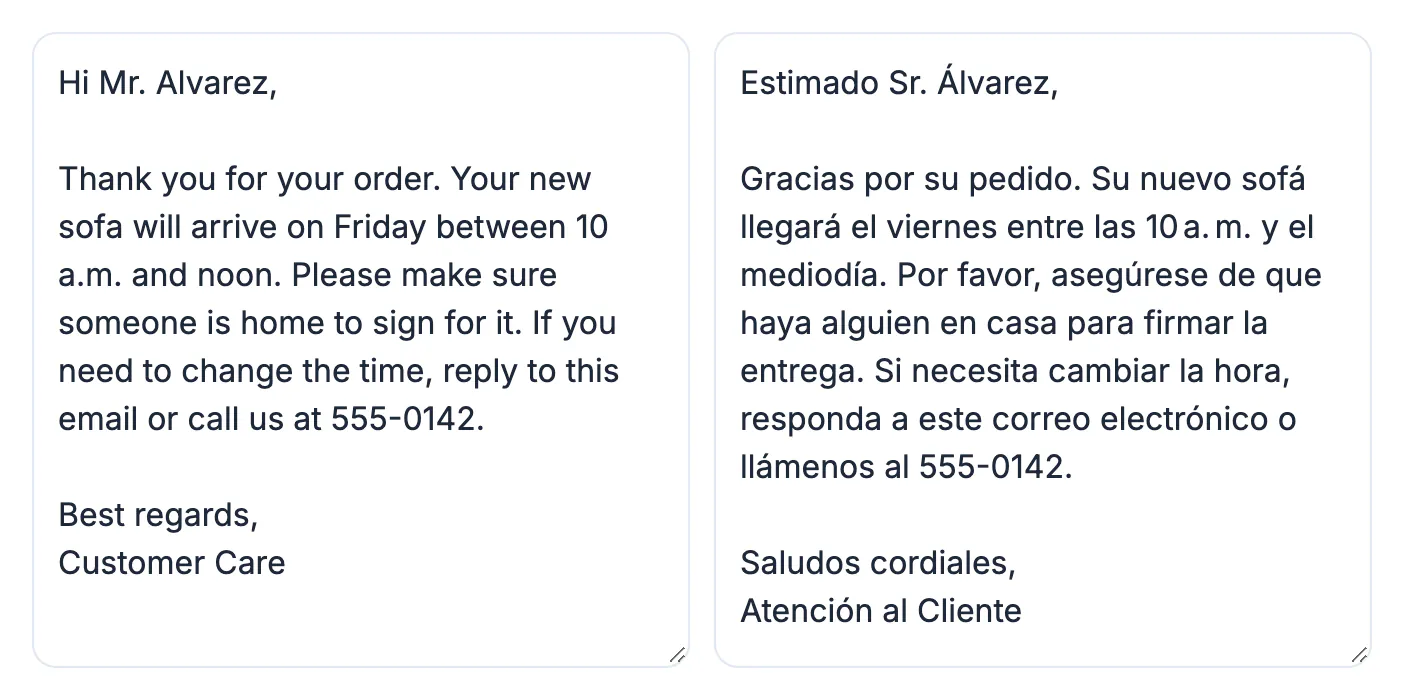
- Press Translate or Ctrl/Cmd+Enter; long text is split into chunks with a progress percentage
- Use the swap button to send a Spanish reply back through into English when the conversation continues
Outside that on-device case, the text goes through GrabCast's server to a cloud AI provider, with MyMemory as a backup, so leave account numbers and medical details out of anything you paste.
Tú, usted, ustedes and vosotros
Spanish has four ways to say you, and the choice changes the verb, the pronouns and the whole feel of the message. English gives the AI no clue which one you want, so tell it through the tone setting.
- Tú: one person you know well, peers, children and most social media; Casual tone usually produces it
- Usted: one person you should show respect to, such as a customer, a doctor, an older neighbor or anyone in a first business email; Formal tone usually produces it
- Ustedes: plural you in Latin America and the US, both friendly and formal
- Vosotros: the friendly plural used almost only in Spain; a Mexican or US reader will find it foreign
Mixing them is the most common tell. If the first sentence says usted and the second says tu casa, the reader notices. Search the output for tu, te and ti when you meant usted, and fix the verb endings with them: usted tiene, not tú tienes.
Pick the right Spanish for your reader's country
Any educated Spanish speaker understands neutral Spanish, but everyday nouns differ enough that a local reader will notice which country you wrote for. When the audience matters, say so in your English, for example writing for customers in Mexico, and check the key nouns.
- Car: carro in Mexico and much of Latin America, coche in Spain, auto in Argentina and Chile
- Computer: computadora in Latin America, ordenador in Spain
- Cell phone: celular in Latin America, móvil in Spain
- Juice: jugo in Latin America, zumo in Spain; bus: camión in Mexico, autobús in Spain, colectivo in Argentina
- US Spanish-language media and most US businesses write for a Mexican and Caribbean majority, so Latin American vocabulary and ustedes are the safe default at home
If you truly cannot pick a region, choose the widest word you can find, such as vehículo or teléfono, and avoid slang, which rarely travels beyond one country.
Grammar and formatting traps the AI may pass through
Most errors in English to Spanish output come from missing context in the English, not from weak AI. Short fragments hide the gender and number the translation needs.
- Gender: the English 'Thanks, you were great' could be gracias, fuiste genial or estuviste genial, and 'we are ready' becomes estamos listos or listas depending on who we is; add a name or a full sentence
- False friends: embarazada means pregnant, not embarrassed; actual means current; asistir means to attend; librería is a bookstore; éxito is success, not exit
- Punctuation: questions and exclamations open with ¿ and ¡; a missing opening mark is a sign nobody reviewed the text
- Dates and numbers: 03/04 is March 4 in the US but 3 de abril in Spanish-speaking countries, so write the month out; Spain writes 1.250,50 € while Mexico writes $1,250.50 MXN
- Length: Spanish usually runs 15 to 25 percent longer than English, which matters for buttons, subtitles and printed flyers
Finally, idioms. 'Break a leg' or 'ballpark figure' translated word for word turns into nonsense; rewrite them as plain English (good luck, rough estimate) before you translate.
Once you have a draft, a free proofreading pass helps, and if it is for a message, see how to write a professional email with AI.
Step-by-step
Common mistakes to avoid
Pro tips
Frequently asked questions
Is English to Spanish translation free here?
Yes. The AI Translator is free with no sign-up and covers 35 languages. The text box takes up to 60,000 characters, and busy periods may ask you to wait a minute and try again.
How do I get formal Spanish instead of informal?
Choose the Formal tone before translating; it usually produces usted and polite phrasing. Casual usually produces tú. Always skim the result for a stray tu or te, because one slip mixes the two registers.
Should I use Spain Spanish or Latin American Spanish?
Match the reader. For US and most Latin American audiences, use Latin American vocabulary and ustedes. For readers in Spain, ask for Spain in your English and check words like coche, ordenador and vosotros.
Can it translate Spanish back to English?
Yes. Click the swap button to reverse the languages and the text. Translating your Spanish back into English is also a quick way to confirm the meaning survived.
Is AI Spanish good enough for official documents?
Use it as a draft only. US immigration filings, court exhibits and many school records need a certified human translation, and medical or legal wording deserves a professional review.
English to Spanish is one of the strongest pairs for AI translation, so the free tool gets you a fluent draft in seconds. The native feel comes from your choices: Formal for usted, Casual for tú, vocabulary for the reader's country, complete sentences for correct gender, written-out dates, and a quick back-translation before you hit send.
Related guides
Browse more: all AI guides · the AI Translator tool