Best AI Translators: Grouped by Where Text Goes
The best AI translators in 2026 are DeepL for natural European-language prose, Google Translate for sheer language coverage plus camera and conversation modes, Microsoft Translator for Office and meetings, and general chat assistants when you need tone rewriting or an explanation. The most useful way to choose, though, is by where your words travel: some apps can work entirely on your phone or computer, while most send text to a cloud server. GrabCast's free AI Translator sits in between, running on your device in some Chrome setups and on cloud AI otherwise, with subtitle support few free tools match. This roundup groups the well-known options by privacy tier, then by strengths and gaps, describing each by its documented features and avoiding prices, which change often.
🌍 Try the AI Translator tool now — freeOpen →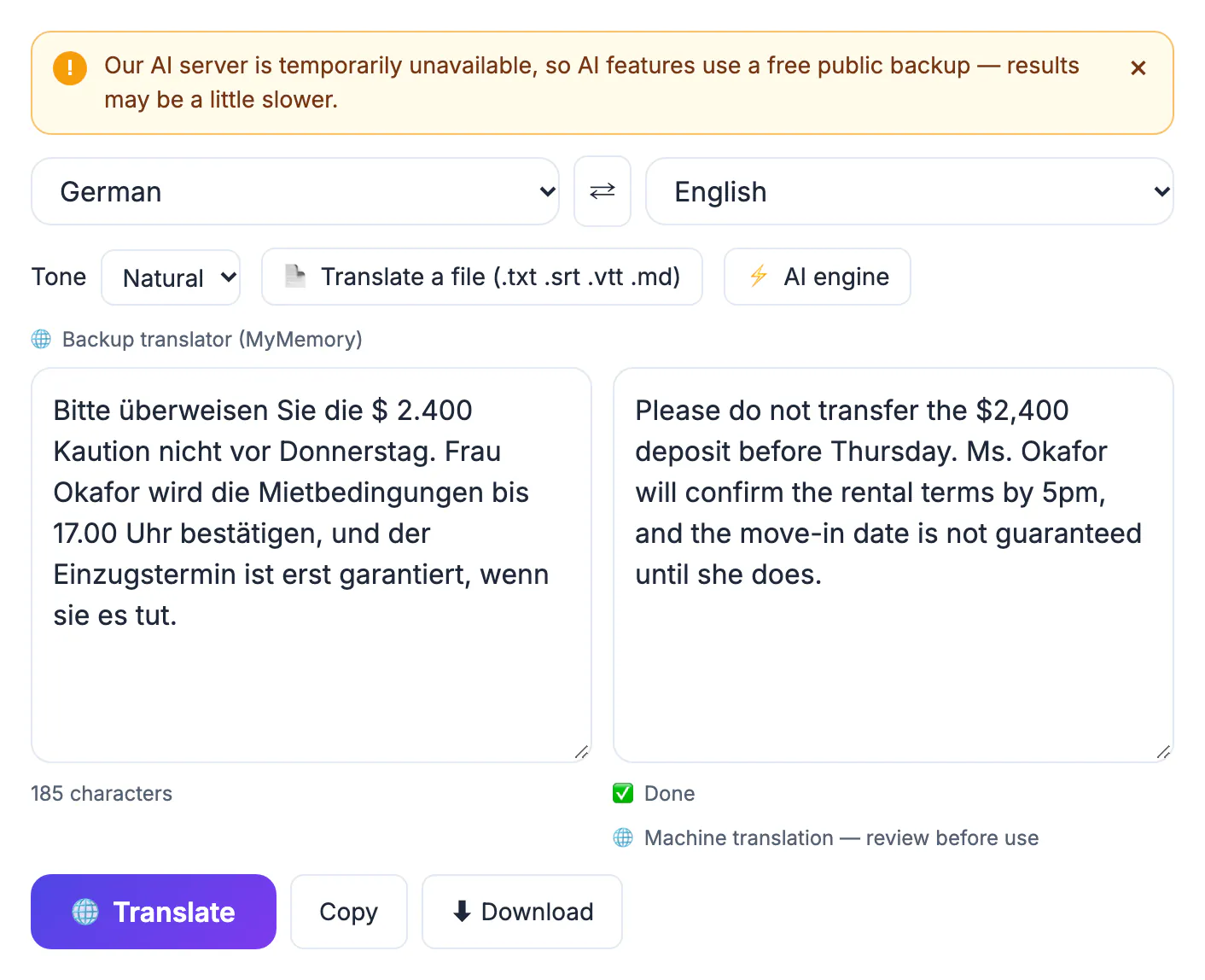
Accuracy between the leading services has converged for common pairs like English and Spanish, so for everyday messages almost any mainstream option will do. The bigger differences now are what happens to your text and what formats a service accepts. A cloud service receives every sentence you paste; its terms decide whether that text is stored, reviewed or used to improve models, and those terms often differ between free and paid plans. That is fine for a restaurant menu and a real concern for a contract draft, a patient letter or unreleased product copy. On-device translation removes the question entirely, at the cost of fewer languages and sometimes less fluent output. Format support is the second filter: translating a subtitle file, a formatted document or a live conversation each needs a specific feature. Sorting by these two practical constraints first leaves you comparing only the tools that can actually do your job.
Tier 1: on-device options that keep text local
Apple's Translate app offers an on-device mode on iPhone, and the Google Translate app lets you download language packs for offline use; both are free and handy for travel and private notes. Offline models typically cover fewer languages than their online versions and can sound more literal.
GrabCast's AI Translator can also run locally. When you use Chrome and its built-in translator is ready for your language pair, choosing a specific source language with the Natural or Literal tone keeps the job on your computer, and the page labels it on-device. If those conditions are not met, the tool switches to cloud AI and tells you so.
- Best for: travel, personal notes and sensitive text you do not want on a server.
- Trade-off: narrower language lists and less polish on idioms.
- Check: the app's settings to confirm offline or on-device mode is actually on.
Tier 2: consumer cloud services from DeepL, Google and Microsoft
DeepL has a strong reputation for natural phrasing, particularly among European languages, and offers formality options for some languages, document translation that preserves layout, and glossaries on paid plans. Its paid tiers add stricter data-handling commitments. Google Translate covers far more languages than anyone else, and its apps add camera translation of signs and menus, conversation mode and whole-document uploads. Microsoft Translator integrates with Word, PowerPoint and Edge and supports multi-person conversation sessions.
All three process your text on their servers, and free and business plans carry different privacy terms. Read those terms before pasting anything confidential, and prefer a paid business plan when work documents are involved.
Tier 3: general AI chat assistants
ChatGPT, Gemini and Claude translate well and add something dedicated services lack: you can ask for a friendlier tone, a shorter version, or an explanation of why a phrase was rendered a certain way. They are excellent for marketing copy and for learning. The risks are specific to chat models. On long inputs they may summarize, skip a paragraph or smooth over an awkward sentence rather than render it faithfully, and they can add phrasing that was never in the source.
Use them for short passages you can review line by line, and ask explicitly for a complete, faithful rendering with no additions. Privacy terms differ by provider and plan, so treat them like any other cloud service.
Where GrabCast's AI translator fits, and where it does not
GrabCast covers 35 languages with auto-detect, four tones (Natural, Formal, Casual and Literal), and preserves line breaks, lists, markdown, links and numbers. Its standout feature for creators is subtitles: load an .srt or .vtt file and it translates only the caption lines while keeping cue numbers and timestamps exactly. It also accepts .txt and .md files up to 2 MB, pastes of up to 60,000 characters, and downloads the result with the language code in the file name. It is free with no sign-up.
Its limits are just as clear:
- Outside the on-device path, text goes to a free cloud AI service, with a public backup translator when the AI is busy.
- No Word, PDF or slide translation with layout preserved; use DeepL, Google or Microsoft for formatted documents.
- No camera, voice or live conversation mode, and no saved glossary.
- At busy times you may see a please-try-again message; shorter passages help.
For video, the Multilingual Subtitles tool covers translated captions, and a free proofreading pass is a sensible final step on any translated text.
Step-by-step
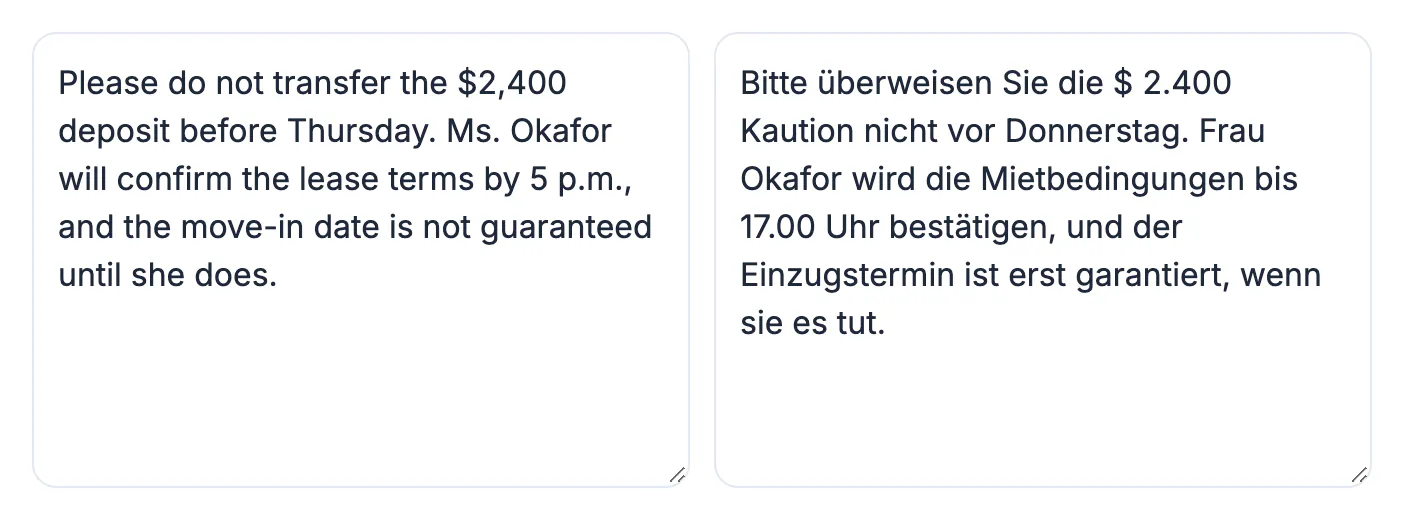
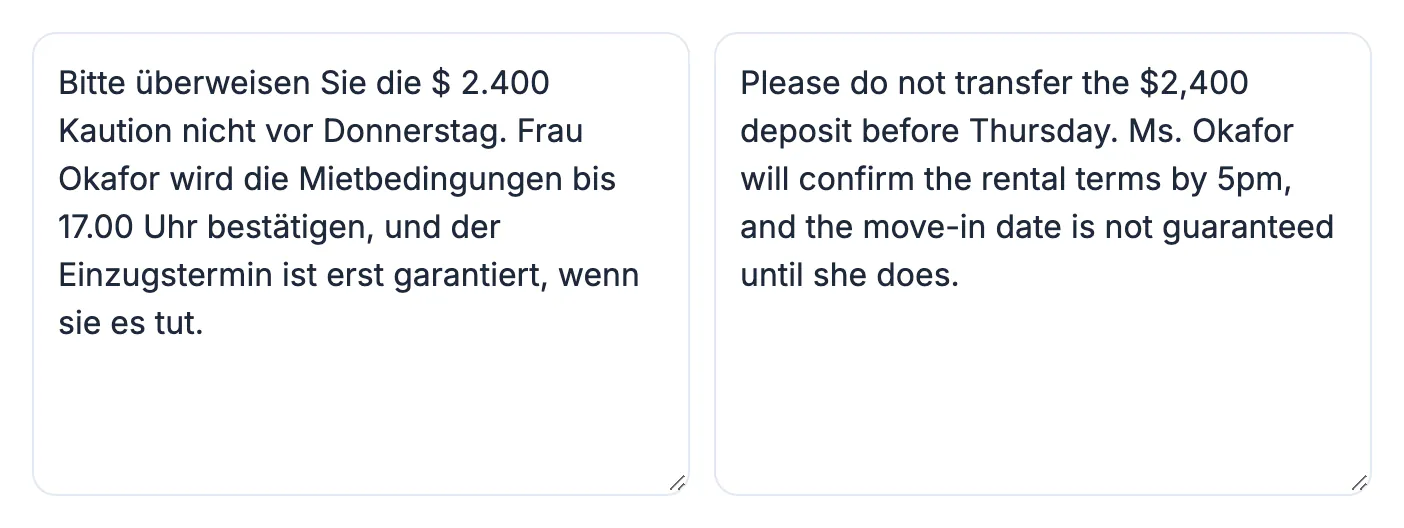
Common mistakes to avoid
Pro tips
Frequently asked questions
What is the most accurate AI translator in 2026?
It depends on the language pair and content. DeepL is widely praised for natural European-language output and Google Translate for breadth. For everyday text the leaders are close, so format support and privacy usually decide.
Which AI translator is the most private?
On-device modes, such as Apple Translate's on-device option, offline packs in Google Translate, or GrabCast running through Chrome's built-in translator, keep text on your hardware. Cloud services, including GrabCast's AI engine, receive your text.
Can GrabCast translate subtitles?
Yes. It translates .srt and .vtt caption lines while keeping cue numbers and timestamps unchanged, which makes it a quick way to produce a second-language caption file.
Should I use ChatGPT or a dedicated service?
Use a chat assistant when you want tone changes or explanations on short passages you will review. Use a dedicated service for long or formatted documents where completeness matters.
Is machine output acceptable for legal or medical documents?
Only as a draft. Contracts, medical instructions and official filings need a qualified human translator, and some authorities require certified translations.
Filter by privacy and format first, then by accuracy. Use on-device modes for sensitive text, DeepL, Google or Microsoft for formatted documents and broad language needs, and chat assistants for tone on short passages. GrabCast's free AI Translator earns its place for subtitles, tone control and quick no-sign-up jobs across 35 languages, as long as you remember when it uses the cloud.
Related guides
Browse more: all AI guides · the AI Translator tool